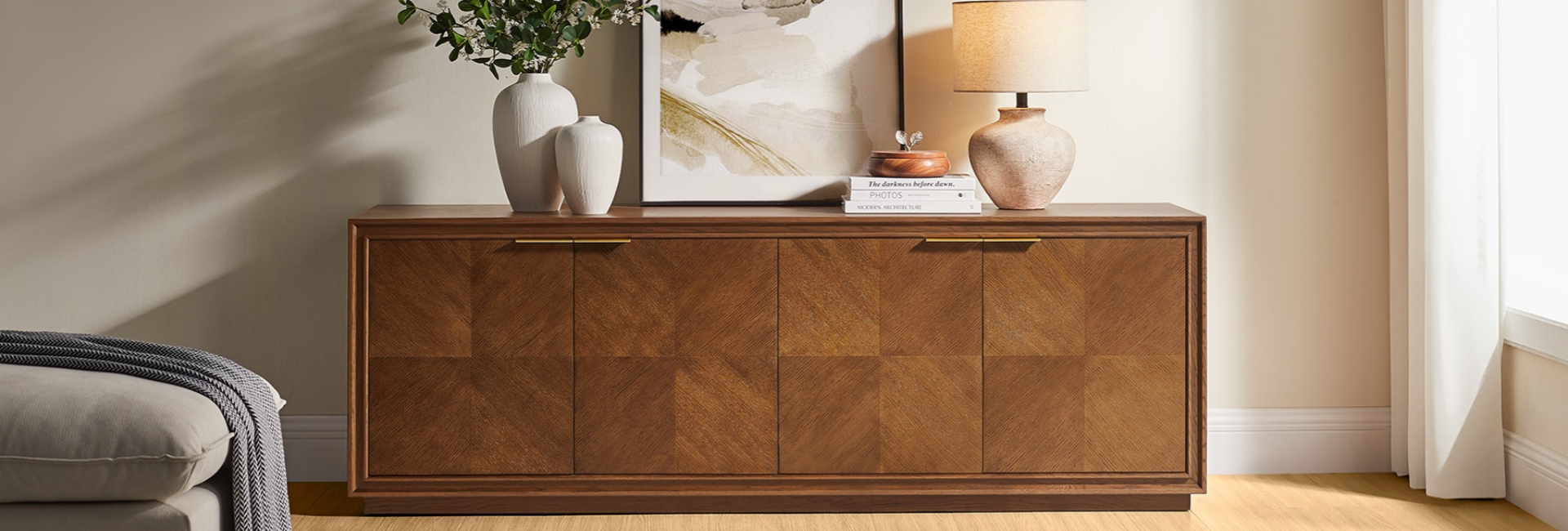
Choosing a TV stand for a 65 vs. 75 inch TV involves more than matching the number on the box. TV sizes refer to the diagonal measurement of the screen, not its width. A 75-inch TV is wider than a 65-inch model, so it usually needs a longer console to create a balanced setup.
The right choice also depends on the TV’s actual dimensions, the spacing of its feet or base, your viewing height, and the space available in your room. A wider console can give a large screen more visual balance, while a lower-profile design may work better in a room with limited floor space.
As a starting point, a typical 65-inch TV has a screen width of about 57 inches, while a typical 75-inch TV is about 65 to 66 inches wide. These are estimates for standard widescreen models, not universal measurements. For reference, Samsung’s TV buying guide lists approximate dimensions by screen size; always check the specifications for your exact TV before choosing a stand.
Table of Contents
- How Wide Should a TV Stand Be?
- Choosing the Right TV Stand Height
- Don’t Overlook TV Stand Depth
- Three Hernest Media Consoles to Consider
- Safety and Setup: Check Before You Buy
- Find the Right TV Stand for Your Room
- FAQs
How Wide Should a TV Stand Be?
A TV stand should support the television securely and look proportionate to the screen and surrounding furniture. Many homeowners prefer a console that extends beyond both sides of the TV, but the ideal width depends on the room layout and the TV’s base.
The following ranges are practical design guidelines, not minimum safety requirements.
For a 65-inch TV, a stand around 61 to 69 inches wide can provide a little extra surface on either side without dominating the room. For a 75-inch TV, a stand around 70 to 78 inches wide can create a more balanced look.
These ranges are starting points, not rules. A console narrower than the screen may still be suitable if the TV’s feet fit securely on the surface and the manufacturer permits that setup. Conversely, a console that looks wide enough may not be suitable if the feet extend beyond its supported area.
Before buying, check three measurements:
-
Overall TV width: Measure from the left edge to the right edge of the TV frame.
-
Foot or base spacing: Confirm that the TV’s feet sit fully on the console’s supported surface.
-
Available console width: Allow room for the TV and consider whether you want space for décor or other accessories.
For more help comparing console dimensions, explore Hernest’s Media Consoles & TV Stands and Mid-Century Modern TV Stands.
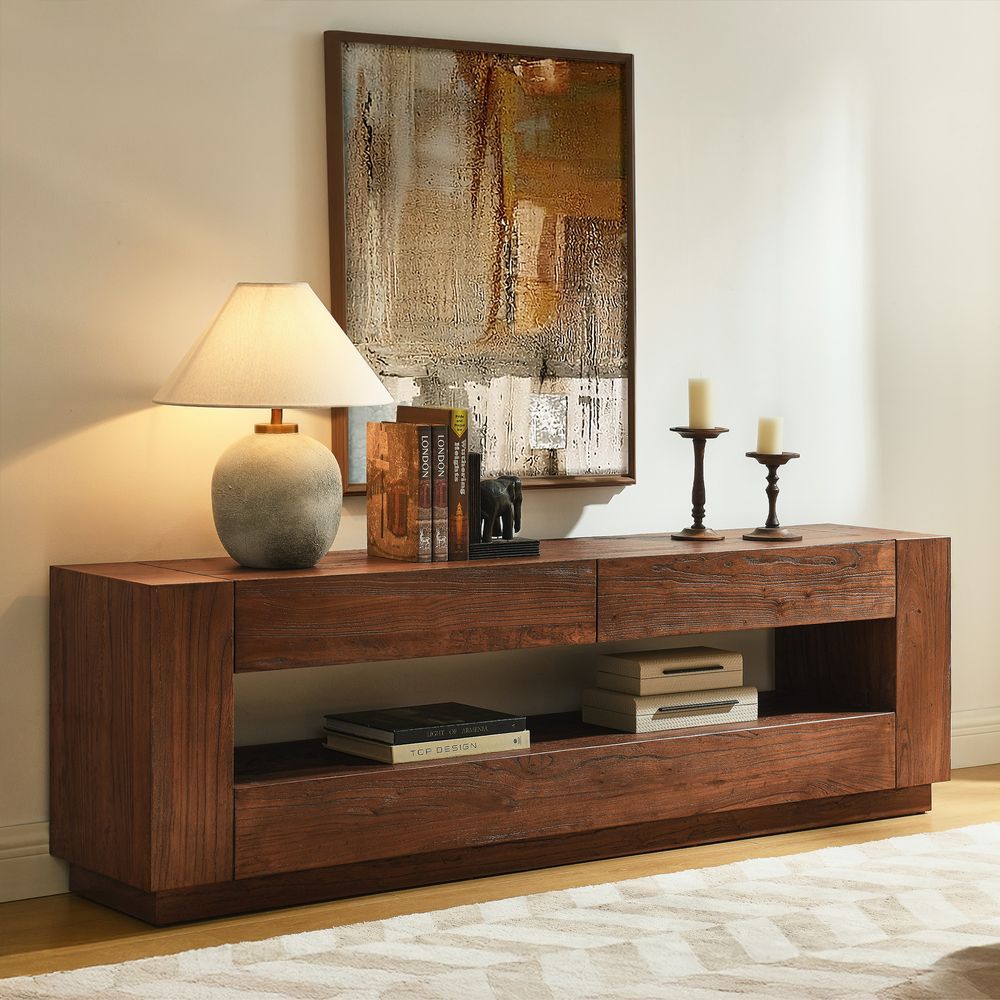
Torben 70-Inch Old Elm Media Console
View Product
Choosing the Right TV Stand Height
Width affects the overall look of your setup, but height has a direct impact on viewing comfort. A console that is too tall can place the screen above a comfortable viewing position, particularly when you watch TV from a low sofa.
A useful starting point is to position the center of the screen near your seated eye level. To estimate the console height, measure your seated eye level from the floor, then subtract half the TV’s actual height and account for the distance between the bottom of the TV and the console surface.
For example, if your seated eye level is about 41 inches and your TV screen is around 32.5 inches tall, the center of the screen would be approximately 16.25 inches above its bottom edge. A console around 24.75 inches high could place the screen center near that eye level, assuming the TV sits directly on the console without a raised base.
A 75-inch TV is usually taller than a 65-inch model, so the same console may place the larger screen higher. Measure your TV and consider your seating before deciding.
The three Hernest consoles below have different heights, which can make a meaningful difference in your setup:
-
Torben 70-Inch Old Elm Media Console: 22 inches high, for a lower-profile arrangement.
-
Thursen 72-Inch Chevron Media Console: 25 inches high, offering a middle-ground height.
-
Linea 74-Inch Media Console: 30 inches high, which may suit some rooms but could place the screen too high for lower seating.
These examples illustrate why choosing a TV stand by width alone is not enough. Measure your seating and TV together to find a comfortable viewing position.
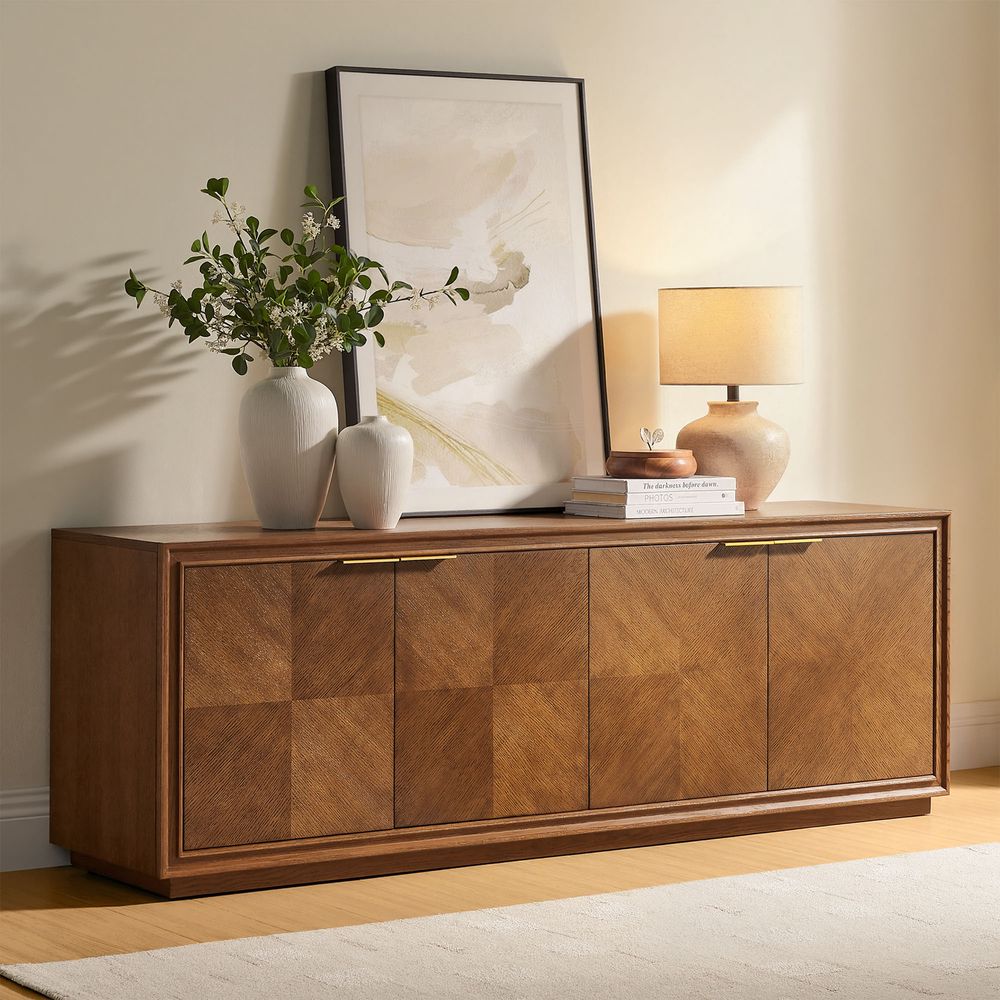
Thursen 72-Inch Chevron Media Console
View Product
Don’t Overlook TV Stand Depth
A console can have enough width and still be unsuitable if the TV base or connected equipment does not fit. Depth matters for stability, cable routing, and the space needed by streaming devices, game consoles, receivers, and soundbars.
Before choosing a console, check:
-
The front-to-back dimensions of the TV feet or stand.
-
Whether the feet sit fully on the supported surface.
-
The depth and height of each device you plan to store.
-
Space for cables, plugs, and ventilation.
-
Whether doors, drawers, or adjustable shelves interfere with your equipment.
Hernest’s Torben console measures 13.8 inches deep, while the Linea measures 17.7 inches and the Thursen measures 18 inches. Torben may suit a room where floor depth is limited, provided your TV base and equipment fit. Linea and Thursen offer more front-to-back space, but you should still compare their storage dimensions with your devices.
For additional guidance, read Hernest’s TV Stand Size Guide.
Three Hernest Media Consoles to Consider
If you are choosing a console for a 65-inch or 75-inch TV, start by comparing its dimensions, storage layout, and cable access with your needs. These three Hernest options are designed for TVs up to 75 inches, but their different proportions and storage features make them suitable for different setups.
All three models have a recommended weight capacity of 230 pounds and are designed for TVs up to 75 inches. That designation does not guarantee a fit for every television: confirm your TV’s weight, base dimensions, and manufacturer’s placement instructions before purchasing.
Which Hernest Console Fits Your Setup?
Choose Torben if you prefer a lower console with a shallow footprint. At 22 inches high and 13.8 inches deep, it may work well in a room where you want to preserve floor space. Its two drawers and open shelf provide a mix of concealed and accessible storage. Check the depth of your TV base and media equipment carefully.
Consider Linea if you want a wider console with multiple cable openings. Its 74-inch width and five rear cord cutouts offer flexibility for cable routing. At 30 inches high, however, it is taller than the other two options. Measure your seated eye level and the TV’s height before deciding whether it suits your viewing position.
Consider Thursen if you need adjustable shelving and a deeper surface. Its 72-inch width, 18-inch depth, and adjustable shelves can help accommodate different media equipment. Four rear cord cutouts provide cable-routing options. Confirm the fit of your devices and the TV’s feet before setting up the console.
The best option is the one that fits your TV securely, works with your equipment, and suits your room’s proportions—not simply the one closest to your TV’s diagonal size.
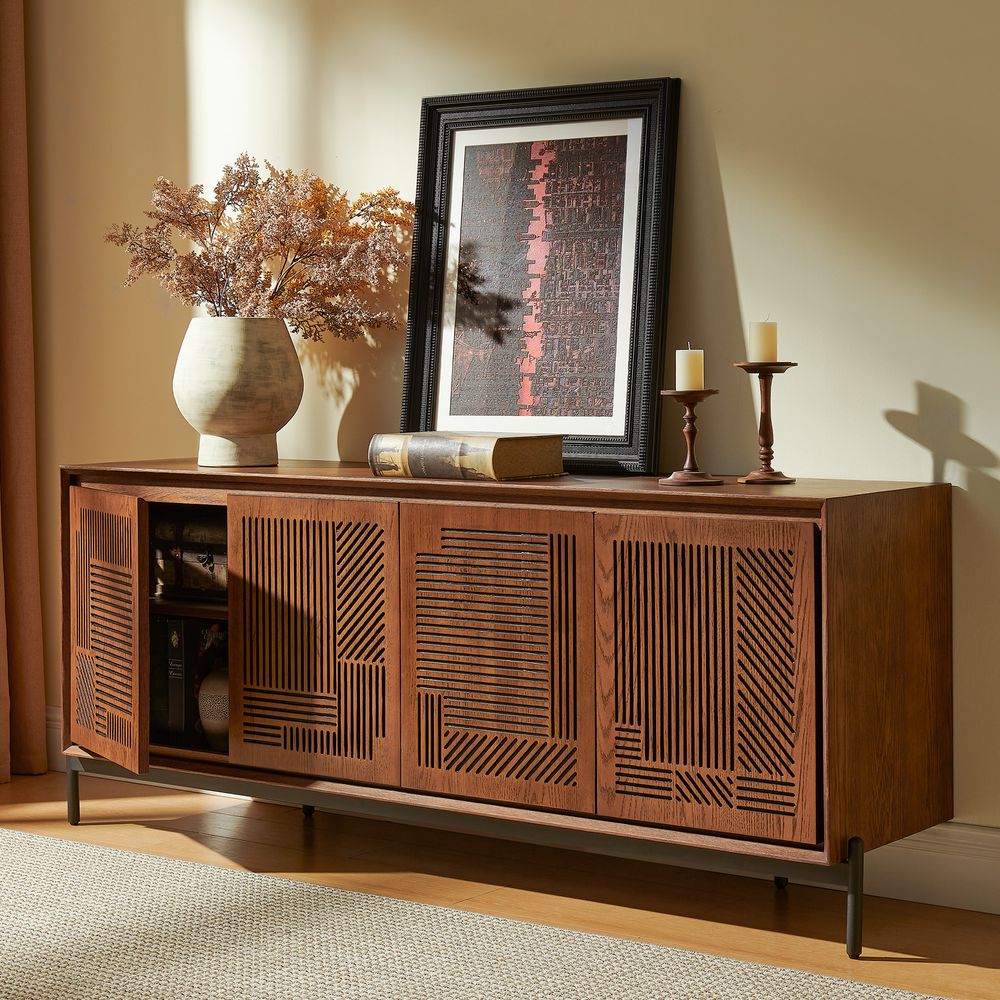
Linea 74-Inch Media Console
View Product
Safety and Setup: Check Before You Buy
A TV stand should be selected for both appearance and practical support. Before placing your TV on a new console, review the following:
-
Weight capacity: Make sure the TV and anything else placed on the surface stay within the console’s stated capacity.
-
Foot placement: Confirm that the TV’s feet fit within the supported surface and follow the TV manufacturer’s installation instructions.
-
Stability: Place the console on a level floor and follow the assembly instructions.
-
Anchoring: Follow the TV and furniture manufacturers’ guidance for anchoring where applicable. The U.S. Consumer Product Safety Commission’s Anchor It! campaign provides guidance on preventing furniture and TV tip-overs.
-
Cable access and ventilation: Leave enough room for plugs and airflow around electronic devices.
A console’s stated TV-size compatibility is a useful starting point, but it does not replace checking the specifications for your particular television.
Find the Right TV Stand for Your Room
When comparing a TV stand for a 65 vs. 75 inch TV, start with the television’s actual dimensions, then consider console width, viewing height, depth, and storage. A wider screen may benefit from a longer console, but the right choice also depends on your room layout and equipment.
Explore Hernest Media Consoles & TV Stands to compare widths, finishes, and storage options, and choose a console that fits your television and your everyday setup.
FAQs
Is a 70-inch TV stand wide enough for a 75-inch TV?
It can be, depending on the console and TV. Check the TV’s overall width, the spacing and position of its feet, the console’s usable top surface, and the manufacturer’s instructions. A console measuring 70 inches wide should not be assumed to support every 75-inch TV simply because the listed screen size is compatible.
Should a TV stand be wider than the TV?
A console that extends beyond the TV on both sides often creates a balanced look and leaves room for accessories. However, there is no single width that works for every setup. Make sure the TV is supported properly first, then choose a console width that suits the room and your preferred layout.
What is the difference between a 65-inch and a 75-inch TV?
The screen size is measured diagonally. A typical 65-inch TV has a screen width of about 57 inches, while a typical 75-inch TV is about 65 to 66 inches wide. Actual dimensions vary by model and bezel design, so check the manufacturer’s specifications before choosing a stand.
How tall should a TV stand be for a 65-inch or 75-inch TV?
The right height depends on the TV’s actual height and your seated eye level. A practical starting point is to position the center of the screen near eye level when seated. Measure the TV and your seating position rather than choosing a console based only on screen size.
Does TV stand depth matter?
Yes. The TV’s feet need adequate support, and your console should have enough space for media devices, cables, and ventilation. Check both the console’s overall depth and the usable dimensions of its shelves or compartments before buying.
Can I use the same TV stand for a 65-inch and a 75-inch TV?
Possibly, if both TVs fit the console’s supported surface and meet the manufacturer’s weight and placement requirements. Before changing TV sizes, recheck the new model’s width, foot spacing, weight, and height to make sure the existing console remains suitable.