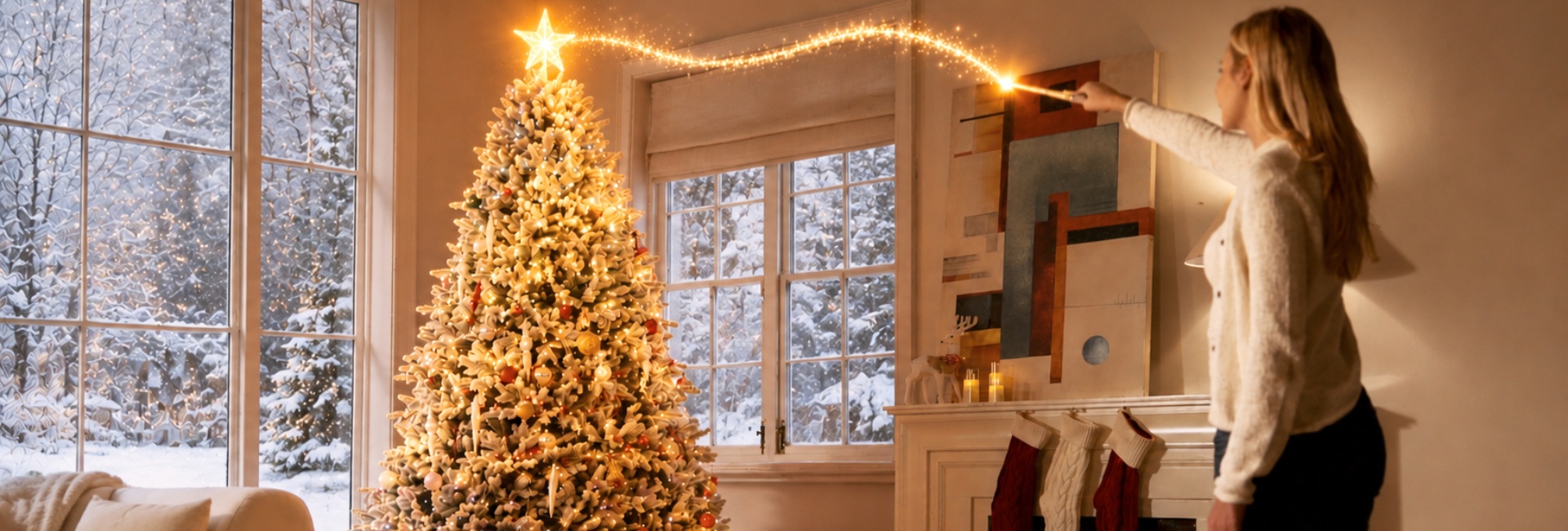
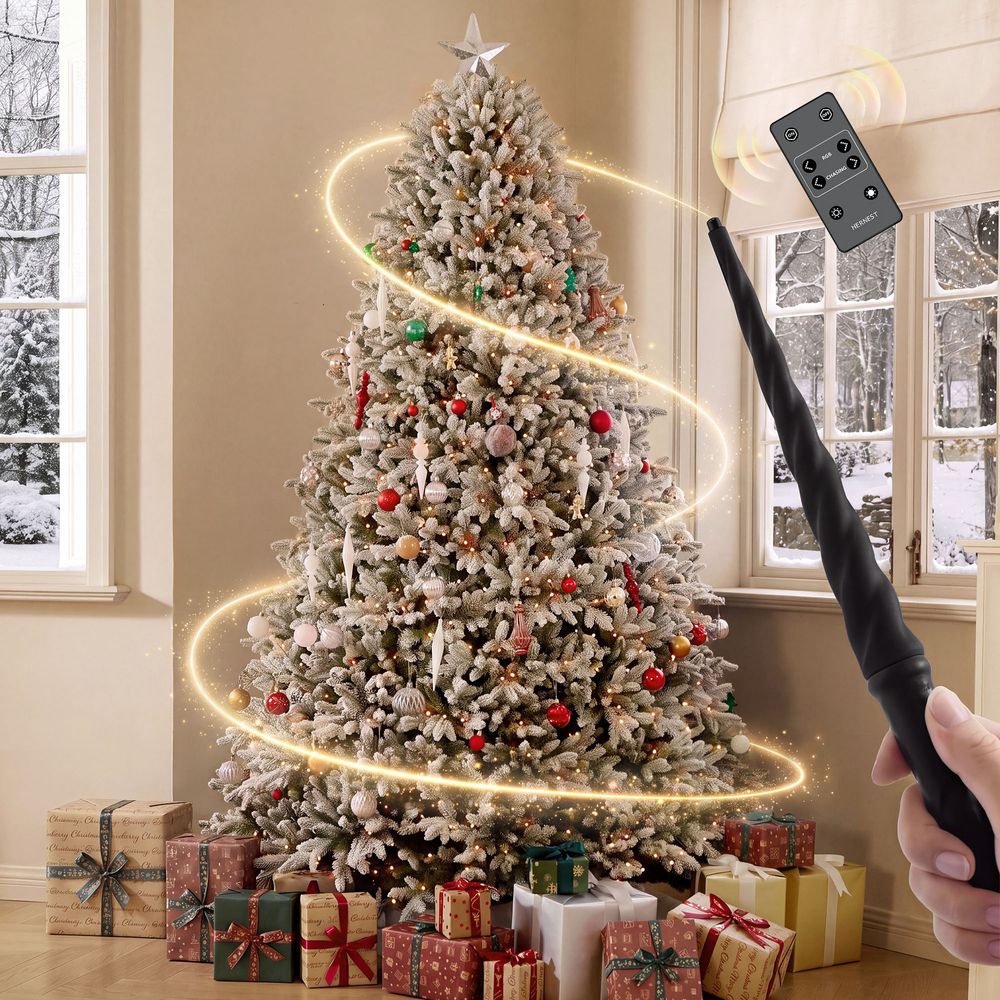
How does a magic wand Christmas tree work? It uses a handheld infrared (IR) wand to send commands to the tree's LED controller, allowing you to change lighting effects with simple gestures. Hernest's CastGlow Christmas trees feature eight wand gestures and 18 light shows, so you can switch effects without pairing a phone or navigating an app.
The system combines three main components: the wand, the LED controller, and the tree's integrated lights. Each component has a specific role, and knowing how they work together makes the tree easier to set up and use.
This guide explains how infrared gesture control works, what each of the eight gestures does, how to browse the lighting effects, and what to check if the wand stops responding. It also compares CastGlow tree sizes and shapes to help you choose a model for your space.
Table of Contents
- How Does a Magic Wand Christmas Tree Work? The Basics
- The 8 Magic Wand Christmas Tree Gestures
- How Many Light Effects Does a Magic Wand Christmas Tree Have?
- How to Set Up a Magic Wand Christmas Tree
- Magic Wand Range and Gesture Tips
- Choosing the Right CastGlow Christmas Tree for Your Room
- Magic Wand Christmas Tree vs. Traditional Lighting Controls
- Turning Tree Lighting Into a Holiday Tradition
- Safety, Care, and Storage
- FAQs
- How does a magic wand Christmas tree work?
- What are the 8 Magic Wand gestures?
- How many light effects does the Magic Wand Christmas tree have?
- Do I need an app to use the Magic Wand?
- How do I switch between Christmas tree light effects?
- How far away does the Magic Wand work?
- Why isn't my Magic Wand recognizing gestures?
- Why does the Magic Wand vibrate three times?
- Can I turn the Christmas tree lights off with the wand?
- What batteries does the Magic Wand use?
- Is a Magic Wand Christmas tree suitable for a small room?
- Which CastGlow Christmas tree should I choose?
How Does a Magic Wand Christmas Tree Work? The Basics
A magic wand Christmas tree uses gesture-based infrared control to change its lighting settings. Instead of pressing buttons on a conventional remote, you point the wand toward the tree's LED controller and perform a recognized movement.
The system has three main components:
-
Magic Wand: Sends infrared commands when you perform a recognized gesture.
-
LED controller: Receives the commands and manages the tree's lighting response.
-
Integrated RGB lights: Produce the colors and lighting effects selected by the controller.
How the Infrared Signal Works
The process follows a straightforward sequence:
-
Power on the tree and position the LED controller so it faces the room.
-
Point the Magic Wand toward the controller.
-
Perform one of the supported gestures.
-
The wand sends the corresponding infrared command.
-
The controller responds by changing the lighting mode or carrying out the requested function.
The wand works without a phone app or Bluetooth pairing. However, infrared control depends on a suitable signal path, so the controller should remain visible rather than buried behind branches.
The wand also provides vibration feedback to help indicate its operating status. Refer to the setup instructions for the meaning of the vibration patterns.
Why Receiver Placement Matters
The LED controller should face the room and remain reasonably clear of surrounding branches. Placing it behind dense foliage or pointing it away from the wand can interfere with the signal.
If the wand stops responding, check the controller's position before assuming that the wand or lights are defective. Proper placement, fresh batteries, and deliberate gestures are sensible first checks.
The 8 Magic Wand Christmas Tree Gestures
The Magic Wand uses eight gestures: five activate designated lighting effects, two navigate the effect library, and one turns the lights off.
The Complete Magic Wand Gesture Guide
The key distinction is between a straight swipe and an angled shape. Horizontal swipes navigate through the lighting effects, while the designated shape gestures activate specific functions.
How to Perform the Gestures Correctly
Start with the four basic swipes before trying the shape gestures. These movements are easier to distinguish and help you become familiar with how the wand responds.
For better results:
-
Point the wand toward the LED controller.
-
Keep movements controlled and easy to distinguish.
-
Follow the recommended operating distance.
-
Pause as directed in the product instructions before and after each gesture.
-
Make V shapes and angles clearly rather than drawing them too quickly.
A straight rightward swipe and a right-angle gesture serve different purposes. If the wand moves to the next effect instead of activating Color Sweep, make the angle more distinct and try again.
For a more detailed walkthrough of individual movements, see Hernest's guide to how to use the Magic Wand.
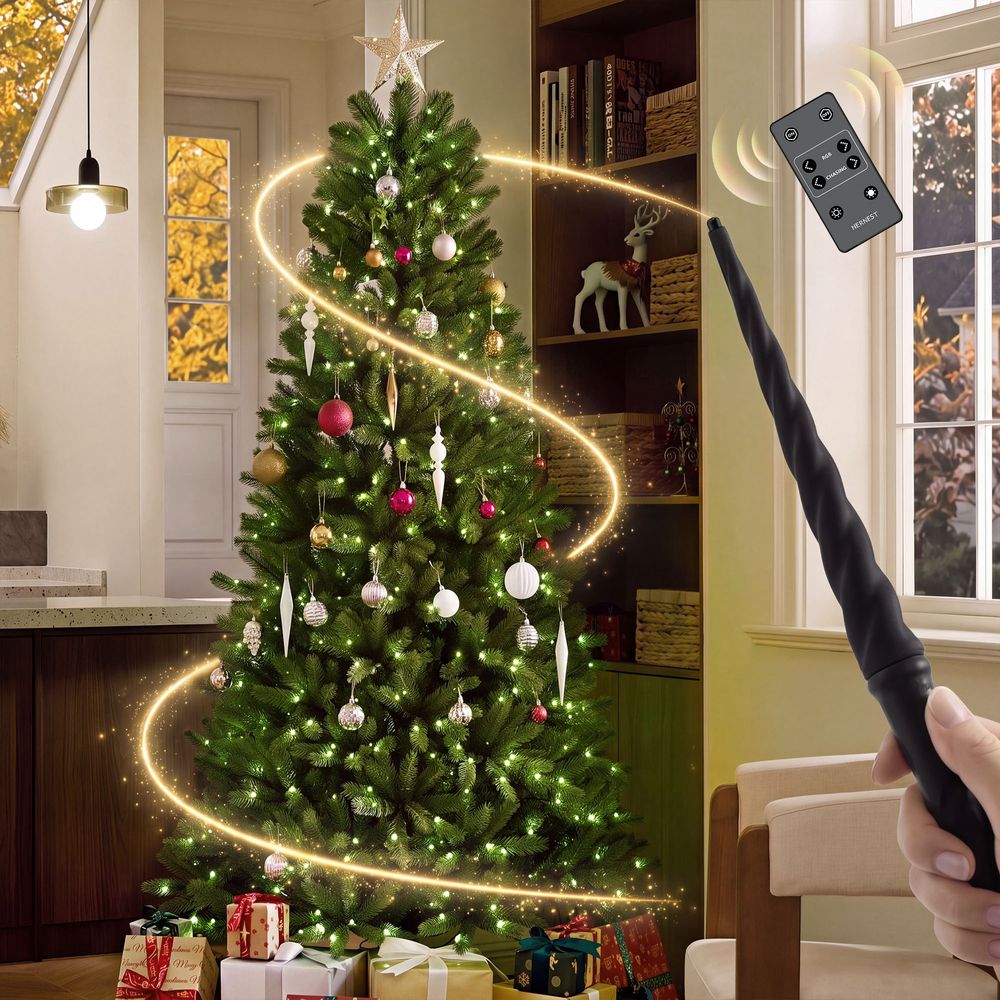
CastGlow 6.5-Foot Artificial Slim Green Christmas Tree
View Product
How Many Light Effects Does a Magic Wand Christmas Tree Have?
Hernest's CastGlow Magic Wand system offers 18 lighting shows. The eight gestures do not correspond to eight separate shows: some gestures activate designated effects, while the left and right swipes let you browse the wider selection.
The 18 Light Shows
The complete effect list includes:
-
3D Flag
-
Carnival Glow
-
Santa Hat
-
Soft Blend
-
Color Stream
-
Santa Glow
-
Prism Flow
-
Halo Rise
-
Vintage
-
Holiday Spark
-
Snowdrift
-
Rainbow Waves
-
Snow
-
Fireworks
-
Rainbow Drift
-
Color Sweep
-
Rainbow
-
3D Rainbow
How to Switch Between Lighting Effects
Use a right swipe to move to the next effect and a left swipe to return to the previous one. This makes it possible to explore the full library without memorizing a separate gesture for every show.
For quick access, the wand's designated gestures activate Snow, Fireworks, 3D Flag, 3D Rainbow, and Color Sweep.
The system also includes a separate remote for additional lighting controls. It provides six solid-color options and a ten-level dimmer, allowing you to select a steady color or adjust brightness when you prefer a simpler look.
For more detail about the lighting modes and gestures, explore Hernest's Magic Wand gestures and light effects guide.
How to Set Up a Magic Wand Christmas Tree
Correct setup helps the Magic Wand communicate reliably with the tree. Before troubleshooting the wand, make sure the tree is assembled and connected according to its product instructions.
1. Install the Wand Batteries
The Magic Wand uses two AAA alkaline batteries.
-
Open the battery compartment.
-
Insert both batteries according to the polarity markings.
-
Secure the battery cover as directed.
-
Check the wand's vibration feedback when powering it on.
A single vibration indicates normal startup feedback, while three vibrations indicate that the batteries are low and should be replaced.
Use the specified battery type and follow the instructions supplied with your product.
2. Position the LED Controller
Place the LED controller at the front of the tree, facing the room. Keep it accessible and avoid covering it with branches.
This positioning helps maintain a clear infrared signal path between the wand and the controller.
3. Check the Tree Connections
Before testing the wand, confirm that the tree sections and light connectors are connected correctly.
-
Align the tree-section connectors as instructed.
-
Match extension-cord labels with the corresponding light-string connectors.
-
Check that the tree is connected to power.
-
Confirm that the integrated lights operate as expected.
If the lights do not turn on at all, check the tree's power supply and connections before focusing on gesture recognition.
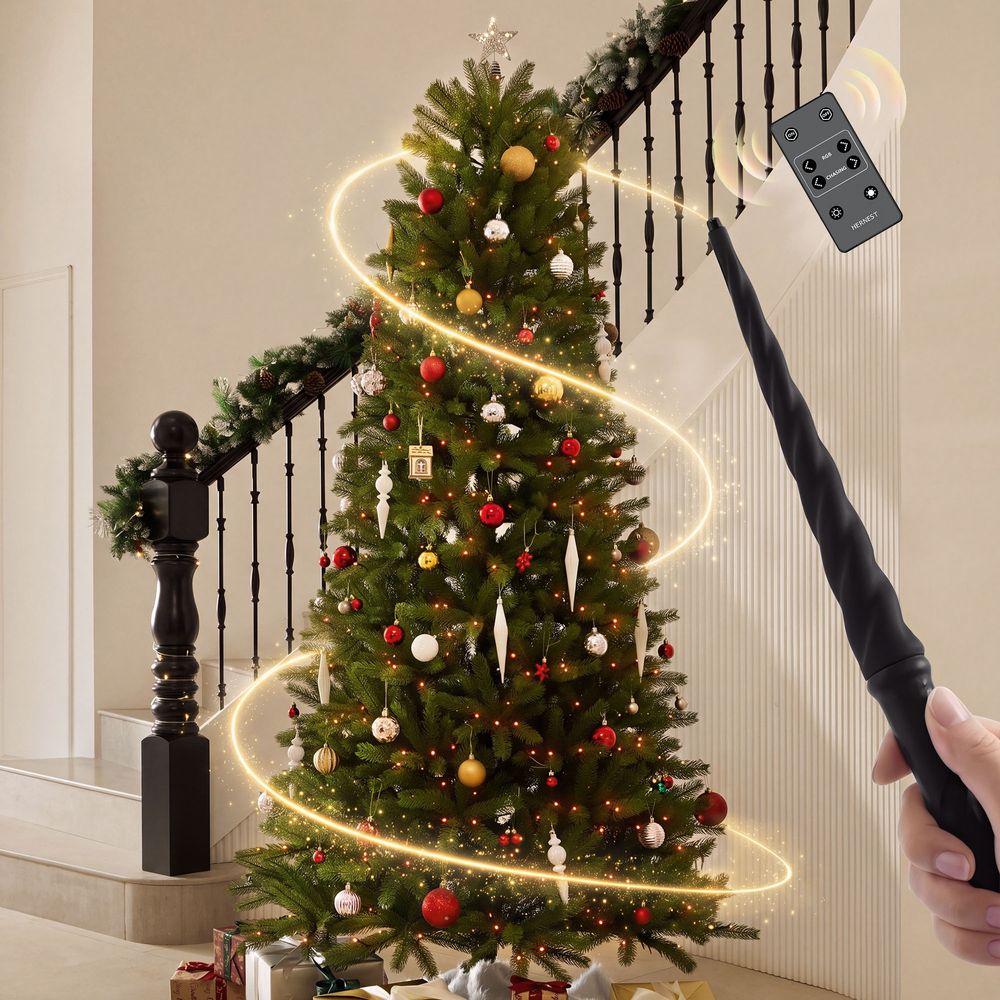
CastGlow 7.5-Foot Artificial Slim Green Christmas Tree
View Product
Magic Wand Range and Gesture Tips
Operating distance and signal direction can affect how reliably the Magic Wand responds.
Recommended Operating Distance
Use the wand approximately 3 to 13 feet from the LED controller under the recommended conditions. In a brightly lit room, the suggested range is approximately 3 to 11.5 feet.
Strong ambient light can affect infrared communication, so moving closer may help if a gesture fails to register.
The recommended gesture area is approximately 10 to 20 inches. Controlled movements within this area are easier to reproduce than large, sweeping motions.
Follow the product's instructions for the exact operating conditions, and avoid assuming that a gesture will work equally well from every angle or distance.
What to Do When a Gesture Does Not Register
If the tree does not respond, try these steps in order:
-
Check whether the tree is powered on.
-
Confirm that the wand has two correctly installed AAA batteries.
-
Make sure the LED controller faces the wand and is not obscured.
-
Move within the recommended operating distance.
-
Repeat the gesture slowly and clearly.
-
Try a basic left or right swipe to check whether the wand can change effects.
If basic swipes work but a shape gesture does not, concentrate on making the shape more distinct. If no gestures work, recheck the batteries, controller position, and electrical connections before considering a hardware issue.
Choosing the Right CastGlow Christmas Tree for Your Room
Once you understand how the Magic Wand works, choosing a CastGlow tree comes down to the space available, the height you prefer, and whether you want a slim or full silhouette.
The CastGlow range includes green and flocked options in different sizes and profiles. The following four models offer different ways to fit the same gesture-controlled lighting concept into your home.
Which CastGlow Tree Fits Your Space?
For apartments and smaller rooms: The 6.5 Ft Slim Green is a practical option when floor space is limited. Its slim profile takes up less room than a full tree of comparable height.
For rooms with more vertical space: The 7.5 Ft Slim Green adds height while maintaining a narrow silhouette. It can work well in a corner or alongside other living room furniture, provided the ceiling and clearance allow it.
For a fuller appearance in a smaller room: The 6.5 Ft Full Flocked offers a broader silhouette with a snow-dusted finish. Measure the available floor area before choosing a full profile.
For a larger living room: The 7.5 Ft Full Flocked makes a more substantial visual feature. This model ships in two cartons, so check the delivery details and confirm that all packages have arrived before assembly.
Before purchasing, check each product page for its exact dimensions, assembly requirements, included accessories, and current availability.
What to Know About CastGlow's PE Foliage
CastGlow trees use 100% polyethylene (PE) needles designed to create a three-dimensional, natural-looking branch texture.
Needle shape, branch density, and the placement of integrated lights all contribute to the tree's overall appearance. Flocked models add a snow-dusted finish, creating a different visual effect from the natural green versions.
When comparing models, consider the finish and silhouette alongside the lighting features. The Magic Wand controls the lights, while the tree's shape and foliage determine how the finished display looks in your room.
Browse the Hernest Christmas Tree collection to compare available options.
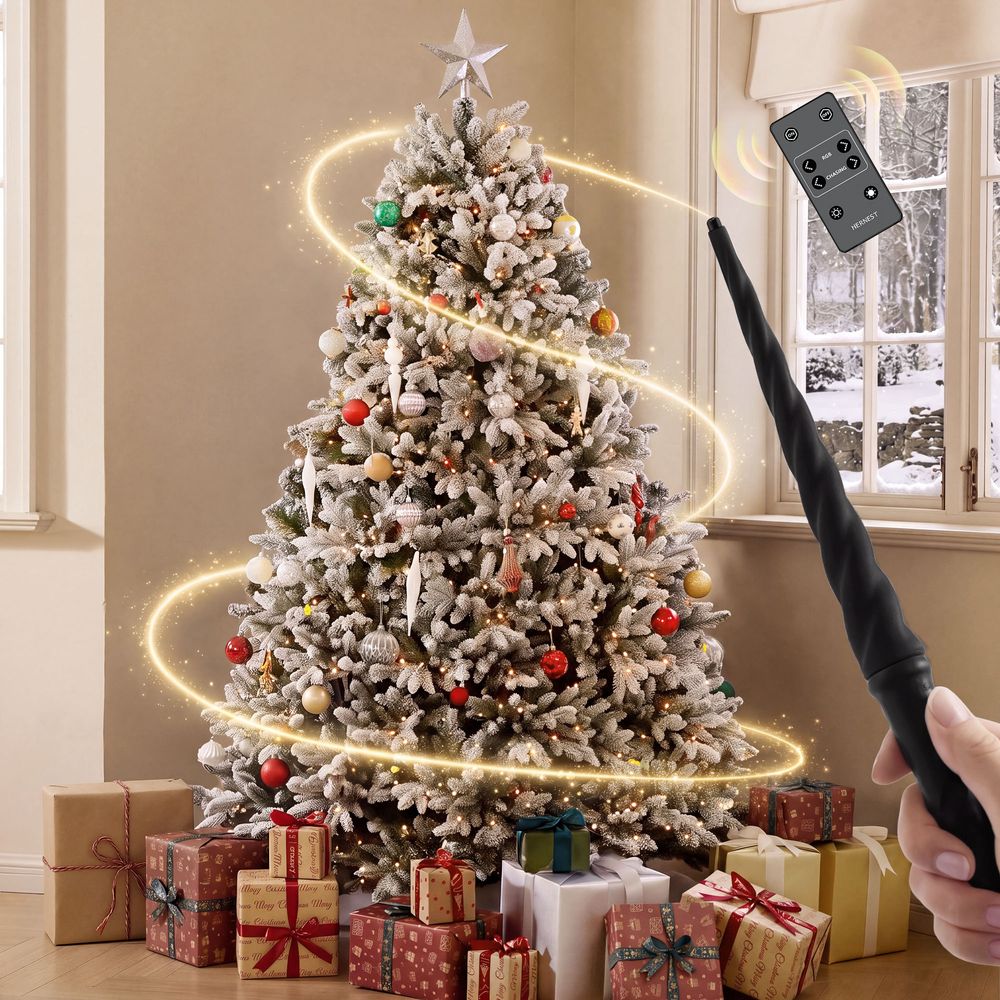
CastGlow 6.5-Foot Full Flocked Artificial Christmas Tree
View Product
Magic Wand Christmas Tree vs. Traditional Lighting Controls
Different pre-lit Christmas trees use different lighting controls. Some rely on a foot switch or handheld remote, while others offer app-based or gesture-based operation.
The main distinction is how you interact with the lights. A conventional remote uses buttons, while the Magic Wand lets you activate effects through gestures.
Neither approach is universally better. If you prefer direct button controls and brightness adjustments, the included remote is useful. If you enjoy changing effects through movement, the Magic Wand adds an interactive element to decorating.
Turning Tree Lighting Into a Holiday Tradition
A gesture-controlled tree can make switching on the lights a shared activity rather than a task handled by one person.
For example, family members can take turns choosing a lighting effect or use the wand to start a holiday gathering. Children can participate with adult supervision, provided they can use the wand safely and follow the product instructions.
The Magic Wand is a feature that can make decorating more interactive, but it does not replace the practical considerations of choosing a tree: available space, assembly, storage, and lighting preferences still matter.
For more ideas about incorporating the Magic Wand into holiday celebrations, read Hernest's Magic Wand Christmas Tree Tradition guide.
CastGlow 7.5-Foot Full Flocked Artificial Christmas Tree
View Product
Safety, Care, and Storage
The Magic Wand is an electronic accessory, and the tree's integrated lights require the same attention to electrical safety as other holiday lighting.
-
Keep the wand and its batteries away from children who may put small parts in their mouths.
-
Supervise young children during use and follow the product's age and safety instructions.
-
Keep the wand dry and clean it according to the manufacturer's care guidance.
-
Remove batteries for long-term storage if directed by the instructions.
-
Inspect cords and connectors before use, and avoid overloading electrical outlets.
-
Turn off and disconnect the tree from its power source as appropriate when leaving it unattended for extended periods.
Using the wand's gesture to turn off the lights changes the lighting state; it should not be treated as a substitute for disconnecting the tree from power when necessary.
Store the tree and its accessories according to the supplied instructions so they are ready for the next holiday season.
FAQs
How does a magic wand Christmas tree work?
A magic wand Christmas tree uses a handheld infrared wand to send commands to the tree's LED controller. Recognized gestures change the integrated lights' modes. The system works without phone app pairing or Bluetooth, although the tree also includes a separate remote for additional controls.
What are the 8 Magic Wand gestures?
The eight gestures are swipe down for Snow, swipe up for Fireworks, swipe left for the previous effect, swipe right for the next effect, draw a downward V for 3D Flag, draw a left angle for 3D Rainbow, draw a right angle for Color Sweep, and draw an upward V to turn the lights off.
How many light effects does the Magic Wand Christmas tree have?
The CastGlow Magic Wand system offers 18 lighting shows. Five designated gestures activate Snow, Fireworks, 3D Flag, 3D Rainbow, and Color Sweep. Left and right swipes let you browse the full effect library.
Do I need an app to use the Magic Wand?
No. The Magic Wand uses infrared commands to communicate with the tree's LED controller, so phone app pairing and Bluetooth setup are not required. A separate remote is also included for additional lighting controls.
How do I switch between Christmas tree light effects?
Swipe right to move to the next effect and swipe left to return to the previous one. You can also use the designated gestures to activate Snow, Fireworks, 3D Flag, 3D Rainbow, or Color Sweep directly.
How far away does the Magic Wand work?
The recommended distance is approximately 3 to 13 feet from the LED controller. In bright conditions, the recommended range is approximately 3 to 11.5 feet. Keep the controller visible and follow the supplied instructions for operating distance and gesture size.
Why isn't my Magic Wand recognizing gestures?
Check the tree's power, battery installation, connector alignment, controller position, and operating distance. Keep the controller facing the wand and repeat the movement clearly. If basic swipes work but shape gestures fail, make the angles more distinct.
Why does the Magic Wand vibrate three times?
Three vibrations indicate that the wand's batteries are low and should be replaced. The wand uses two AAA alkaline batteries. Check the supplied instructions for additional vibration patterns and operating guidance.
Can I turn the Christmas tree lights off with the wand?
Yes. Draw an upward V gesture to turn off the lights. Remember that this changes the lighting state; follow the tree's electrical safety instructions when disconnecting power or leaving the tree unattended.
What batteries does the Magic Wand use?
The Magic Wand uses two AAA alkaline batteries. Insert them according to the polarity markings and secure the battery compartment as directed. Follow the product instructions for battery replacement and storage.
Is a Magic Wand Christmas tree suitable for a small room?
It can be, depending on the tree's height and profile. A slim model generally occupies less floor space than a full model of similar height. Measure the available area, ceiling clearance, and walking space before choosing a tree.
Which CastGlow Christmas tree should I choose?
Choose based on your available floor space, preferred height, and finish. The 6.5 Ft Slim Green suits tighter spaces, while the 7.5 Ft Slim Green adds height with a narrow profile. The full flocked models offer a broader silhouette and snow-dusted appearance. Check the individual product pages for exact dimensions and specifications.