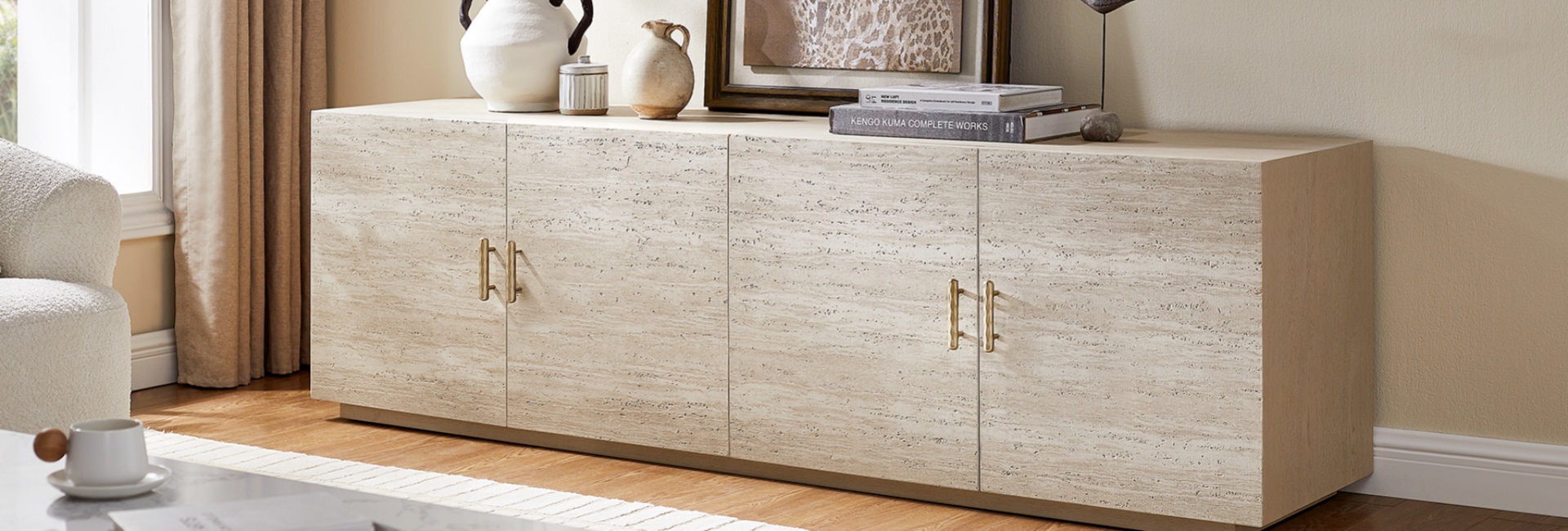
Most people buy a TV stand by width and call it a day. Then a few weeks later, the soundbar hangs half off the front edge, the game console barely fits behind a cabinet door, or the whole unit takes up more floor space than expected. The part everyone forgets is depth.
So, how deep should a TV stand be? For most living rooms, 14 to 18 inches is a practical range. A setup with a soundbar and streaming box can often work toward the shallow end, while gaming consoles, AV receivers, and multiple components may call for 16 to 20 inches or more.
The important distinction is that TV size mainly determines the width of your stand, while your equipment determines its depth. A 75-inch TV does not automatically need a deeper stand than a 55-inch TV. What matters is the depth of the TV base, the devices you plan to store, cable clearance, ventilation, and how much floor space your room can spare.
This guide breaks down the numbers that matter so you can choose a TV stand that fits your TV, your gear, and your room without discovering a problem after delivery.
Table of Contents
- Quick Answer: What Is the Standard TV Stand Depth?
- Why TV Stand Depth Matters More Than You Think
- What Counts as the Standard TV Stand Depth?
- The Ideal TV Stand Depth for the Gear You Actually Own
- TV Stand Dimensions: Width, Height, and Depth
- TV Stand Depth and Room Flow
- Cable Management and Ventilation Depend on More Than Depth
- Material and Build Quality Matter at the Same Depth
- Matching TV Stand Depth to a Mid-Century Modern Room
- TV Stand Depth Mistakes to Avoid
- Final Takeaway
- FAQs
- What is the standard TV stand depth?
- How deep should a TV stand be for a simple setup?
- Is 14 inches deep enough for a TV stand?
- How deep should a TV stand be for a soundbar?
- How deep should a TV stand be for a gaming console?
- How deep should a TV stand be for a 65-inch TV?
- How deep should a TV stand be for a 75-inch TV?
- Can a TV stand be too deep?
- How much space should I leave behind a TV stand for cables?
- How do I measure TV stand depth at home?
- What is the difference between a TV stand and a media console?
Quick Answer: What Is the Standard TV Stand Depth?
For most living-room setups, 14 to 18 inches deep is a useful starting range.
12 to 14 inches: Best for wall-mounted TVs or simple setups with a soundbar and minimal equipment.
14 to 18 inches: A practical range for most TVs, soundbars, streaming devices, and everyday media equipment.
16 to 20 inches: Better for gaming consoles, larger equipment, or components stored inside cabinets.
18 to 22+ inches: Worth considering for AV receivers, amplifiers, turntables, vinyl records, or larger home theater systems.
The key is to measure the equipment you own, not just the TV. If you're unsure, start with your deepest component and then allow additional room for cables, plugs, and airflow.
Why TV Stand Depth Matters More Than You Think
Width primarily determines how well the stand accommodates and visually balances your TV. Depth determines whether the setup works once everything is plugged in.
Three things are especially affected by depth:
Walkway clearance. A console that extends a few extra inches into the room can make a noticeable difference in a smaller living room or open floor plan.
Equipment and cable clearance. Your TV base, soundbar, gaming console, and receiver all need enough room to sit securely without cables being sharply bent against the back panel.
Visual weight. A deep console can make a room feel more grounded, while a shallower profile tends to look lighter and take up less visual space.
A TV may look perfectly positioned on a console in the showroom. The problem often appears later, when you add a game console, a power strip, thicker cables, or another device. That's why it's better to size for the entire setup rather than the TV alone.
What Counts as the Standard TV Stand Depth?
There isn't one universal standard TV stand depth. Furniture dimensions vary by design, storage configuration, and the equipment a console is intended to hold.
For general shopping purposes, 14 to 18 inches covers many standard living-room setups. Shallower consoles can work well when equipment is minimal, while deeper media cabinets make more sense when you need enclosed storage for larger electronics.
The 14 to 18 Inch Range for Most Living Rooms
A 14- to 15-inch console can be enough for a TV with a compact base, a slim soundbar, and a streaming device.
Moving toward 16 to 18 inches gives you more flexibility. It's especially useful when you have a gaming console, several components, or equipment that needs to sit inside a cabinet rather than on an open shelf.
For many homes, 16 to 18 inches is a comfortable middle ground: deep enough for common media equipment without taking up as much floor space as a large entertainment center.
If your setup includes an AV receiver or multiple large components, look beyond the outside measurement and check the usable interior depth. A cabinet listed as 18 inches deep may have less usable space once the back panel, doors, shelves, and cable routing are taken into account.
Ultra-Slim, Standard, and Deep Media Consoles
Thinking in three tiers makes it easier to narrow down your options:
None of these profiles is automatically better.
A 12-inch console can be a smart choice for a wall-mounted bedroom TV with a soundbar. A 20-inch media cabinet can make more sense for a basement home theater with an AV receiver and multiple components.
The right depth is the one that fits your equipment and your room at the same time.
The Ideal TV Stand Depth for the Gear You Actually Own
The best way to determine the ideal TV stand depth is to start with your equipment rather than the TV screen.
Your TV's diagonal size tells you very little about how much front-to-back space the stand needs. The TV base, gaming console, receiver, soundbar, and cable connections are much more useful measurements.
Here's a practical starting point:
These are planning ranges rather than universal equipment standards. Always check the dimensions of your specific device before buying a cabinet.
And remember: device depth is not the same as required cabinet depth. You also need room for cables, plugs, ventilation, and the construction of the cabinet itself.
Soundbars Are Easy. Consoles and Receivers Need More Planning.
A soundbar is usually the simple part of the setup. Many soundbars are designed to sit on a media console without requiring a particularly deep surface, but the exact footprint varies by model.
Gaming consoles are less forgiving.
A current-generation console can take up roughly 15 inches of front-to-back space depending on the model and orientation. Once you add power and signal cables, a cabinet bay that barely clears the device can become difficult to use.
AV receivers need even more attention because they can be both deep and heat-producing. If you plan to keep one behind a cabinet door, check the manufacturer's ventilation requirements and make sure the furniture allows adequate airflow.
A deeper cabinet alone does not solve ventilation. Rear openings, vented panels, open shelving, and sufficient space around the component can all matter.
TV Stand Dimensions: Width, Height, and Depth
Depth is only one part of choosing the right console. When considering TV stand dimensions, width, height, and depth need to work together.
Width, Height, and Depth Work as a System
Width: Look at your TV's actual width rather than its diagonal screen size. A 65-inch TV, for example, is roughly 57 inches wide depending on the model. A stand around 63 to 70 inches wide can create a balanced visual proportion.
Height: Your viewing position matters more than the TV's screen size. As a starting point, the center of the screen is often most comfortable around seated eye level. The TV's dimensions and your seating height determine the appropriate console height.
Depth: Base this primarily on your TV feet, equipment, cable clearance, and room circulation.
A stand can have the right width and still be the wrong choice if it's too deep for your walkway or too shallow for your equipment.
TV Stand Depth by TV Size: What Actually Changes?
TV size is more closely related to stand width than stand depth. A larger screen generally needs a wider console for visual balance and stability, but it does not automatically require a deeper one.
Use the following as a starting point rather than a rule:
The depth ranges overlap because your equipment matters more than the TV diagonal.
For example, a 75-inch wall-mounted TV with a soundbar may work perfectly well with a relatively shallow console. A 55-inch TV paired with a deep AV receiver may need a deeper cabinet.
That is why you should treat TV size as a starting point for width, not as the deciding factor for depth.
A Four-Step TV Stand Depth Fit Test
Before you buy, measure your setup at home. It takes only a few minutes.
Measure your deepest device. Include the TV base if the TV sits directly on the console.
Add space for cables and airflow. A couple of inches can make a significant difference, depending on the equipment and cabinet design.
Measure your available floor space. Make sure the console doesn't interfere with your main walking path, doors, or nearby furniture.
Tape the footprint on the floor. Use painter's tape to mark the proposed width and depth, then walk through the room normally.
The tape test is particularly useful in smaller rooms. A console can fit against the wall perfectly and still feel too deep once you account for the way people actually move through the room.
TV Stand Depth and Room Flow
Before choosing a deeper console, look at the room around it.
A useful approach is to measure the actual path between your seating, media wall, doors, and other frequently used areas. For a main walkway, around 36 inches of clear space is a practical starting point, but the right amount depends on the room, furniture layout, and traffic pattern.
In an open-concept room, depth can matter even more. The media console may be visible from the kitchen or dining area, so a bulky cabinet can affect how the entire room feels.
If you're choosing between two consoles that both fit your equipment, the shallower one may be the better option when floor space is limited.
Leg design can also change how a console feels. A piece raised several inches off the floor often looks lighter than a solid plinth-style cabinet at the same depth. The physical dimensions are identical, but the visual footprint is different.
Cable Management and Ventilation Depend on More Than Depth
This is where the extra space behind your equipment becomes useful.
Cables need enough room to connect without being forced into sharp bends. Power cords, HDMI cables, Ethernet cables, and other connections can take up more space than expected once they're plugged into the back of a component.
A good media console may include:
Rear cord cutouts
Open or vented back panels
Separate cable-routing areas
Adjustable shelves
Open shelving for heat-producing components
If you're storing electronics behind closed doors, check whether the cabinet is designed for that use.
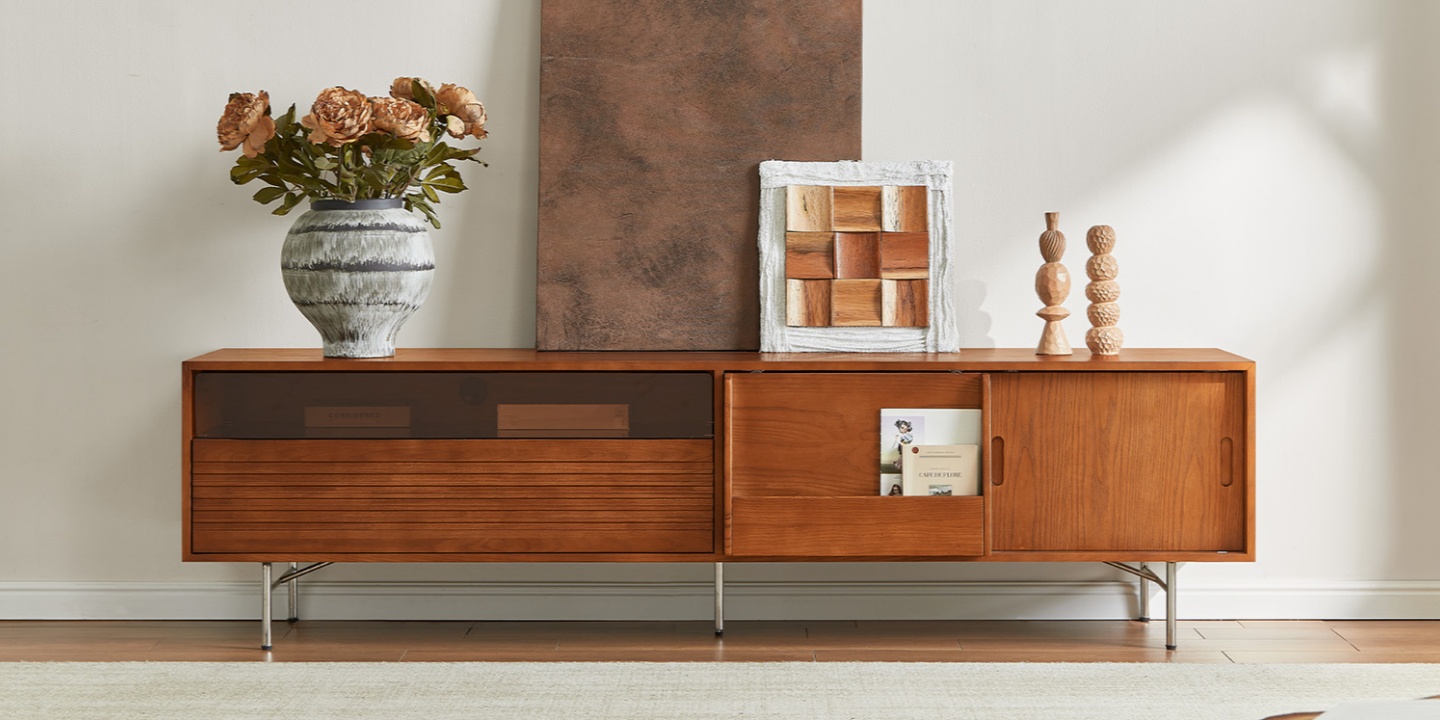
For example, the Frode 84" MCM Media Console features multiple rear cord cutouts, enclosed storage, and a layout designed to keep media equipment organized while maintaining a clean exterior. That combination is useful when you want your equipment out of sight without turning cable management into an afterthought.
Cord Cutouts and Rear Clearance
When comparing consoles, don't just look at the listed outside depth. Check where the rear cord cutouts are located and how much usable space remains inside.
A single opening may work for a simple setup. Multiple cutouts can make it easier to route equipment from different compartments and keep cables from crossing unnecessarily.
Also check whether the back panel is solid, open, or partially cut away. Two consoles with the same outside depth can have very different usable interiors.
Material and Build Quality Matter at the Same Depth
Two TV stands can both measure 16 inches deep and still feel very different in use.
Construction affects how well the console supports your equipment, how doors and drawers operate, and how stable the piece remains over time.
When comparing a solid wood or wood-based media console, look for practical construction details such as:
Reinforced or well-built joinery
Strong drawer construction
A substantial back panel
Adjustable shelves where useful
Leveling feet
Properly supported cabinet doors
Material also affects the visual weight of a piece. A darker or heavily figured wood finish can make a console feel more substantial, while lighter wood, raised legs, and open space underneath can create a more relaxed look.
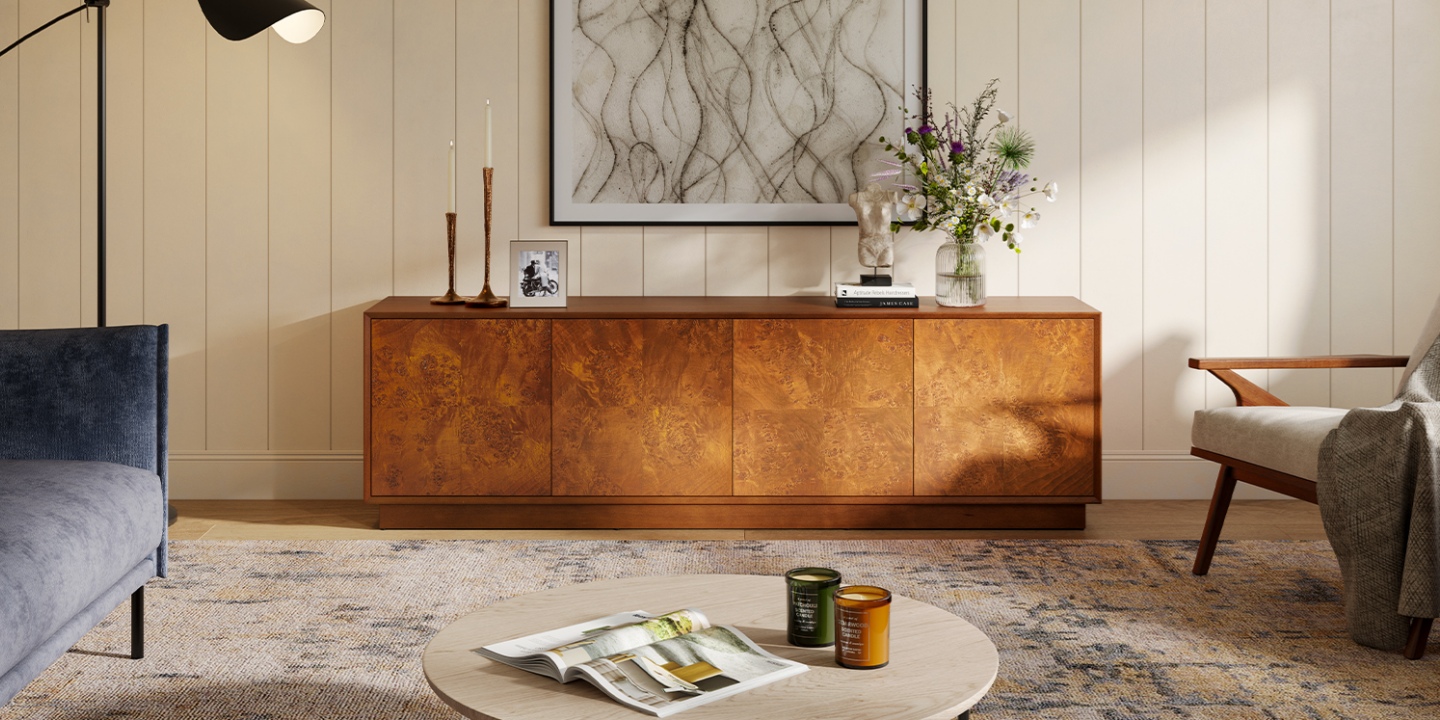
For example, the Bodil 78" Burl Media Console uses a figured burl finish to create visual interest without relying on a dramatically deep profile. Its adjustable interior storage also gives you more flexibility as your equipment changes.
The goal isn't simply to find the deepest TV stand. It's to find a piece whose construction, storage, and footprint make sense for the way you use the room.
Matching TV Stand Depth to a Mid-Century Modern Room
If you're furnishing a mid-century modern room, depth can affect the overall character of the space.
Mid-century-inspired media consoles typically emphasize long horizontal lines, relatively low profiles, and tapered or slim legs. A moderate depth can help preserve that lighter look, while a very deep, boxy cabinet may make the room feel heavier.
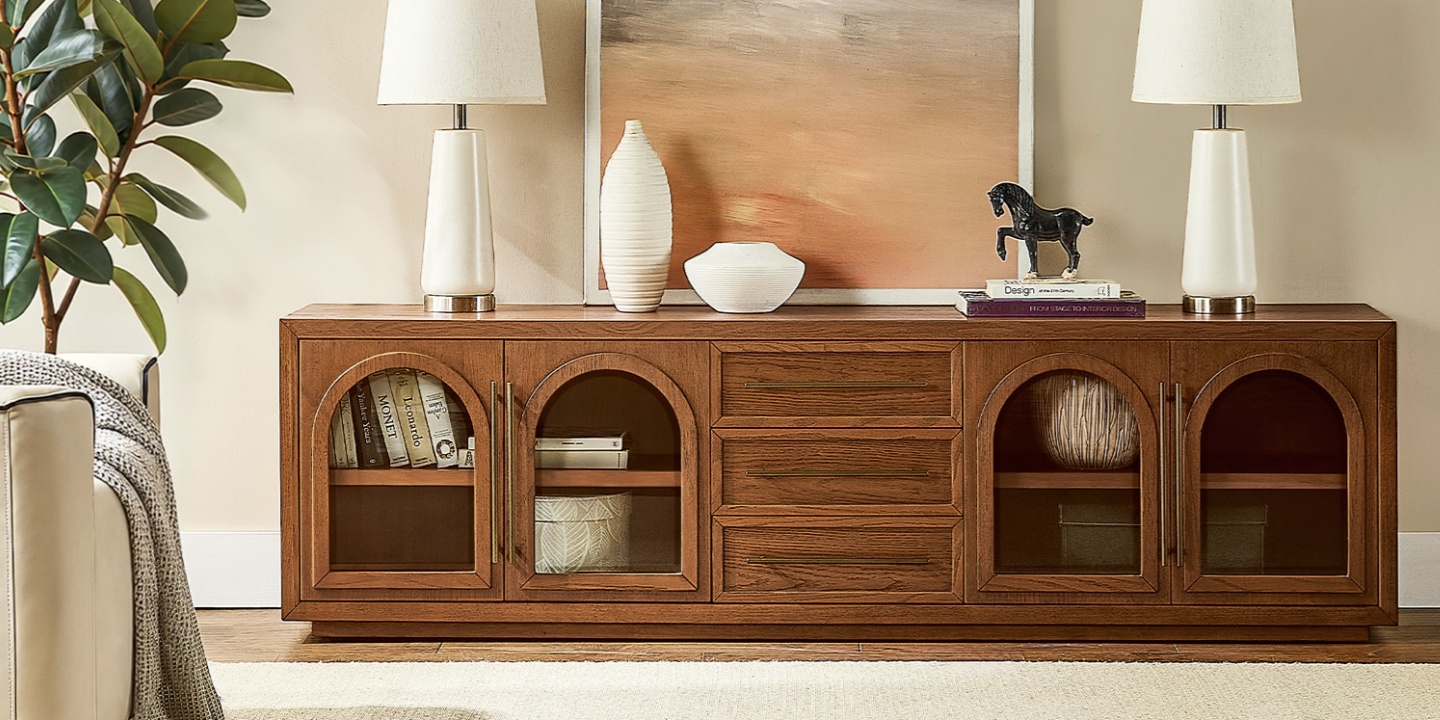
For example, the Lira 84" Oak Media Console combines an MCM-inspired profile with enclosed storage and rear cable-management features. Its proportions make it a useful option when you want a substantial media console without turning the entire media wall into a large block of furniture.
The same principle applies across styles: choose the footprint for your equipment and room first, then choose the design that fits your aesthetic.
You can compare different widths, depths, storage layouts, and styles across the Hernest media console collection before deciding which profile works best for your space.
TV Stand Depth Mistakes to Avoid
A few common mistakes can make an otherwise good TV stand frustrating to use:
Buying for width only. Your TV fits, but the receiver or gaming console doesn't.
Matching cabinet depth exactly to the device. You still need space for cables, plugs, ventilation, and the cabinet's interior construction.
Assuming a bigger TV needs a deeper stand. TV size is primarily a width consideration; your equipment usually determines depth.
Buying too deep "just in case." Extra depth is useful only if you actually need it. Otherwise, it takes away floor space.
Ignoring ventilation. Electronics stored inside closed cabinets need appropriate airflow.
Measuring only the wall. Measure the full floor footprint and the path around the console.
Skipping the tape test. A few minutes with painter's tape can reveal whether the proposed depth feels right before you commit.
The best TV stand is not necessarily the biggest one. It's the one that gives your equipment enough room while keeping the rest of the room comfortable.
Final Takeaway
The right TV stand depth isn't determined by the TV screen size alone.
For most setups, 14 to 18 inches is a practical range. Move toward 16 to 20 inches when you have gaming consoles or larger media equipment, and consider deeper furniture when your setup includes an AV receiver, amplifier, turntable, or other bulky components.
Before buying, measure three things: your equipment, your available floor space, and your cable and ventilation needs. Then use the TV's size primarily to determine the stand's width.
Get those measurements right, and your TV stand can hold the entire setup comfortably without taking over the room.
FAQs
What is the standard TV stand depth?
There is no single universal standard, but 14 to 18 inches covers many standard TV stands and media consoles. Smaller consoles may be around 12 to 14 inches deep, while deeper media cabinets designed for larger equipment can reach 20 inches or more.
How deep should a TV stand be for a simple setup?
For a TV with a compact base, soundbar, and streaming device, 14 to 16 inches is often a practical starting point. Check the actual dimensions of your TV base and equipment before choosing the final depth.
Is 14 inches deep enough for a TV stand?
It can be. A 14-inch-deep TV stand can work well with a TV base, soundbar, and small streaming device, provided the actual measurements leave enough room for cables. It may be too shallow for larger gaming consoles or AV receivers stored inside a cabinet.
How deep should a TV stand be for a soundbar?
A 14- to 16-inch-deep console is generally enough for many soundbar setups, but check the soundbar's actual footprint. You should also consider its position relative to the TV screen, remote sensor, and viewing height.
How deep should a TV stand be for a gaming console?
Plan for approximately 16 to 20 inches of stand depth for many gaming-console setups. The exact requirement depends on the console model, orientation, cable connections, and whether the console sits inside an enclosed cabinet.
How deep should a TV stand be for a 65-inch TV?
A 65-inch TV does not automatically require a deep TV stand. Its screen size mainly affects the stand's width. For a typical 65-inch setup with a soundbar and streaming device, 16 to 18 inches can be a useful starting point. If you have a gaming console or AV equipment, consider 18 to 20 inches.
How deep should a TV stand be for a 75-inch TV?
For a 75-inch TV, 16 to 20 inches of depth is a practical starting range for many living-room setups. The TV's 75-inch diagonal does not determine depth by itself. Check the TV base and the equipment you plan to store, then choose the depth accordingly.
Can a TV stand be too deep?
Yes. A stand deeper than you need can take away valuable floor space, crowd nearby furniture, and interfere with a walkway. Deeper cabinets around 18 to 22 inches or more can be useful for large media equipment, but they may feel unnecessarily bulky in a smaller room.
How much space should I leave behind a TV stand for cables?
The amount depends on the equipment and cable connections. As a general planning rule, allow a couple of inches of usable space behind components when possible, while also checking the cabinet's rear openings and ventilation. A device that fits exactly into a cabinet bay may still be difficult to connect and use.
How do I measure TV stand depth at home?
Measure the deepest component or the TV base from front to back. Add room for cable connections and airflow, then compare that measurement with the usable interior depth of the cabinet. Finally, tape the full footprint on your floor to see how the stand affects your walking path.
What is the difference between a TV stand and a media console?
The terms overlap. A TV stand generally refers to furniture designed to support a TV, while a media console often emphasizes additional storage, drawers, enclosed cabinets, and cable management. In today's furniture market, the terms are frequently used interchangeably, so the dimensions and storage configuration matter more than the label.