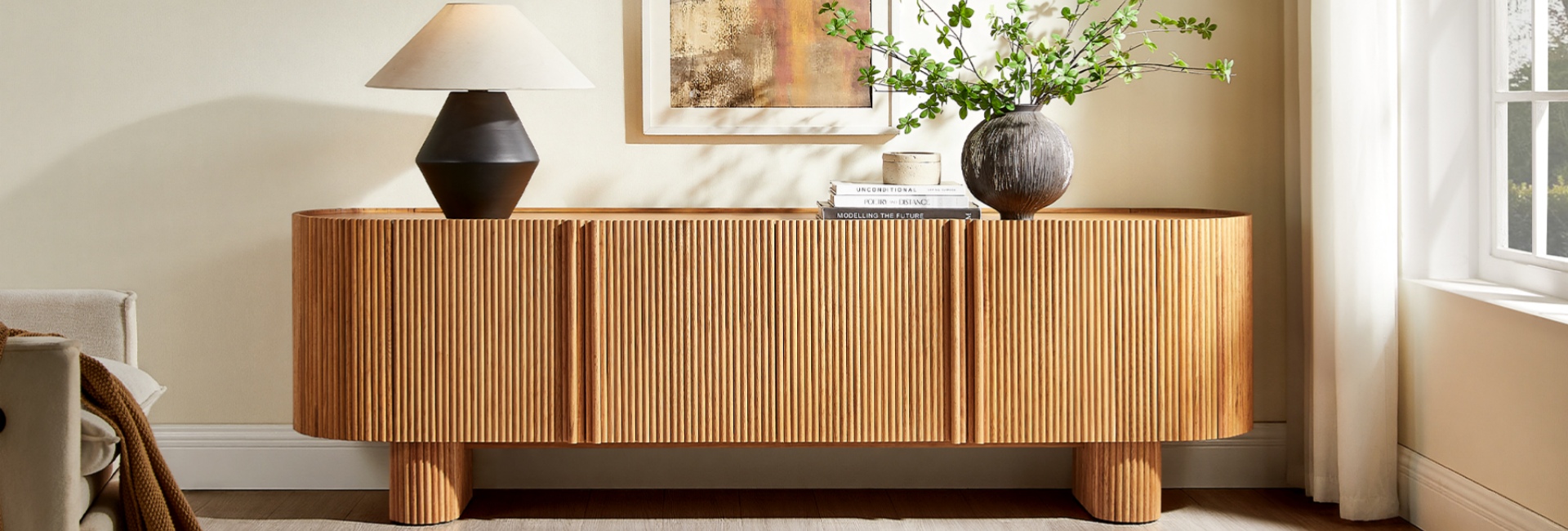
The short answer on TV stand width is simple: your stand should generally be wider than your TV, with about 2 to 6 inches of extra space on each side. That means a TV stand is typically 4 to 12 inches wider than the TV itself.
But screen width is only the starting point. Before you buy, also check the distance between the TV's feet, its weight, the stand's usable depth, and how high the screen will sit.
Get these measurements right and the setup feels balanced instead of cramped. You can also make sure the TV's feet have adequate support rather than choosing a stand based on the screen size alone.
Table of Contents
- Quick Answer: How Wide Should a TV Stand Be?
- Why TV Stand Width Matters
- How Wide Should My TV Stand Be?
- TV Stand Width Chart by TV Size
- Should a TV Stand Be Wider Than the TV?
- How to Measure Your TV for a TV Stand
- 5 Measurements to Take Before Buying a TV Stand
- TV Stand Dimensions Beyond Width
- Matching TV Stand Width to Your Room
- TV Stand Width and Viewing Distance
- What to Check Before Buying a TV Stand
- Choosing a TV Stand for a Mid-Century Modern Room
- Common TV Stand Sizing Mistakes to Avoid
- Final Takeaway: Get the Width Right First
- FAQs
- Should a TV stand be wider than the TV?
- How wide should my TV stand be for a 55-inch TV?
- How wide should my TV stand be for a 65-inch TV?
- How wide should my TV stand be for a 75-inch TV?
- Can my TV be wider than the TV stand?
- How do I measure my TV for a TV stand?
- What TV stand dimensions matter besides width?
- How tall should a TV stand be?
- How deep should a TV stand be?
- What size TV stand works in a small living room?
Quick Answer: How Wide Should a TV Stand Be?
A TV stand should generally be 4–12 inches wider than the TV overall, or about 2–6 inches wider on each side.
For example, a typical 65-inch TV is about 57 inches wide, so a stand around 61–69 inches wide is a useful starting range.
If the TV sits directly on the console, check these four measurements before buying:
TV overall width
TV foot-to-foot span
TV weight
TV stand depth
If the TV is wall-mounted, the console does not need to support the screen, so a narrower piece can work for storage and visual balance.
Why TV Stand Width Matters
Width is usually the first thing you notice in a TV setup. A console that is too narrow can make a large screen feel top-heavy, while a wider piece gives the TV a more grounded appearance.
There is also a practical benefit. A properly sized surface leaves room for a soundbar, streaming device, game console, speakers, or a few decorative pieces without making the setup feel crowded.
Safety is another consideration. The U.S. Consumer Product Safety Commission recommends using sturdy, stable furniture for TVs and securing TVs and furniture when appropriate to help prevent tip-over accidents. A wider console can contribute to a balanced setup, but width alone does not determine safety. The TV's feet, weight, the stand's weight capacity, and proper installation all matter.
Think of TV stand sizing as five related measurements:
Width = visual balance
Foot span = proper support
Height = viewing comfort
Depth = equipment and cable space
Weight capacity = load safety
How Wide Should My TV Stand Be?
There is no single stand width that works for every TV. Start with the TV's actual width and add about 4 to 12 inches.
The 2-to-6-Inch Rule Per Side
For most living rooms, aim for approximately 2 to 6 inches of extra stand width on each side of the TV.
That gives you:
TV actual width + 4–12 inches = recommended stand width
For a smaller TV, staying closer to the 4-inch total addition keeps the setup compact. For a larger screen or a setup with a soundbar and decor, moving toward the wider end of the range gives you more breathing room.
The calculation should always use the TV's actual width, not the diagonal screen size printed on the box.
A Simple Formula to Remember
Recommended TV stand width = TV actual width + 4–12 inches
For example:
A 55-inch TV is roughly 48 inches wide → choose a stand around 52–60 inches
A 65-inch TV is roughly 57 inches wide → choose a stand around 61–69 inches
A 75-inch TV is roughly 65 inches wide → choose a stand around 69–77 inches
An 85-inch TV is roughly 74 inches wide → choose a stand around 78–86 inches
These are starting ranges, not hard requirements. Your TV manufacturer's dimensions and foot placement should take priority.
TV Stand Width Chart by TV Size
Use this chart to estimate the right console width. Actual TV dimensions vary slightly by model, bezel design, and base configuration, so check the manufacturer's specifications before ordering.
Don't match the TV's diagonal size to the stand's width. A 75-inch TV, for example, is only about 65 inches wide.
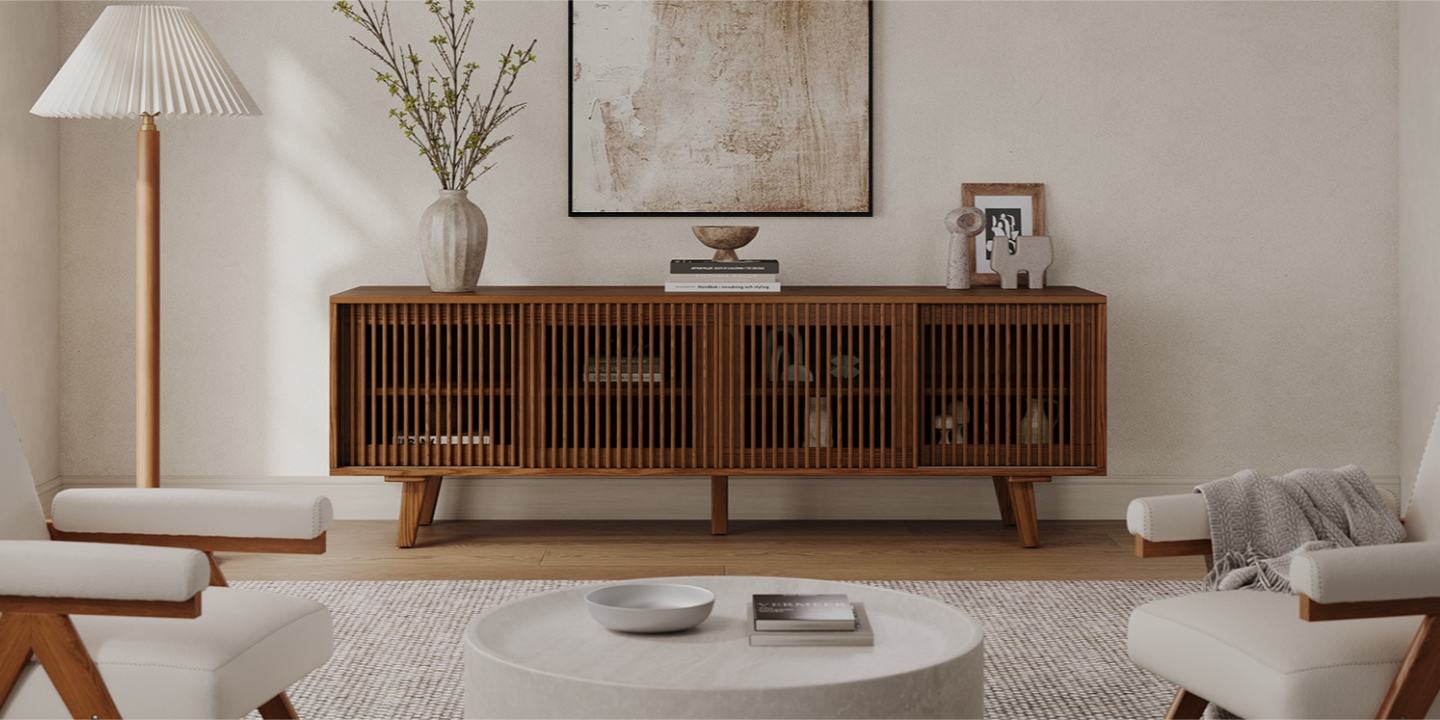
If you are shopping for a 75- or 85-inch TV, a large media console can help anchor the entire wall. The Astrid 84" MCM Slatted TV Stand, for example, provides an 84-inch-wide surface, giving a 75-inch TV plenty of room on either side while providing enclosed storage for media equipment.
Should a TV Stand Be Wider Than the TV?
In most setups where the TV sits directly on the stand, yes. A console that extends beyond the screen generally creates a more balanced composition and gives you additional surface space.
The important qualification is that the TV must be properly supported. A stand can be wider than the screen but still be unsuitable if the TV's feet extend beyond the usable top surface or the console cannot support the TV's weight.
What If the TV Is Wider Than the Stand?
If the TV extends past the edges of the stand, the setup can look cramped and leave less usable space for other equipment.
More importantly, check whether the TV's feet are fully supported. The screen being wider than the furniture is not, by itself, proof that the setup is unsafe. An unsupported or poorly positioned base, however, is a problem.
If you already own a narrow stand, check the TV manufacturer's installation instructions and the stand's weight and surface requirements. If the TV is wall-mounted, the existing console can remain narrower because it no longer supports the screen.
When Is a Narrower Stand Okay?
A narrower console can work when:
The TV is wall-mounted.
The console is primarily being used for storage.
Built-ins or other furniture already anchor the wall visually.
The asymmetrical look is intentional.
The TV's mounting arrangement leaves enough room for the equipment.
For a TV sitting directly on the console, choosing a stand wider than the TV is usually the simpler way to create a balanced setup.
How to Measure Your TV for a TV Stand
The biggest sizing mistake is confusing the TV's diagonal size with its actual width.
A “65-inch TV” measures approximately 65 inches from one corner of the screen to the opposite corner. It is not 65 inches wide.
Measure the Overall TV Width
Use a tape measure to measure straight across the outside of the TV from left to right.
For a standard 16:9 screen, the screen width is roughly 87% of the diagonal measurement. A 65-inch screen, for example, is about 57 inches wide.
The exact exterior dimensions vary by model, so the manufacturer's specification is the best source when you have the model number.
Measure the TV Feet From Foot to Foot
This is one of the most important measurements shoppers overlook.
Some TVs have feet positioned near the outer edges, while others use a central pedestal. Measure the distance between the points where the TV's feet actually contact the stand.
The usable surface of the console needs to provide adequate support for the TV's base according to the manufacturer's instructions. A console can be wider than the screen and still be unsuitable if the feet are positioned too far apart.
Check the TV Weight
Width does not tell you how much weight a console can hold.
Before placing a TV on a stand, check:
TV weight
TV stand's rated weight capacity
Weight of the soundbar or other equipment
How the load is distributed across the top
Choose a stand with a weight capacity comfortably above the total load rather than matching the numbers exactly.
5 Measurements to Take Before Buying a TV Stand
If you are replacing your TV stand, measure these five things before shopping.
1. TV Overall Width
This determines the console width needed for visual balance.
2. TV Foot-to-Foot Span
This tells you whether the TV's base will fit properly on the usable surface.
3. TV Weight
Compare the total load with the stand's rated capacity.
4. TV Height
The TV's height helps determine how tall the stand can be while keeping the screen at a comfortable viewing level.
5. Available Wall or Alcove Width
Measure the space where the stand will sit. If the console is going inside an alcove, measure the opening at multiple points rather than assuming the walls are perfectly parallel.
If you only measure one thing, measure the TV's actual width. If the TV will sit on the stand, also measure the distance between its feet.
TV Stand Dimensions Beyond Width
Width gets most of the attention, but TV stand dimensions also include height and depth.
How Tall Should a TV Stand Be?
The goal is to place the center of the screen close to your seated eye level.
Measure from the floor to your eyes while sitting on your sofa, then account for the TV's height.
A simple calculation is:
Stand height + half the TV height ≈ seated eye height
For many living rooms, seated eye level falls somewhere around 42 to 48 inches from the floor, but sofa height and viewing position vary.
Low-profile consoles often work well with large TVs because the screen already takes up considerable vertical space. Taller furniture can make more sense in a bedroom or with higher seating.
How Deep Should a TV Stand Be?
Most modern flat-screen TVs are shallow, but your equipment still needs room.
A depth of around 15 to 20 inches works for many media setups, but the right number depends on the TV feet, soundbar, game console, receiver, and cable routing.
Before buying, check:
TV foot depth
Soundbar depth
Console or receiver depth
Cable clearance
Ventilation space
A console can look deep enough from the front but still leave too little room once everything is connected.
Don't Forget Cable Management
Cable management becomes especially important when the console sits close to the wall.
Look for dedicated cord cutouts or openings that allow power and HDMI cables to pass through without being pinched. Also check the location of your wall outlet.
A console can have excellent cable management and still create a messy setup if the outlet sits several inches away from the cable opening.
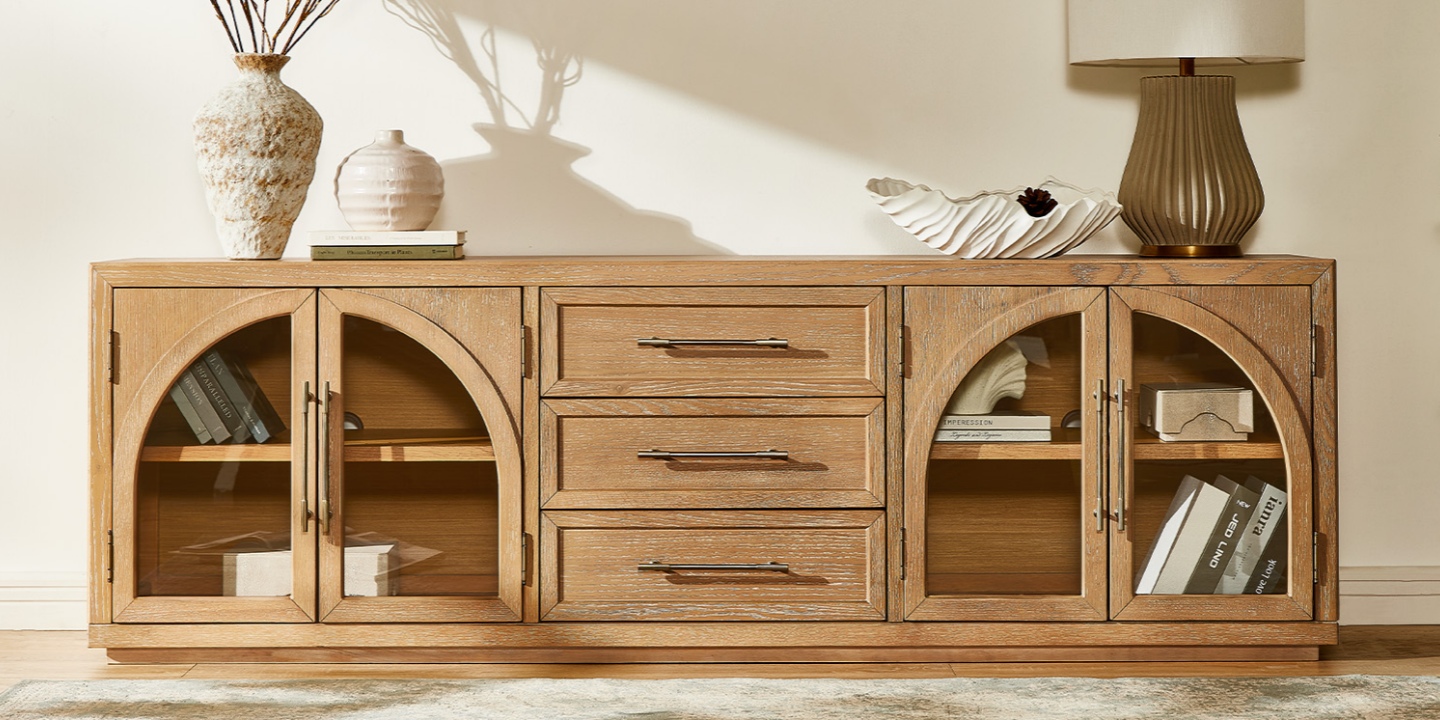
The Valborg 80" Oak Media Console, for example, combines an 80.1-inch-wide surface with built-in cord cutouts and enclosed storage, making it suitable for a larger media setup with multiple devices.
Matching TV Stand Width to Your Room
The TV determines the basic stand width, but the room determines how that width works visually.
Small Living Rooms and Apartments
In a smaller room, don't automatically choose the narrowest possible console.
A stand that is only slightly wider than the TV may technically fit but can make the screen feel oversized. A few additional inches can make the furniture feel more proportional.
For a compact room, look for:
A console slightly wider than the TV
Low-profile proportions
Closed storage
Open space beneath the stand
Enough depth for your equipment without blocking walkways
Tapered legs can also keep the floor visually open, which can help a smaller room feel less crowded.
Large Living Rooms and Open-Concept Spaces
A large wall can make a correctly sized TV stand look surprisingly small.
If you have a 75- or 85-inch TV in a large open room, moving toward the wider end of the recommended range can help anchor the media area.
An 80-inch-plus console can work particularly well with a large screen because it creates a clear visual zone without requiring additional furniture around the TV.
Alcoves, Windows, and Wall Outlets
Measure the actual installation area before ordering.
For an alcove, measure the opening at multiple points. Older homes and built-in spaces are not always perfectly square.
If the stand sits near a window, consider the TV's position relative to incoming light. Glare can affect viewing comfort even when the console itself fits perfectly.
Finally, locate the power outlet before you buy. Make sure the outlet, cable cutouts, and device connections work together without forcing cords around the side of the console.
TV Stand Width and Viewing Distance
TV stand width does not determine viewing distance, but both decisions depend on TV size.
For a 4K TV, a common starting point is around 1 to 1.5 times the screen diagonal. Your ideal distance can vary depending on the content you watch, your room, and how immersive you want the picture to feel.
If you prefer a more immersive, theater-like experience, sitting closer can make a large screen feel more cinematic. For casual or mixed-use viewing, a little more distance may feel comfortable.
Choose the stand based on the TV's actual dimensions rather than trying to size the console from viewing distance alone.
What to Check Before Buying a TV Stand
Once you know your desired TV stand width, use this checklist before placing an order:
1. Overall Width
Make sure the stand is roughly 4–12 inches wider than the TV, depending on how much visual clearance you want.
2. Usable Top Width
Check the actual surface available for the TV rather than relying only on the console's overall width.
3. Foot Span
Confirm that the TV feet fit fully within the supported surface.
4. Weight Capacity
Make sure the stand can support the TV and your other equipment.
5. Depth
Measure the TV feet and your equipment to make sure they fit without overhanging.
6. Cable Management
Look for cord cutouts or rear openings that match the location of your outlets and devices.
7. Storage
Consider what needs to live inside the console, such as game systems, streaming devices, remotes, routers, or other accessories.
Choosing a TV Stand for a Mid-Century Modern Room
Once the measurements are right, style becomes much easier.
A low, wide console works particularly well with modern and mid-century interiors because the horizontal shape complements the TV without competing with it.
For a mid-century modern room, look for:
Warm wood tones
Tapered legs
Clean horizontal lines
Slatted or subtly textured fronts
Simple hardware
Closed storage
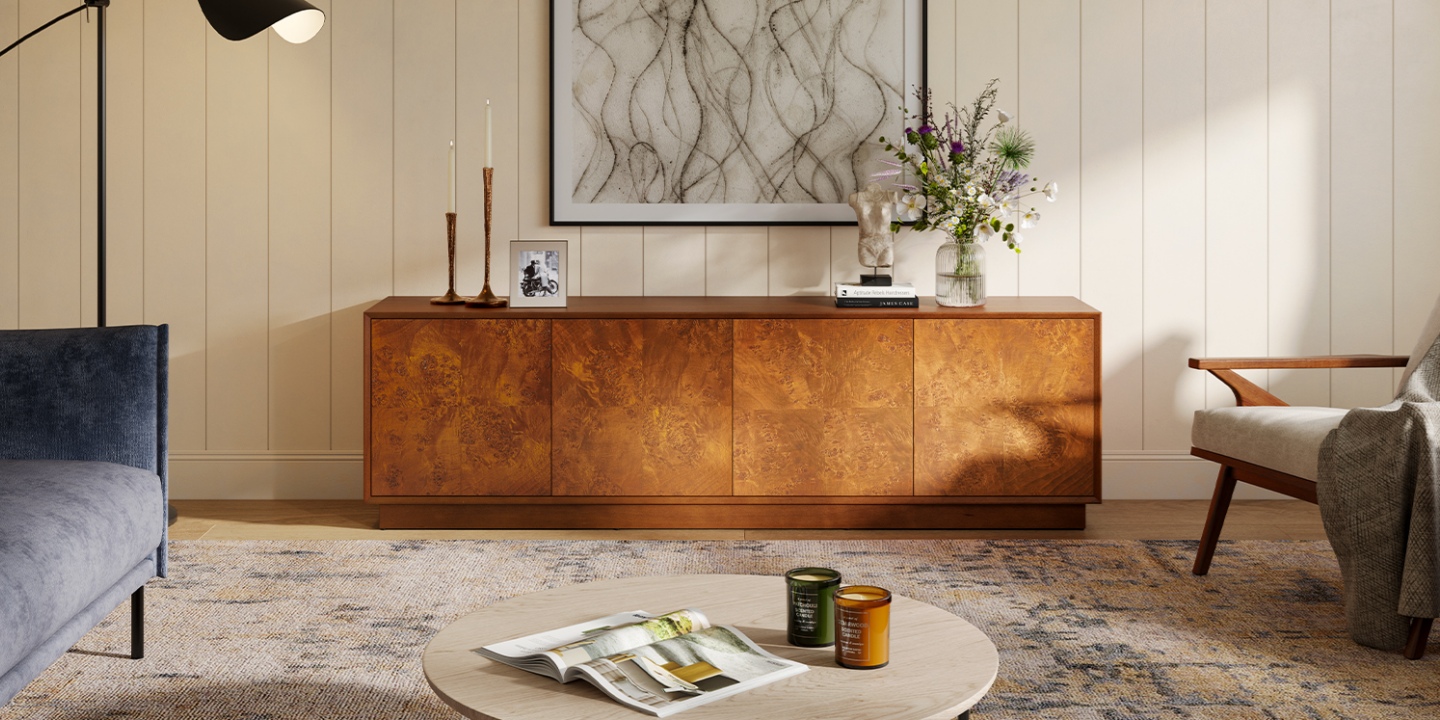
The Bodil 78" Burl Media Console is one example of a wider console that combines a substantial footprint with a more decorative front. Its burl surface adds natural variation while adjustable shelves provide flexibility for different media components.
At 78.7 inches wide, it also gives a 75-inch TV enough surrounding furniture to create a deliberate media-wall composition rather than a screen sitting on a narrow cabinet.
Common TV Stand Sizing Mistakes to Avoid
Most TV stand sizing mistakes come down to skipping one measurement.
Mistake 1: Using the TV's Diagonal Size
A 65-inch TV is not 65 inches wide.
Always check the actual width.
Mistake 2: Ignoring the TV Feet
A TV may fit visually on a console while its feet do not fit properly on the usable surface.
Measure the foot-to-foot span.
Mistake 3: Matching Width but Ignoring Weight
A wide console is not automatically strong enough to support a large TV.
Check the manufacturer's weight rating.
Mistake 4: Forgetting Depth
A console can be wide enough but too shallow for the TV feet, soundbar, or other equipment.
Mistake 5: Choosing Height by Appearance Alone
A beautiful console can still be uncomfortable if it puts the screen too high.
Measure seated eye level first.
Mistake 6: Forgetting Future Upgrades
If you are considering moving from a 65-inch TV to a 75-inch model soon, buying the smallest possible console today may mean replacing the furniture later.
If your budget and room allow it, choosing a little extra width can give you more flexibility.
Final Takeaway: Get the Width Right First
Choosing the right TV stand width does not have to be complicated.
Start with the TV's actual width, not its diagonal size. Add roughly 4–12 inches to find a useful stand-width range, then confirm the TV's foot-to-foot span, weight, stand depth, and available wall space.
For most setups, the formula is simple:
TV actual width + 4–12 inches = good starting point for TV stand width
From there, adjust for your room, equipment, viewing height, and storage needs.
A well-sized console should support the TV properly, give the screen some breathing room, hide equipment you do not want to see, and make the entire wall feel intentional.
Measure first, then shop.
FAQs
Should a TV stand be wider than the TV?
Generally, yes. For a TV that sits directly on the console, a stand around 4–12 inches wider overall, or roughly 2–6 inches per side, creates a balanced starting point. Also check the TV's foot span, weight, and the stand's usable surface.
How wide should my TV stand be for a 55-inch TV?
A typical 55-inch TV is about 48 inches wide. A TV stand around 52–60 inches wide gives you approximately 2–6 inches of additional space on each side.
How wide should my TV stand be for a 65-inch TV?
A typical 65-inch TV is about 57 inches wide. A stand around 61–69 inches wide is a useful starting range. Check the specific TV model's dimensions and foot placement before buying.
How wide should my TV stand be for a 75-inch TV?
A typical 75-inch TV is about 65 inches wide. A stand around 69–77 inches wide provides roughly 2–6 inches of extra width on each side. Confirm the TV's actual dimensions and foot placement for your specific model.
Can my TV be wider than the TV stand?
It can be, but it is generally not the preferred setup when the TV sits directly on the furniture. More importantly, the TV's feet must be adequately supported by the stand. If the TV is wall-mounted, a narrower console can work because the stand no longer supports the screen.
How do I measure my TV for a TV stand?
Measure the TV straight across from left to right to get its actual width. Then measure the distance between the TV's feet and check the manufacturer's specifications for weight and dimensions. Do not use the diagonal screen size as the stand-width measurement.
What TV stand dimensions matter besides width?
Height, depth, and weight capacity all matter. Height affects viewing comfort, depth determines whether the TV feet and equipment fit, and weight capacity determines whether the stand can support the load. Cable openings and storage are also worth checking.
How tall should a TV stand be?
Choose a height that places the center of the TV close to your seated eye level. Measure from the floor to your eyes while sitting, then subtract approximately half the TV's height to estimate where the bottom of the screen should sit.
How deep should a TV stand be?
Around 15–20 inches works for many modern media setups, but measure your TV feet and equipment before buying. Soundbars, game consoles, receivers, and cable connections can require additional depth.
What size TV stand works in a small living room?
Start with a stand about 4–12 inches wider than the TV, then choose a low-profile design with enough storage and a depth that does not interfere with the room's walkways. In a small space, prioritize the TV's foot span and equipment dimensions over decorative surface space.