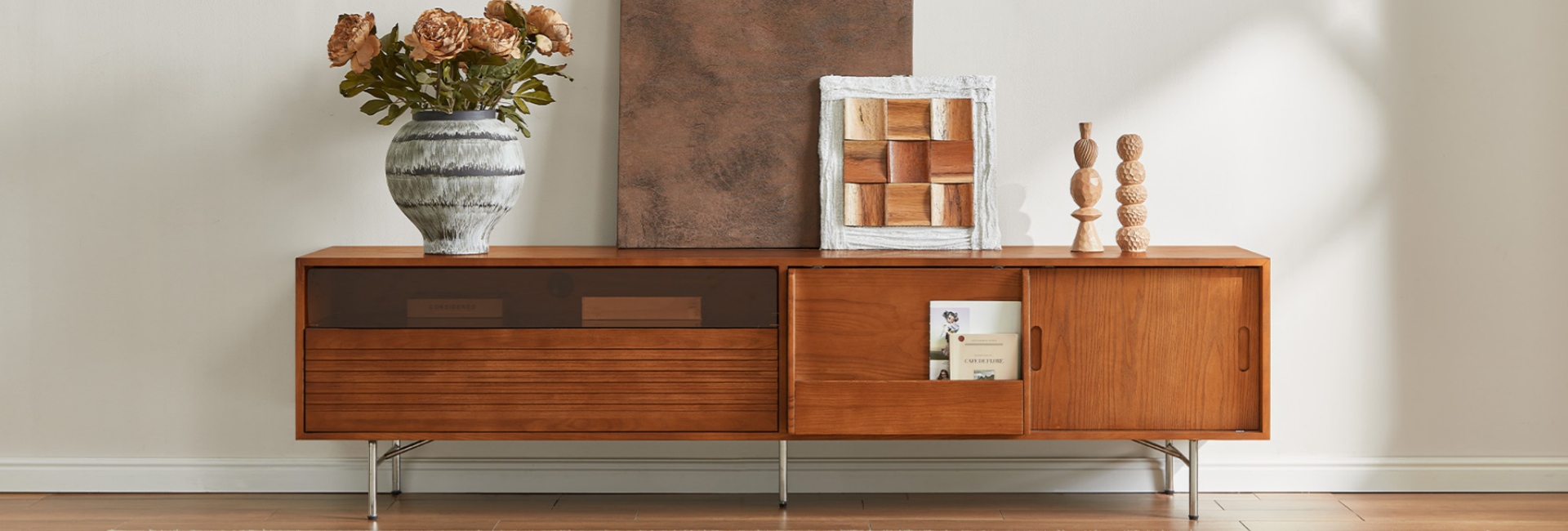
Mounting your TV on the wall changes what you need from the furniture underneath it. The console no longer has to support the screen, but it still has an important job: keeping media equipment organized, managing cables, providing storage, and visually balancing the wall.
The right media console for wall mounted TV setups is usually a few inches wider than the screen, low enough to keep the TV at a comfortable viewing height, and deep enough for your equipment without taking over the room.
Before buying one, focus on the TV's actual dimensions and your room layout rather than the TV's advertised diagonal size.
Quick Answer: What Size Media Console Do You Need?
For most living rooms, these measurements are a useful starting point:
-
Width: Choose a console about 6–12 inches wider than the TV, or roughly 3–6 inches wider on each side.
-
Height: A low-profile console usually works best. The center of the TV should sit close to seated eye level.
-
Depth: Around 15–18 inches is practical for many setups.
-
TV-to-console gap: Leave about 4–6 inches between the TV and console. Allow more space if you are adding a soundbar.
-
Storage: Cabinets, drawers, and adjustable shelves can keep remotes, gaming equipment, and other accessories out of sight.
-
Safety: For a floor-standing console, follow the manufacturer's anti-tip instructions and use hardware appropriate for your wall.
These are starting points rather than strict rules. Your seating position, TV dimensions, soundbar, and available wall space all affect the final setup.
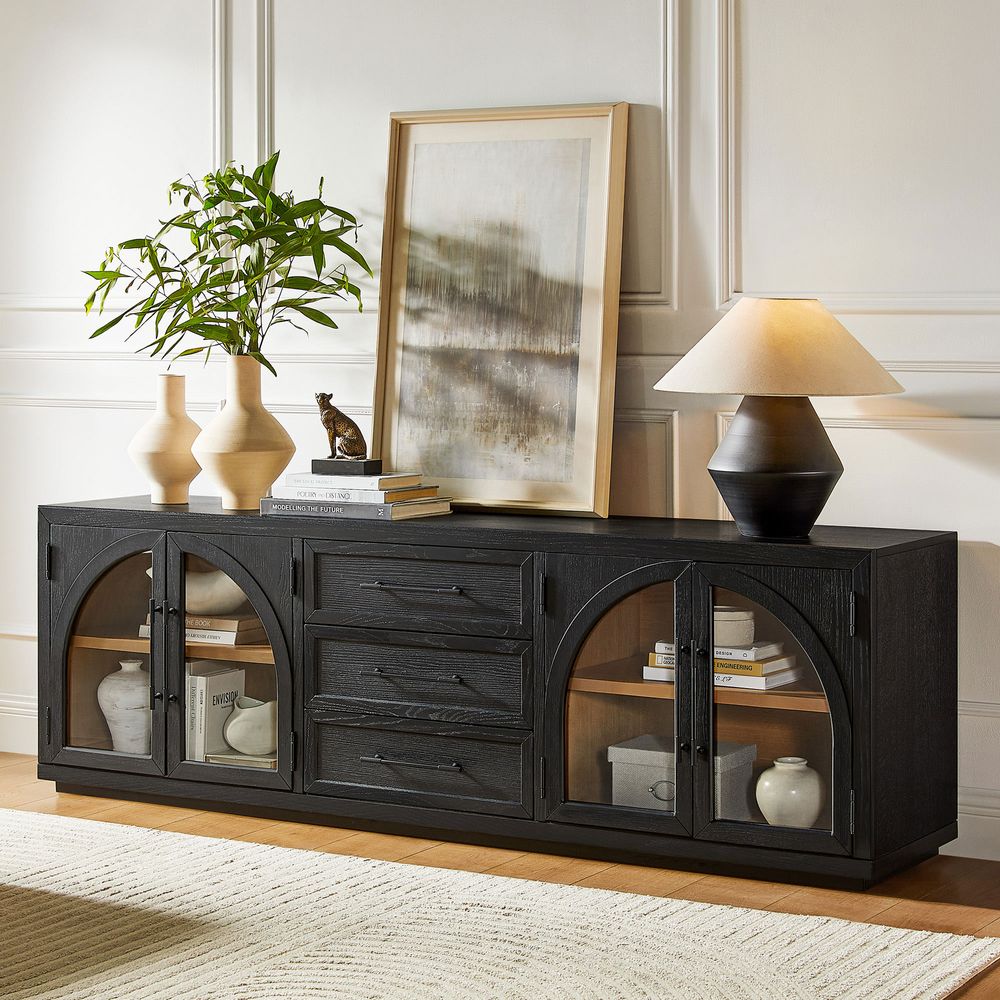
Valborg 80-Inch Oak Media Console
View Product
Why Console Width Matters Most
When choosing a media console, width is one of the easiest measurements to get wrong.
A TV's advertised size refers to its diagonal measurement, not its actual width. For example, a typical 65-inch TV is around 57 inches wide. A console that is exactly the same width can look undersized beneath it, particularly on a large or visually open wall.
A good starting point is to make the console 6–12 inches wider than the TV overall. That gives you approximately 3–6 inches of extra space on each side.
The extra width provides visual balance and gives you room for accessories such as speakers, decorative objects, or a soundbar without making the setup feel crowded.
TV Size vs. Actual Screen Width
Approximate dimensions for a standard 16:9 screen are:
These numbers are useful for planning, but always check the manufacturer's listed dimensions before ordering a console. Bezel size and the exact TV design can slightly change the overall measurements.
How Much Wider Should a Media Console Be?
Once you know the TV's actual width, choosing a starting console width is simple:
These ranges are not mandatory. A wider console can work particularly well on a large wall, while a narrower room may call for a more compact option.
A simple way to test the proportions is to use painter's tape to mark the proposed console width on the wall. Step back from your normal seating position and see whether the furniture footprint feels balanced with the TV.
How to Measure Your Wall and TV Before You Buy
Taking a few measurements before shopping can prevent most sizing mistakes.
Start with these six:
-
TV width: Measure the complete outside width of the TV, including the bezel.
-
TV height: Measure the complete height of the screen.
-
Wall width: Measure the available wall area, especially if there are windows, doors, built-ins, or other furniture nearby.
-
Seated eye level: Sit in your usual viewing position and measure from the floor to approximately eye level.
-
Available floor depth: Check how far the console can extend into the room without interfering with walkways.
-
Equipment footprint: Measure your soundbar, game consoles, streaming devices, speakers, and other equipment.
Also check where the wall studs are located if you are installing or repositioning the TV mount. Make sure drawers and cabinet doors will have enough clearance to open fully.
How High Should a Media Console Be Under a Wall-Mounted TV?
The ideal console height depends on where the TV is mounted and where your eyes naturally fall when seated.
For comfortable viewing, the center of the TV is generally best positioned near seated eye level. You can use this simple calculation:
TV bottom height = seated eye level − half of the TV's height
For example, if your seated eye level is about 42 inches and a 65-inch TV is approximately 32 inches tall:
42" − 16" = 26"
That puts the bottom of the TV around 26 inches above the floor. If you leave a 5-inch gap below the screen, the top of the console would sit around 21 inches high.
This is why larger TVs often pair naturally with lower consoles. A large screen already occupies substantial vertical space, so a tall cabinet underneath it can push the overall viewing angle higher than necessary.
How Much Space Should Be Between the TV and Console?
There is no single required gap, but a few inches of clearance usually creates a balanced transition between the TV and the furniture.
If you are using a soundbar, check its manufacturer's placement recommendations before deciding on the final TV height.
A slightly larger gap can also make the wall feel less crowded, especially when the TV is large or the console has a substantial top surface.
Choosing the Right Console Height by TV Size
TV size can help you estimate a suitable console height, but it should not be the only factor.
These ranges are starting points. Your seating height and the exact TV mounting position matter more than the TV size alone.
For a low-mounted 75-inch TV, for example, a console around 20 inches high may make more sense than a traditional taller TV cabinet.
Floating TV Console vs. Floor Media Console
Both styles can work beneath a wall-mounted TV. The better fit depends on the room, storage needs, and the look you want.
A floating console attaches directly to the wall and leaves visible floor space underneath. This can make a smaller room feel more open and can simplify floor cleaning.
A floor-standing console sits directly on legs or a base. It generally offers more flexibility for larger storage compartments and does not require the same type of wall installation.
If you prefer warm wood, clean lines, tapered legs, or other classic MCM details, explore Hernest's mid-century modern TV stands for additional options that can work beneath a wall-mounted screen.
Whichever style you choose, make sure the console can accommodate your equipment and that its depth works with the available floor space.
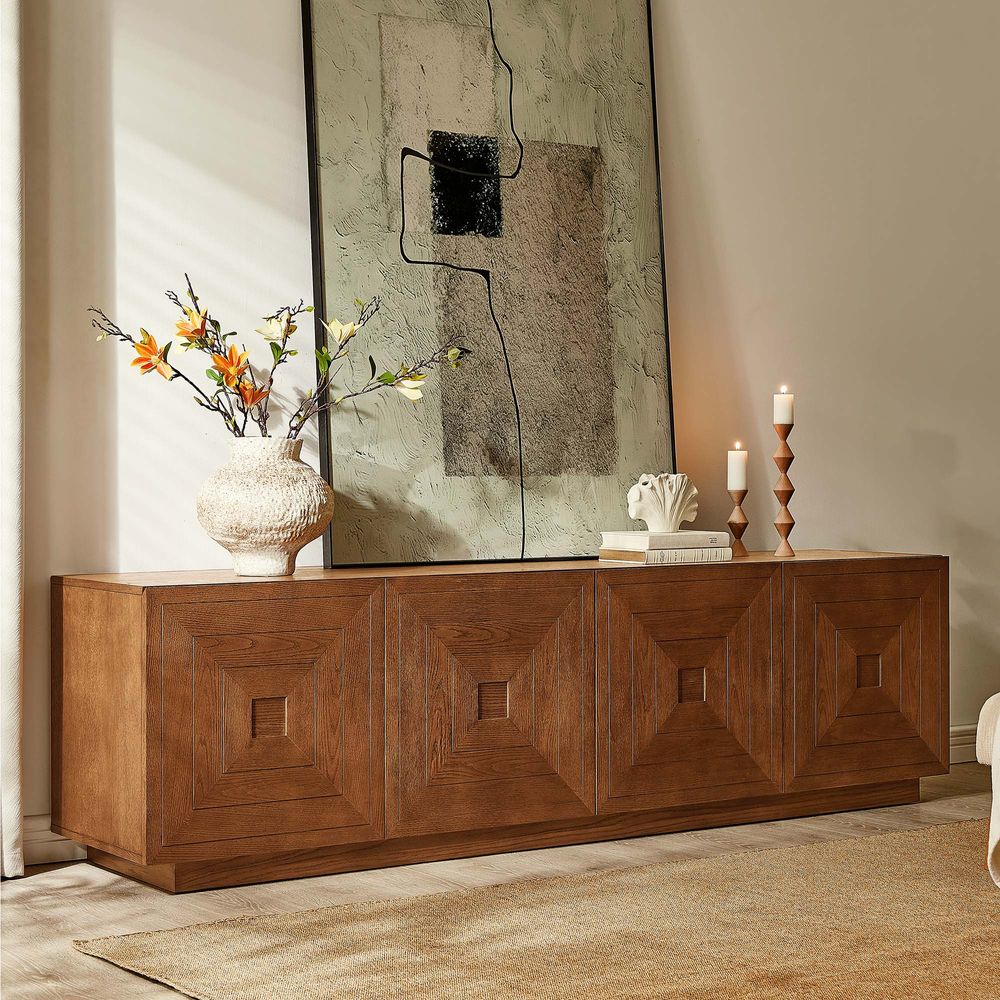
Kaisa 86-Inch Carving TV Stand
View Product
How Deep Should a Media Console Be?
For many living rooms, a 15–18 inch deep media console provides a useful balance between storage and floor space.
Before choosing the depth, measure the equipment you plan to place inside or on top of the console.
Consider:
-
Soundbar depth
-
Gaming consoles
-
Streaming devices
-
Speakers
-
Cable routing
-
Rear ventilation
-
Cabinet and drawer access
-
Walking space in front of the console
A console can look appropriately sized from the front but still make a room feel cramped if it extends too far into the walkway.
If your equipment is particularly deep, check the usable interior depth, not just the overall exterior measurement.
Storage and Cable Management for a TV Wall
A wall-mounted TV can eliminate the need for a large TV cabinet, but it does not eliminate the cables and equipment that come with it.
The right storage configuration depends on what you actually need to put away.
Cable cutouts are particularly useful because they give cords a defined route through the back of the console instead of leaving cables hanging around the sides.
If you are comparing different widths, storage configurations, and cable-management options, explore Hernest's media consoles to see the available layouts.
Before choosing a console, think about what needs to stay accessible. A game console that gets used every day may need better ventilation and easier access than a device that rarely gets touched.
Materials and Construction: What to Check
The appearance of a console matters, but construction details can affect how well it works in daily use.
When comparing options, check:
-
Frame and panel construction: Look for materials and construction methods that match your expected use.
-
Finish: Consider how the finish fits with the rest of your furniture and how easy it will be to maintain.
-
Hardware: Doors and drawers should open and close smoothly.
-
Adjustable shelves: These make it easier to accommodate equipment with different heights.
-
Cable cutouts: Look for openings that allow cords to pass through without blocking cabinet access.
-
Weight capacity: Check the manufacturer's specifications for the top surface and storage areas.
If the console will hold speakers or other heavy equipment, verify the manufacturer's weight limits rather than relying on appearance alone.
Table of Contents
- Quick Answer: What Size Media Console Do You Need?
- Why Console Width Matters Most
- How Much Wider Should a Media Console Be?
- How to Measure Your Wall and TV Before You Buy
- How High Should a Media Console Be Under a Wall-Mounted TV?
- How Much Space Should Be Between the TV and Console?
- Choosing the Right Console Height by TV Size
- Floating TV Console vs. Floor Media Console
- How Deep Should a Media Console Be?
- Storage and Cable Management for a TV Wall
- Materials and Construction: What to Check
- Before You Buy: A Simple Sizing Checklist
- Final Takeaway
- FAQs
- What size media console fits a 65-inch wall-mounted TV?
- How wide should a media console be compared to the TV?
- How high should a wall-mounted TV sit above the media console?
- What is the best height for a media console under a mounted TV?
- How much space do I need between a mounted TV and the console for a soundbar?
- What depth should a media console be for a wall-mounted TV?
- Floating media console vs. floor console: which should I choose?
Before You Buy: A Simple Sizing Checklist
Use this checklist before ordering your media console:
-
Measure the TV's actual width, height, and depth.
-
Choose a console approximately 6–12 inches wider than the TV as a starting point.
-
Check your seated eye level.
-
Calculate the TV's bottom position before deciding on console height.
-
Leave enough space between the TV and console.
-
Allow additional clearance for a soundbar.
-
Measure your available floor depth.
-
Check the console's usable interior storage dimensions.
-
Confirm cable openings and equipment ventilation.
-
Check weight capacity and follow the manufacturer's installation and anti-tip instructions.
Taking these measurements first is much easier than trying to make an incorrectly sized console work after delivery.
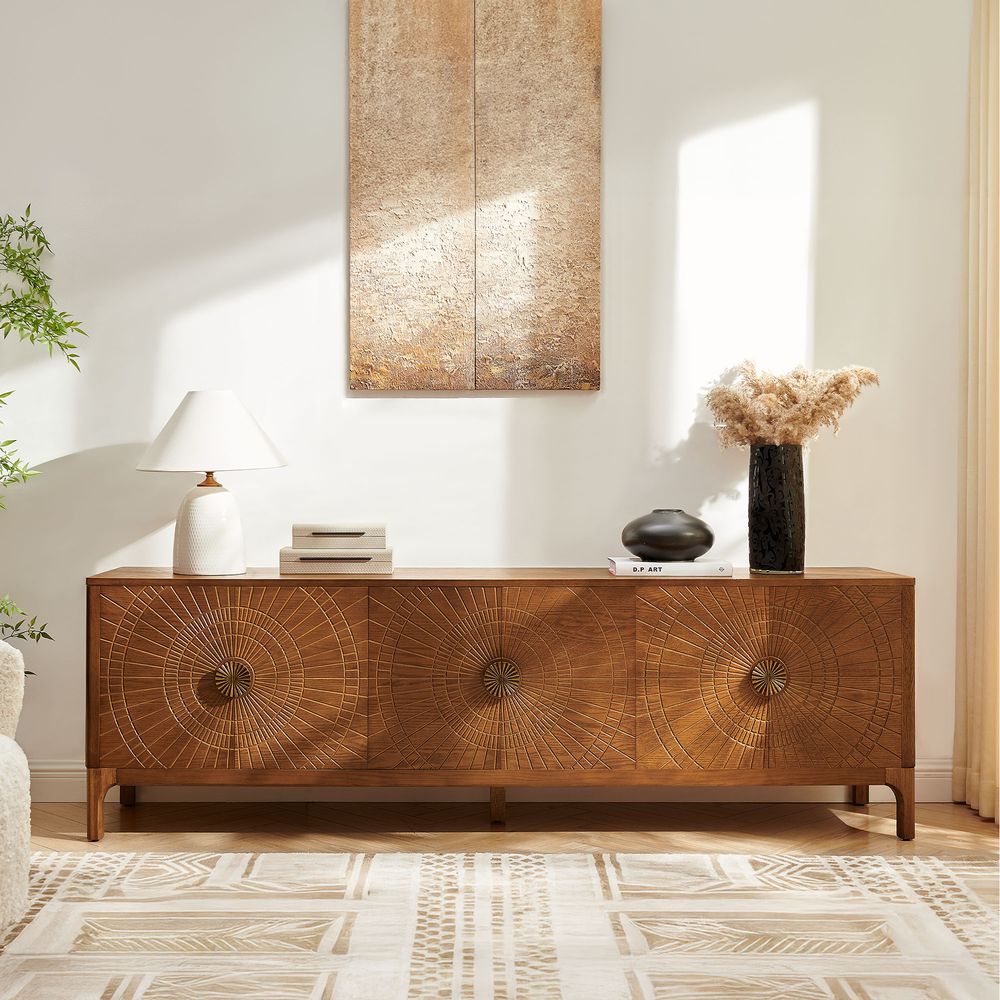
Vigdis 84-Inch Media Console
View Product
Final Takeaway
The best media console for wall mounted TV setups is not necessarily the longest or tallest option. Start with the TV's actual dimensions, then work through the width, viewing height, TV-to-console gap, depth, storage, and cable-management requirements.
A few minutes with a tape measure can make the difference between a TV wall that feels cramped and one that looks intentional, balanced, and easy to use every day.
FAQs
What size media console fits a 65-inch wall-mounted TV?
A typical 65-inch TV is about 57 inches wide. A console around 63–69 inches wide is a useful starting range, although a wider console can also work depending on the wall and room layout.
How wide should a media console be compared to the TV?
A good starting point is 6–12 inches wider than the TV overall, giving you about 3–6 inches of extra width on each side.
How high should a wall-mounted TV sit above the media console?
The exact height depends on seated eye level and the TV's dimensions. A gap of about 4–6 inches between the TV and console works for many living rooms, while soundbars may require more space.
What is the best height for a media console under a mounted TV?
There is no single height that works for every room. Lower consoles often work well with larger wall-mounted TVs because they help keep the screen center closer to seated eye level.
How much space do I need between a mounted TV and the console for a soundbar?
A 6–10 inch gap is a useful starting point for a TV with a soundbar, but check the soundbar manufacturer's placement requirements and the height of the soundbar itself.
What depth should a media console be for a wall-mounted TV?
Around 15–18 inches works well for many setups. If you have deep gaming equipment, speakers, or other electronics, measure those components first and make sure the console provides enough usable interior depth.
Floating media console vs. floor console: which should I choose?
A floating console can preserve visible floor space and create a lighter look, while a floor-standing console can provide flexible storage and easier installation in some rooms. Consider your wall, storage needs, and available floor space before choosing.