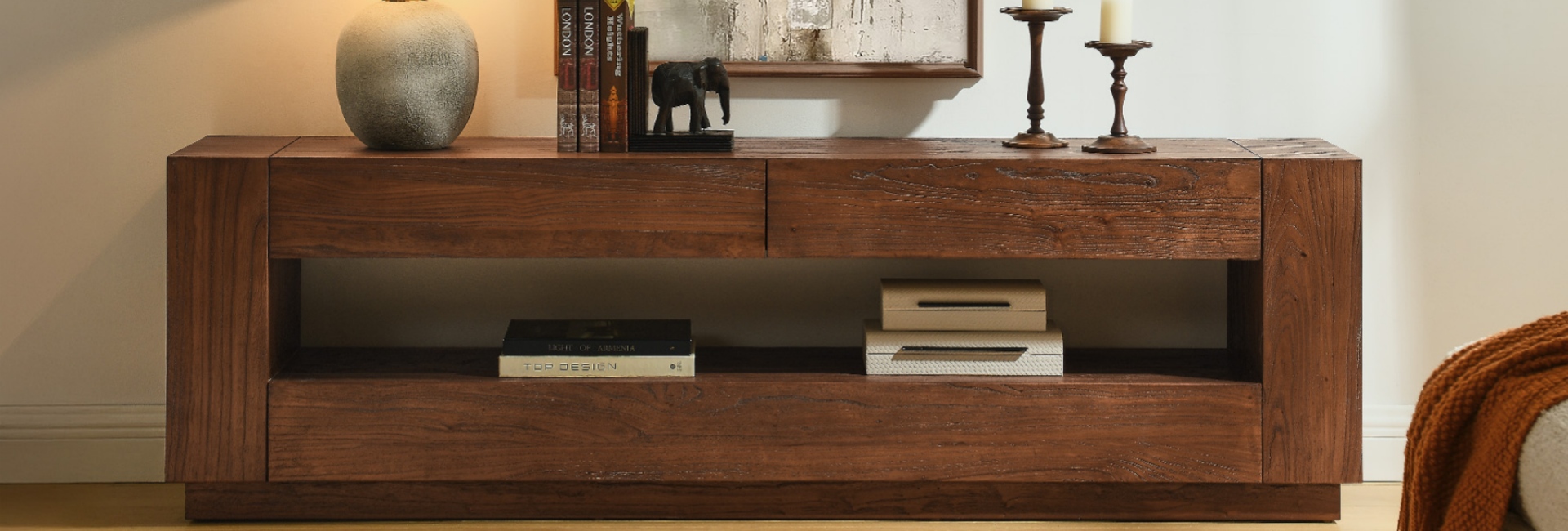
An apartment TV stand has to do more than hold a screen. It needs to fit the wall, preserve walking space, hide cables, and give your devices somewhere to live without making the room feel crowded.
For most small apartments, a good starting point is a console that is at least as wide as the TV, roughly 14–16 inches deep when floor space is tight, and low enough to keep the screen near seated eye level. From there, the right storage layout and cable management can make just as much difference as the dimensions.
At Hernest, we design and offer media consoles in a range of widths, depths, materials, and storage configurations. If you are furnishing a studio, one-bedroom, or rental apartment, the goal is not simply to buy the smallest TV stand available. It is to choose a piece that fits your current room without becoming difficult to live with or move later.
Table of Contents
- Quick Answer: What Makes a Good Apartment TV Stand?
- Why an Apartment TV Stand Needs Different Measurements
- Start With Your Wall Measurements
- Match the TV Stand to Your TV
- Choose the Right TV Stand Depth
- Set the Right Viewing Height
- Choose Storage and Cable Management Together
- Choose a Style That Keeps the Room Feeling Open
- Decide Between a Floating and Floor-Standing TV Stand
- Use These Layout Tips for Small Apartments
- Apartment TV Stand Buying Checklist
- Final Takeaway
- FAQs
- What size TV stand do I need for my TV?
- How deep should a TV stand be for a small apartment?
- How tall should a TV stand be for eye-level viewing?
- Should I wall-mount my TV or use a stand in an apartment?
- How do I hide cables and cords with a TV stand?
- Open or closed storage: which is better for a media console?
- Are floating TV stands a good idea for renters?
- What material holds up best for a media console?
- Can a media console work as a buffet or entryway piece?
Quick Answer: What Makes a Good Apartment TV Stand?
These are starting points rather than strict rules. Your wall dimensions, TV base, seating height, equipment, and walking clearance should determine the final choice.
Why an Apartment TV Stand Needs Different Measurements
In a smaller home, the TV stand often shares space with the sofa, dining area, desk, entryway, or a main walkway. A few extra inches of depth can therefore affect how easily people move through the room.
The solution is not always a smaller console. A better approach is to balance three dimensions:
Width: Enough to visually support the TV without crowding the wall.
Depth: Shallow enough to preserve usable floor space.
Height: Low enough to keep the screen comfortable to watch.
Storage matters too. A console that hides routers, game systems, remotes, and cables can reduce visual clutter without requiring another piece of furniture.
For renters, flexibility is another consideration. A TV stand that works only on one wall or depends on permanent installation may be harder to use after a move. A freestanding console can usually be repositioned without changing the room itself.
Start With Your Wall Measurements
Before shopping for an apartment TV stand, measure the wall where the console will actually sit.
Measure:
The full usable wall width.
The distance to nearby doors and windows.
The location of outlets and cable connections.
Any heating vents, radiators, baseboards, or other obstructions.
The available floor depth between the TV wall and the main seating or walkway.
Do not assume that the entire wall is available for furniture. A door that opens into the space or a radiator near the floor can reduce your usable dimensions considerably.
Wall Width vs. Console Width
A console does not have to fill the entire wall. In many apartments, leaving visible wall space on both sides helps the furniture feel proportionate.
As a practical starting point, leave roughly 6–12 inches of breathing room on each side when the layout allows it. This is not a design law; it is simply a useful way to prevent the console from looking squeezed between architectural features.
For example, if your usable wall is 100 inches wide, a console around 76–88 inches wide may leave more visual breathing room than a 96-inch piece.
The important part is to measure the actual usable wall rather than shopping from the wall's advertised width.
Match the TV Stand to Your TV
Once you know the wall dimensions, measure the actual TV.
TV sizes are advertised by diagonal screen measurement, not by the TV's physical width. A 55-inch TV, for example, is roughly 48 inches wide across a standard 16:9 screen. A 75-inch TV is roughly 65 inches wide.
That distinction matters when choosing a console.
A useful rule is to choose a console that is at least as wide as the TV and ideally about 10–20% wider. The extra width gives the screen some visual margin and leaves more flexibility for a soundbar or small accessories.
TV Size and Console Width Cheat Sheet
These ranges are starting points. If your wall only allows a 58-inch console, for example, a 55-inch TV can still work well if the console is stable and the overall proportions feel balanced.
Measure the TV Base, Too
The TV screen is only part of the measurement.
If your TV sits on legs rather than a center pedestal, check the distance between those legs and make sure the console can fully support them. Also account for a soundbar if you plan to place one below the screen.
A console that is technically the same width as the TV may leave very little visual or functional margin. A little extra width is usually easier to work with.
Choose the Right TV Stand Depth
Depth is one of the most important measurements in a small apartment because it directly affects floor clearance.
Many traditional media consoles are around 18–20 inches deep. That can work in a larger living room, but a shallower piece can be more practical when the space between the TV wall and sofa is limited.
For many small apartments, 14–16 inches is a useful starting point. If the walkway is especially tight, a 12–15-inch console may preserve more floor space, provided your equipment fits.
Depth by Room Type
Do not choose depth from appearance alone. Check the equipment you plan to store inside and make sure the doors, shelves, and cable connections work with that depth.
Use the Shins-and-Traffic Test
Think about how you actually move through the room.
If the TV stand sits between the sofa and another frequently used area, measure the remaining walkway after the console is in place. Then consider whether people can pass comfortably while carrying laundry, groceries, or a vacuum.
The right depth is the deepest piece that fits your equipment without making the main path through the room unnecessarily tight.
Set the Right Viewing Height
TV height should be based on where you sit, not on a universal console height.
The simplest method is to measure your seated eye height from the floor. The center of the TV should generally be close to that level for comfortable viewing.
Because sofas, chairs, recliners, and beds place viewers at different heights, there is no single console height that works for everyone.
A Simple Eye-Level Calculation
Measure:
Floor to your seated eye level.
The actual height of your TV.
The height of the console.
If your seated eye level is 40 inches and your TV is approximately 30 inches tall, the screen center is 15 inches above the bottom of the TV. You can then choose a console height that places the center of the screen close to your 40-inch eye level.
The calculation is:
Console height + TV bottom offset + half of TV height ≈ seated eye height
The exact setup will vary depending on the TV base and whether the screen sits directly on the console.
Low-Slung vs. Taller Consoles
A lower console can keep the TV wall visually open and works particularly well with low sofas.
A taller console can provide additional storage, but it may make a small room feel more vertically crowded. It can make more sense in a bedroom or in a setup where the viewing position is higher.
Choose based on your actual seating position rather than copying the height of a showroom display.
Choose Storage and Cable Management Together
Storage is especially valuable in an apartment because the TV stand often has to hold more than the television.
Think about what needs to disappear:
Game consoles
Streaming devices
Routers
Remotes
Controllers
HDMI cables
Power adapters
Batteries
Manuals
A combination of closed storage, open shelving, drawers, and adjustable shelves can work better than relying on one storage type.
Cable Management Is a Practical Feature
Look for a back panel with multiple cord cutouts rather than a single opening. Different devices often need to connect to different outlets, and multiple routing points can make the setup easier to organize.
A simple cable-management process is:
Place the equipment where it will actually be used.
Route the longest cables first.
Keep power cables organized separately from signal cables where practical.
Use reusable Velcro ties so cables can be reopened later.
Leave some service slack so equipment can be pulled forward.
Label both ends of cables that are difficult to identify.
If your console has enclosed storage, check ventilation before placing heat-producing electronics behind closed doors.
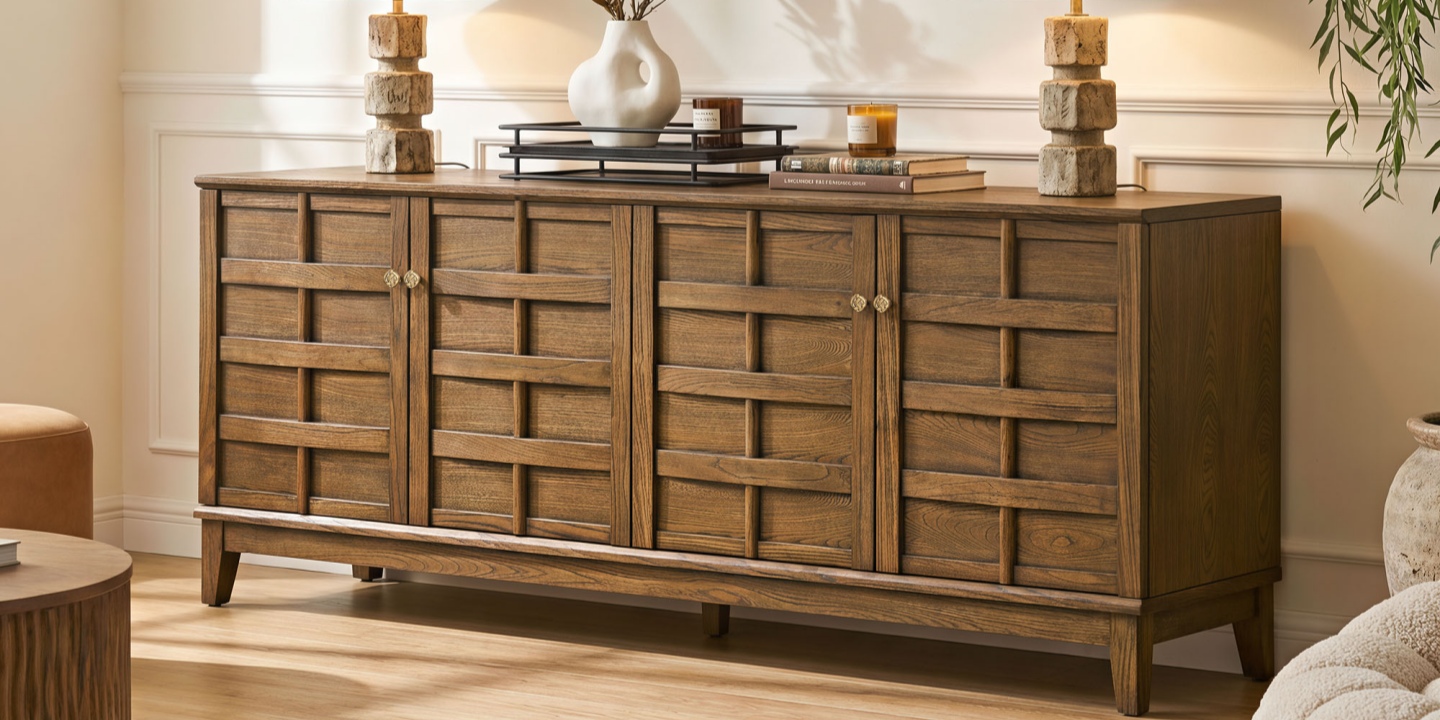
For a concrete example, the Willow 78" Elm Media Console measures 78 inches wide and supports TVs up to 80 inches. It has eight rear cord cutouts, adjustable shelves, and raised solid wood legs. Those features make it more suitable for an apartment where the media console also needs to handle several devices and accessories.
The 78-inch width makes the Willow a better fit for a larger studio or one-bedroom TV wall than for a very tight space. Its raised base also keeps some floor visible underneath, which can help the piece feel less visually heavy.
Choose a Style That Keeps the Room Feeling Open
In a small apartment, proportion usually matters more than decoration.
Slim legs, clean fronts, lighter or warmer finishes, and a visually simple silhouette can keep the TV wall from feeling overloaded. A very deep, solid-looking console can have the opposite effect even if its width is appropriate.
The finish should also work with the rest of the room. If the sofa, coffee table, flooring, and shelving already have several strong finishes, a simpler console can help keep the space cohesive.
Mid-Century Modern in a Small Apartment
Mid-Century Modern furniture can work particularly well in compact rooms because many designs use:
Low horizontal proportions
Tapered or slim legs
Warm wood tones
Simple cabinet fronts
Minimal visual clutter
The key is not to label every compact console as Mid-Century Modern. Choose the style based on the actual design details and the furniture already in your room.
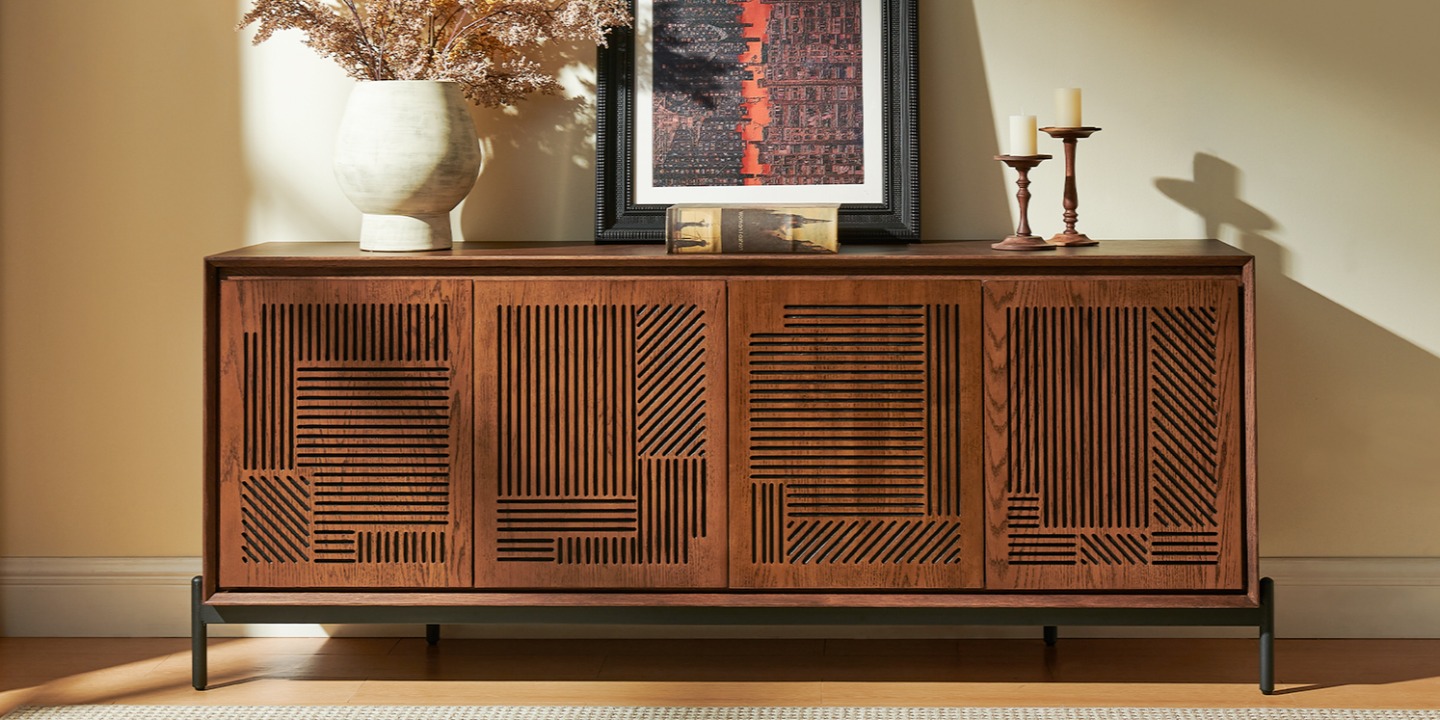
For example, the Linea 74" Media Console measures 74 inches wide and accommodates TVs up to 75 inches. It combines American oak veneers with rubber wood and engineered wood, while its engraved front pattern adds visual detail without requiring additional wall decor. Five cord cutouts provide cable-routing options, and the slim metal legs keep the base visually open.
For a smaller apartment, the Linea makes the most sense when the wall can comfortably accommodate its 74-inch width.
Decide Between a Floating and Floor-Standing TV Stand
The choice between a floating console and a floor-standing model comes down to the wall, the lease, and how long you expect to stay.
When a Floating Console Makes Sense
A floating TV console exposes the floor underneath, which can make the furniture arrangement feel lighter. It can also make vacuuming easier and create a cleaner visual connection between the TV and wall.
However, installation requires more planning. You need an appropriate mounting surface, secure attachment points, and permission if your lease restricts wall modifications.
Do not choose a floating console simply because the room is small. The installation requirements need to work for your particular apartment.
When a Floor Console Is the Safer Choice
For most renters, a freestanding TV stand is simpler.
It does not require drilling, can be moved when the furniture layout changes, and can travel with you to your next apartment. A low-profile floor console with shallow depth and raised legs can still preserve a substantial amount of visual and physical space.
If you expect to move within the next few years, flexibility may be more valuable than saving every possible inch of floor underneath the console.
Use These Layout Tips for Small Apartments
The TV stand is only one part of the layout. The furniture around it determines whether the room actually feels open.
Start by choosing the longest uninterrupted wall that provides a comfortable viewing position. Avoid blocking doors, windows, heating equipment, or the main route through the room.
Layout by Apartment Type
Keep the area around the TV relatively controlled. If the console already provides substantial storage, you may not need another large cabinet nearby.
The same principle applies to the coffee table. A bulky console facing a bulky coffee table can leave very little open floor in between. A lighter coffee table—or no coffee table at all—may improve circulation more than choosing a few inches of extra console width.
Apartment TV Stand Buying Checklist
Before you buy, check these ten things:
What is the actual width of the TV? Don't rely only on the advertised diagonal size.
How wide is the usable wall? Account for doors, windows, vents, and other obstacles.
How deep can the console be? Measure the remaining walkway after accounting for the furniture.
Will the TV sit on the console or be wall-mounted?
Is the TV base fully supported? Check the position of the legs or pedestal.
Can your equipment fit inside the storage areas?
Is there enough ventilation for heat-producing devices?
Does the console have practical cable-routing openings?
Does the height work with your seated eye level?
Will the console still work if you move to another apartment?
If you answer those questions before shopping, it becomes much easier to narrow down the right size and configuration.
For more options, you can also browse Hernest's media consoles by width, storage configuration, and design before comparing individual models.
Final Takeaway
The best apartment TV stand is not necessarily the smallest one.
Start with the wall, then check the TV's actual width, the available floor depth, your seated eye level, and the equipment that needs to be stored. For many small apartments, a console around 14–16 inches deep, at least as wide as the TV, and equipped with practical cable routing is a strong starting point.
If you rent, also think beyond the current floor plan. A freestanding console that can move from a studio to a one-bedroom may provide more long-term value than a wall-mounted solution that only works in one location.
The right TV stand should make the room easier to use—not simply give the television somewhere to sit.
FAQs
What size TV stand do I need for my TV?
Choose a console at least as wide as the TV, with about 10–20% extra width as a useful starting point. A 55-inch TV is roughly 48 inches wide, so a 60–65-inch console provides a comfortable visual margin. A 75-inch TV is roughly 65 inches wide, making a 70-inch-plus console a practical option when the wall allows it.
How deep should a TV stand be for a small apartment?
Start around 14–16 inches deep. If floor clearance is especially tight, a 12–15-inch console can work, but make sure your TV base and media equipment fit comfortably.
How tall should a TV stand be for eye-level viewing?
Base the height on your seated eye level rather than a fixed console measurement. The center of the screen should be close to where your eyes naturally fall when seated. Measure your seating position, then work backward from the TV's height.
Should I wall-mount my TV or use a stand in an apartment?
A freestanding stand is usually the simpler choice for renters. Wall mounting can free floor space and create a clean look, but it requires secure installation and may conflict with lease restrictions. Check your wall and lease before drilling.
How do I hide cables and cords with a TV stand?
Choose a console with multiple rear cord cutouts and plan the cable routes before placing your equipment. Use reusable Velcro ties, leave enough service slack to reach your devices, and label cables that are difficult to identify. Make sure enclosed equipment has adequate ventilation.
Open or closed storage: which is better for a media console?
A combination of both usually works well in a small apartment. Closed cabinets hide cables and clutter, while open shelves can provide ventilation for some devices and space for decor. Drawers are useful for smaller accessories such as remotes, batteries, and spare cables.
Are floating TV stands a good idea for renters?
They can work well when the wall and lease allow secure installation. A floating console exposes more floor and can make cleaning easier, but it requires appropriate wall attachment. If you expect to move, a freestanding console is generally more flexible.
What material holds up best for a media console?
There is no single best material for every apartment. Solid wood can be durable and repairable, while engineered wood with a quality veneer can provide stability and a practical finish at a different price point. Focus on the construction, frame, hardware, shelf capacity, and finish—not the material name alone.
Can a media console work as a buffet or entryway piece?
Yes, if its dimensions and storage layout suit the new location. A wider console with closed storage can work as a sideboard in a dining area or storage piece in an entryway. Choosing a versatile design can make the furniture more useful if your next apartment has a different TV layout.