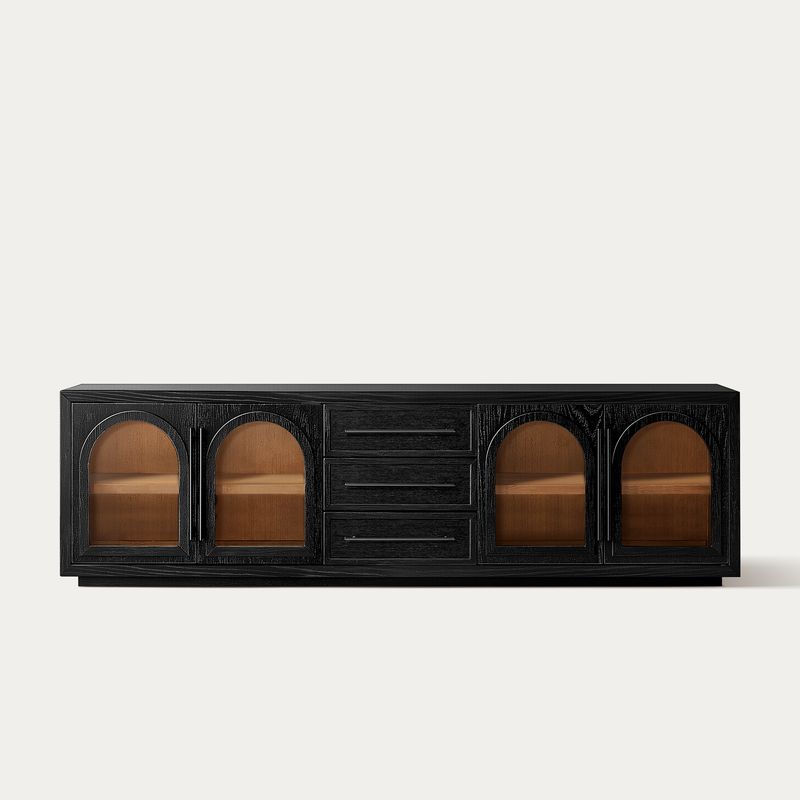
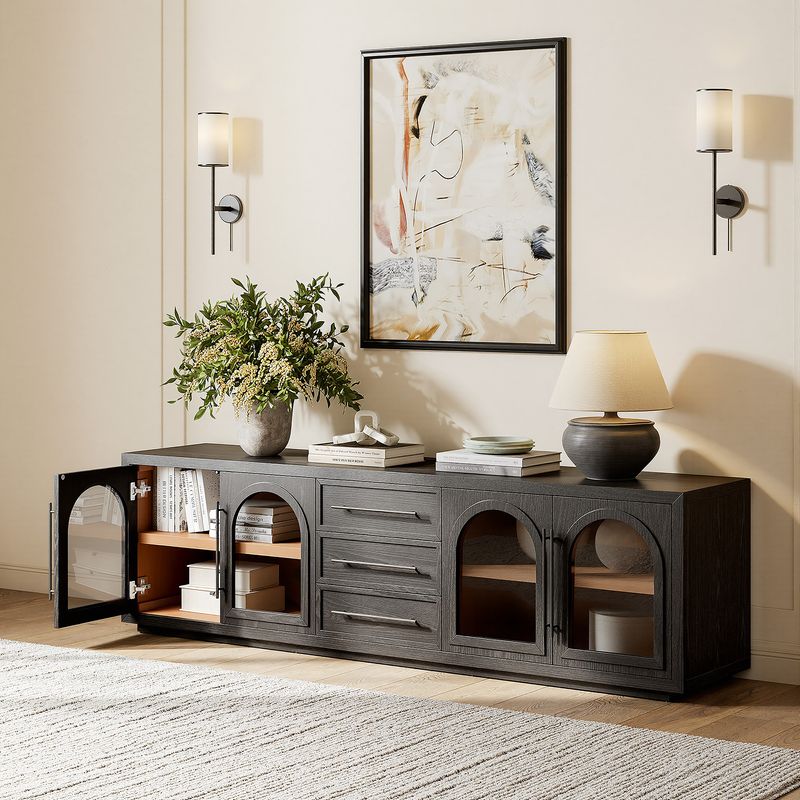
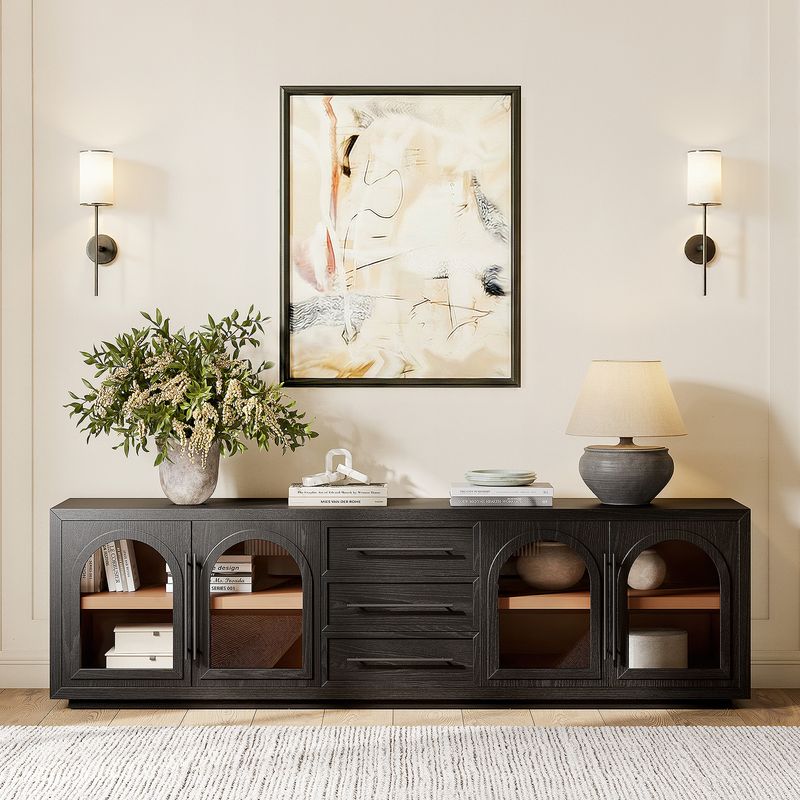
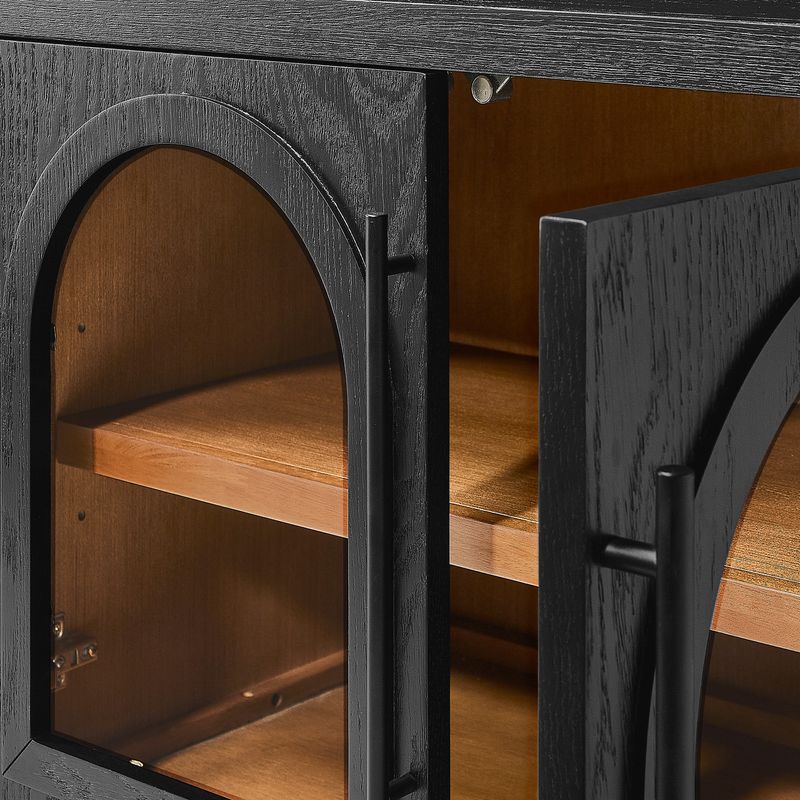
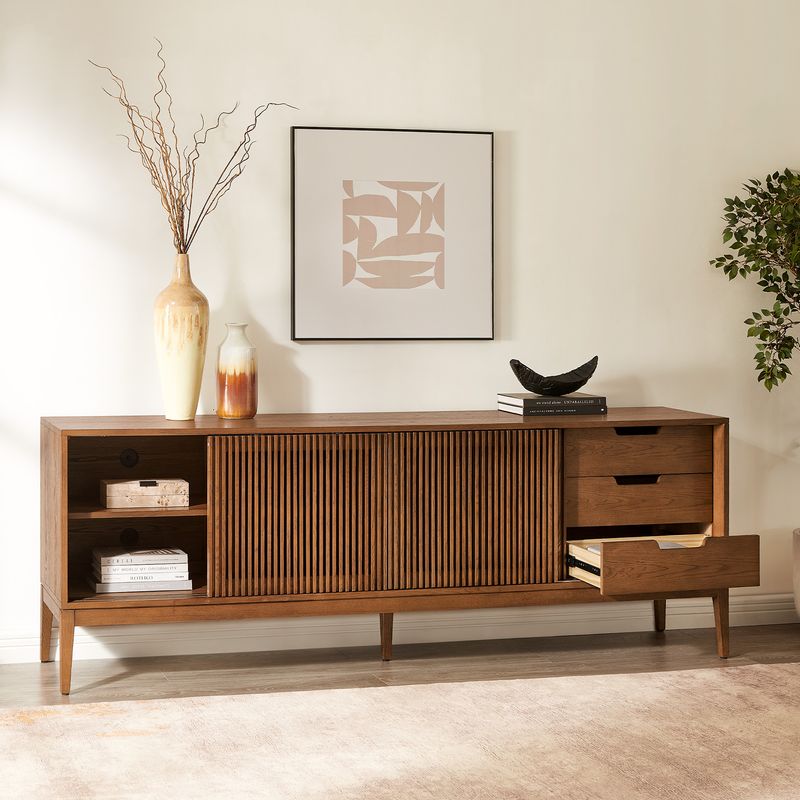
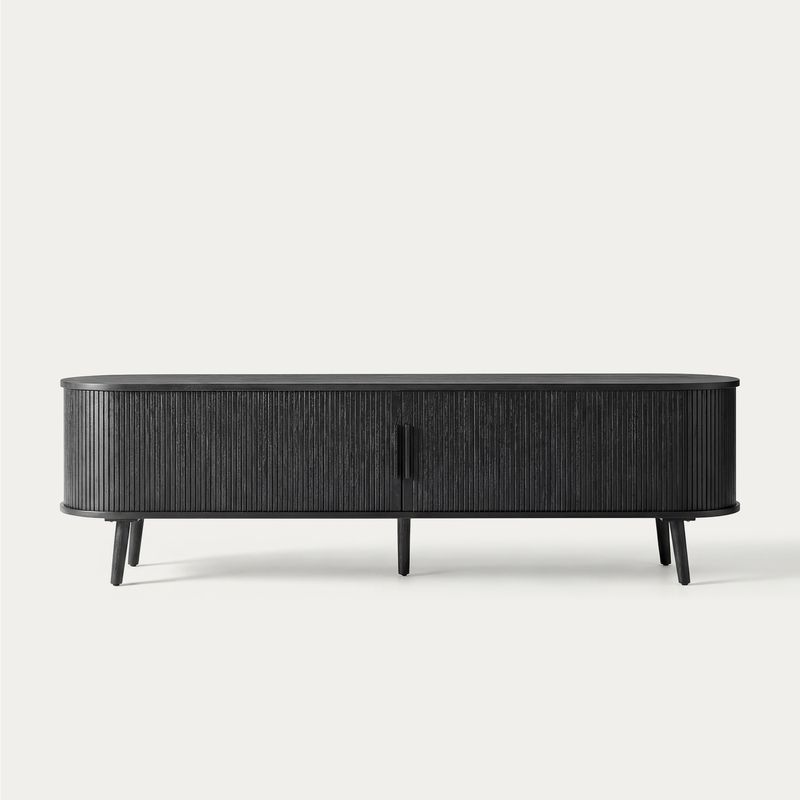
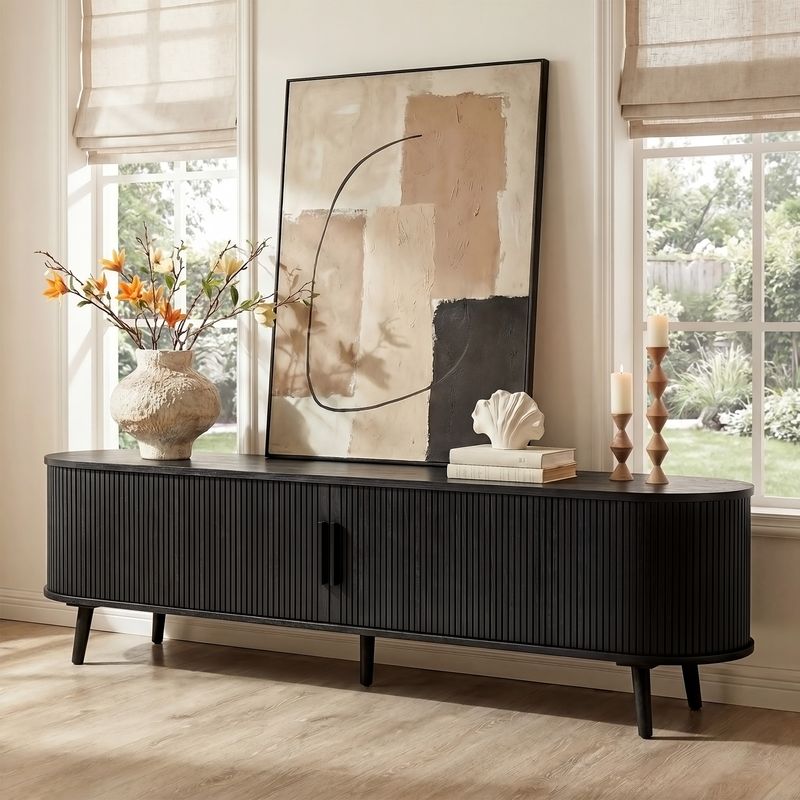
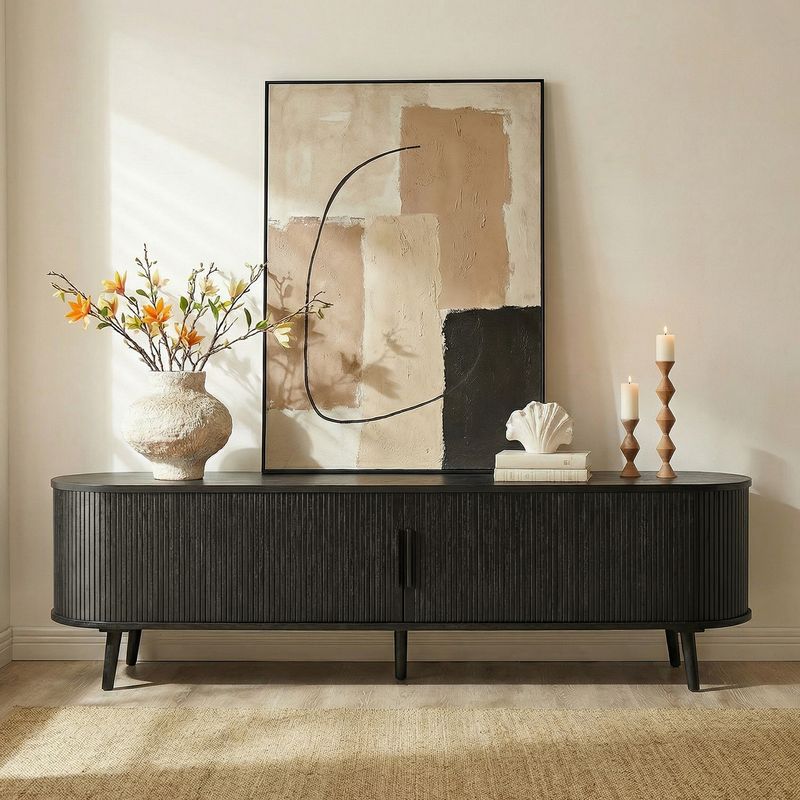
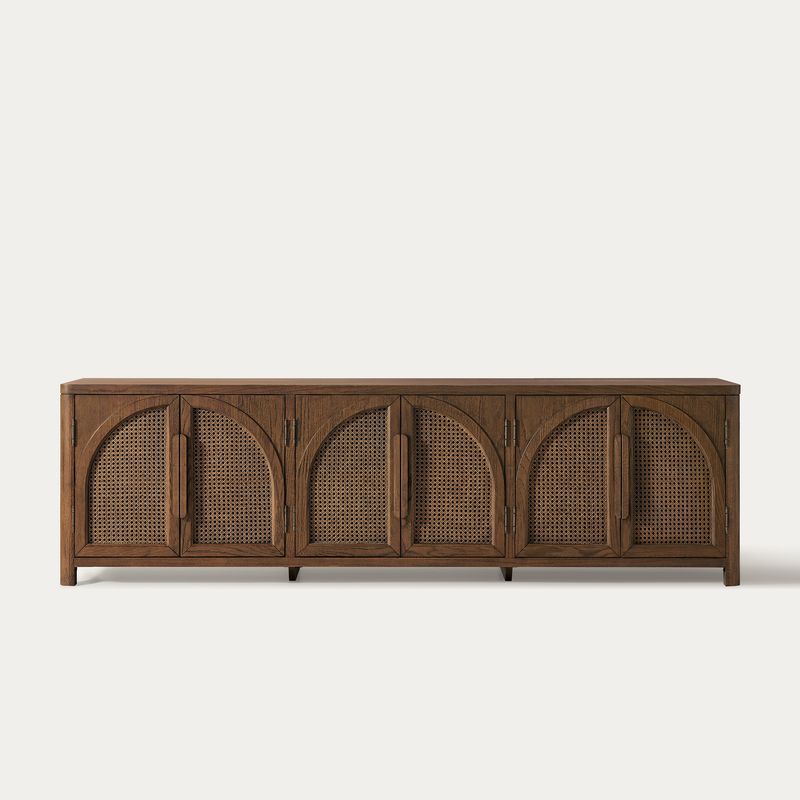
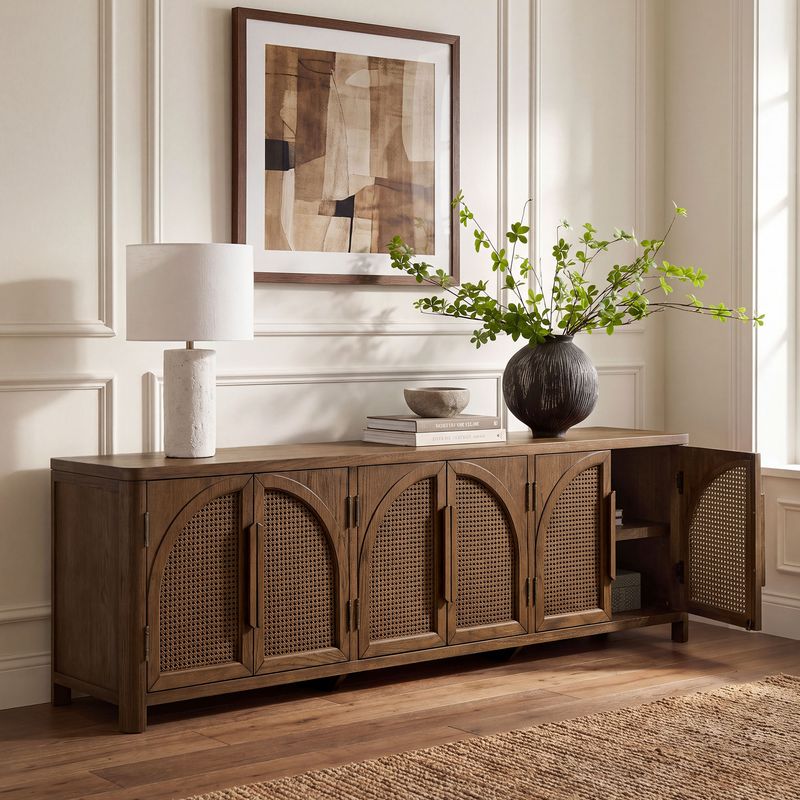
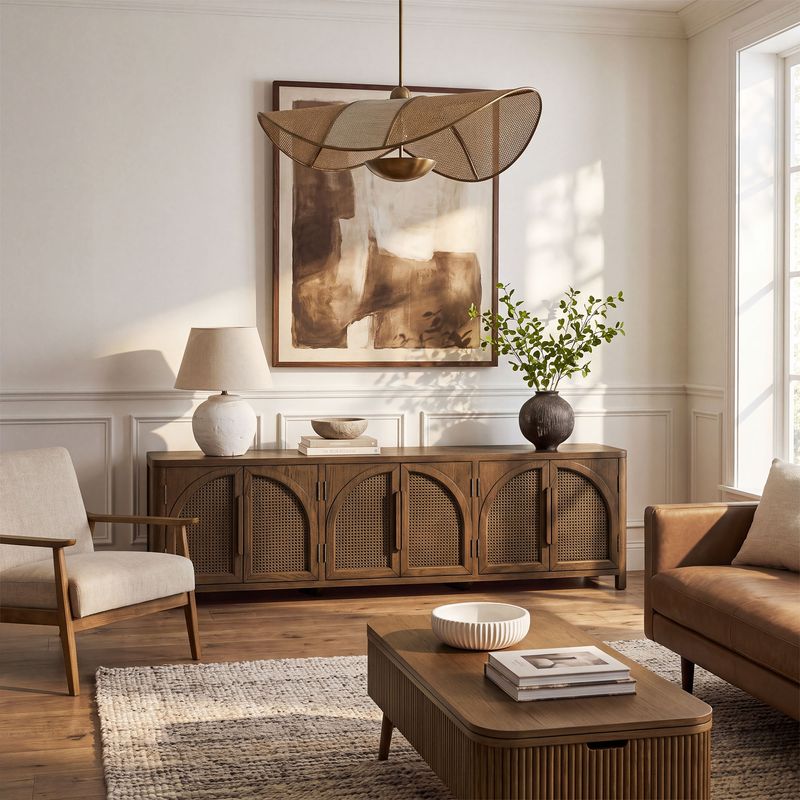
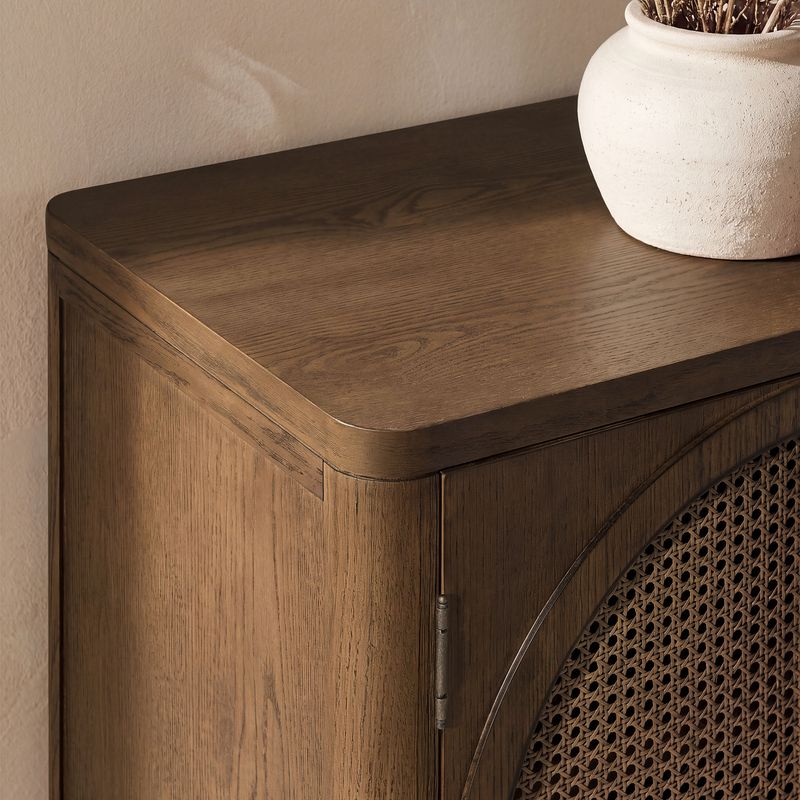
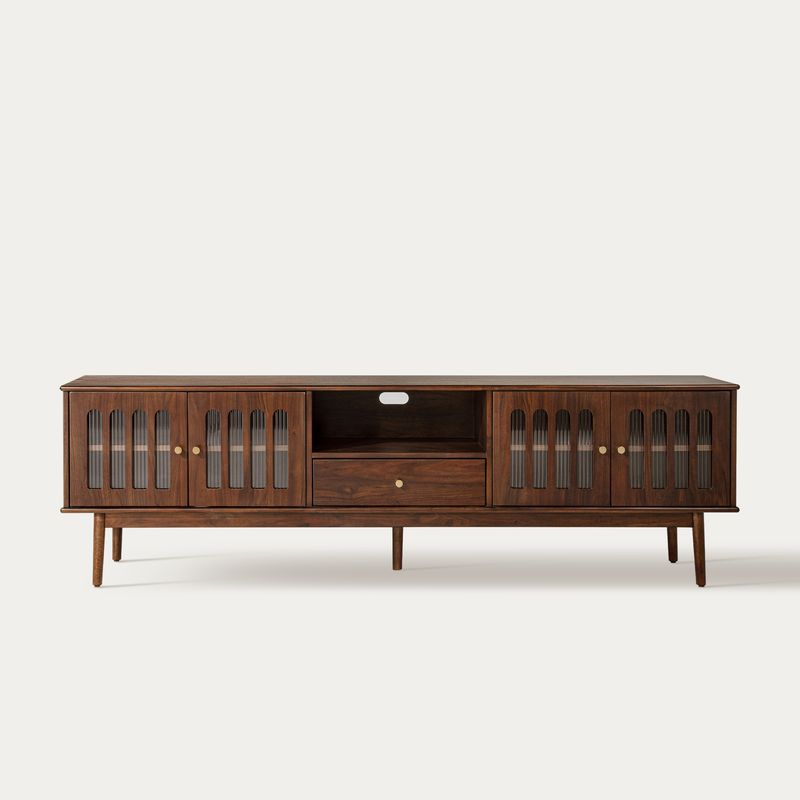
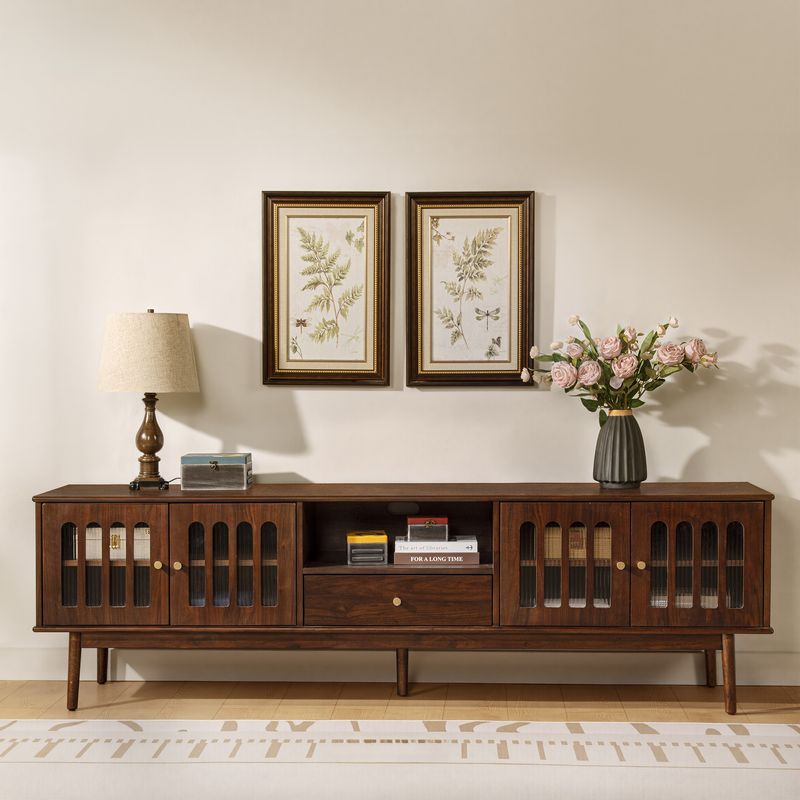
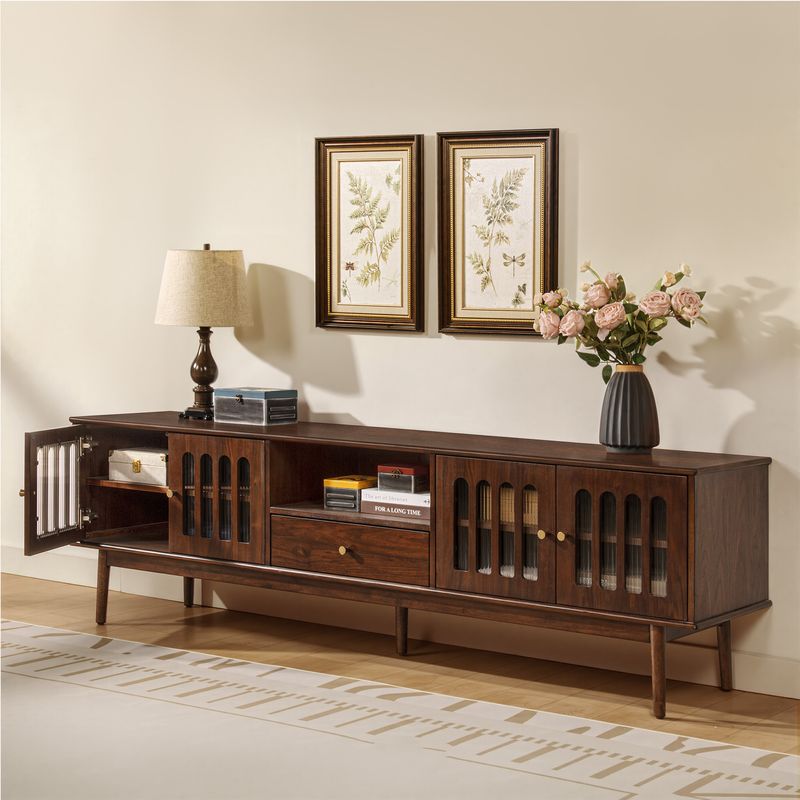
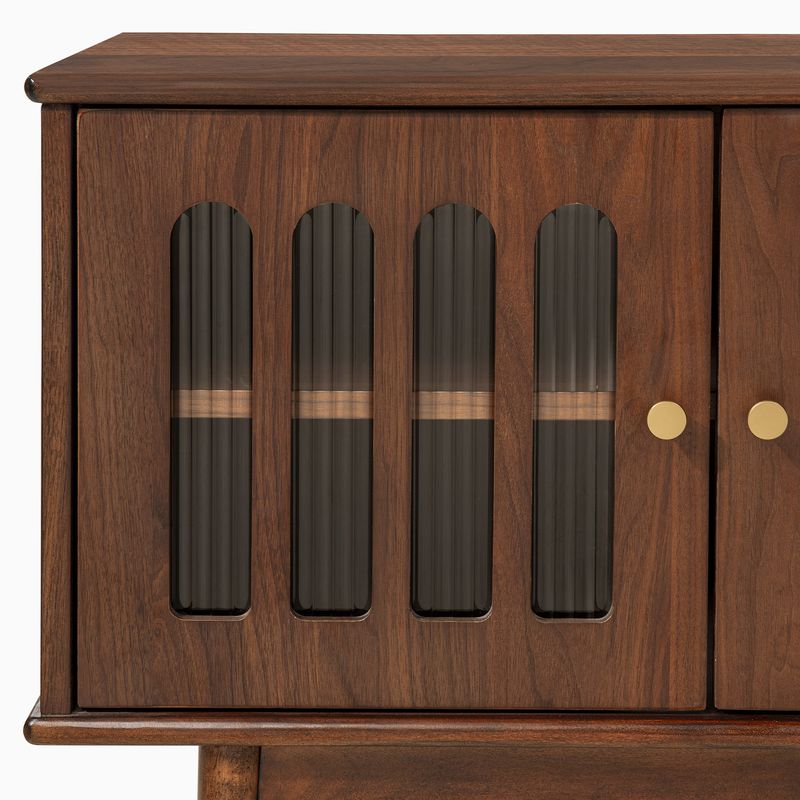
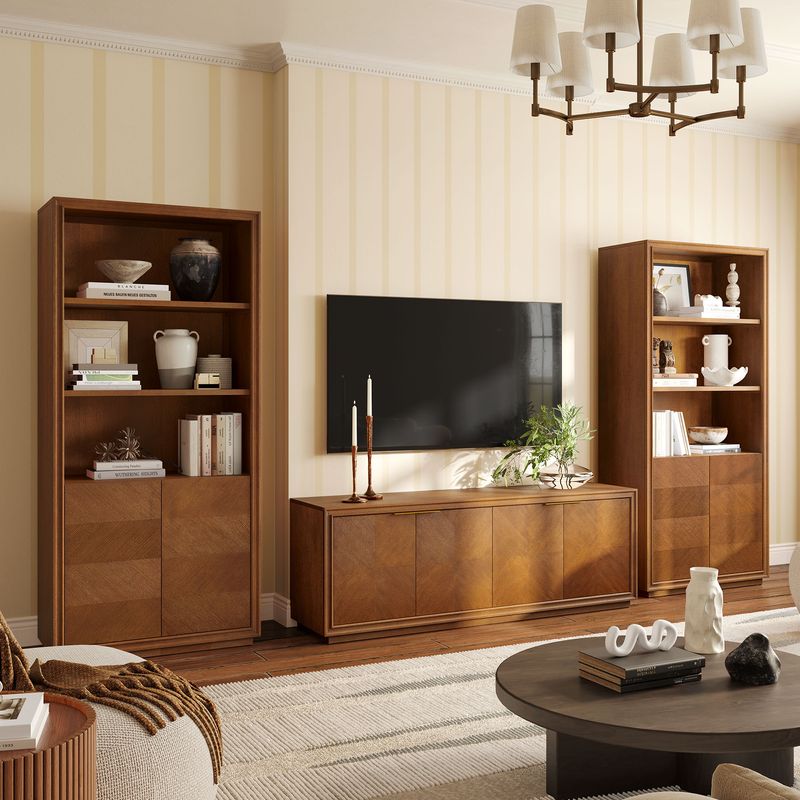
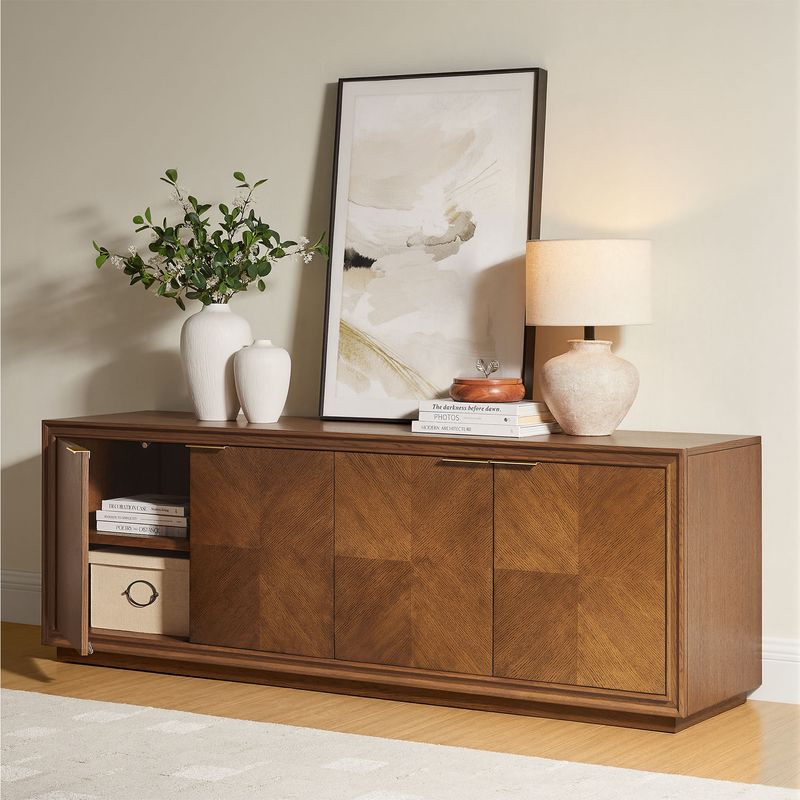
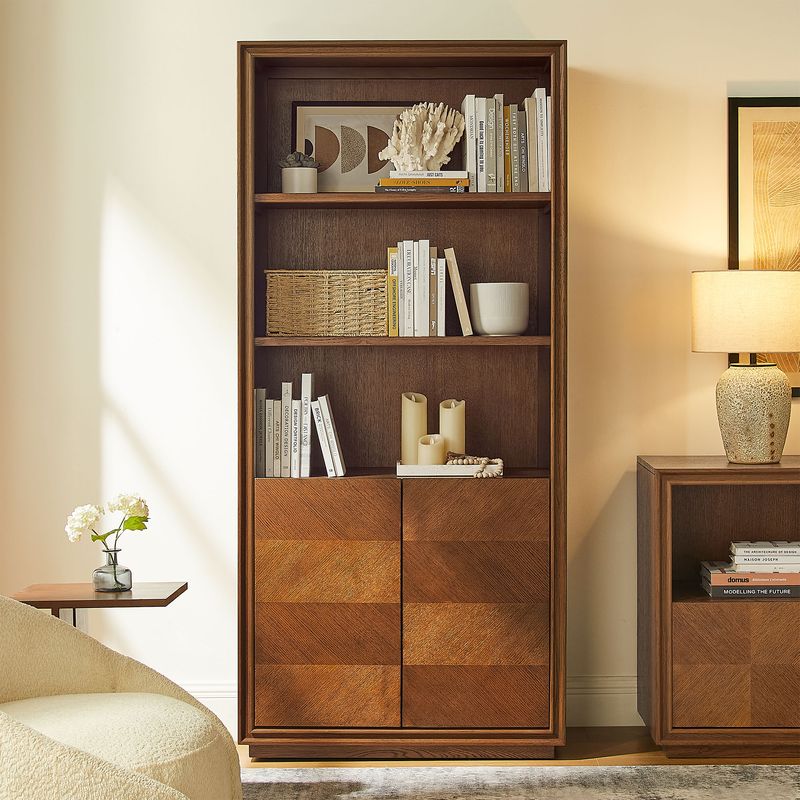
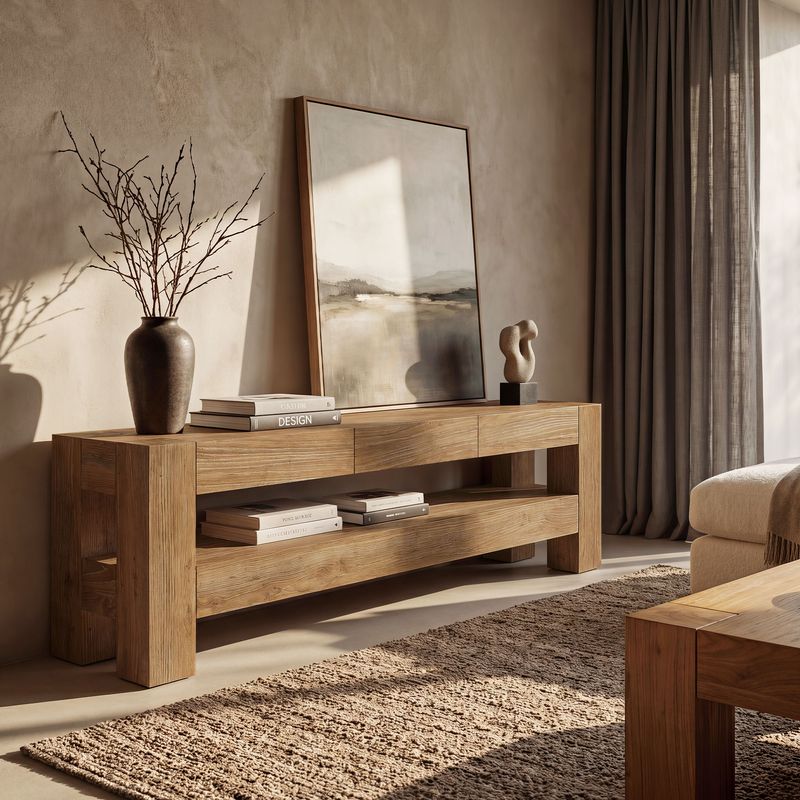
Find the Right Media Console for Your Living Room
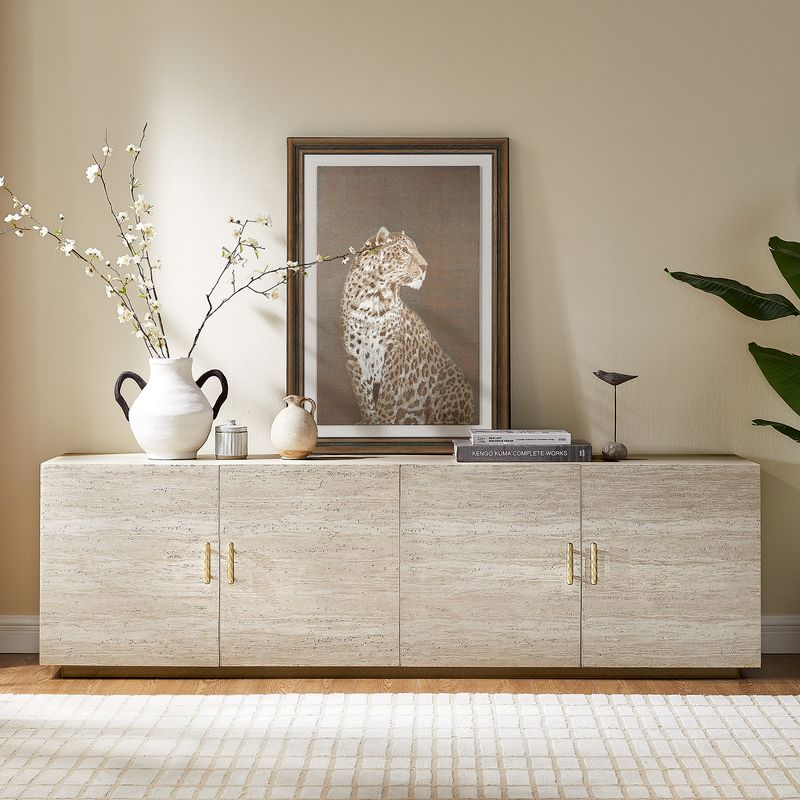
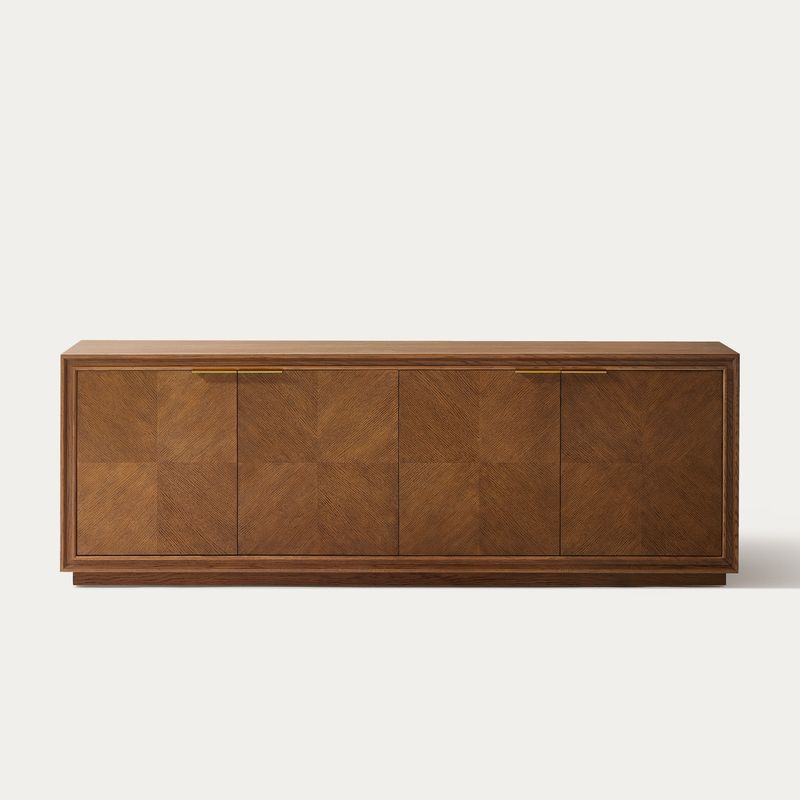
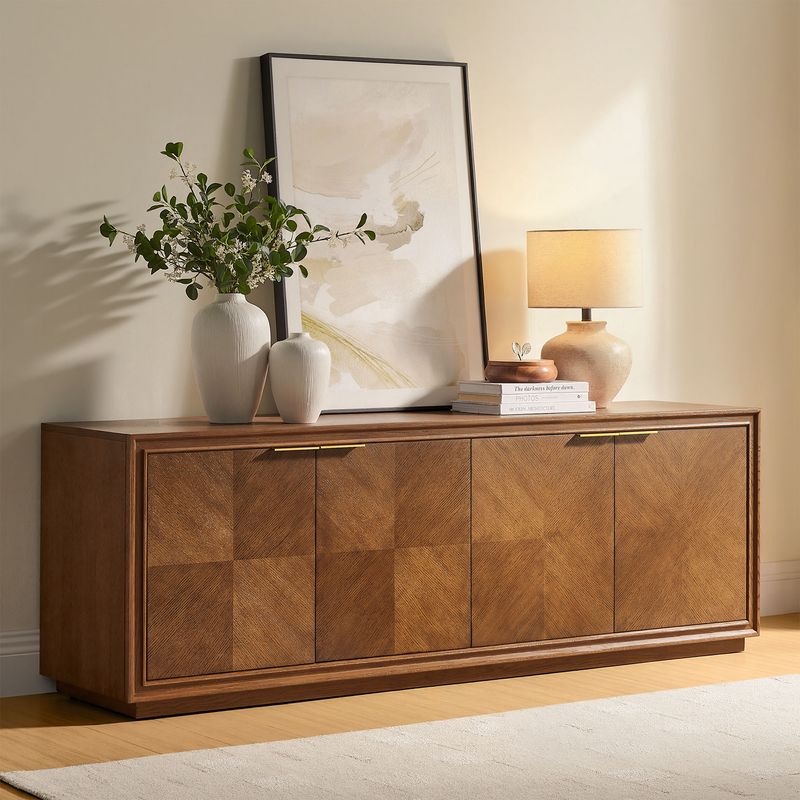
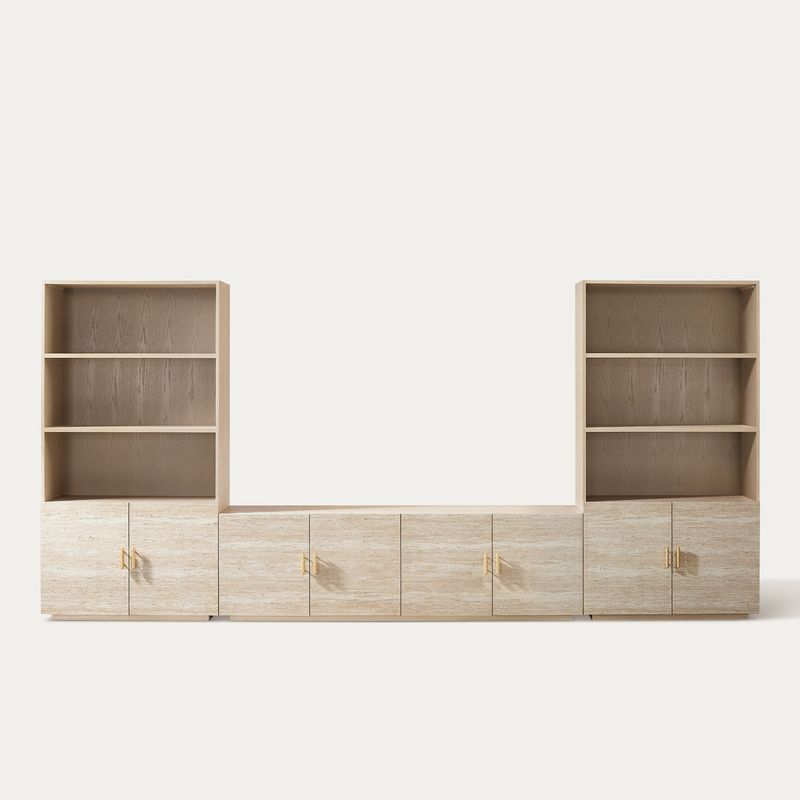
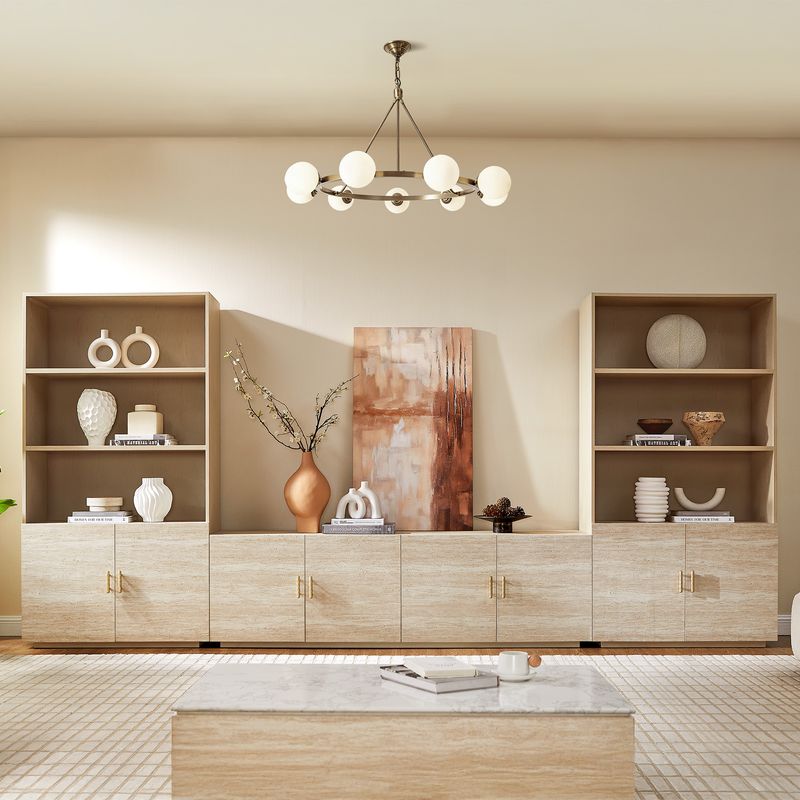
A media console brings your TV, electronics, and everyday accessories together in one organized space. The right console should fit your television, provide enough storage for your equipment, and complement your living room. Width, height, material, and cabinet configuration all affect how well it works in your home.
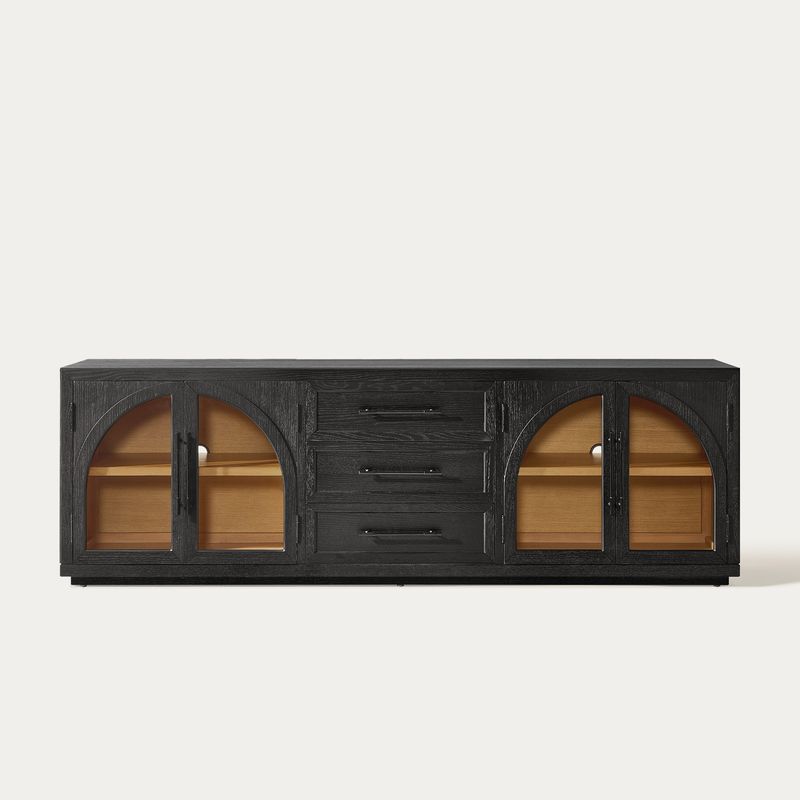
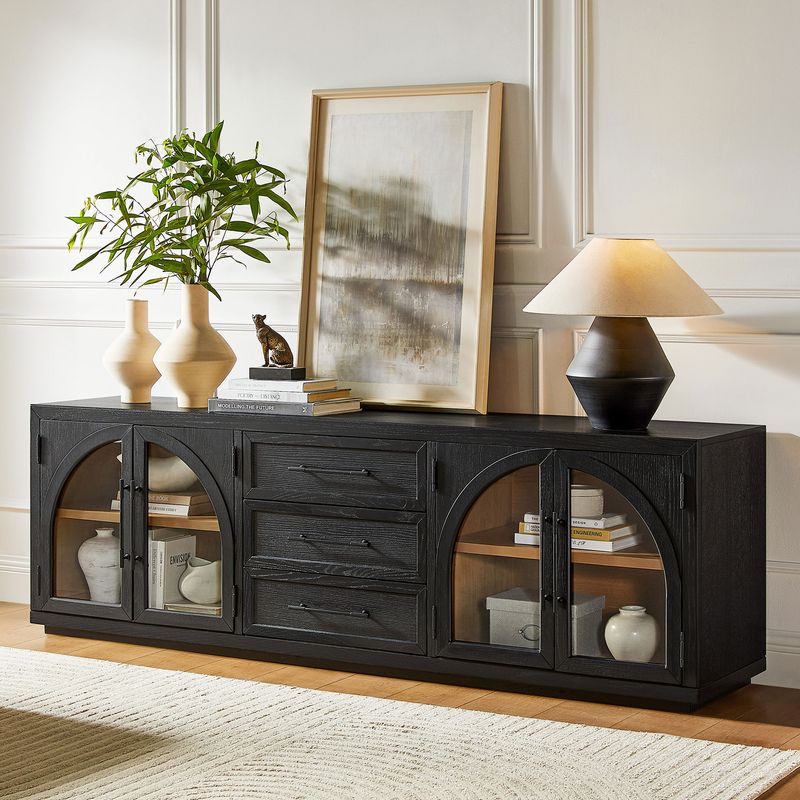
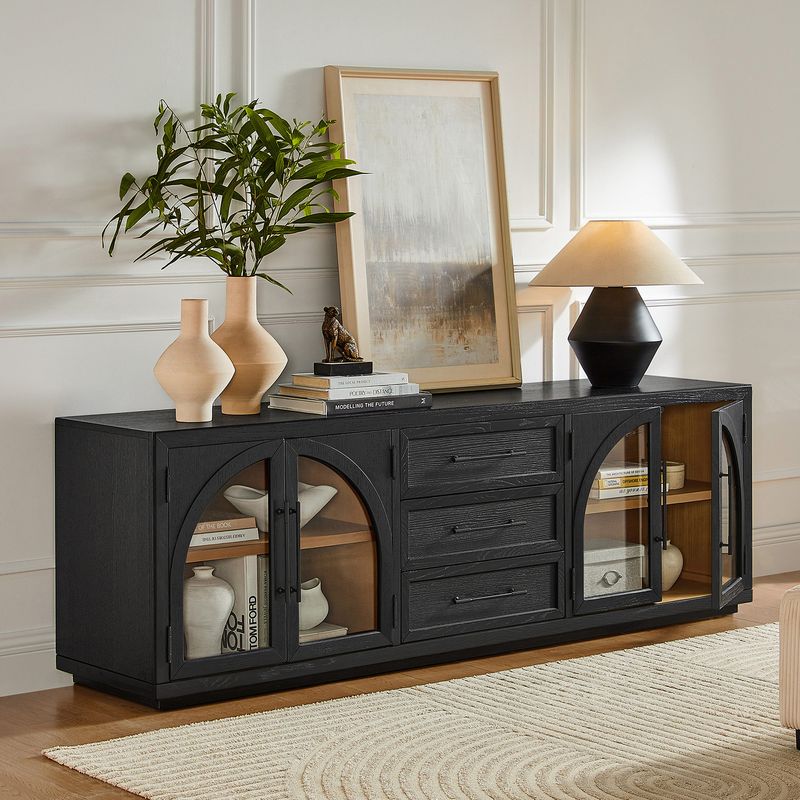
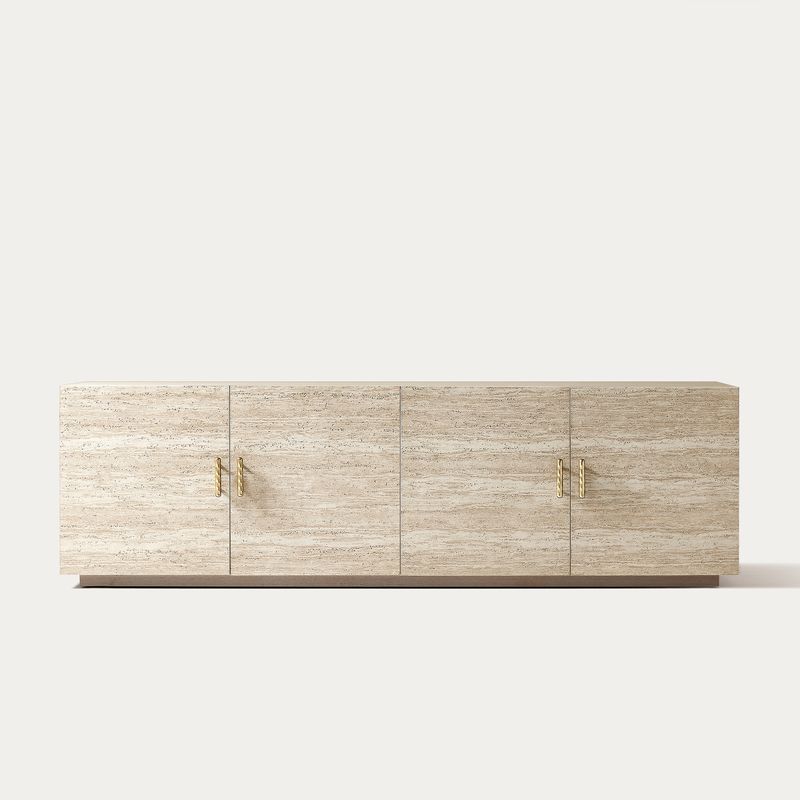
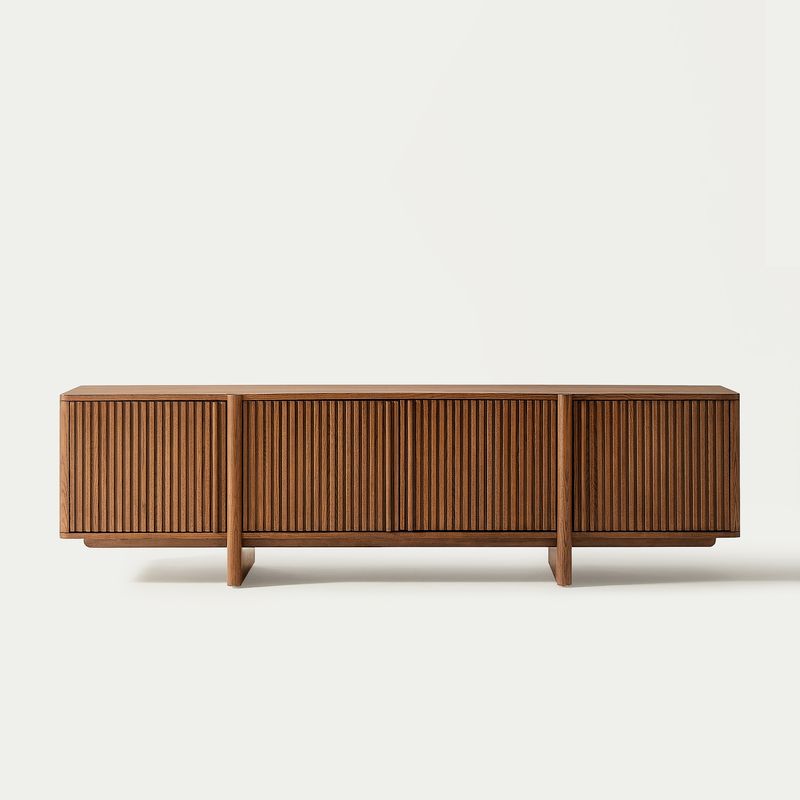
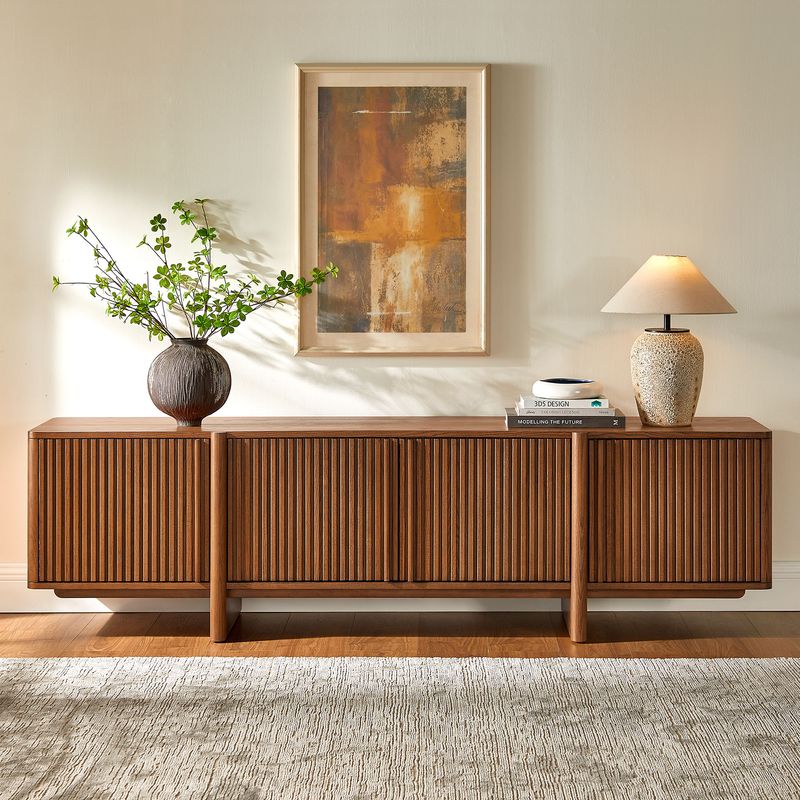
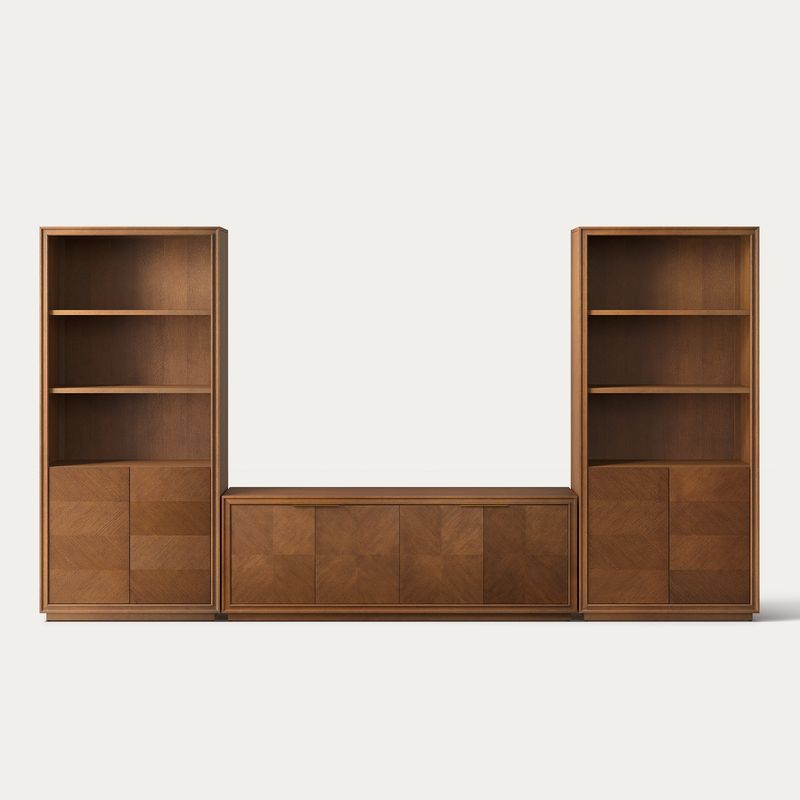
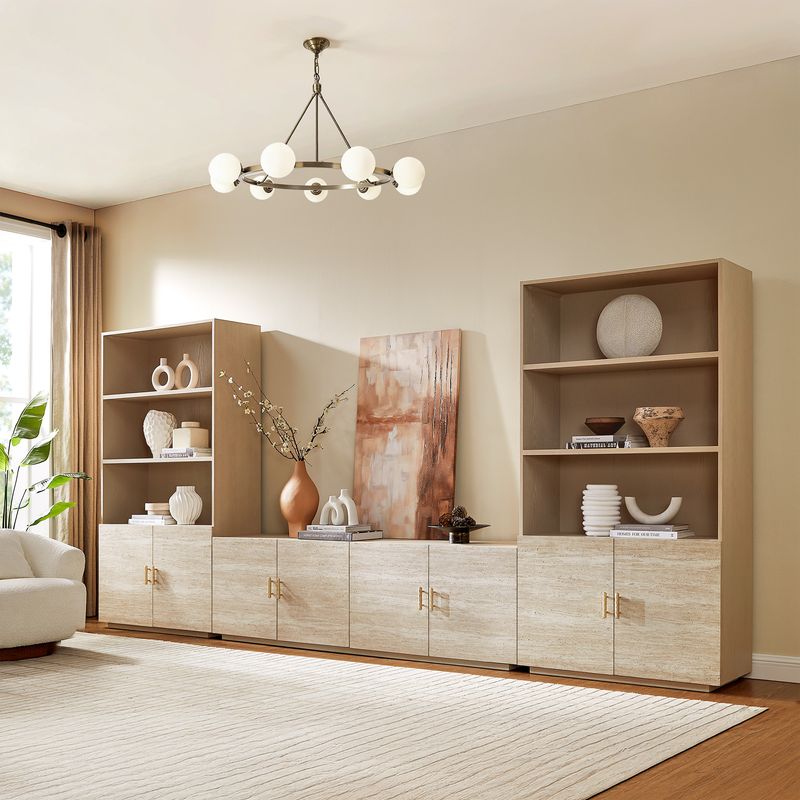
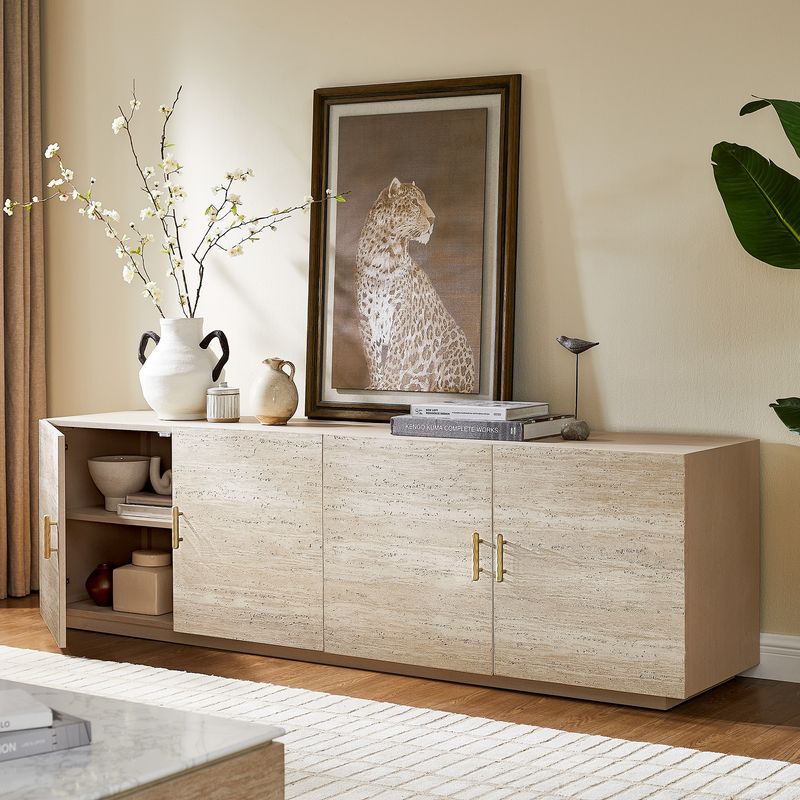
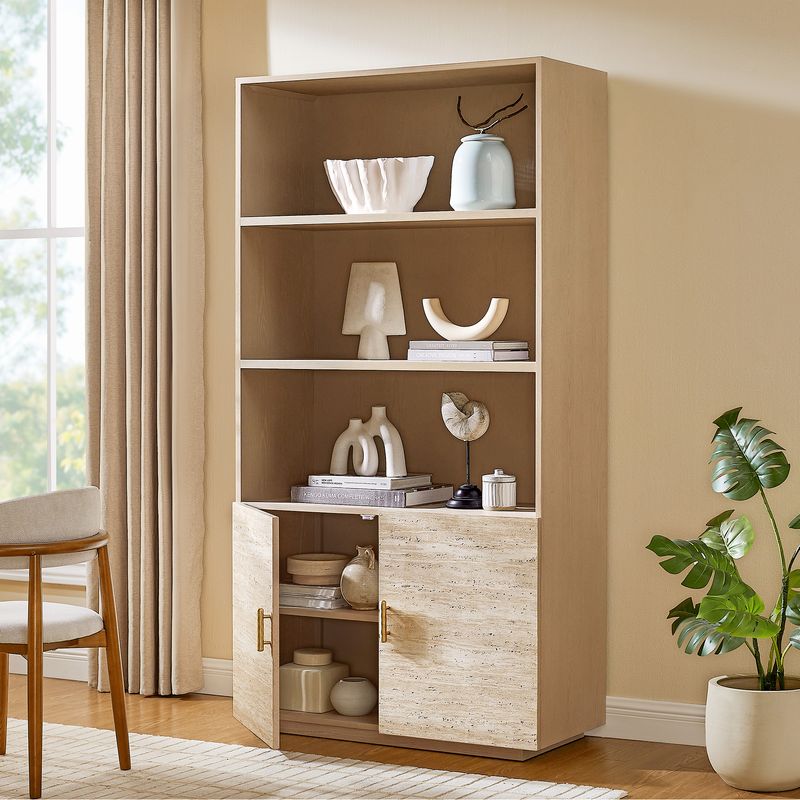
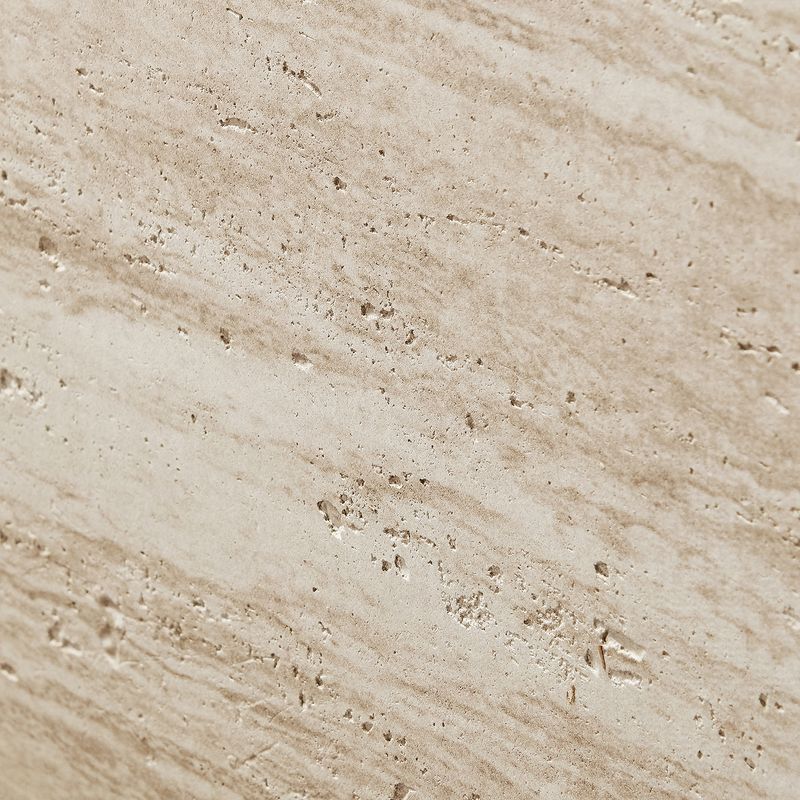
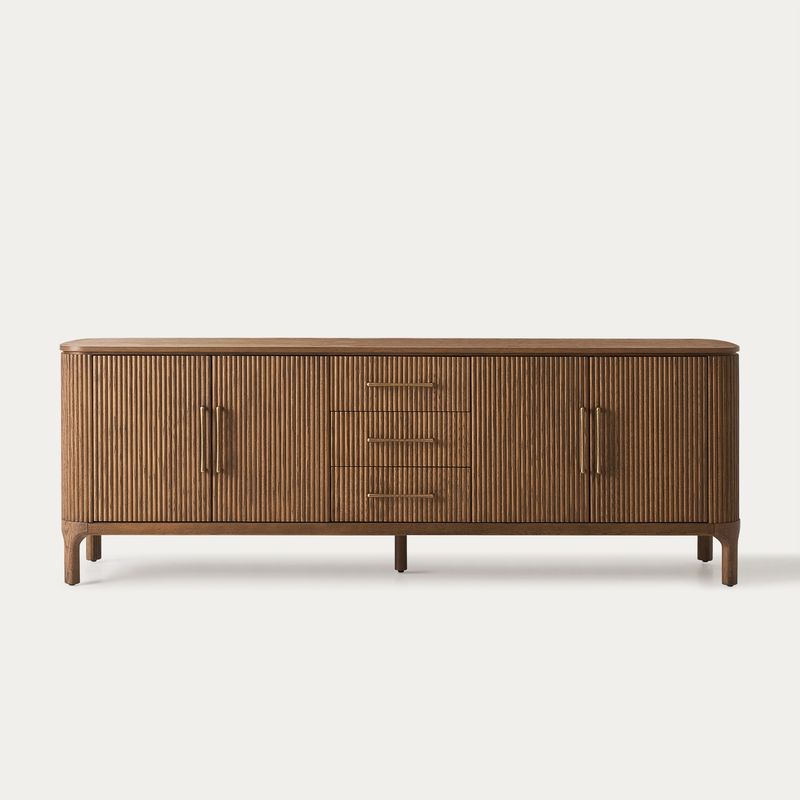
Hernest offers TV and media consoles in a range of materials, finishes, cabinet styles, and storage configurations. Whether you prefer natural wood grain, textured cabinet fronts, or a streamlined silhouette, compare the available dimensions and features to find a media console that suits your space and everyday needs.
Explore our media consoles to compare designs and configurations. If you prefer vintage-inspired proportions and clean lines, browse our Mid-Century Modern TV Stands for more style-specific options.
Read More
How to Choose the Right Media Console
Before choosing a finish or design, consider three essentials: TV compatibility, available floor space, and storage needs. Starting with these practical requirements makes it easier to narrow down your options and choose furniture that works for your setup.
Measure Your TV and Available Space
TV sizes are measured diagonally, so a 75-inch television is not 75 inches wide. Check the manufacturer's specifications for the actual width, height, and base dimensions before selecting a console.
A media console wider than the TV often creates a balanced appearance, but overall width is only part of the decision. The TV's feet must fit securely on the usable top surface, and the console must support the television's weight. Measure your available wall space, account for nearby doorways and walking paths, and allow enough room to open cabinet doors and drawers.
Shopping for a larger screen? Compare our TV stands for 75-inch TVs, TV stands for 80-inch TVs, and TV stands for 85-inch TVs. Verify each product's stated dimensions, TV compatibility, and weight capacity before purchasing.
Consider Height and Depth
A console's height affects the TV's viewing position, while its depth determines how much floor space it occupies. If your TV will sit on the console, consider the combined height of the furniture and screen in relation to your seating. For a wall-mounted TV, coordinate the console's position with the screen so the two elements work together visually.
Depth matters in smaller rooms. A shallower media console may preserve more walking space, while a deeper design may provide additional room for equipment or storage. Compare the exterior dimensions with your available space, and check the internal measurements if you plan to store electronics inside.
Explore Materials and Designs for Your Media Console
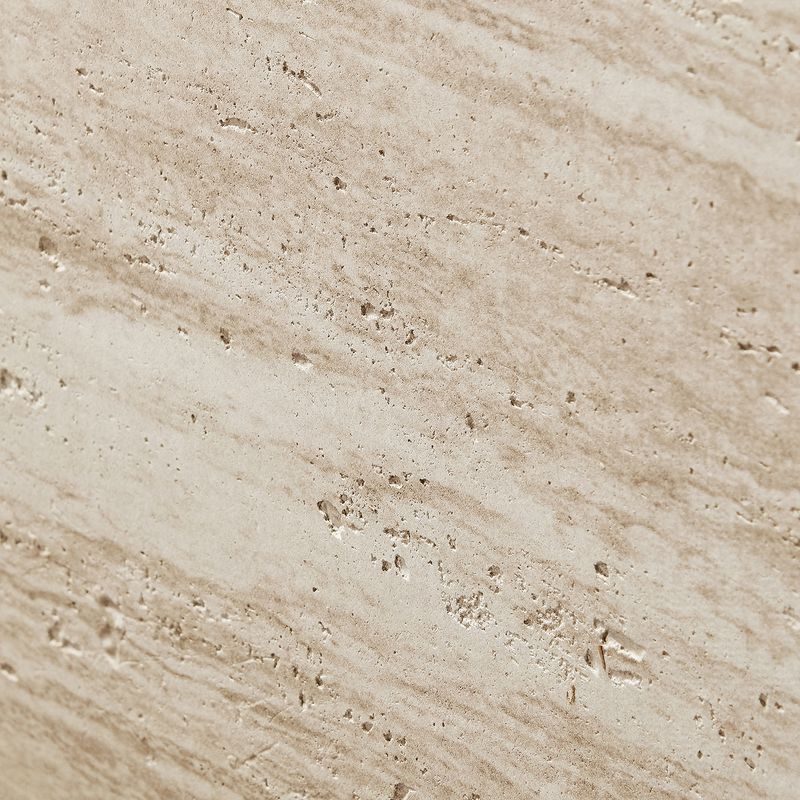
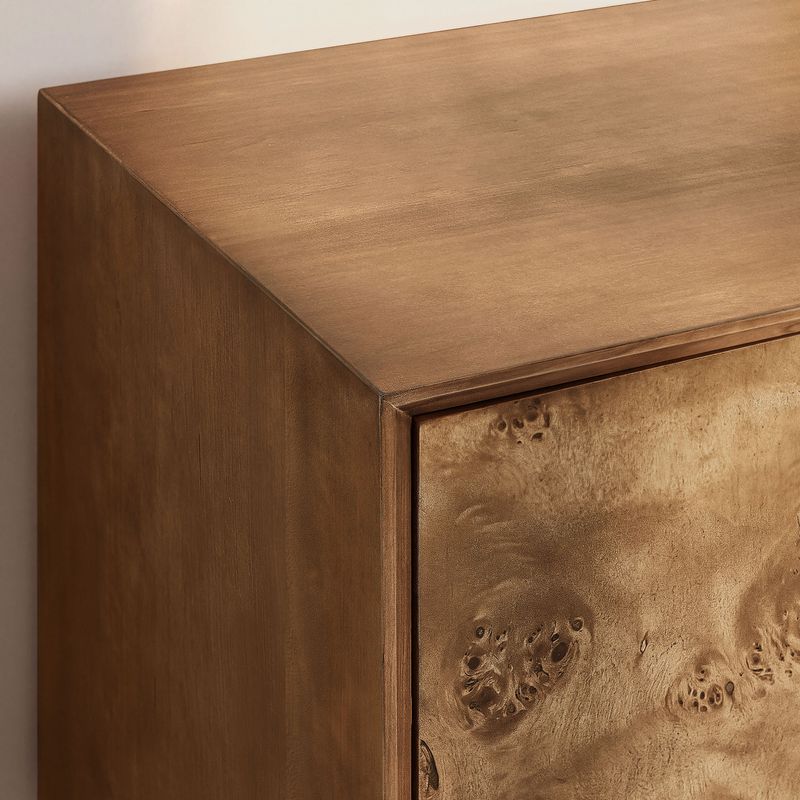
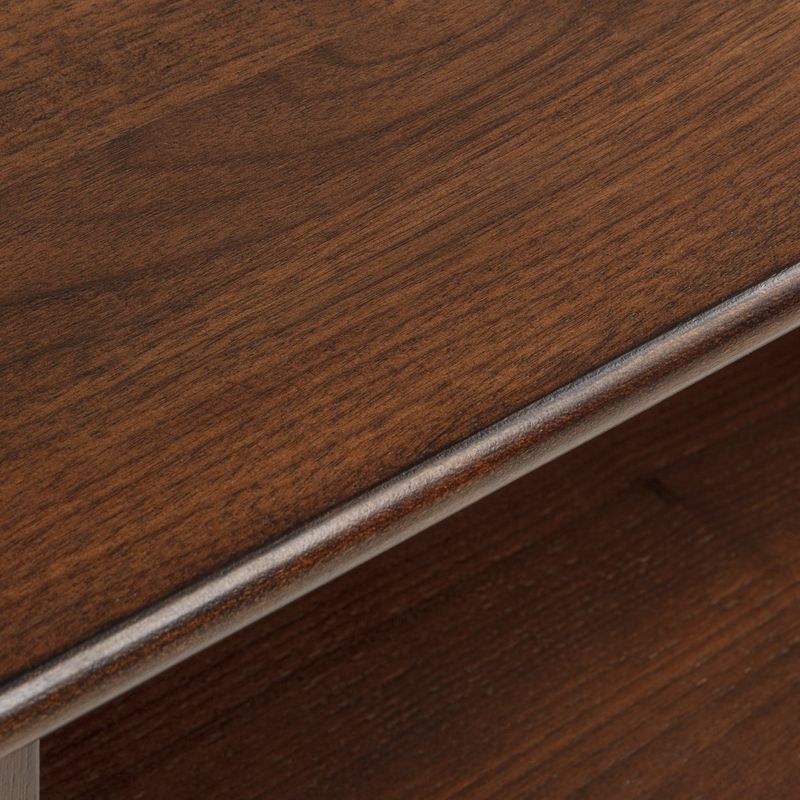
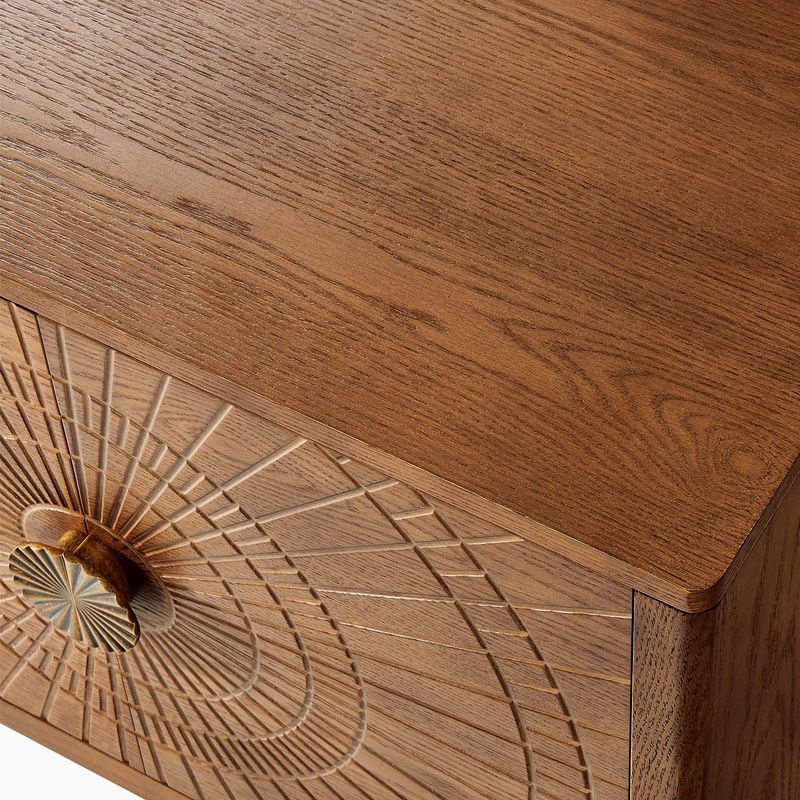
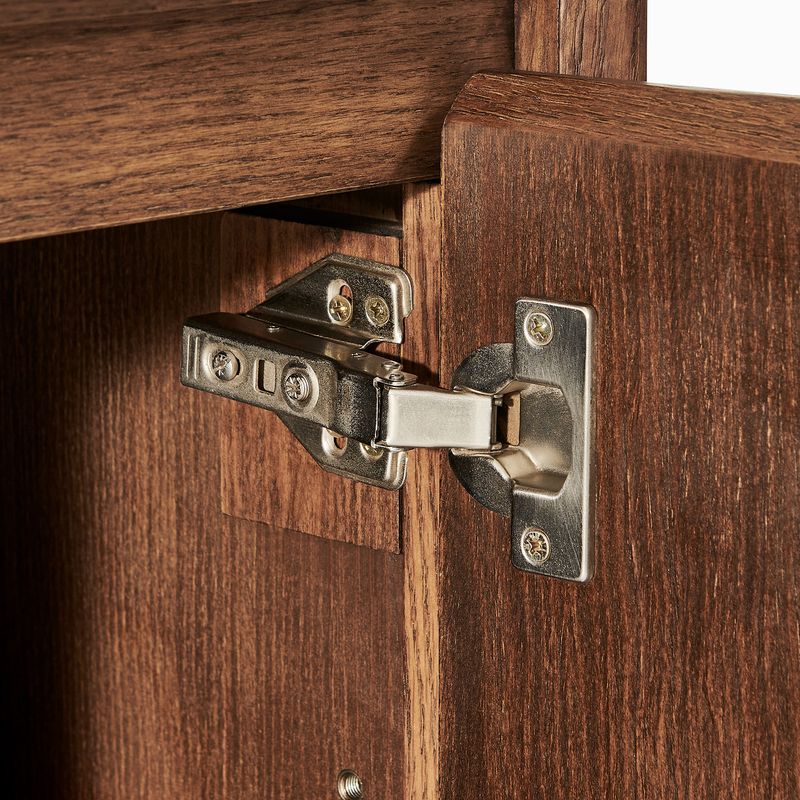
Material, finish, and cabinet detailing influence a media console's appearance and care requirements. When comparing options, distinguish the product's actual construction from its surface finish. Solid wood, wood veneer, and engineered wood are different constructions, and a wood-look finish does not necessarily mean every component is made from solid timber.
Choose a Wooden Media Console That Suits Your Space
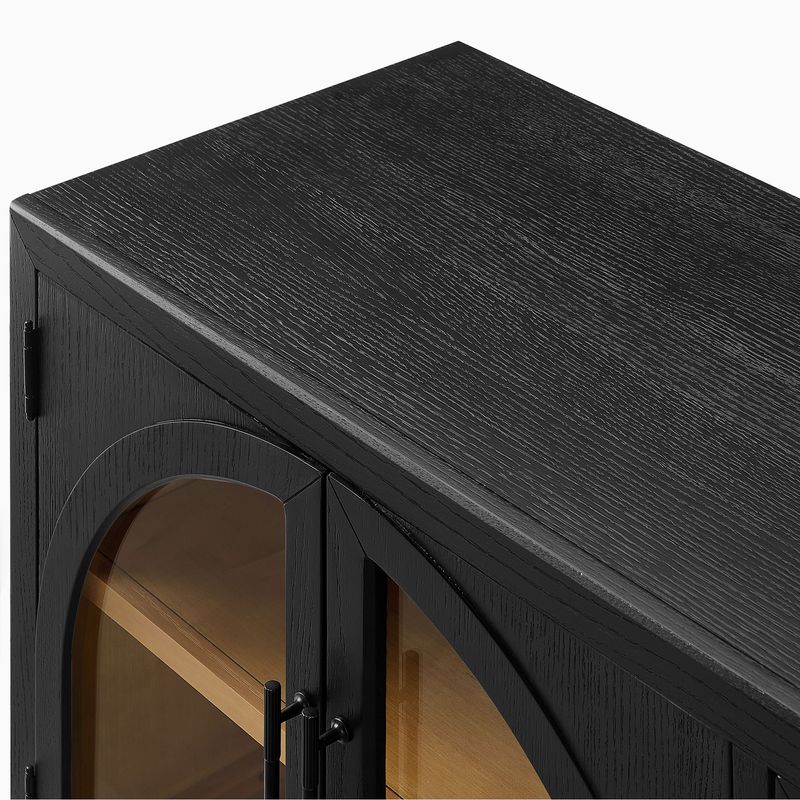
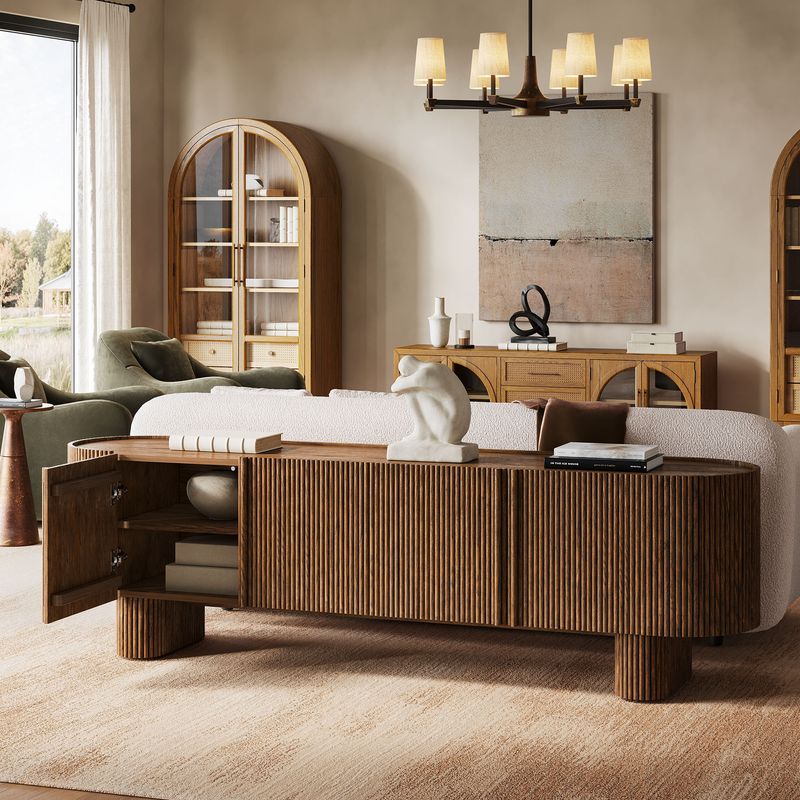
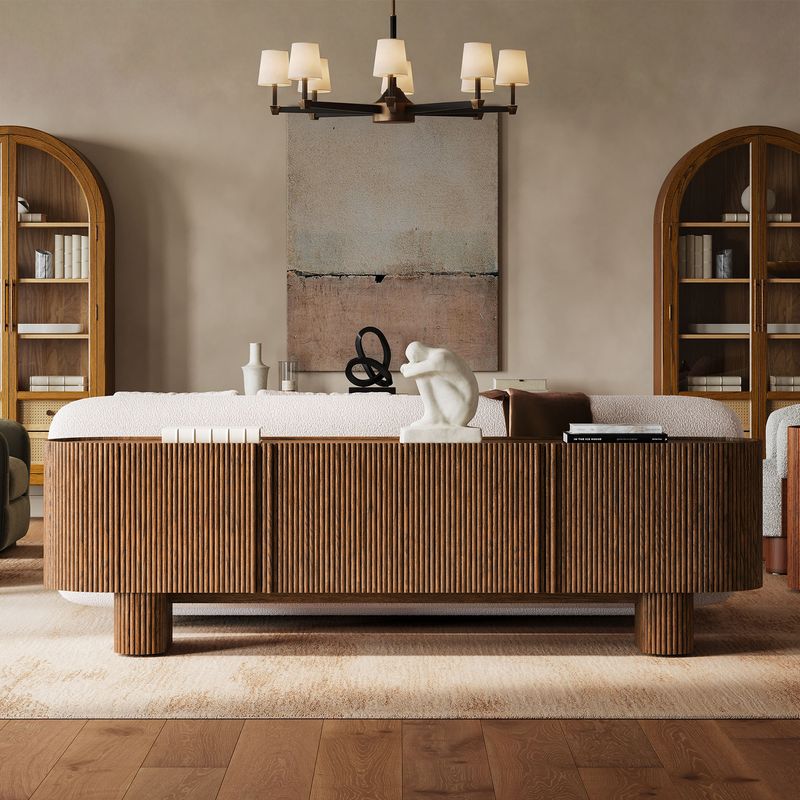
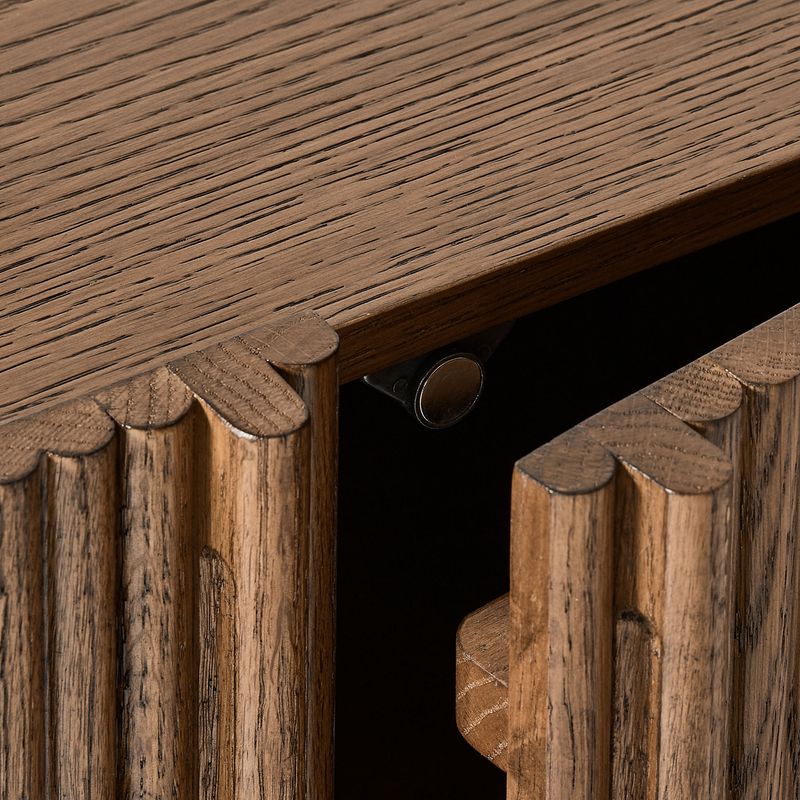
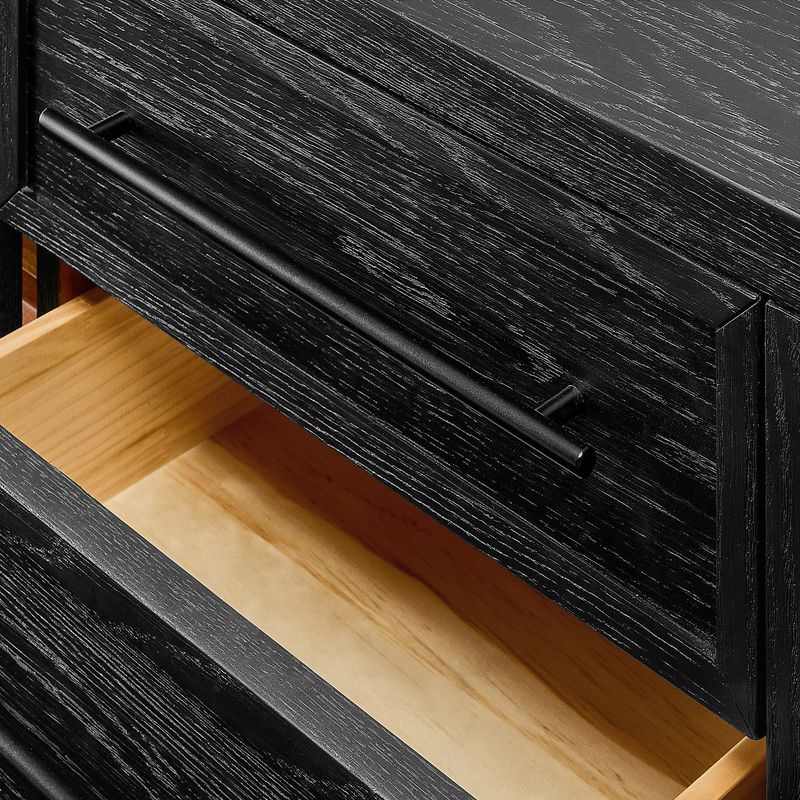
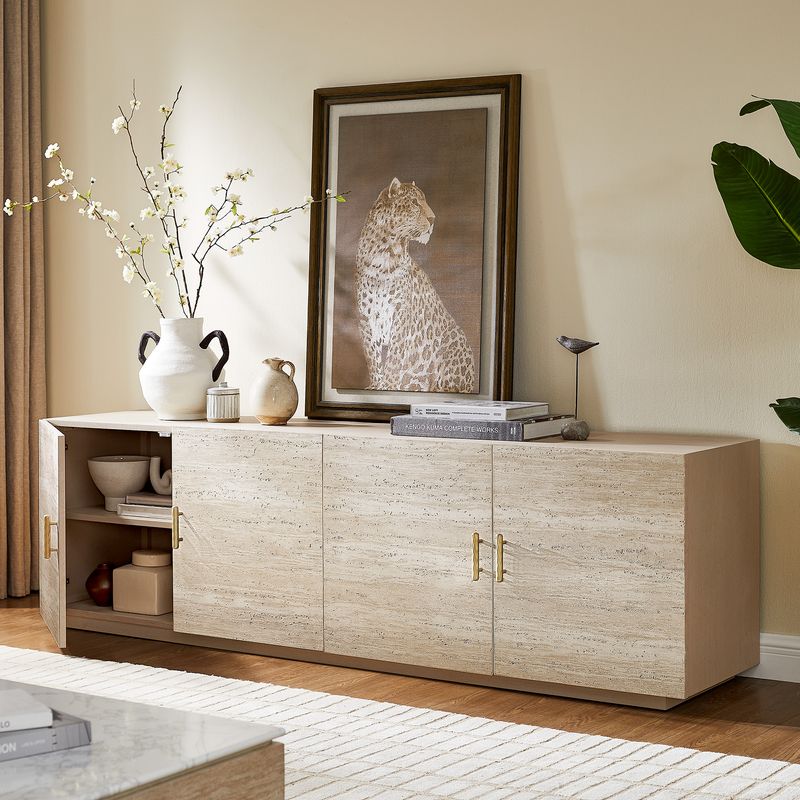
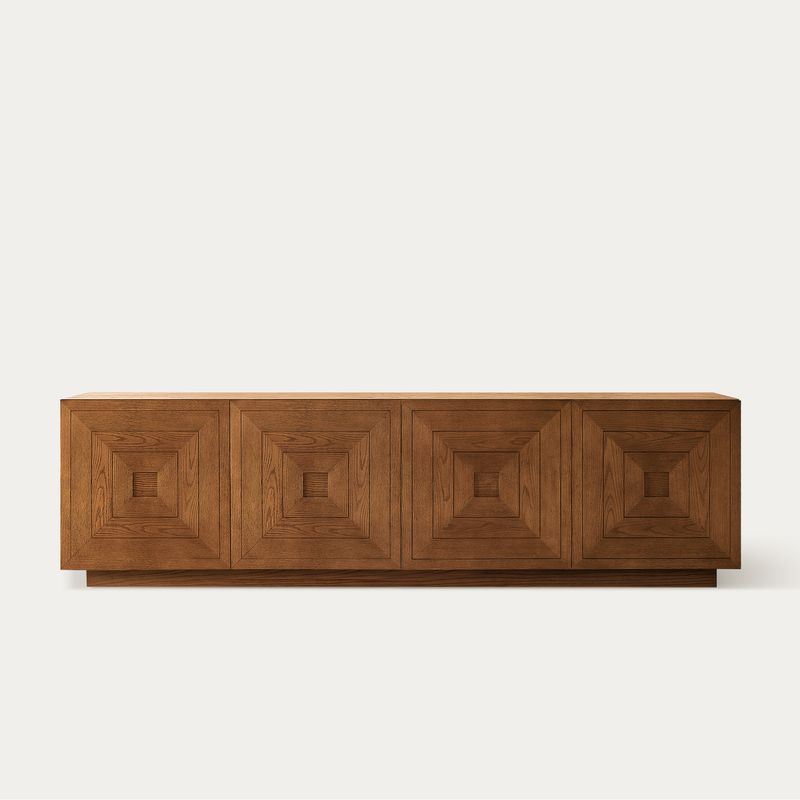
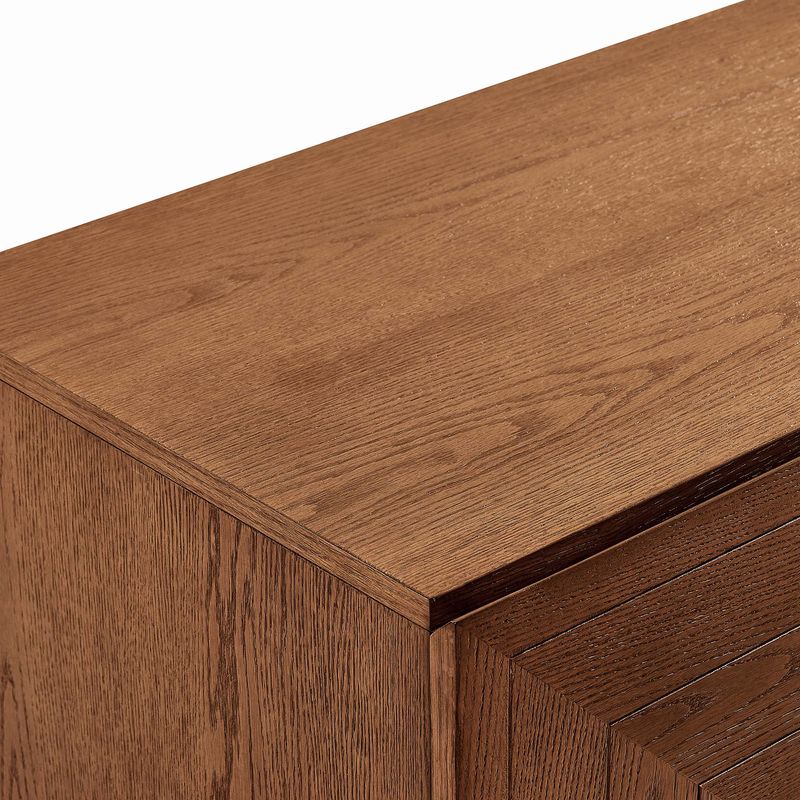
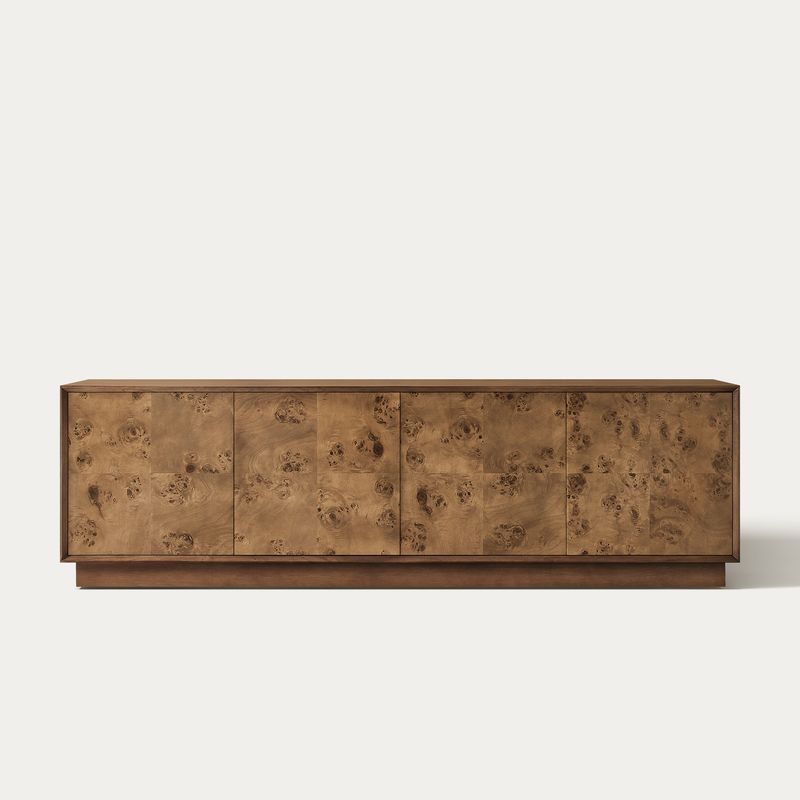
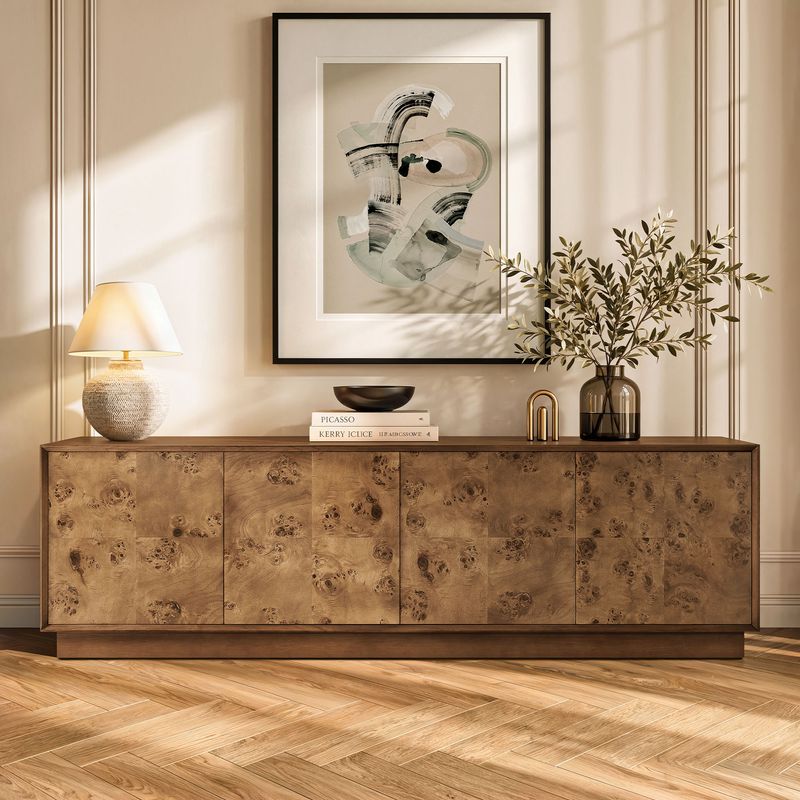
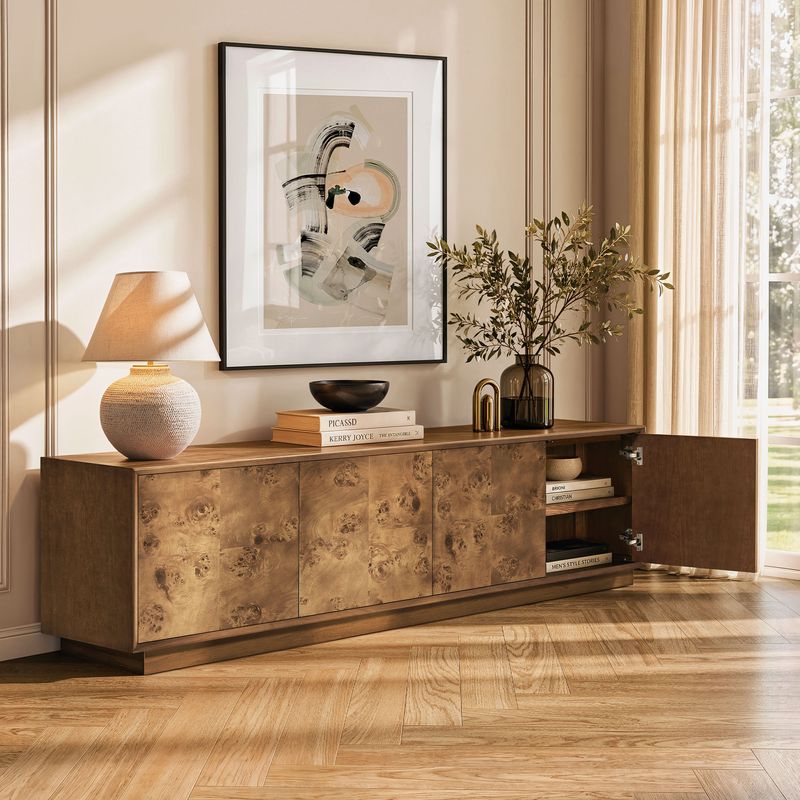
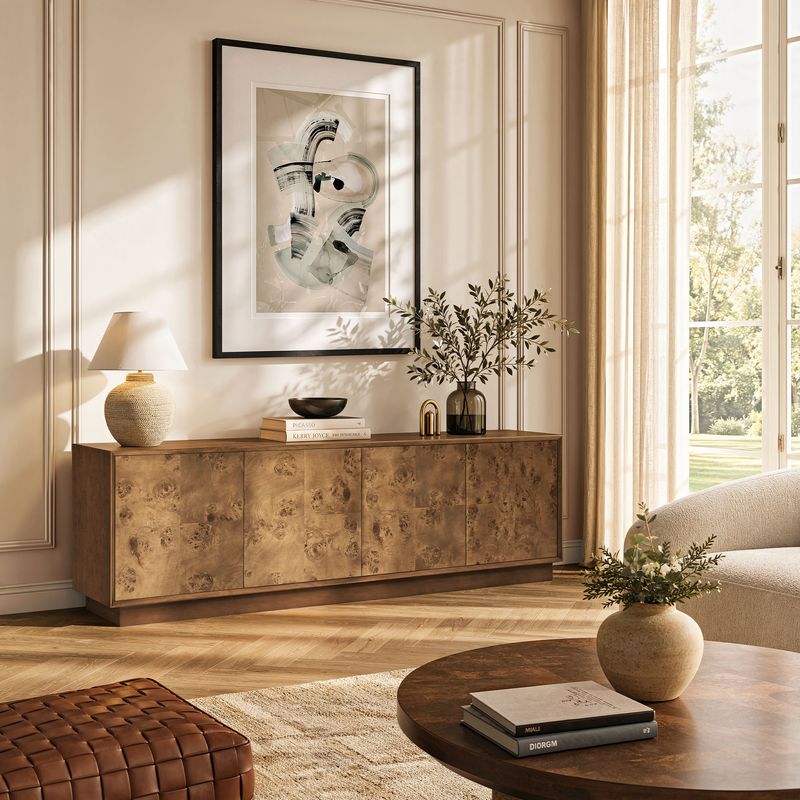
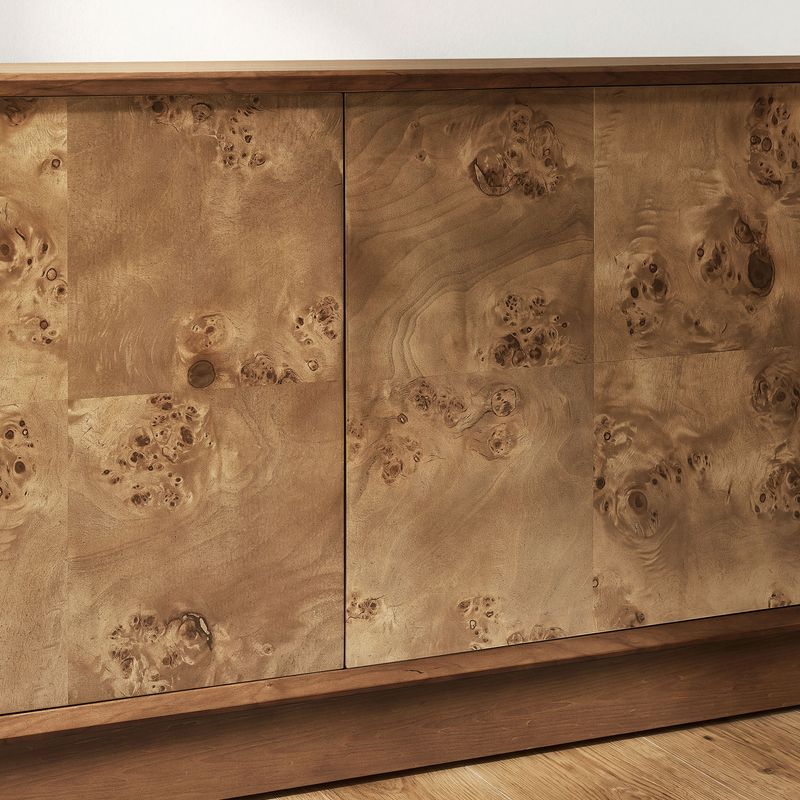
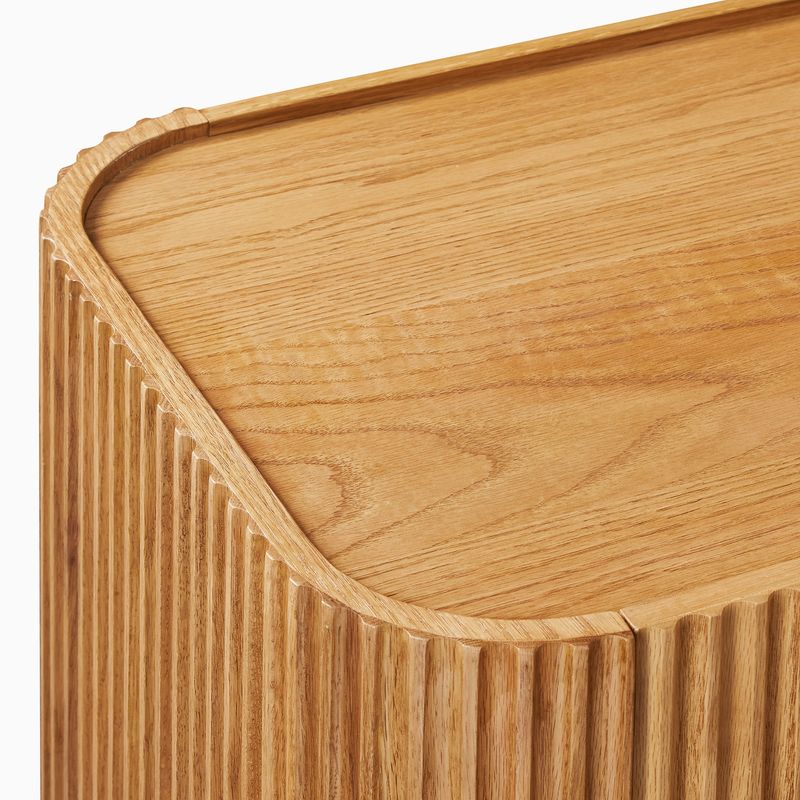
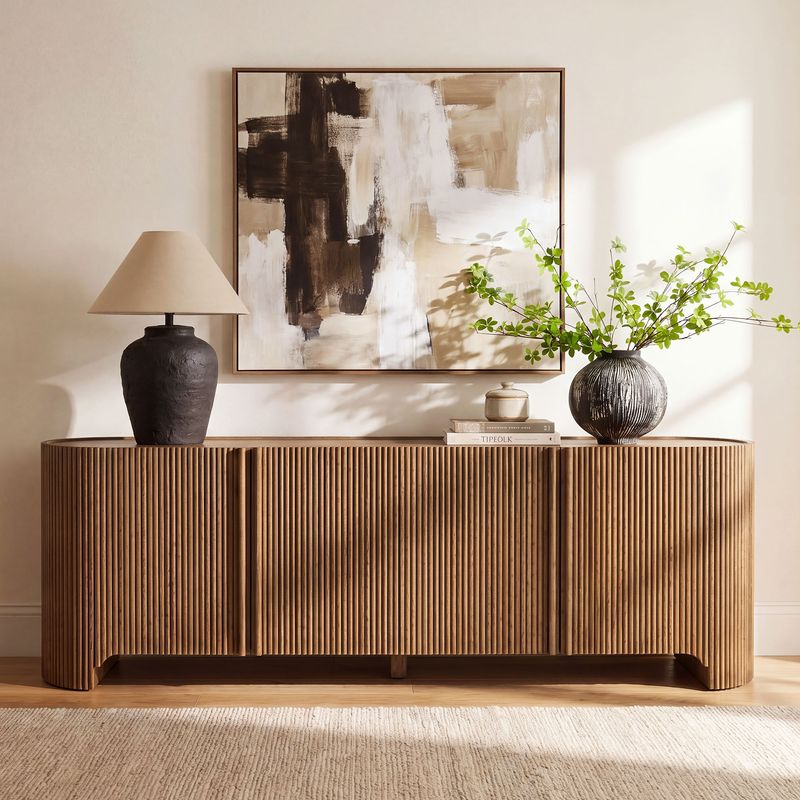
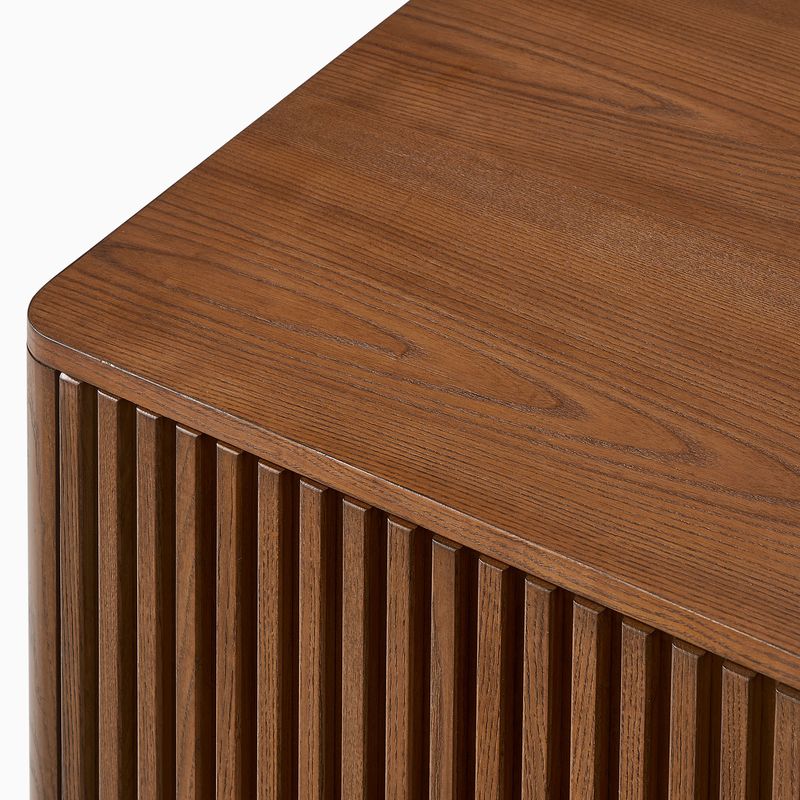
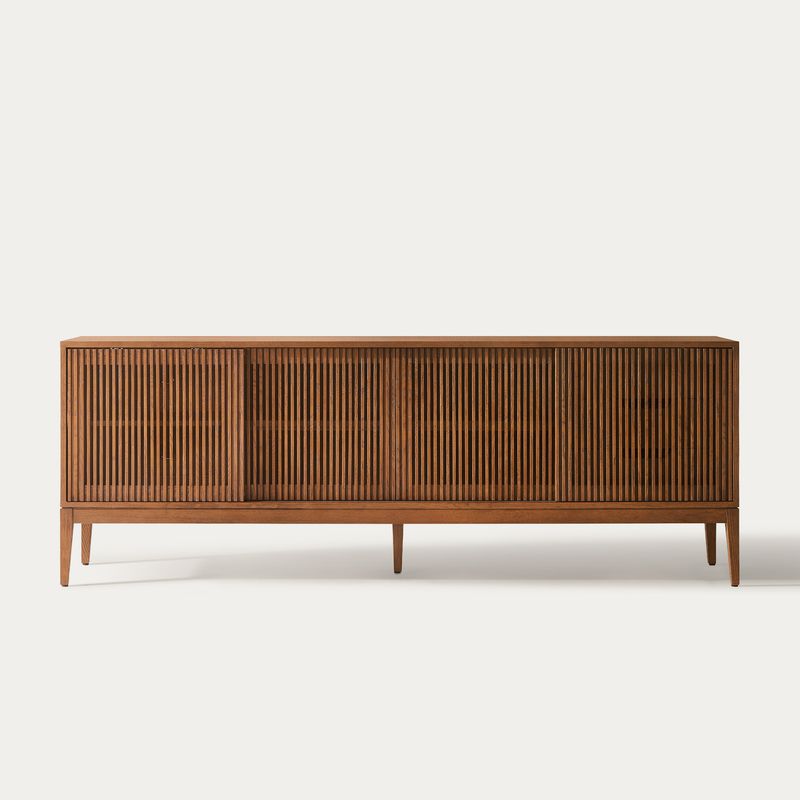
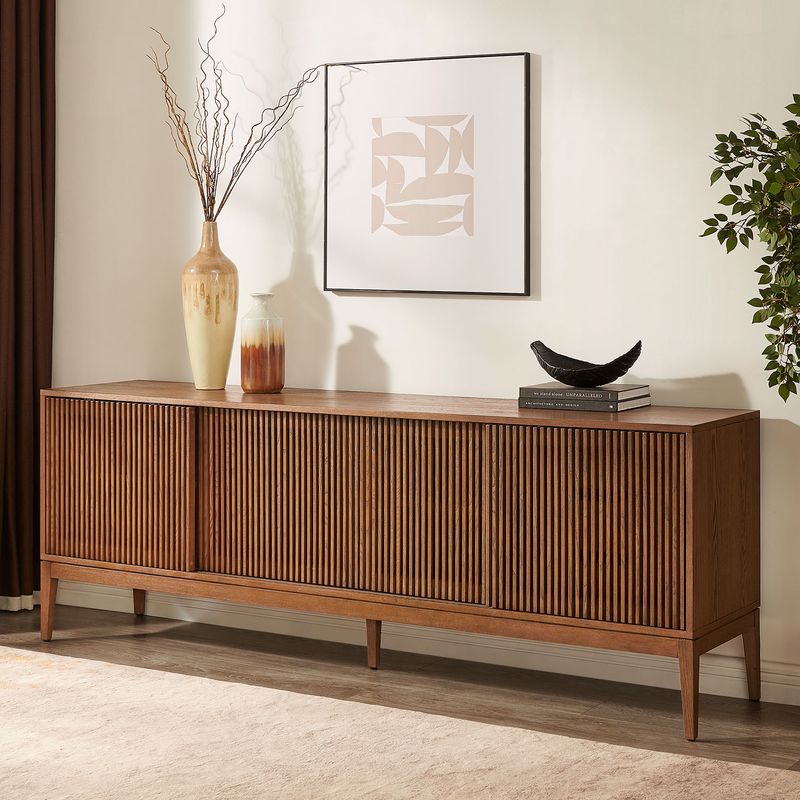
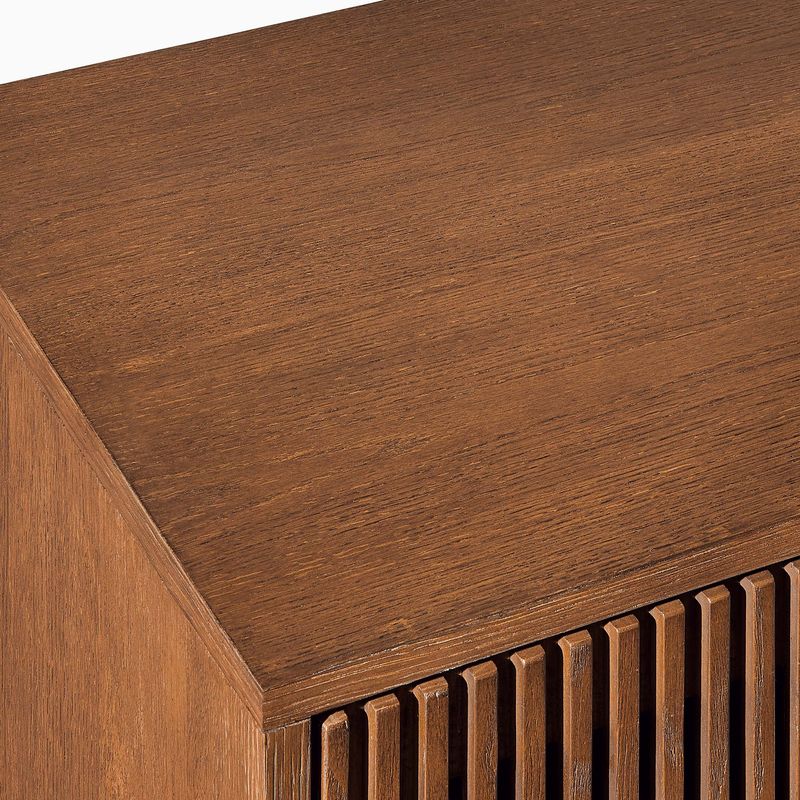
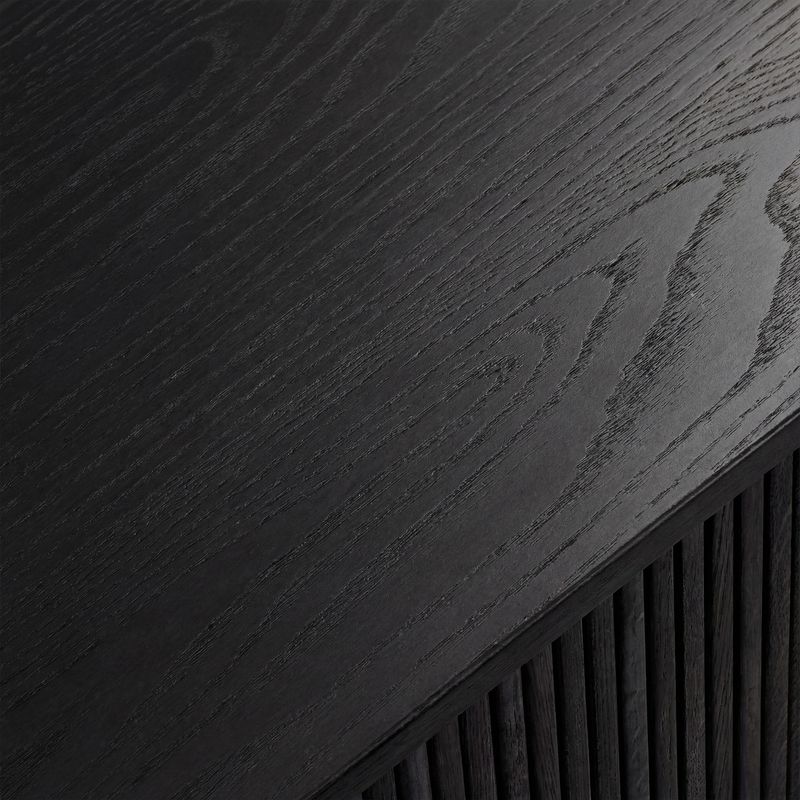
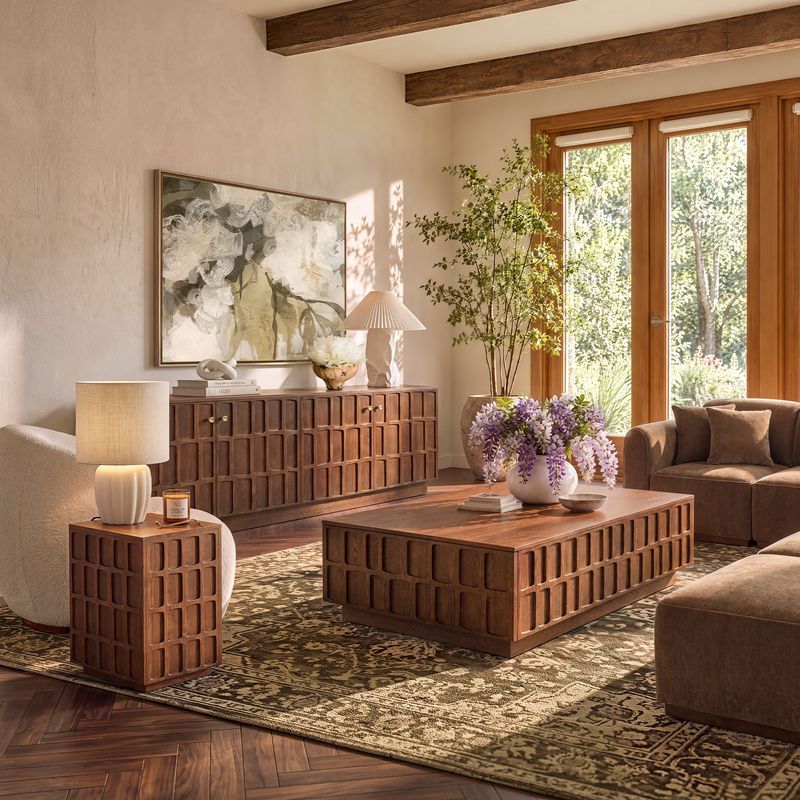
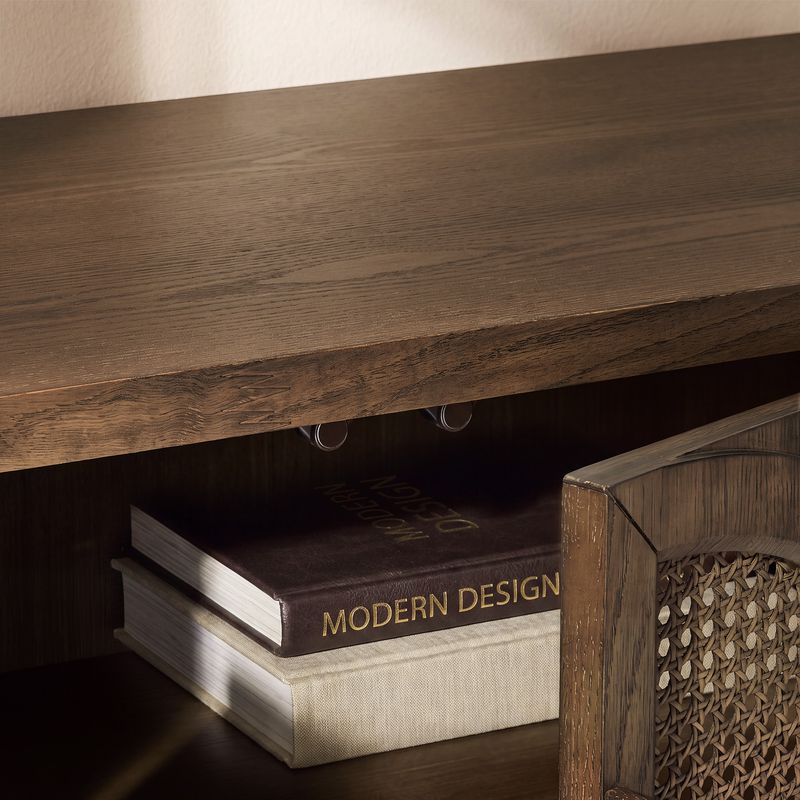
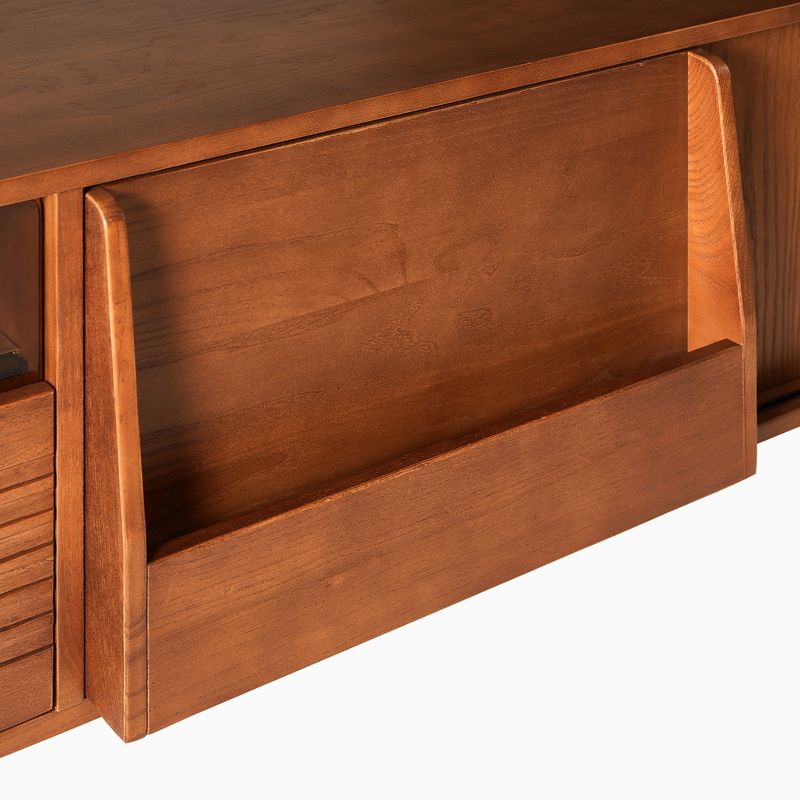
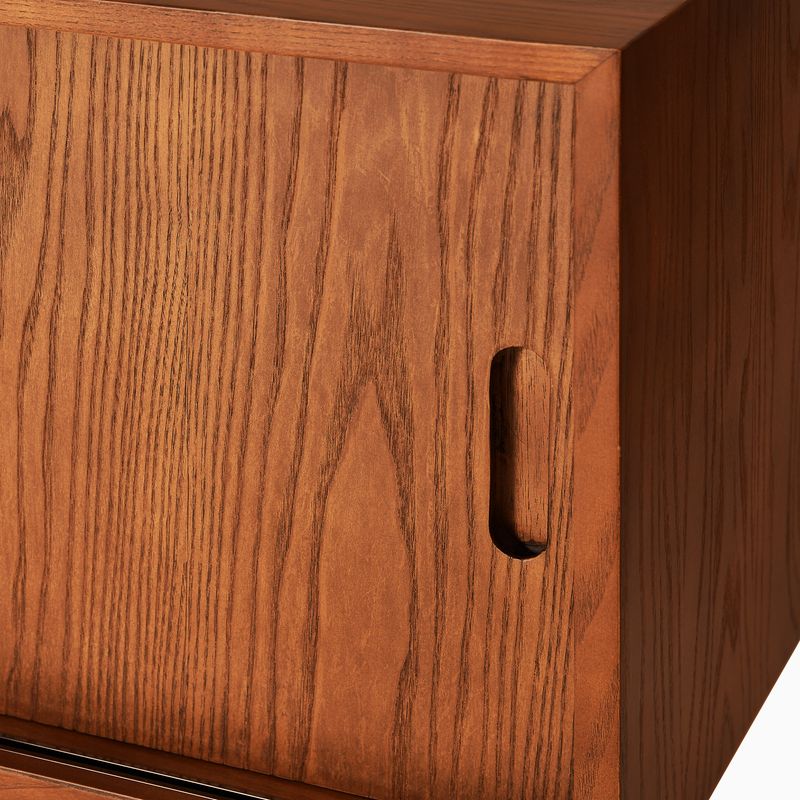
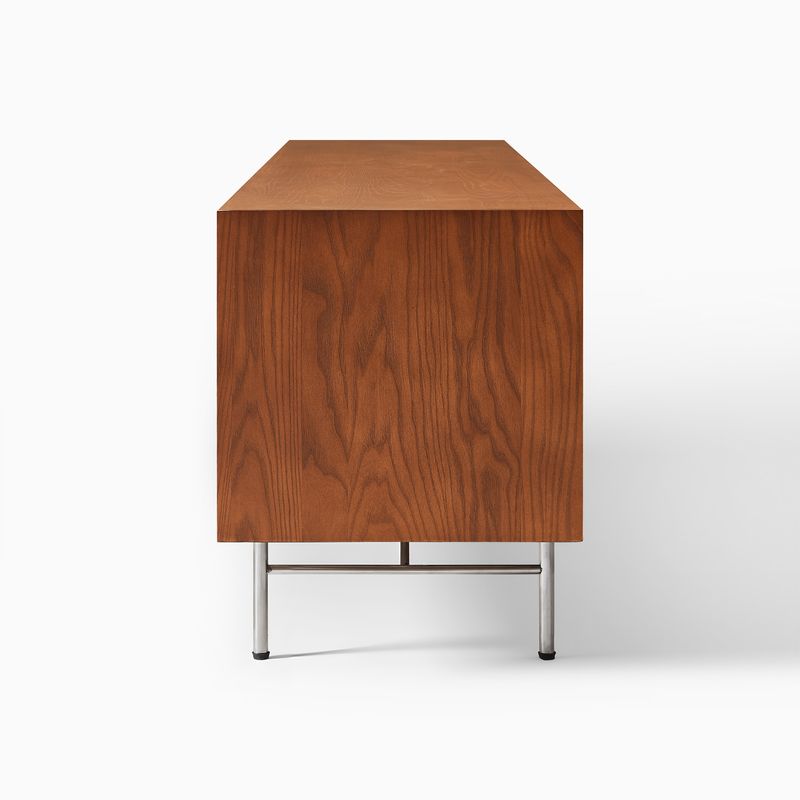
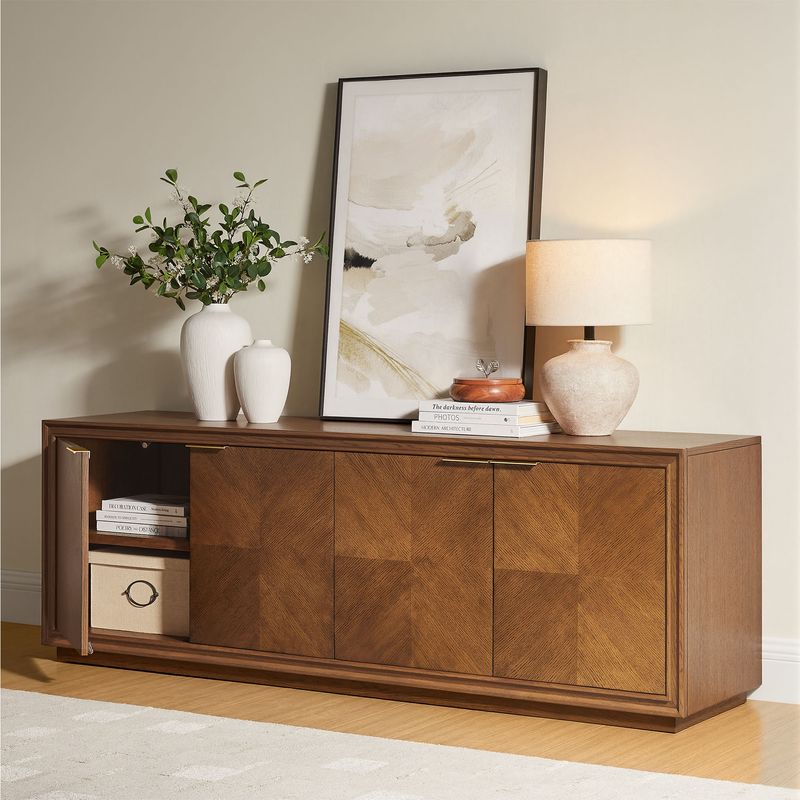
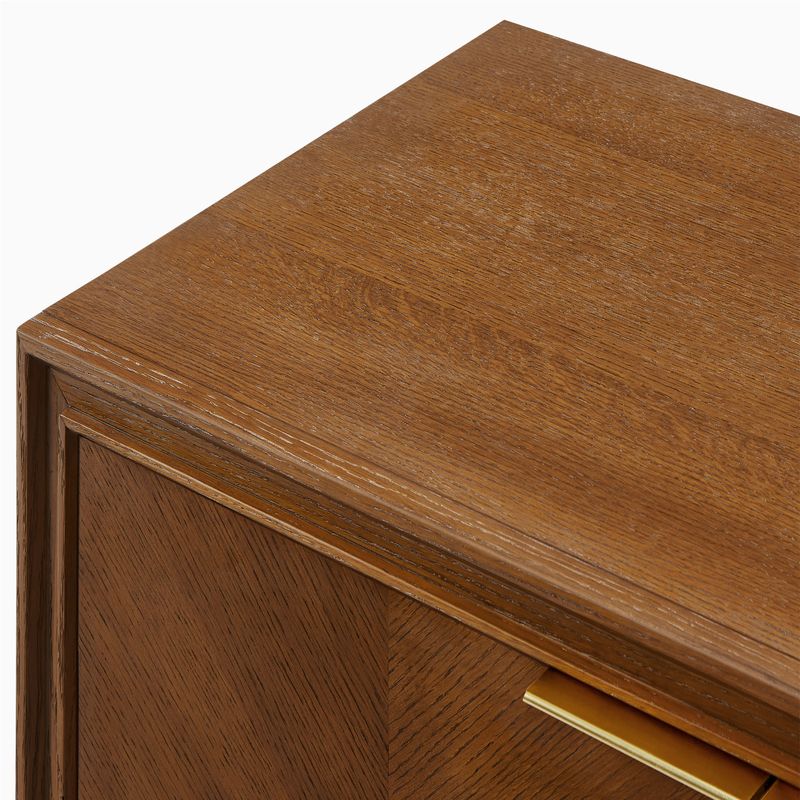
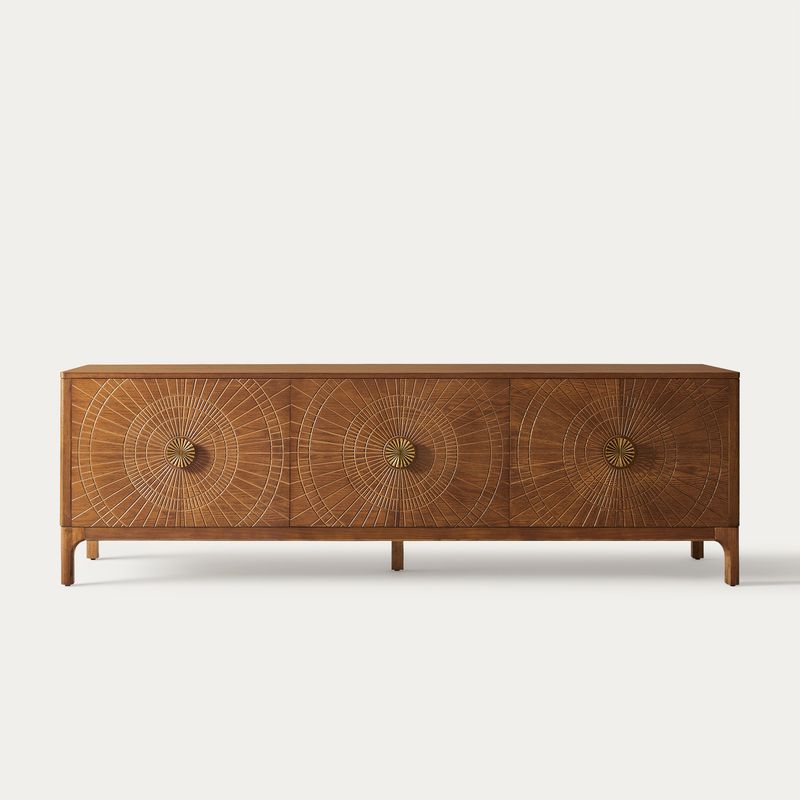
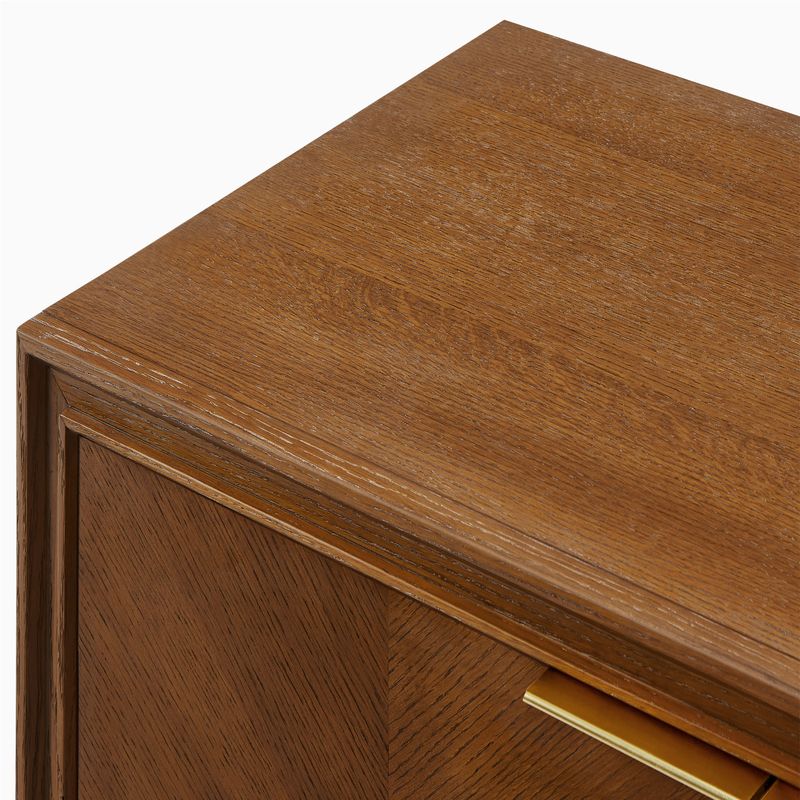
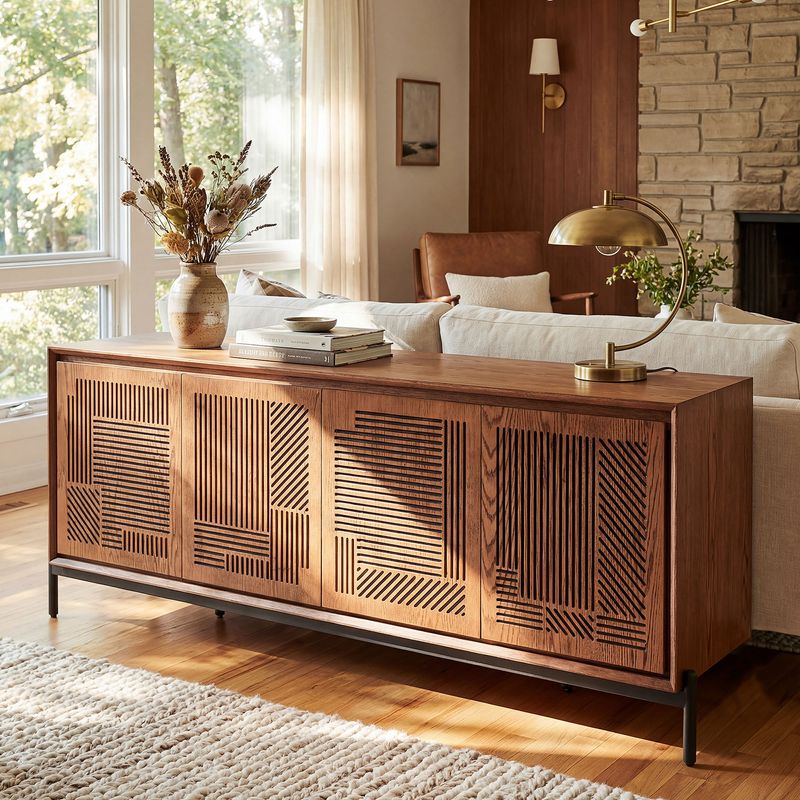
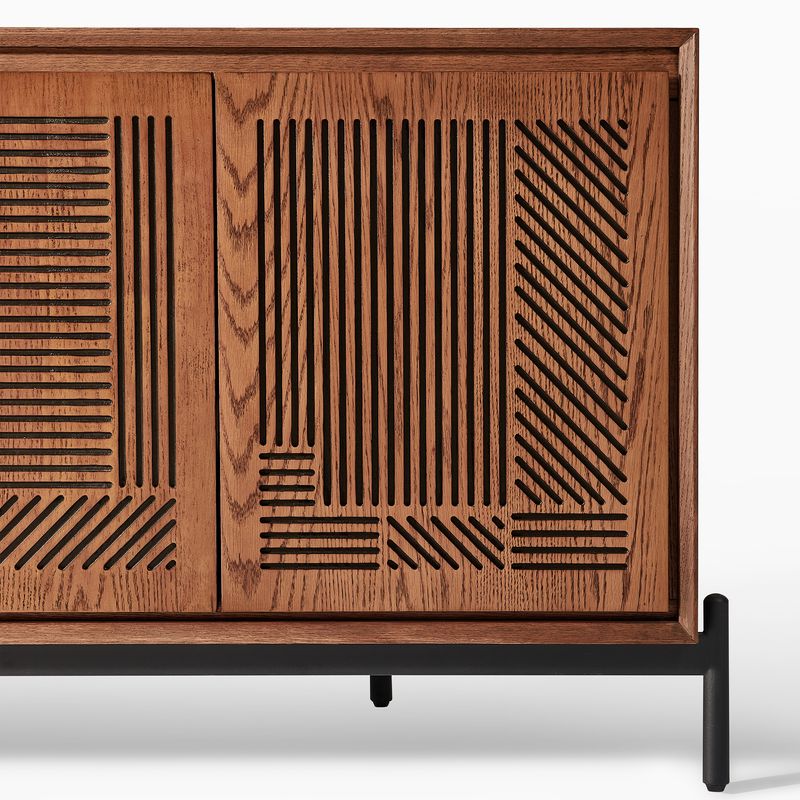
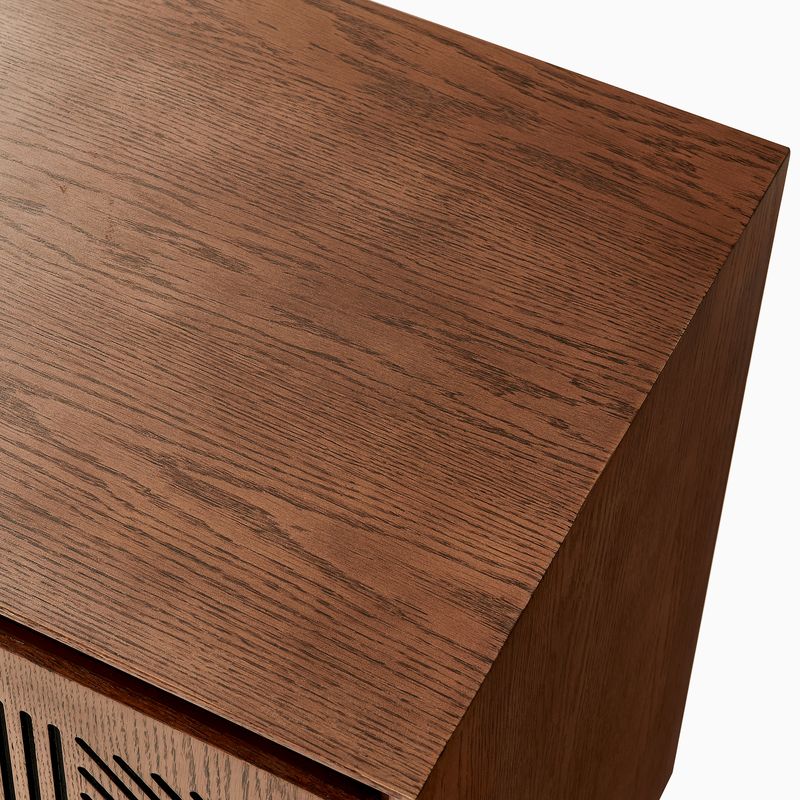
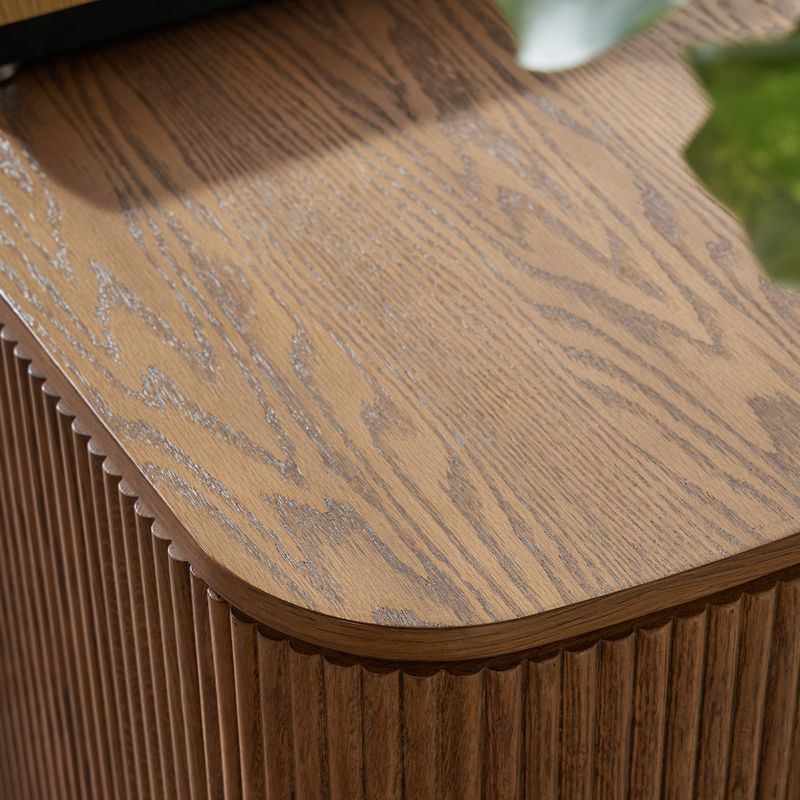
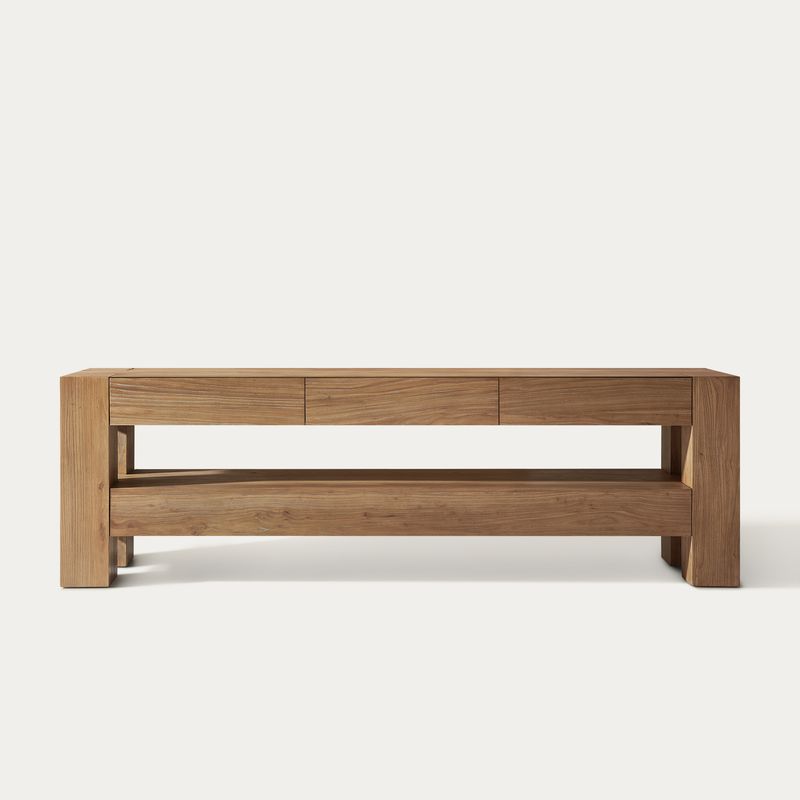
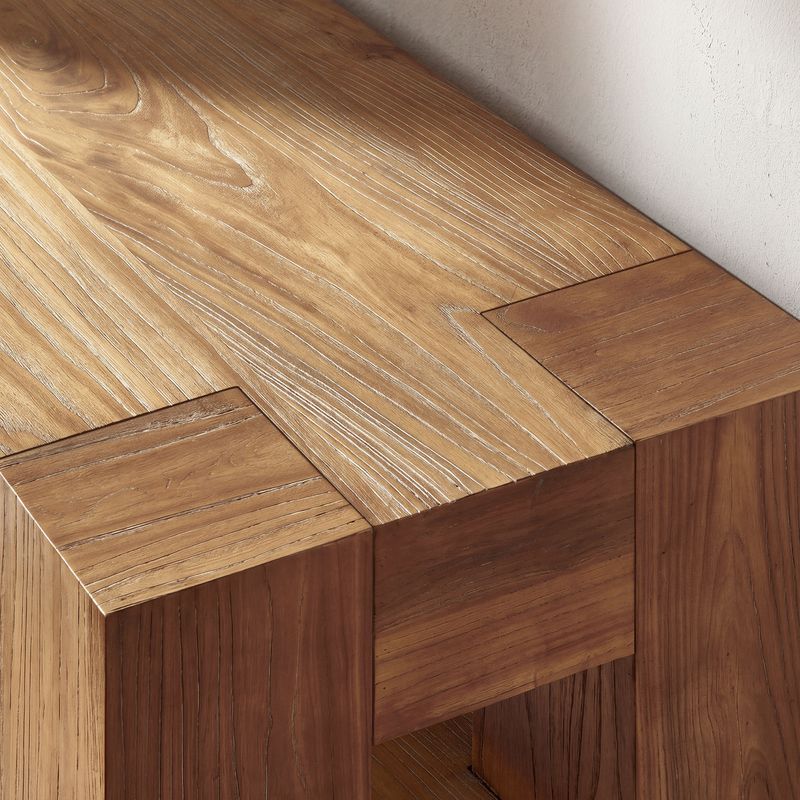
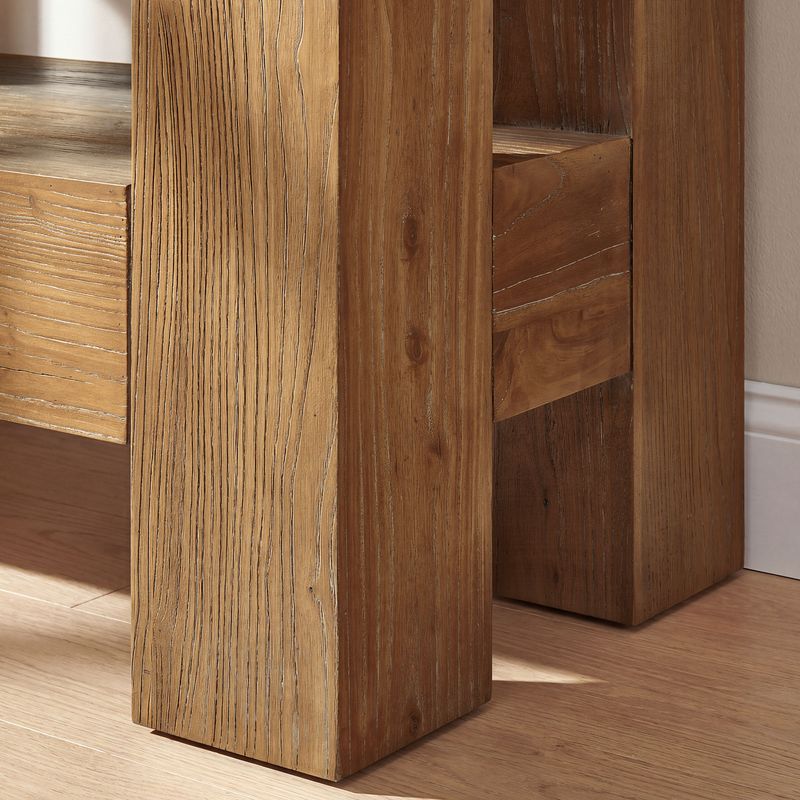
A wooden media console can introduce natural grain and texture to an entertainment area. Oak and ash have distinct grain characteristics, while burl finishes feature more pronounced decorative patterns. The right option depends on the look you prefer and how the console relates to your existing furniture.
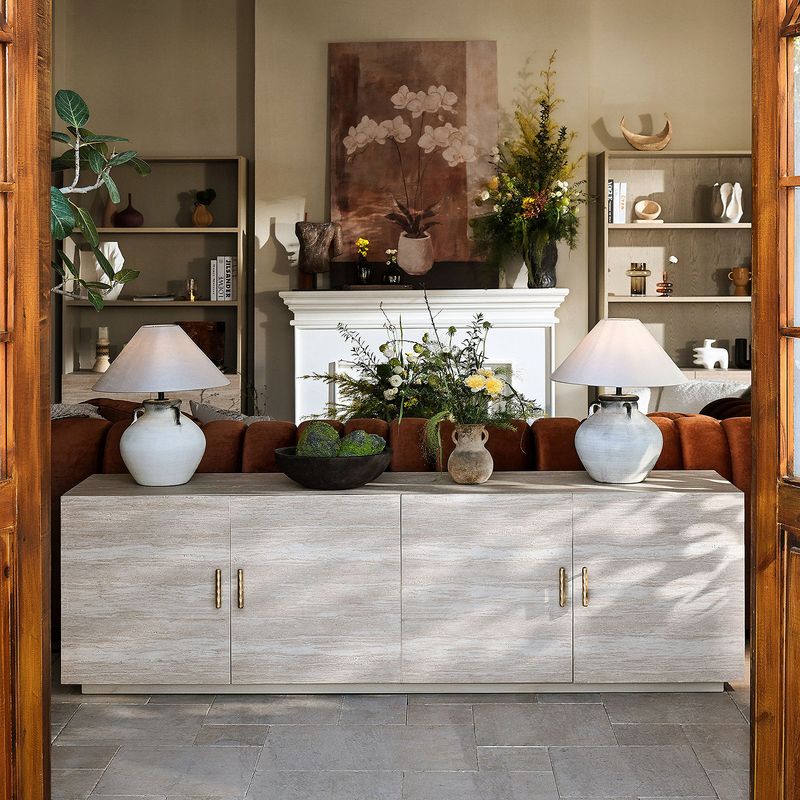
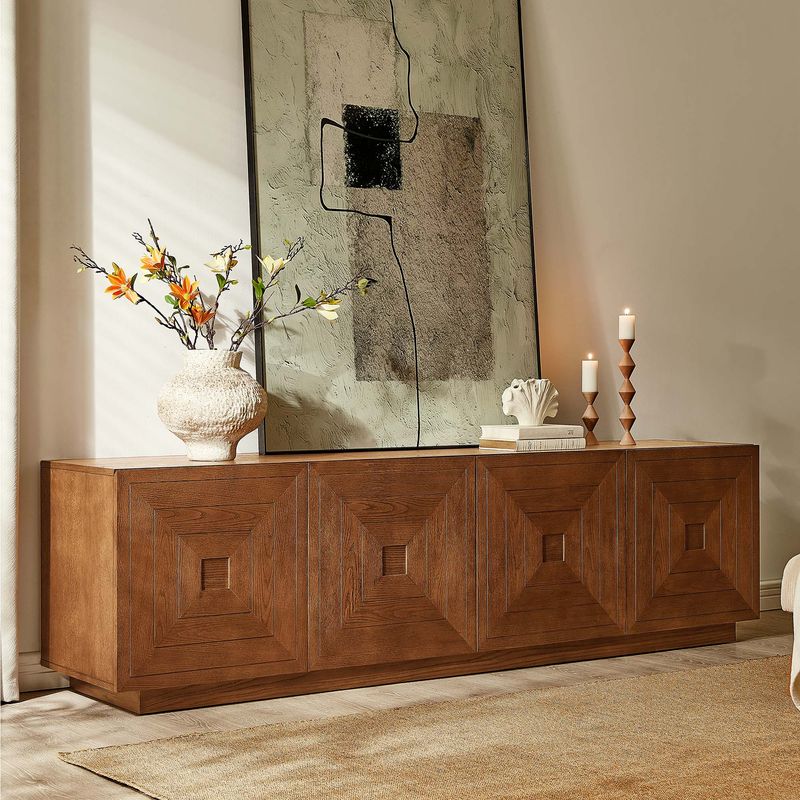
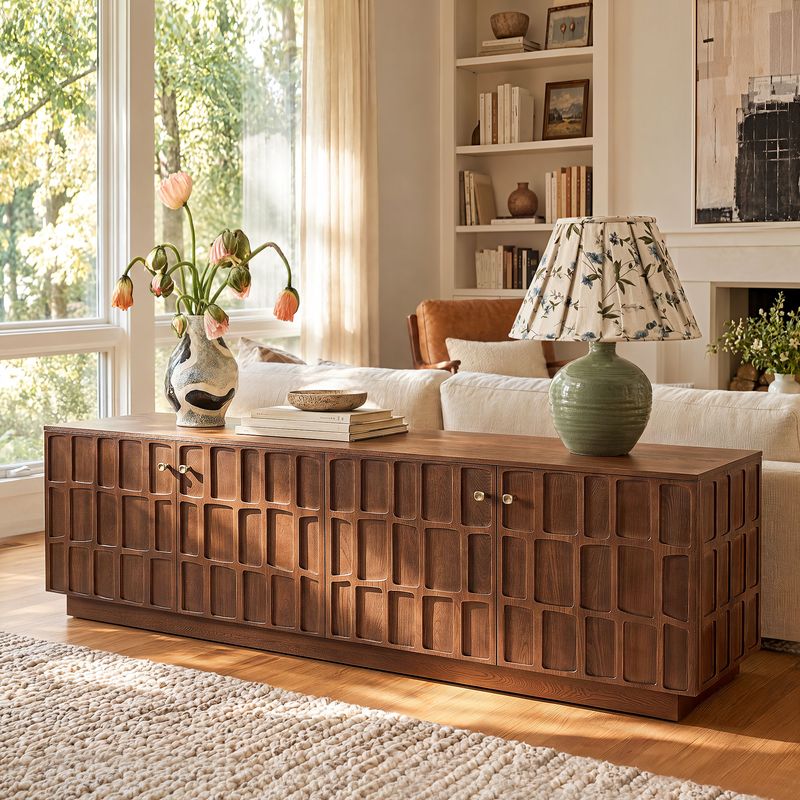
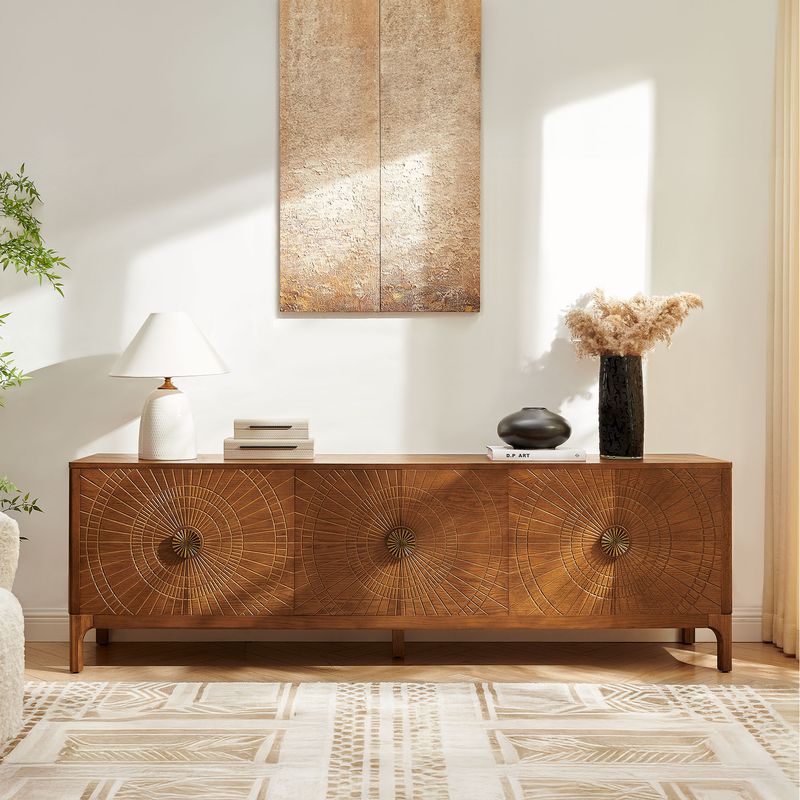
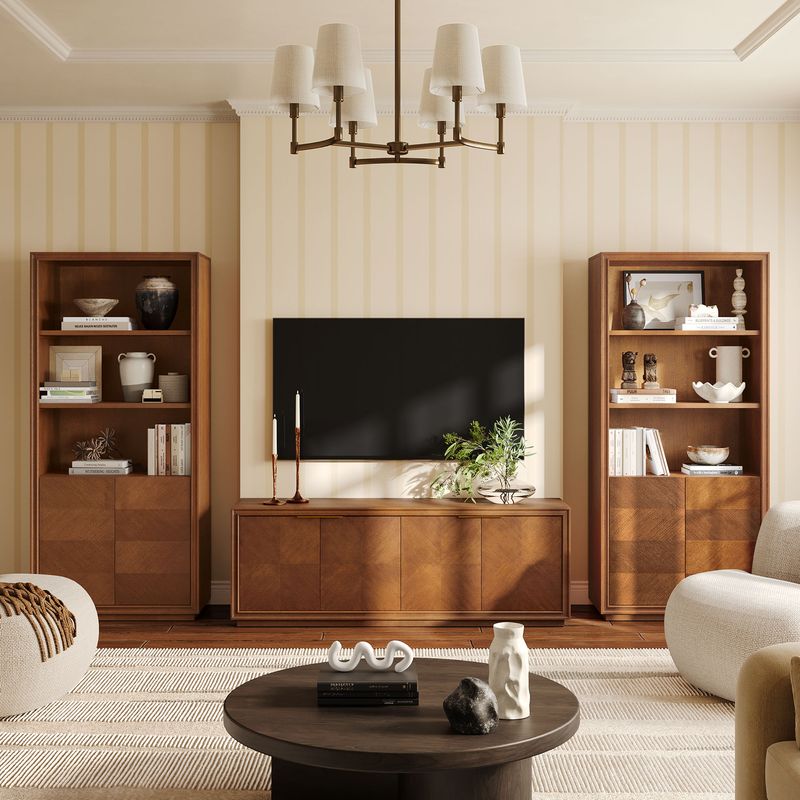
When choosing a wooden media console, compare the listed construction, finish, and dimensions rather than relying on appearance alone. Consider the console alongside your flooring, coffee table, and other large pieces. Lighter wood tones can complement warm neutrals, while darker finishes can create contrast in a lighter room. Exact color matching is not necessary; repeating a similar tone or material elsewhere can help the space feel coordinated.
For a more focused selection, explore our oak TV stands. Review each product's listed materials and finish rather than assuming that similar colors indicate the same construction.
Compare Cabinet Details and Overall Style
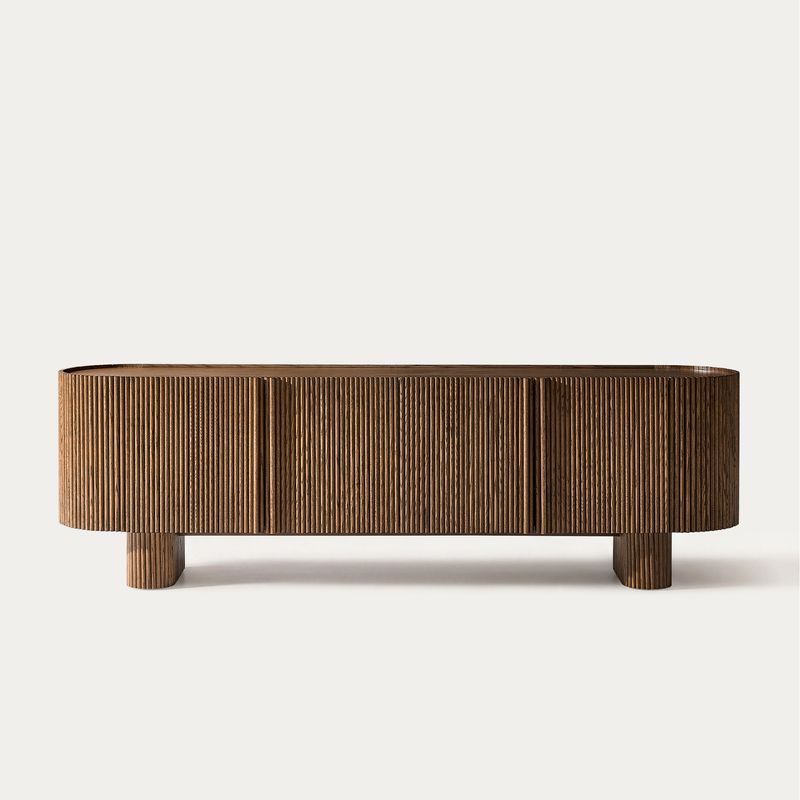
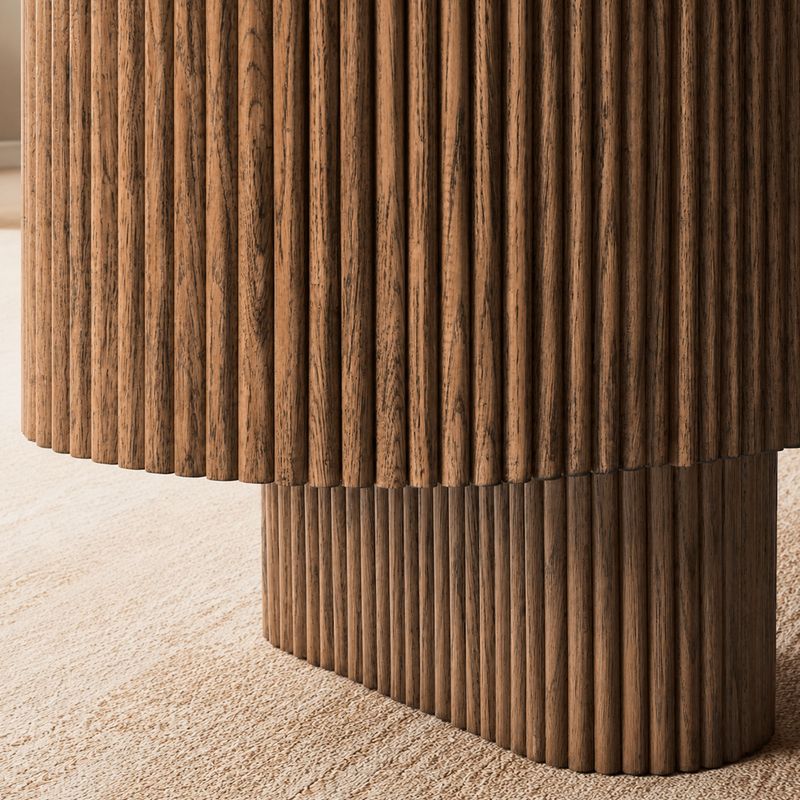
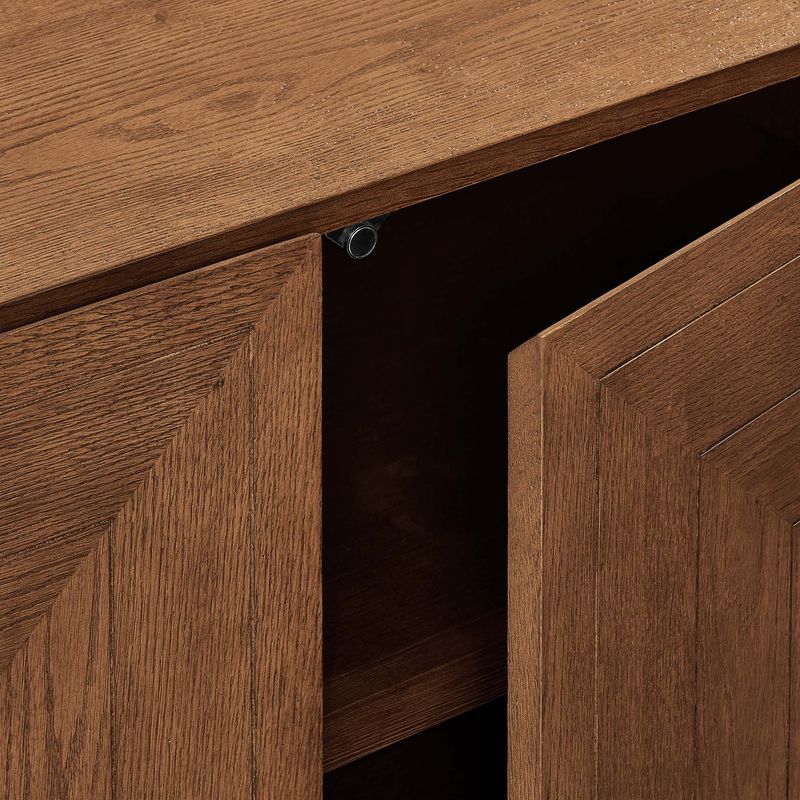
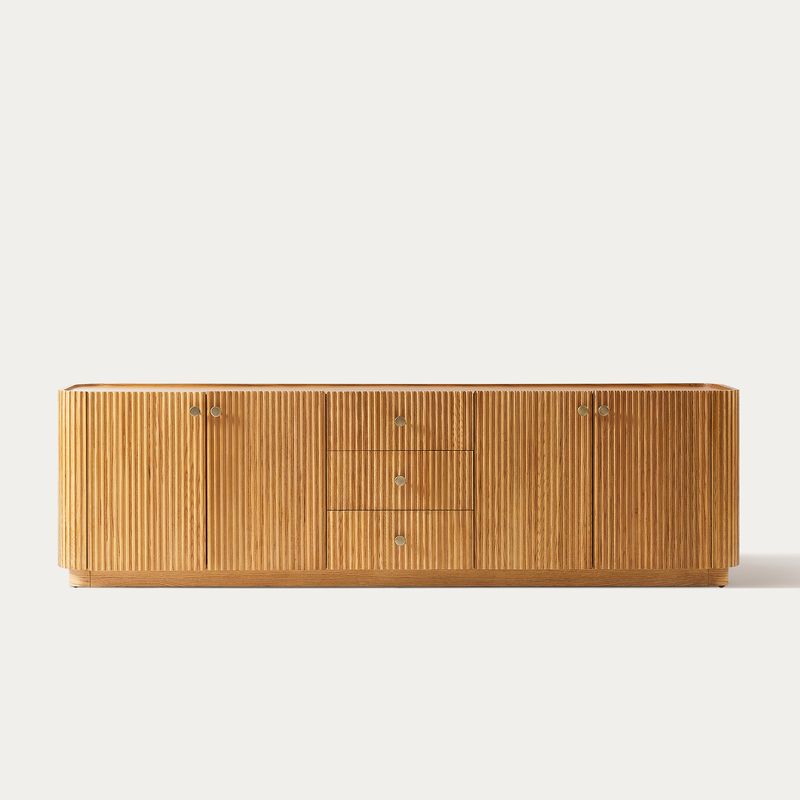
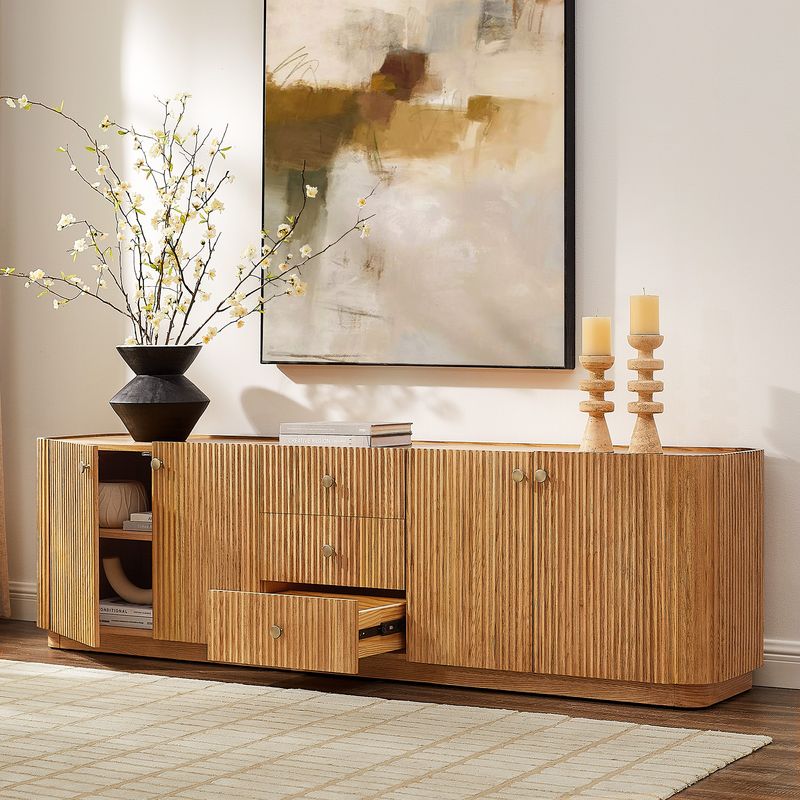
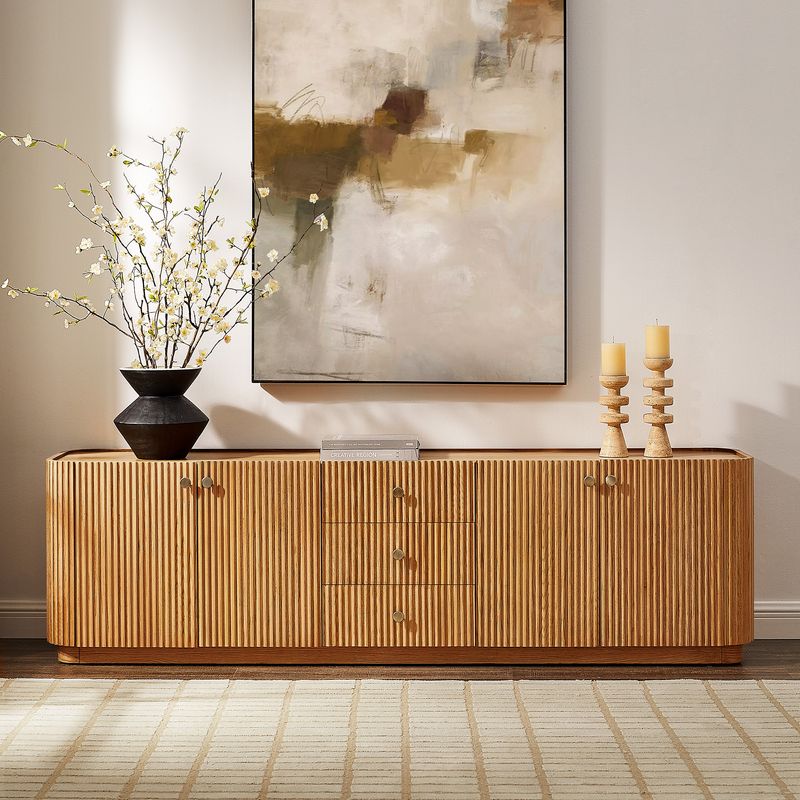
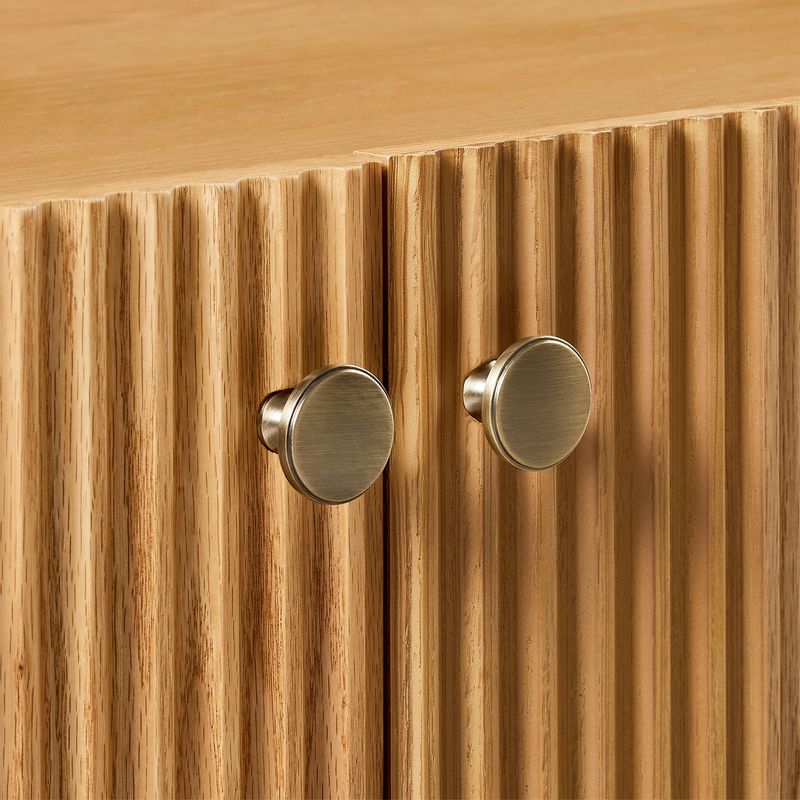
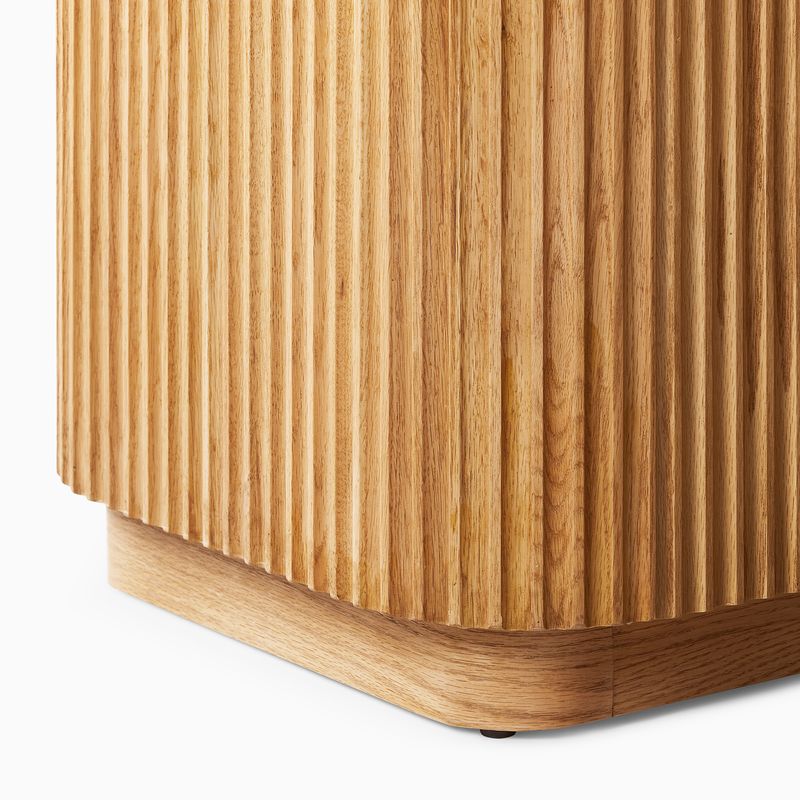
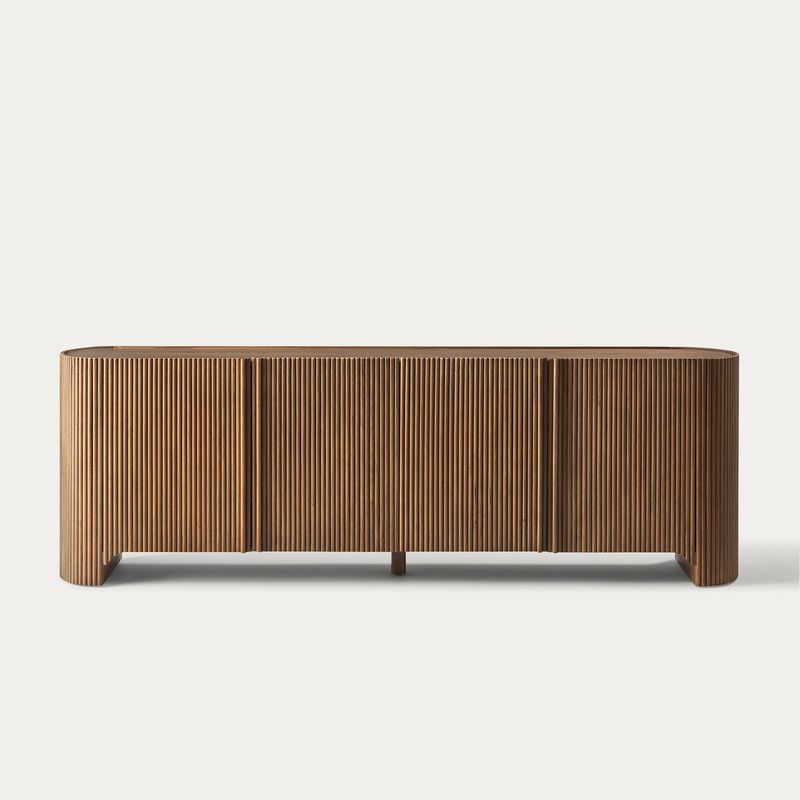
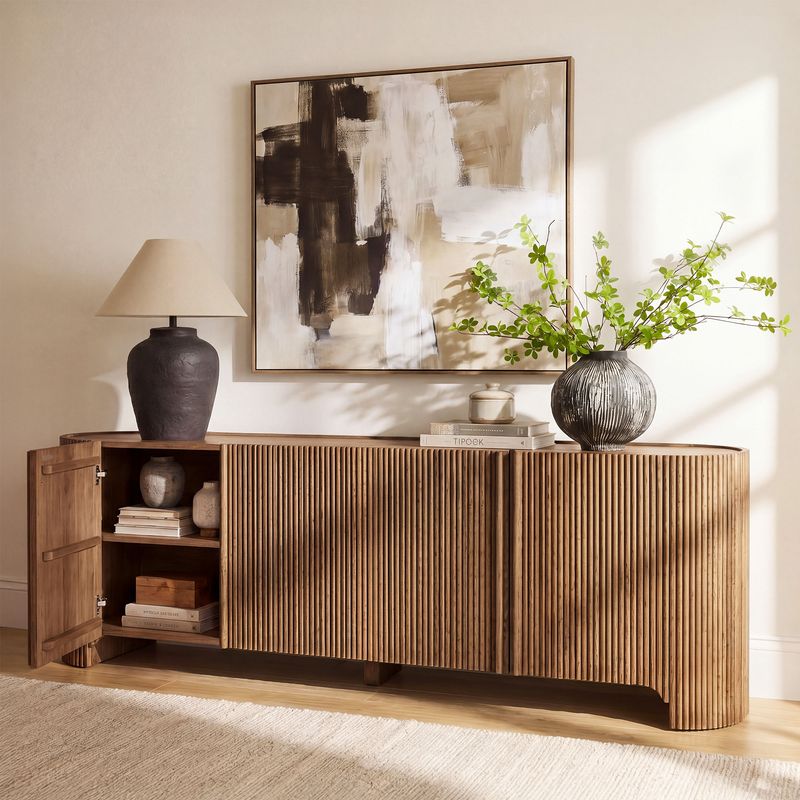
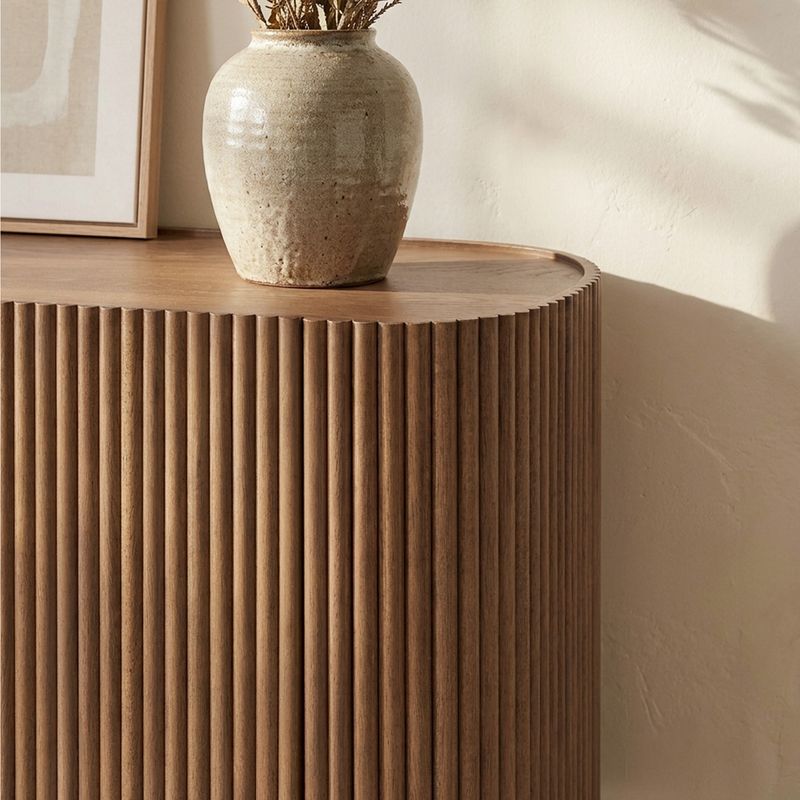
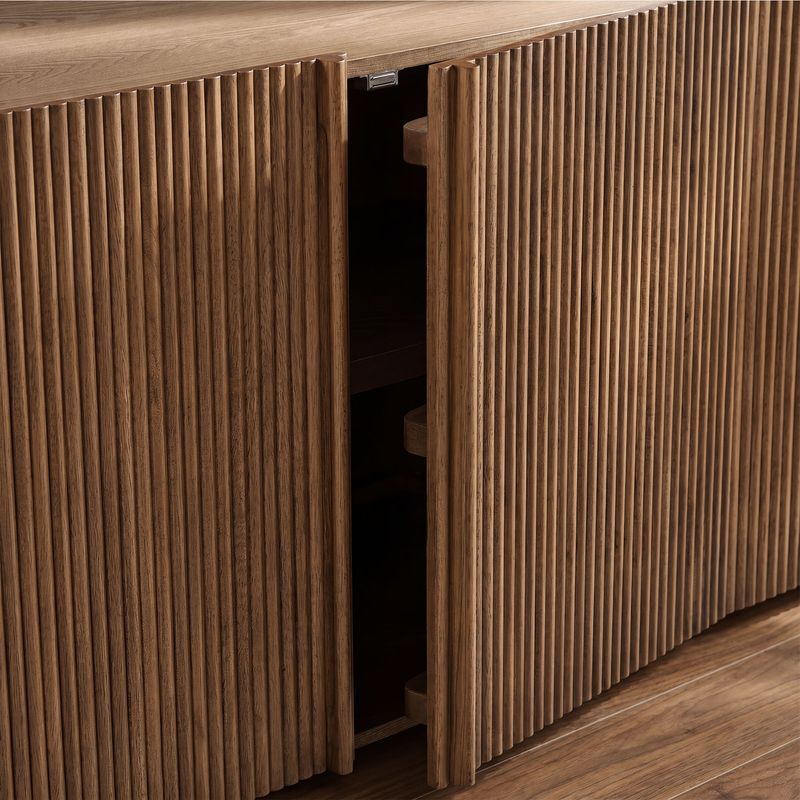
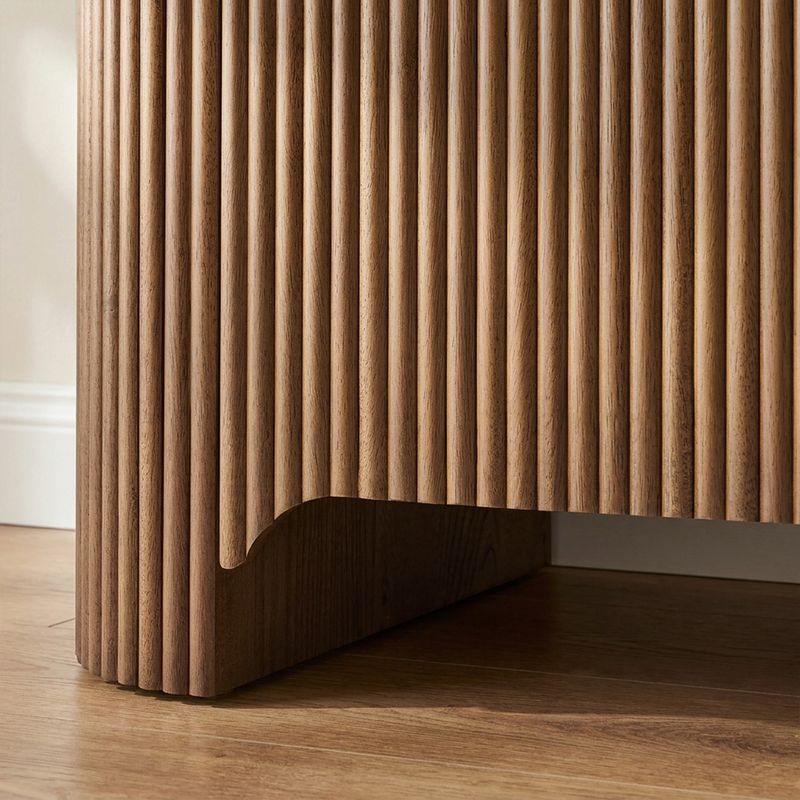
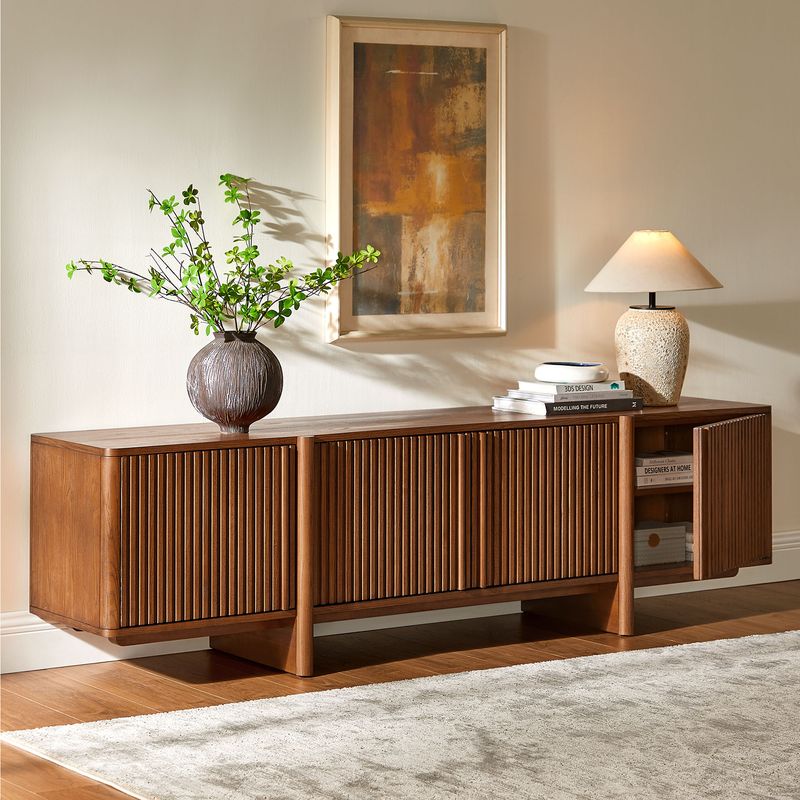
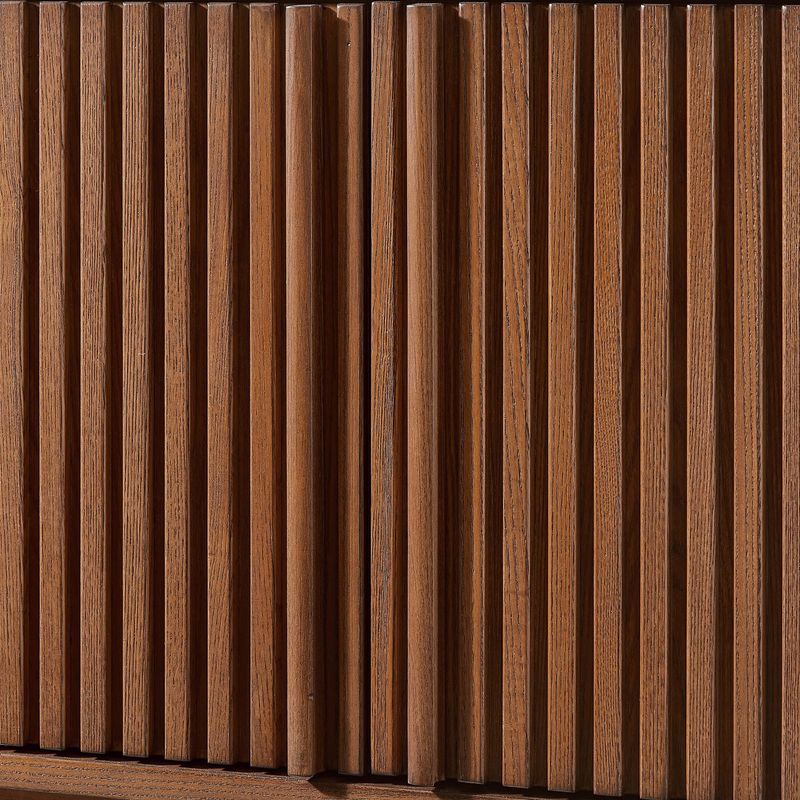
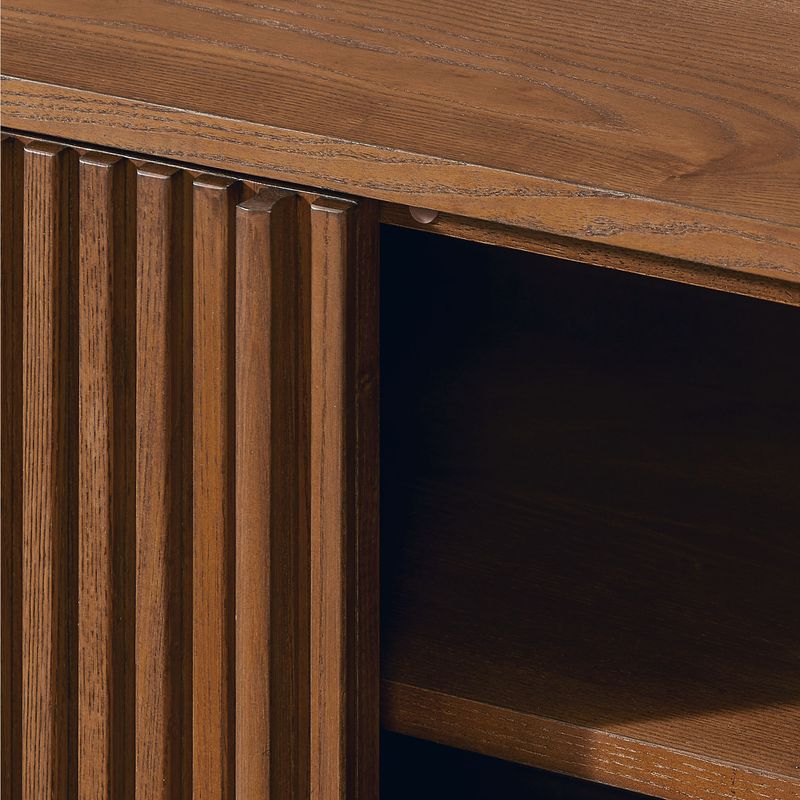
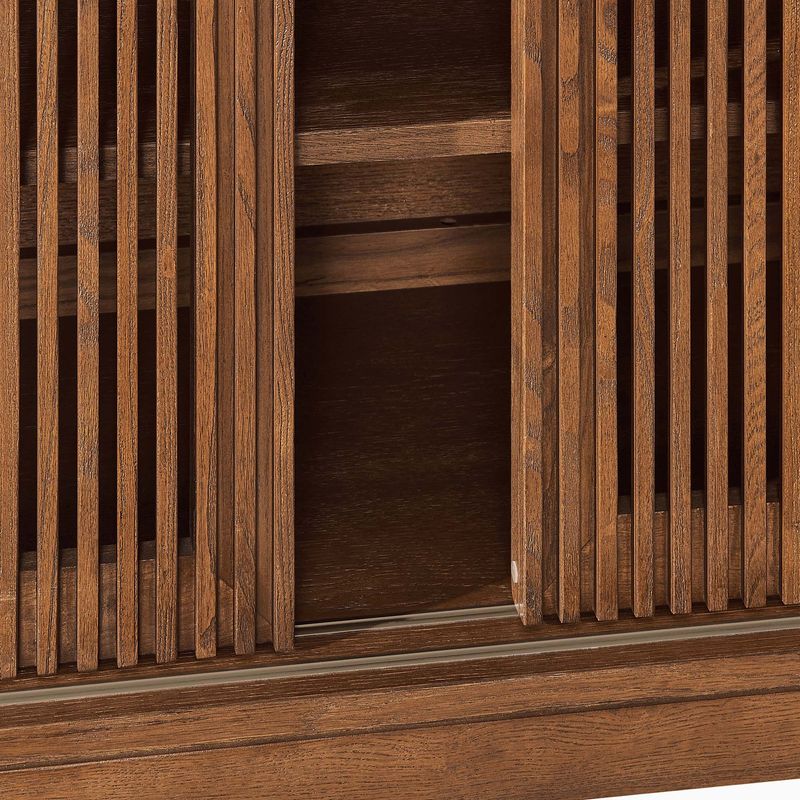
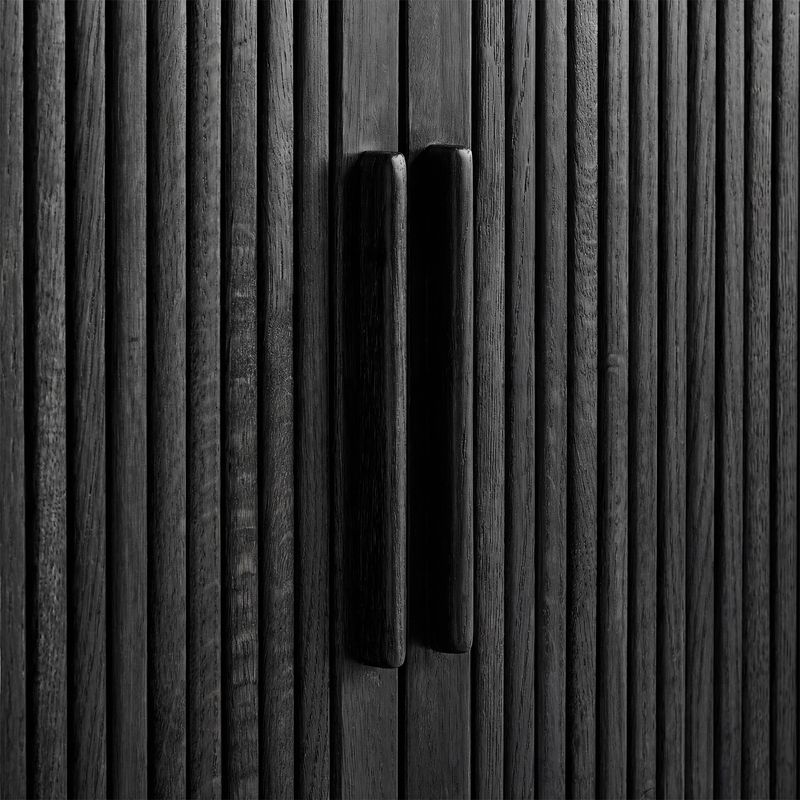
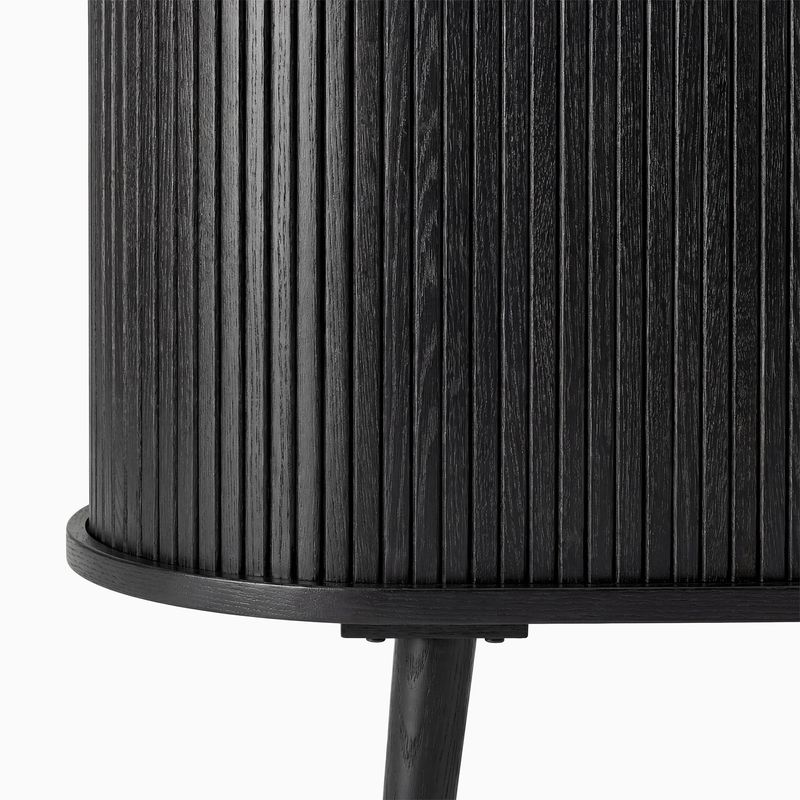
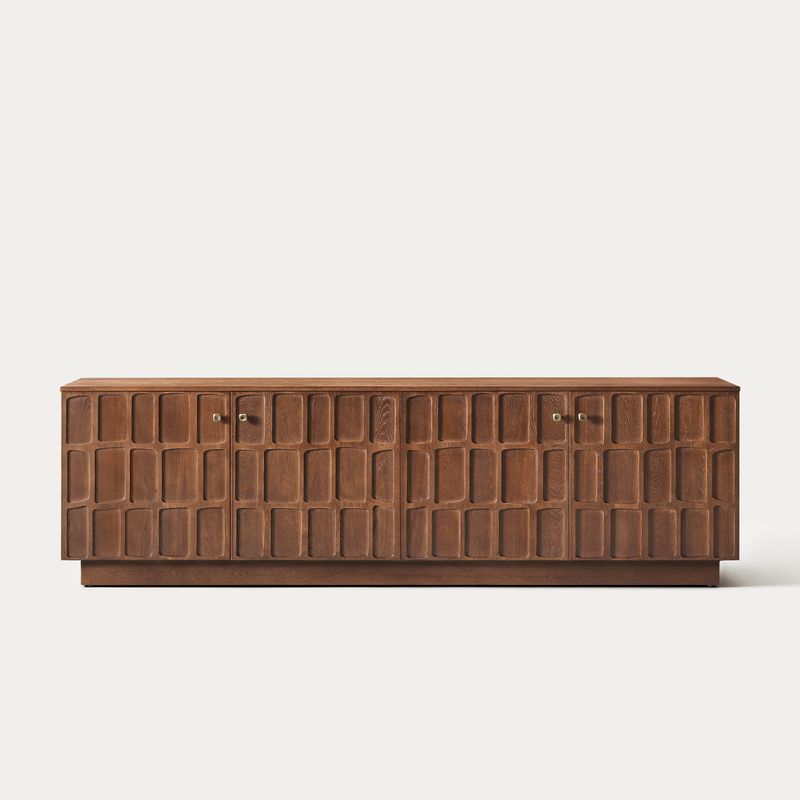
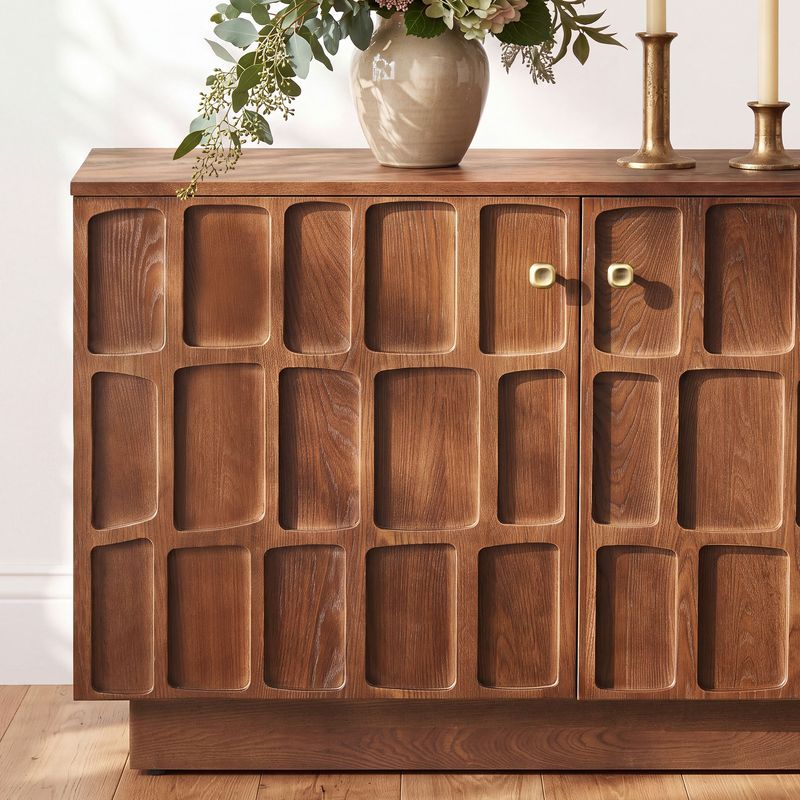
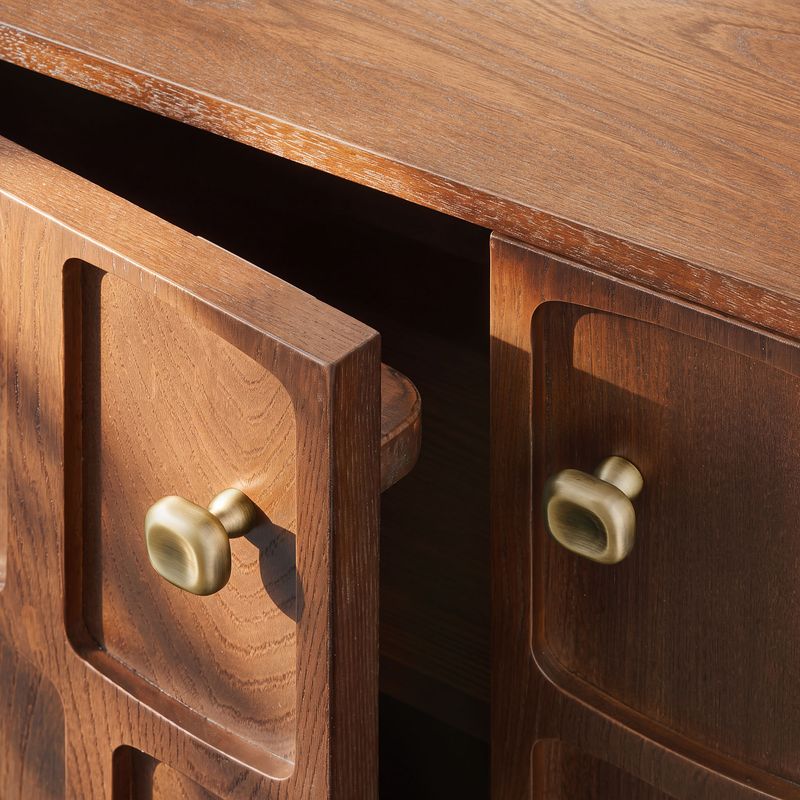
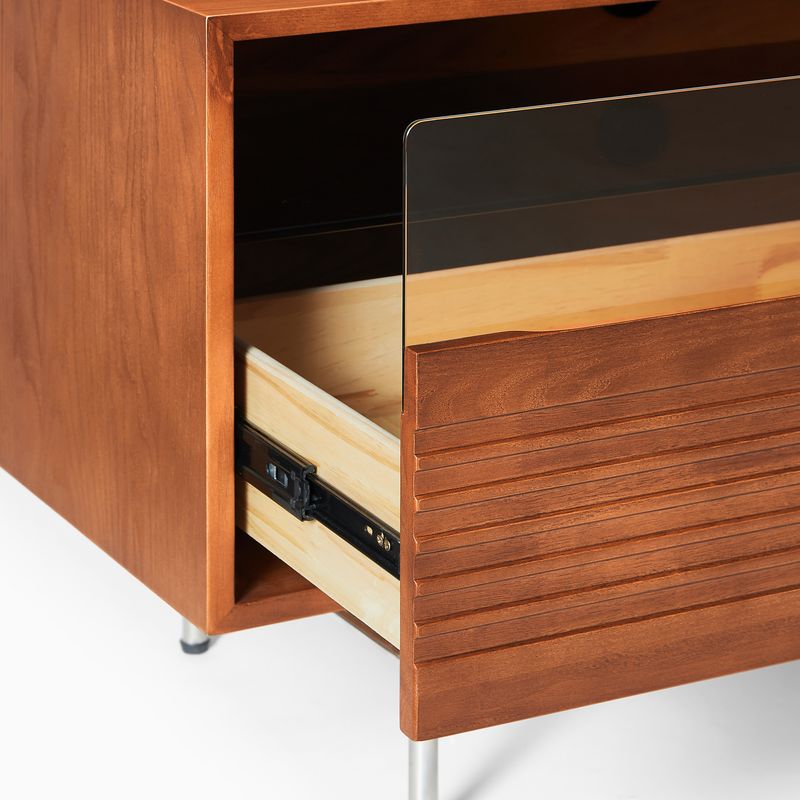
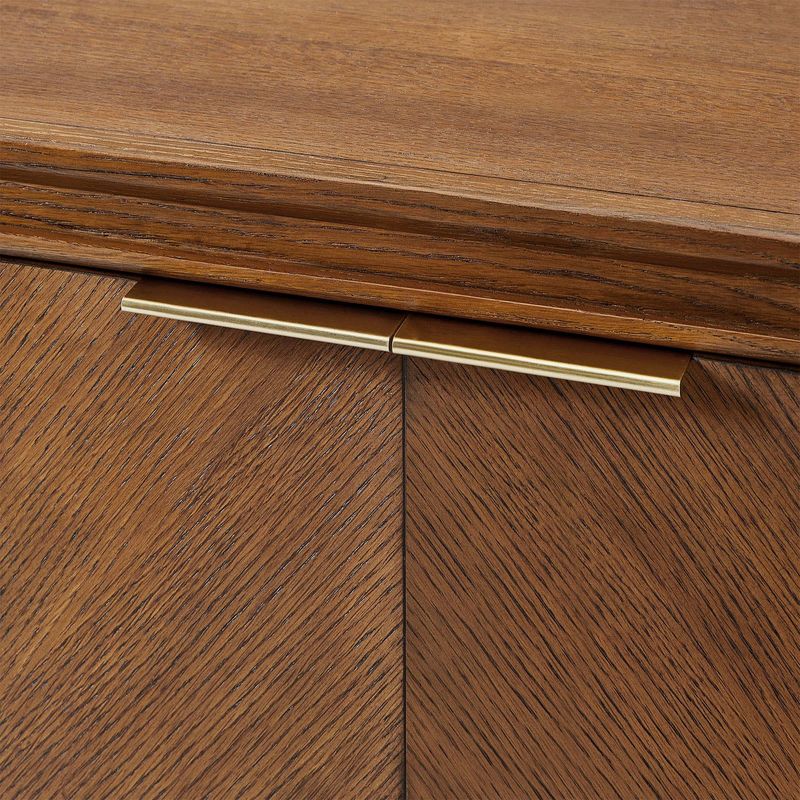
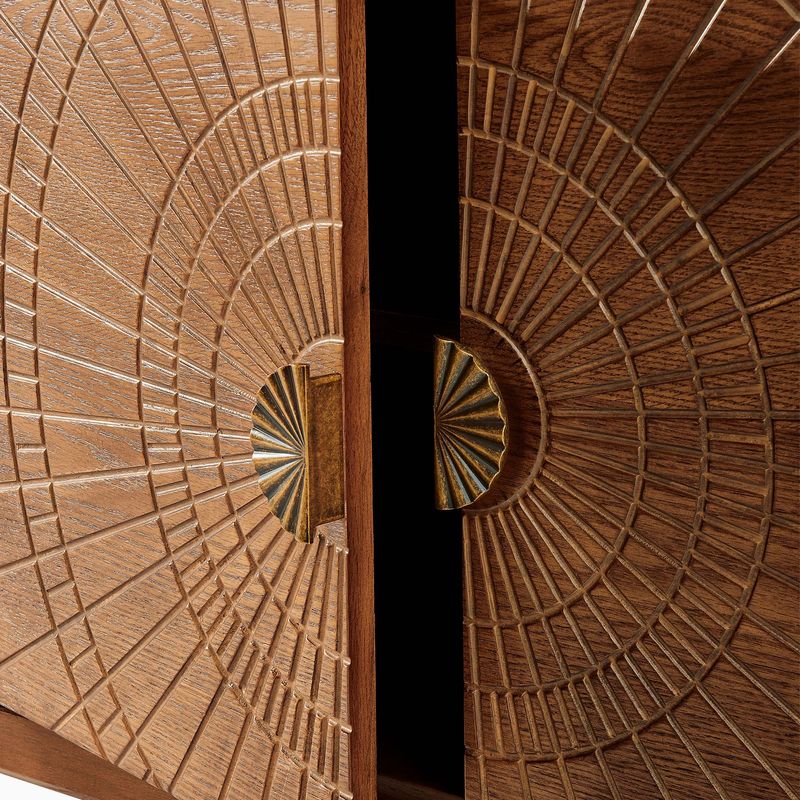
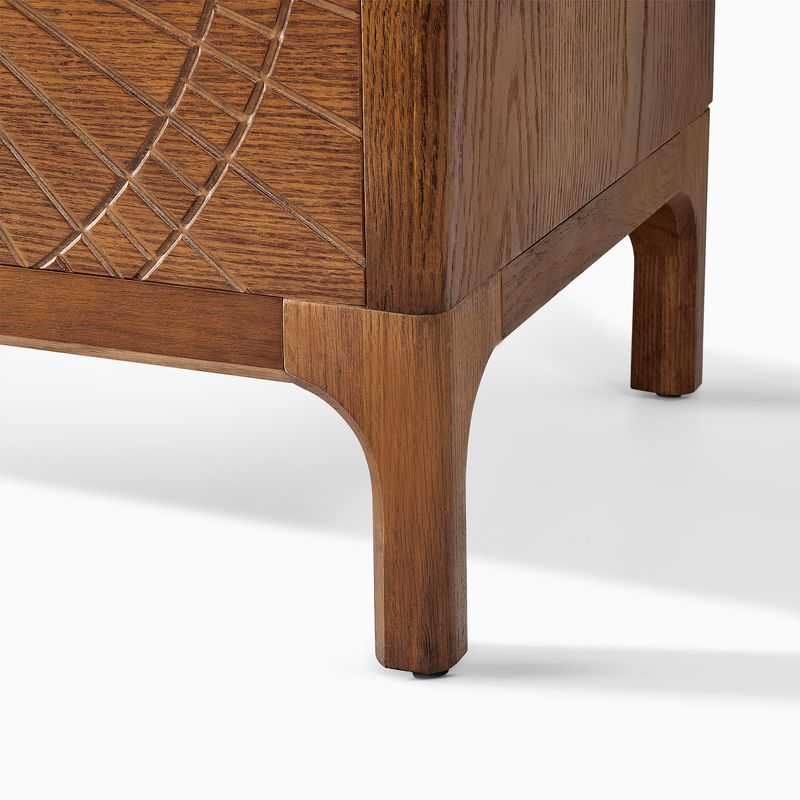
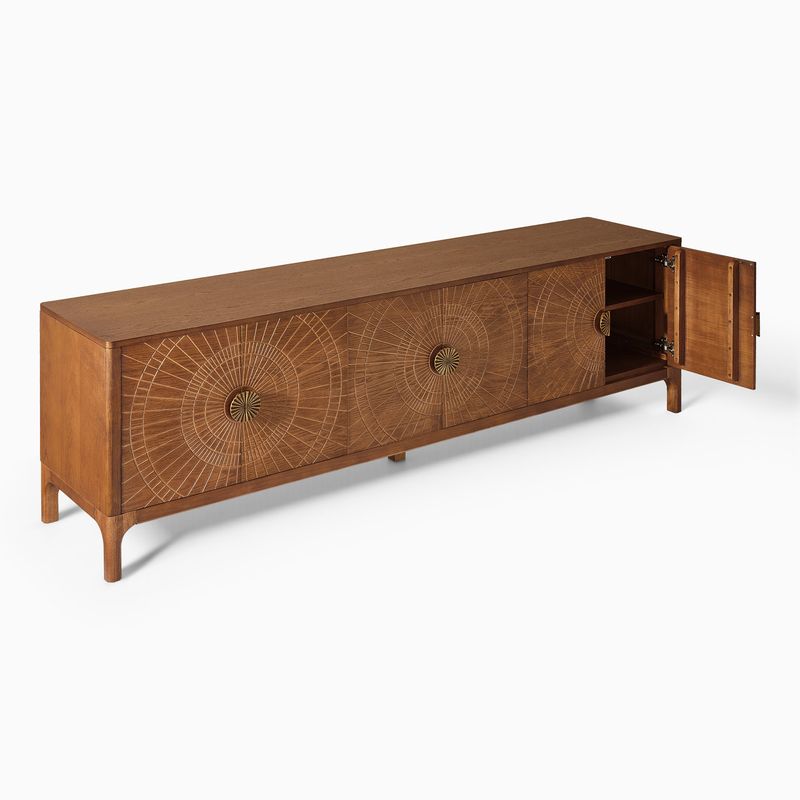
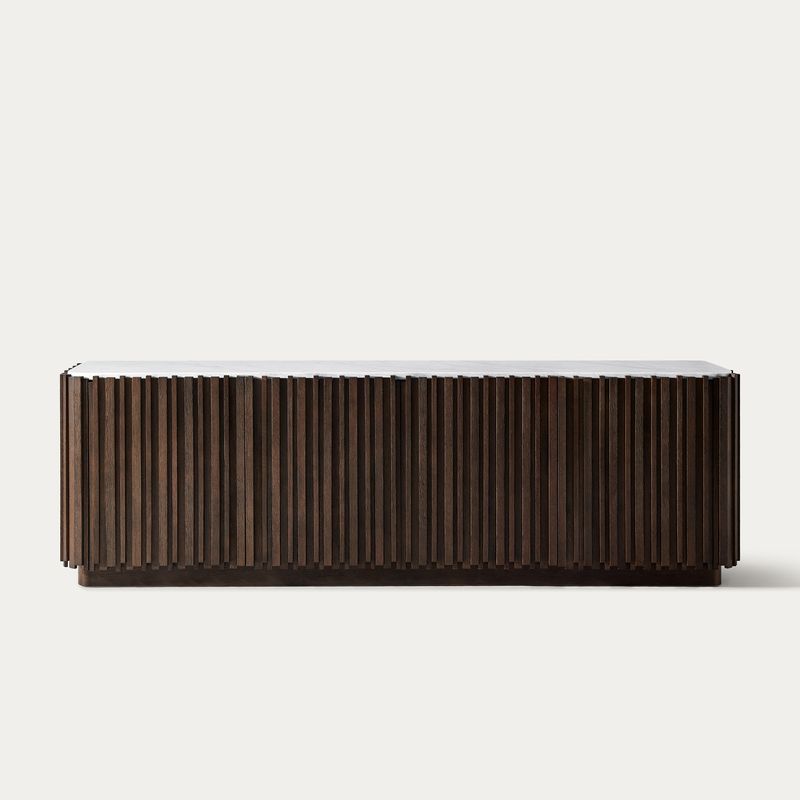
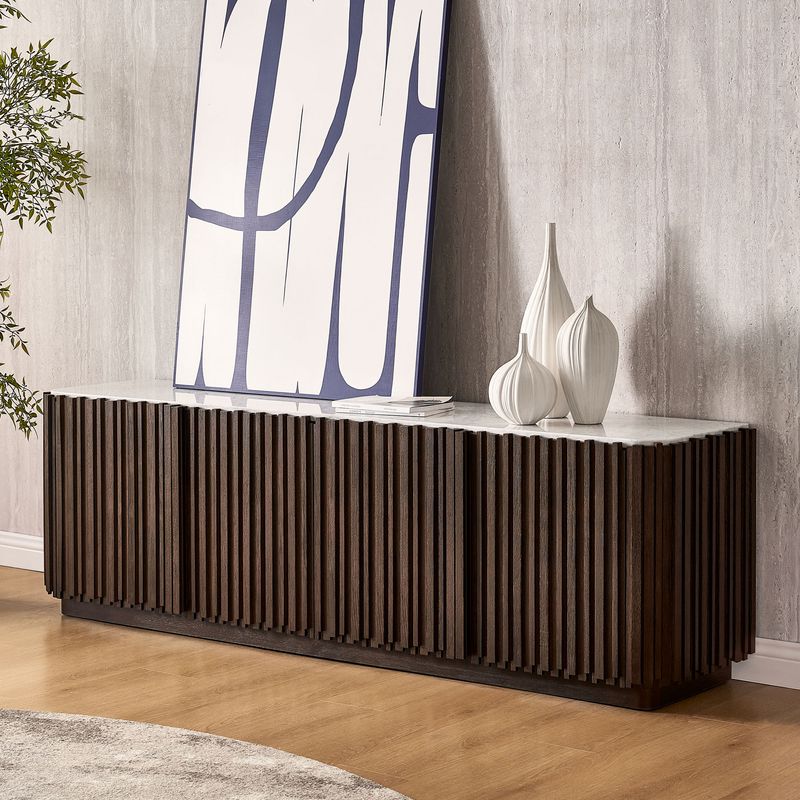
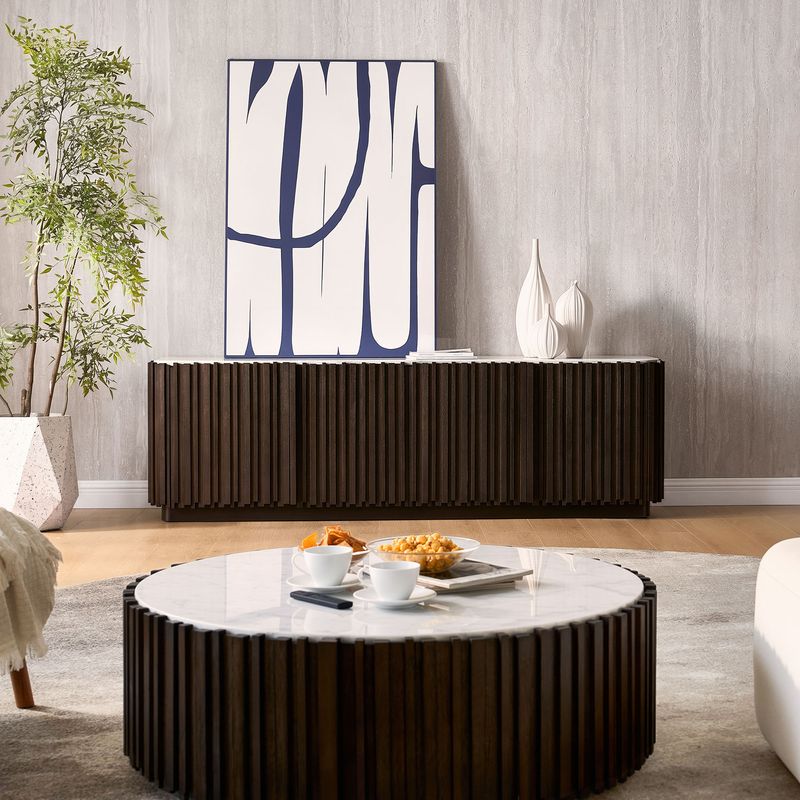
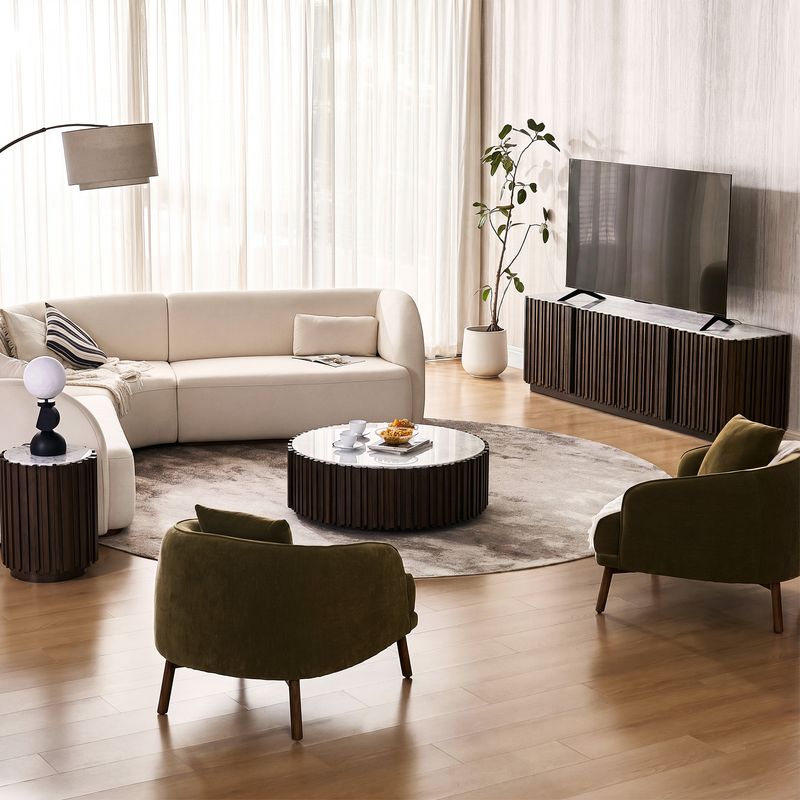
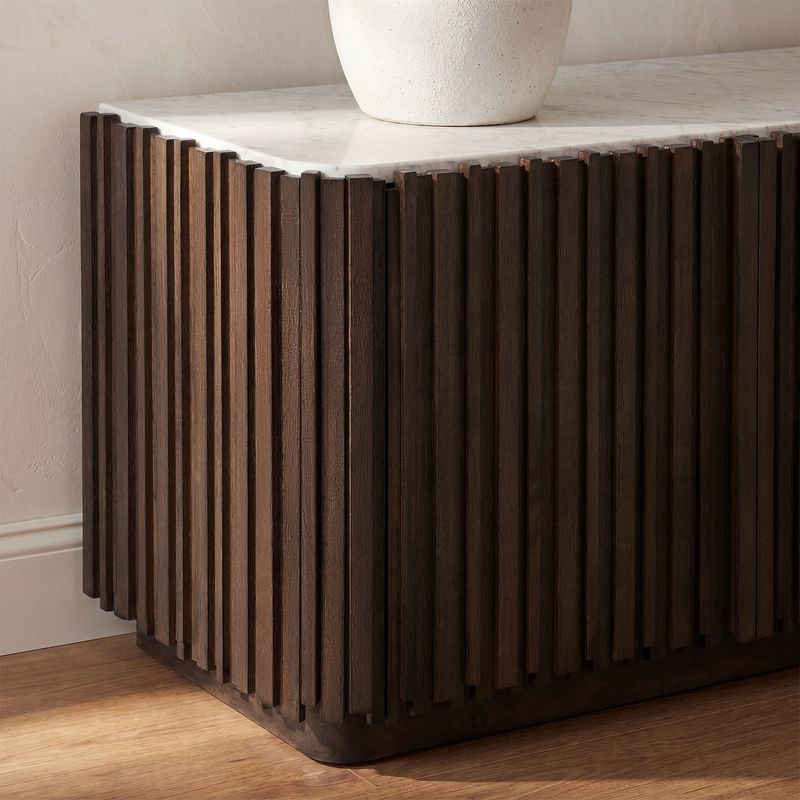
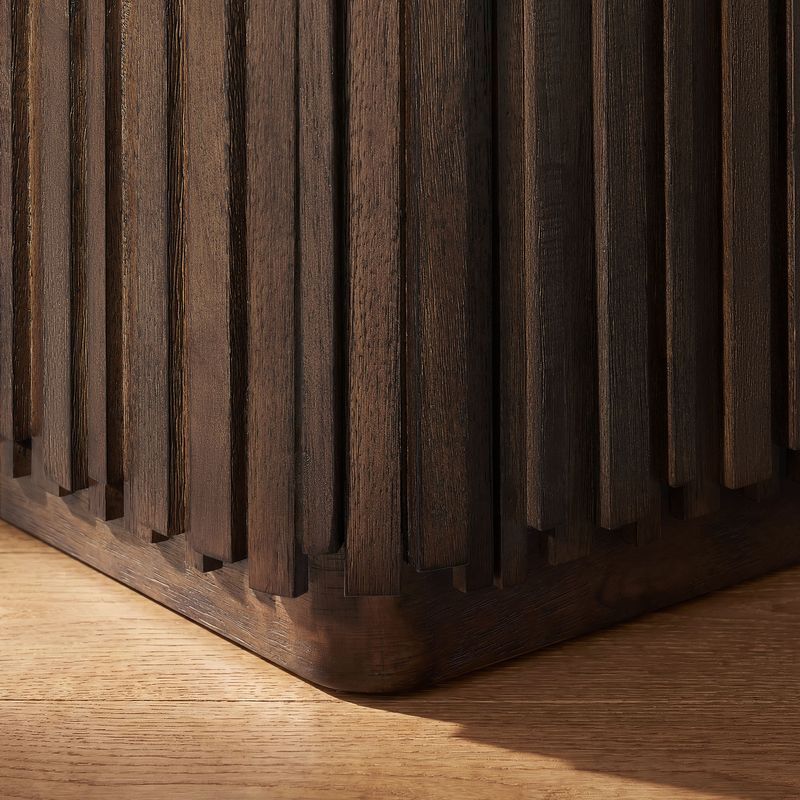
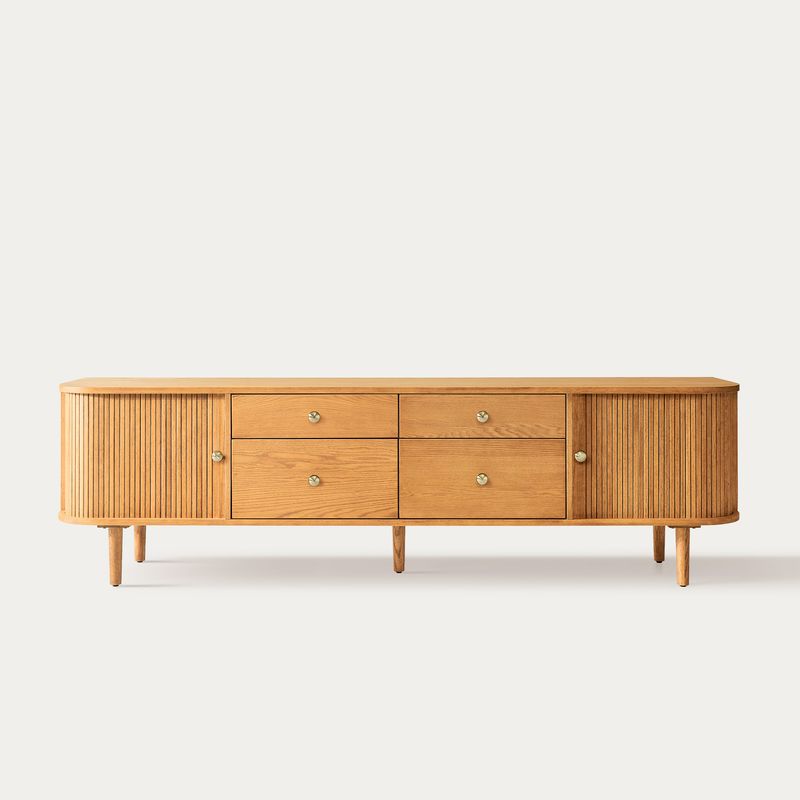
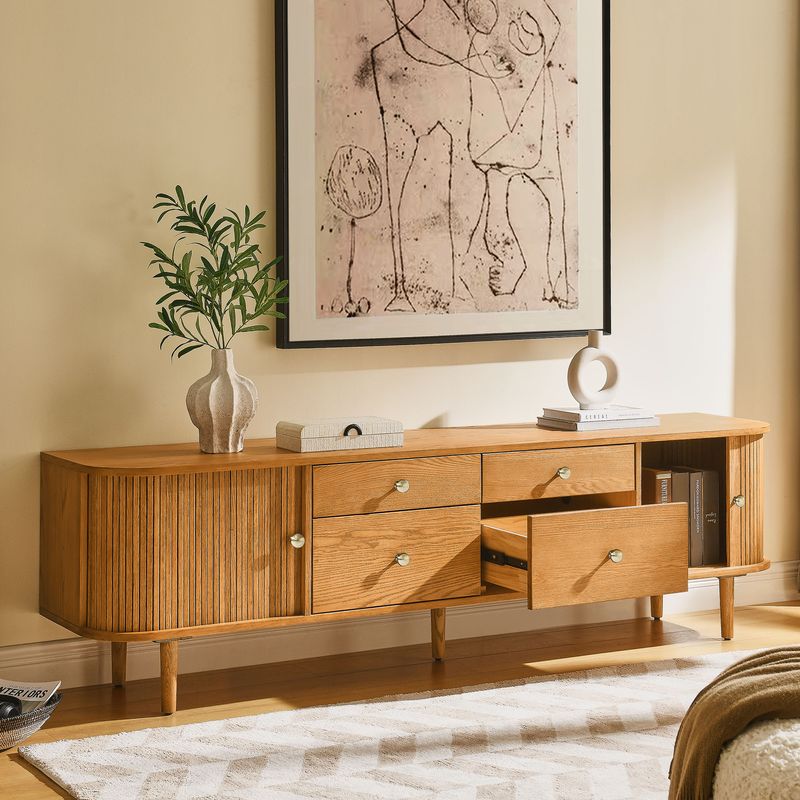
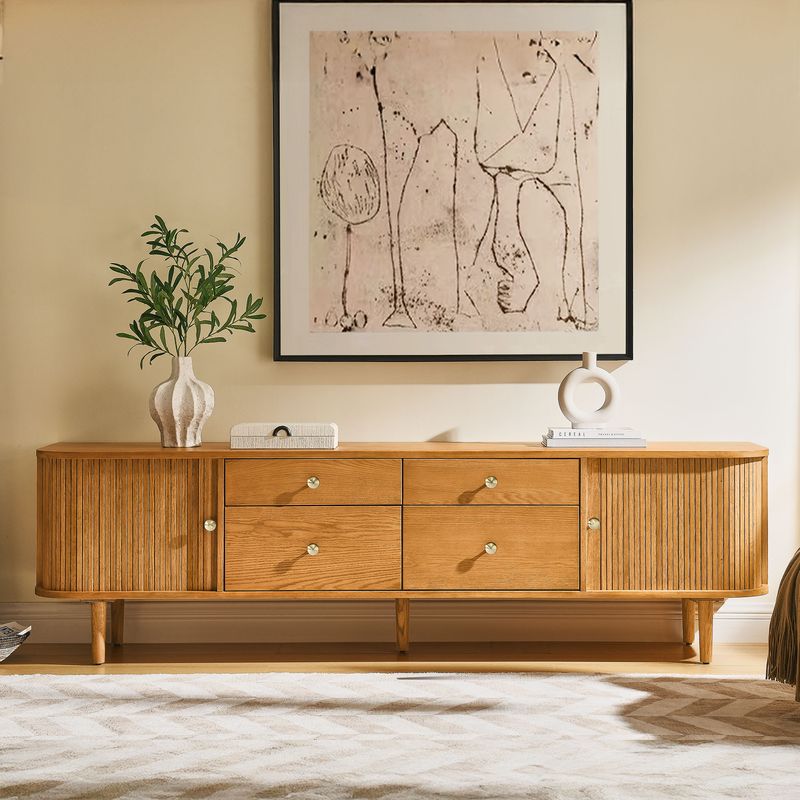
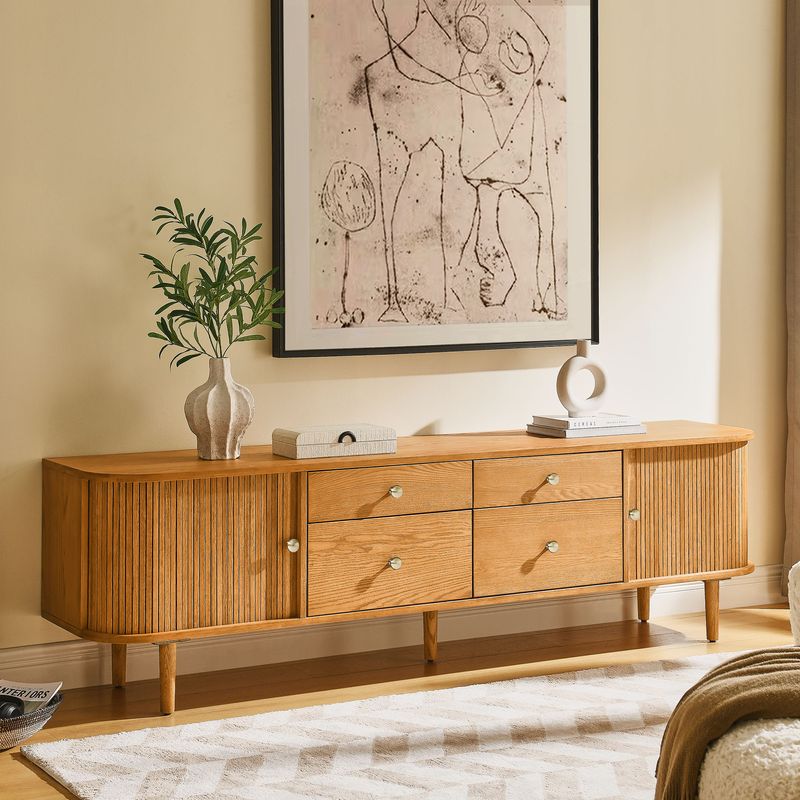
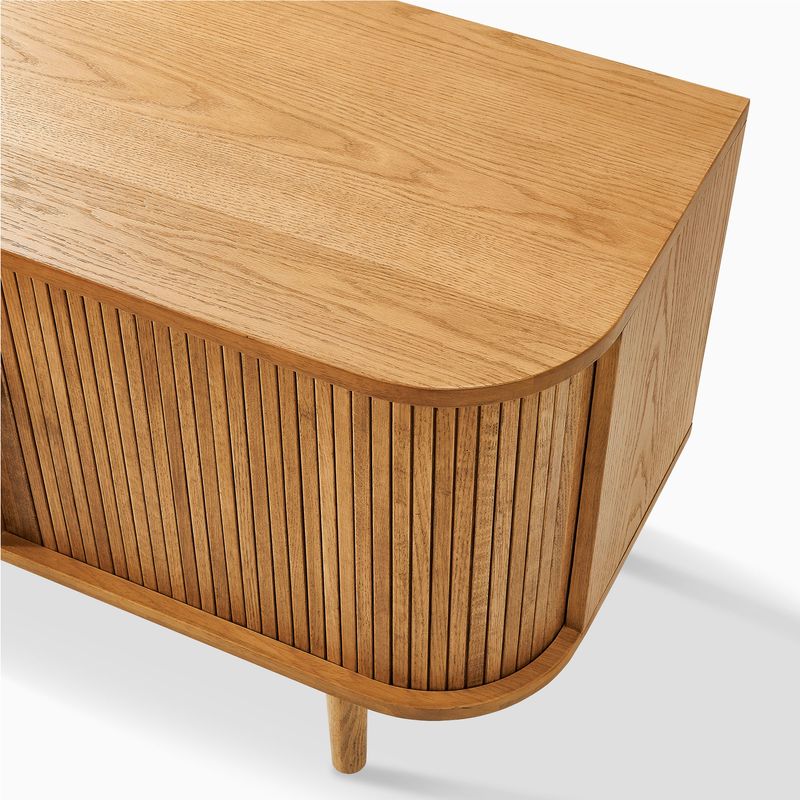
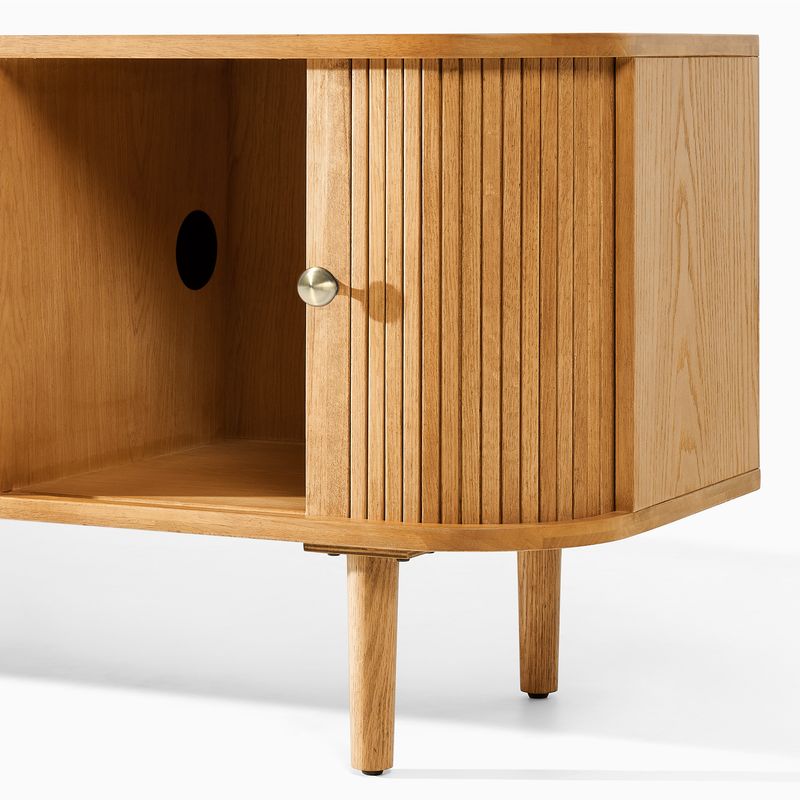
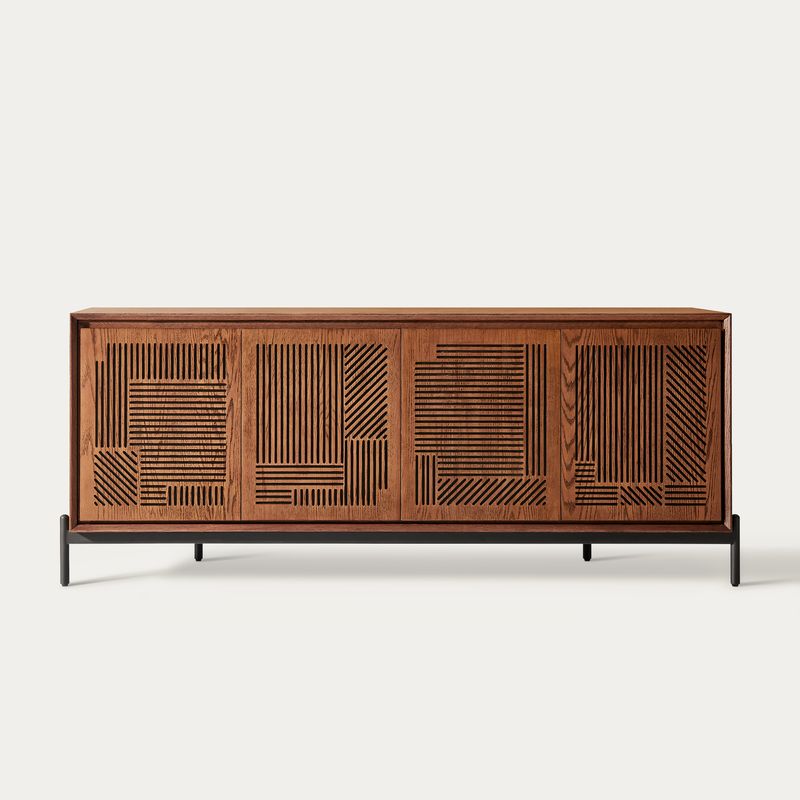
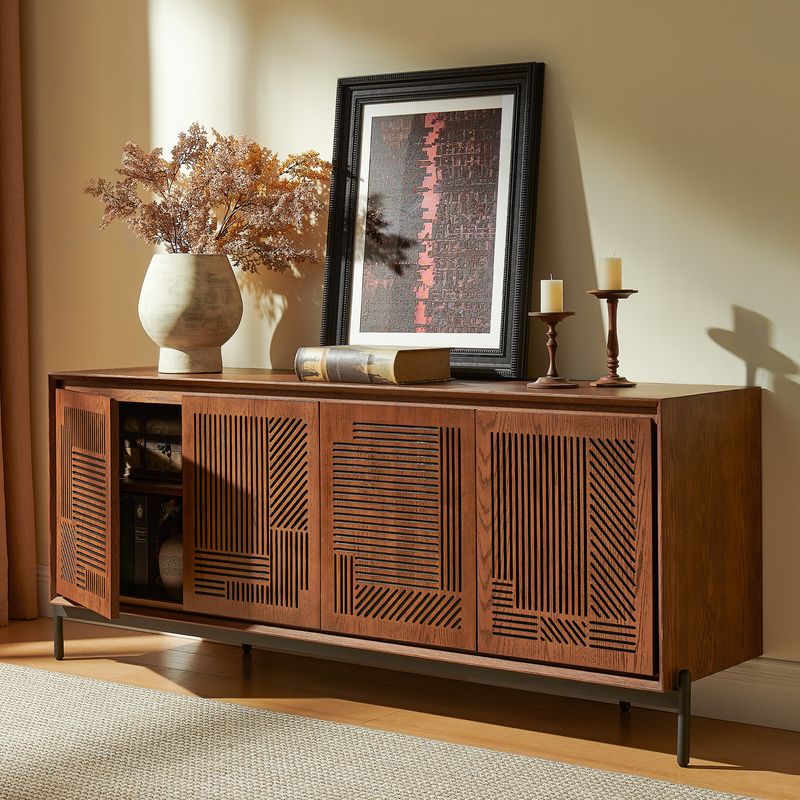
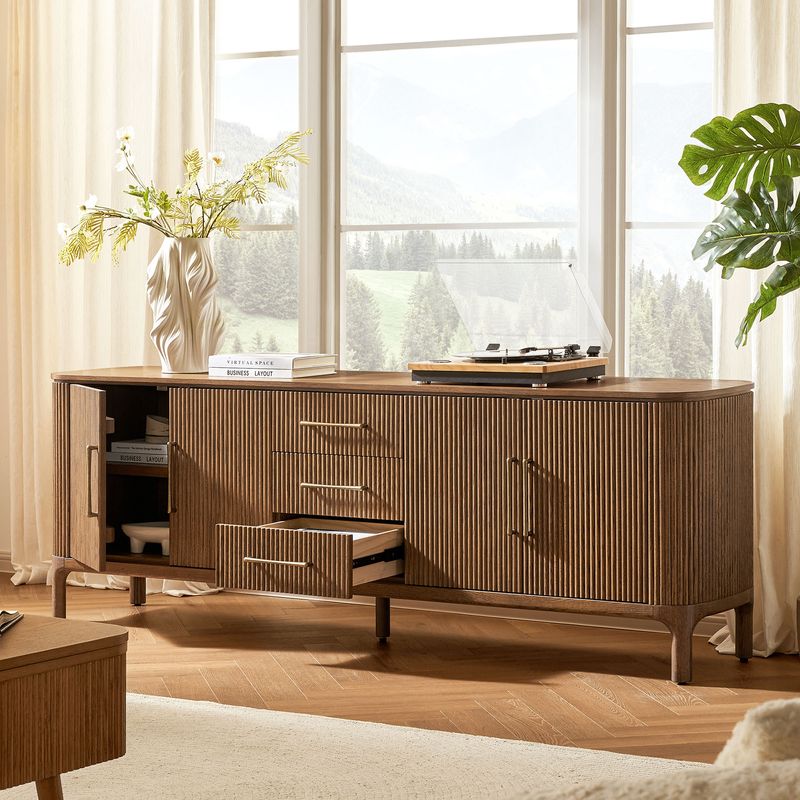
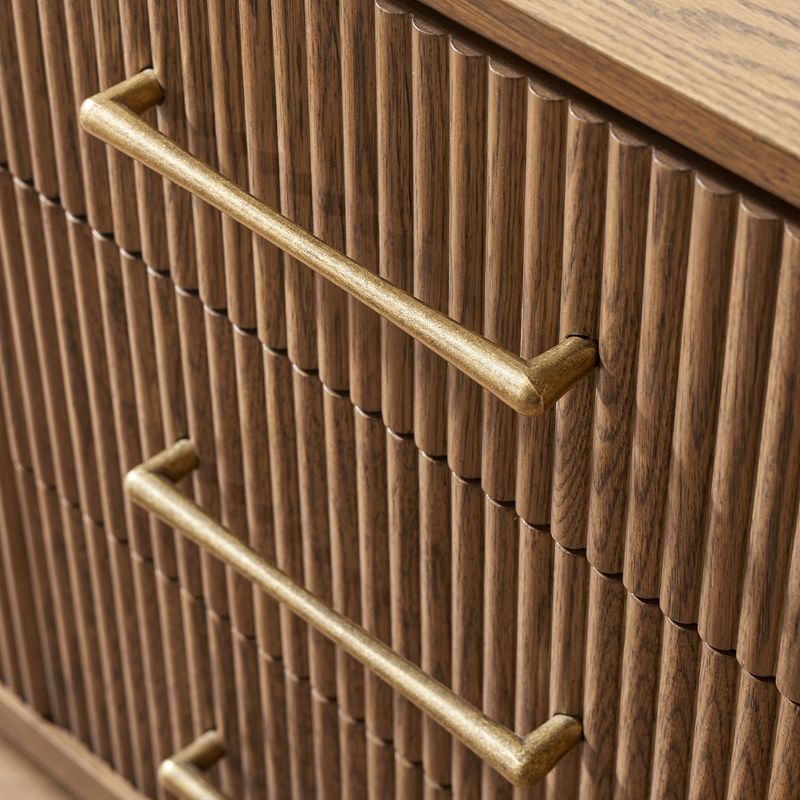
Cabinet fronts can change the character of a media console without changing its basic purpose. Fluted fronts feature repeated grooves, while slatted designs create a linear pattern. Carved details add visual texture and can become a focal point when paired with simpler surrounding furniture.
Compare our fluted TV stands and slatted media consoles to explore these design options.
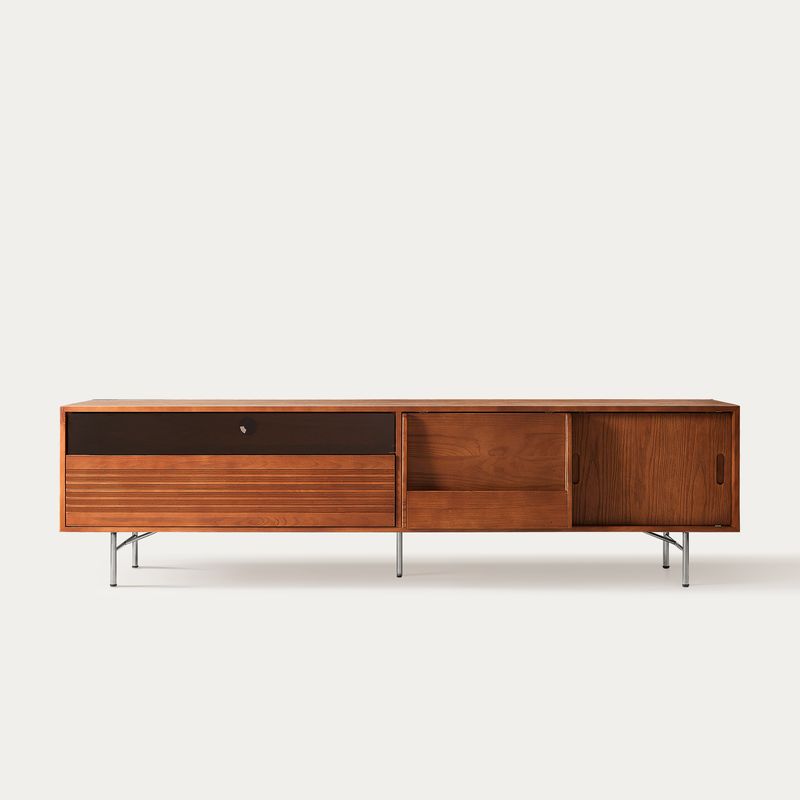
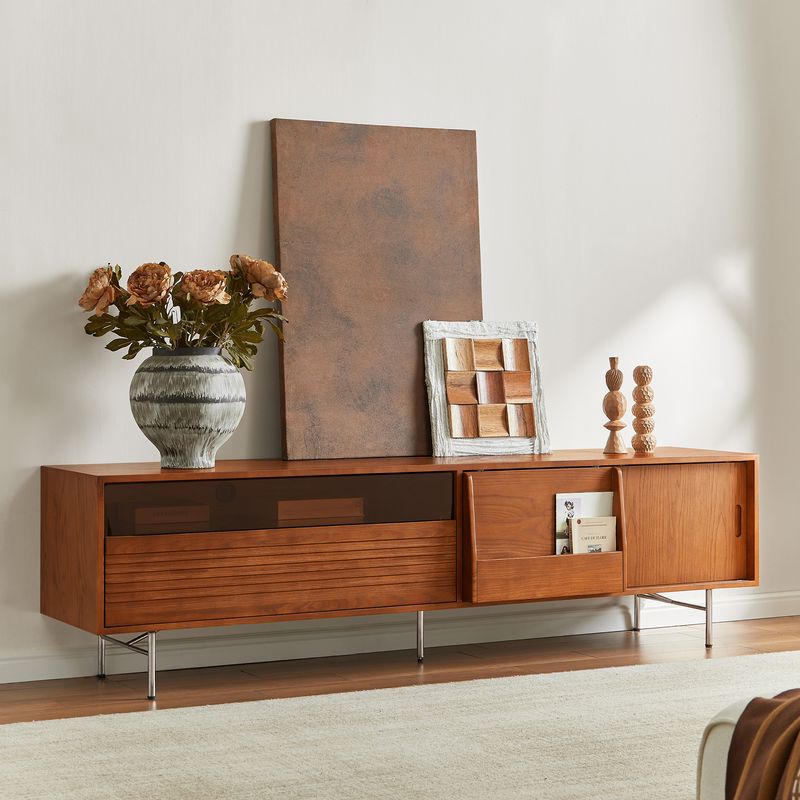
If you're considering a mid-century modern TV stand, look at the overall proportions, leg design, finish, and cabinet detailing. A streamlined silhouette may suit vintage-inspired interiors as well as contemporary living rooms. Choose a design that works with your existing furniture and the scale of your entertainment area.
Choose the Right Storage for Your Media Console
The most useful storage configuration depends on what you need to keep nearby. Before choosing a media console, list your electronics, remotes, gaming accessories, cables, and other living room essentials. Then compare cabinet doors, drawers, and shelves against those needs.
Closed Cabinets for a More Organized Living Room
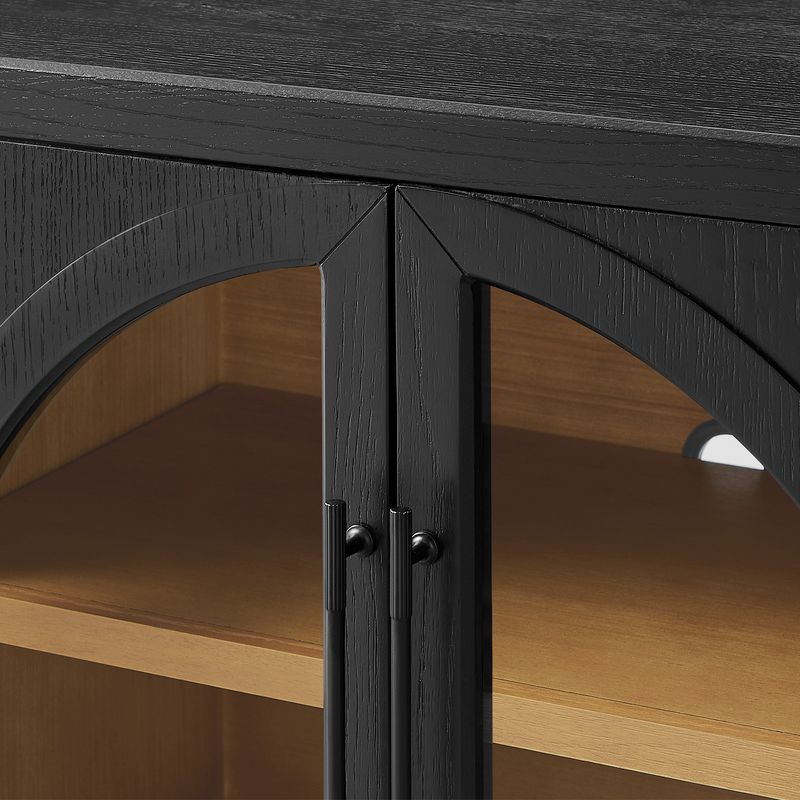
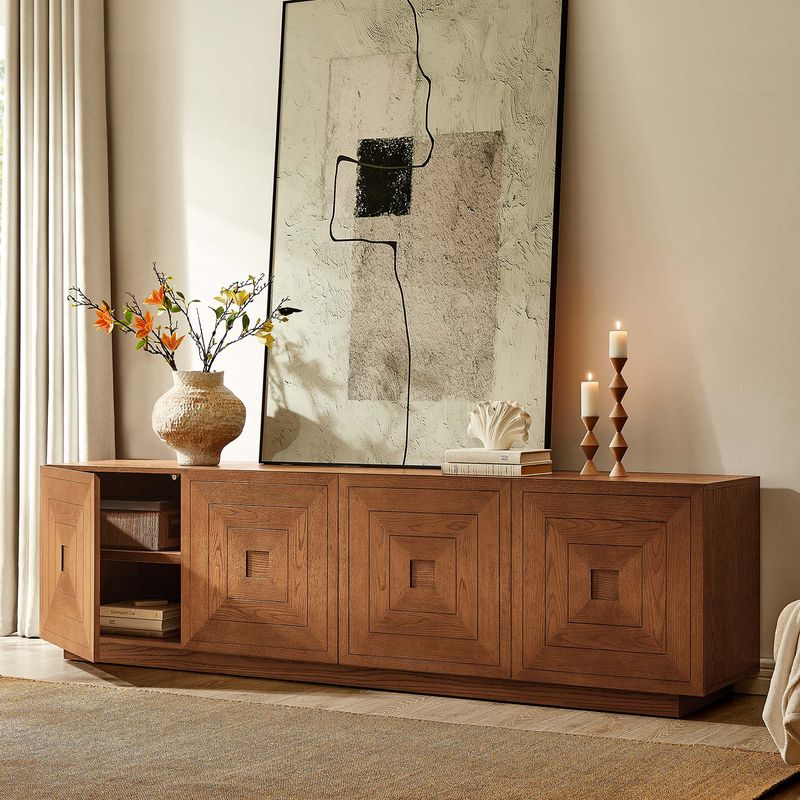
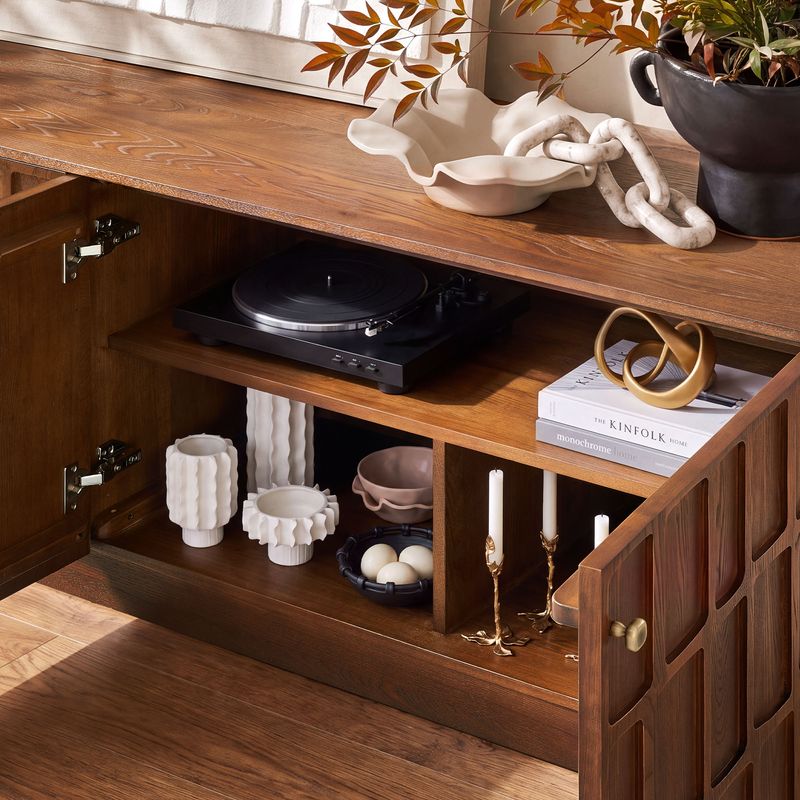
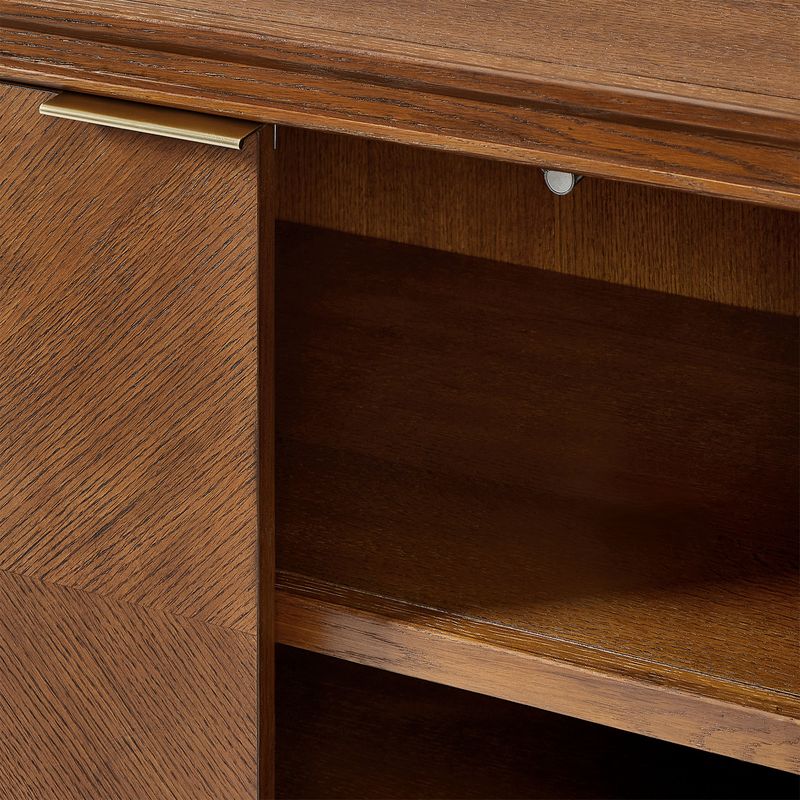
Closed cabinets help keep remotes, spare cables, controllers, and other small items out of sight. They can be useful when you want a tidy entertainment area without displaying every accessory.
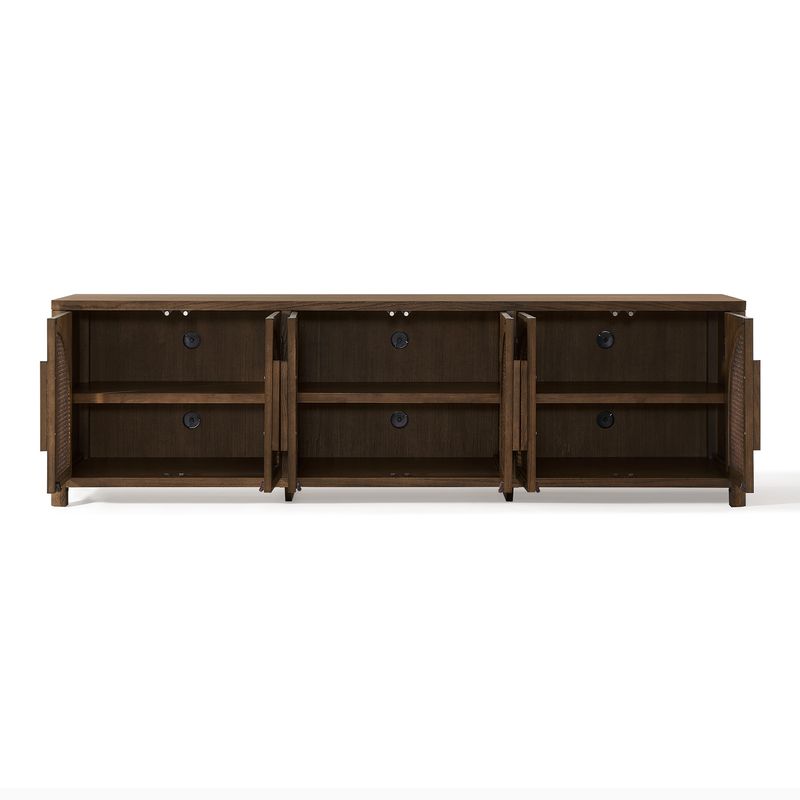
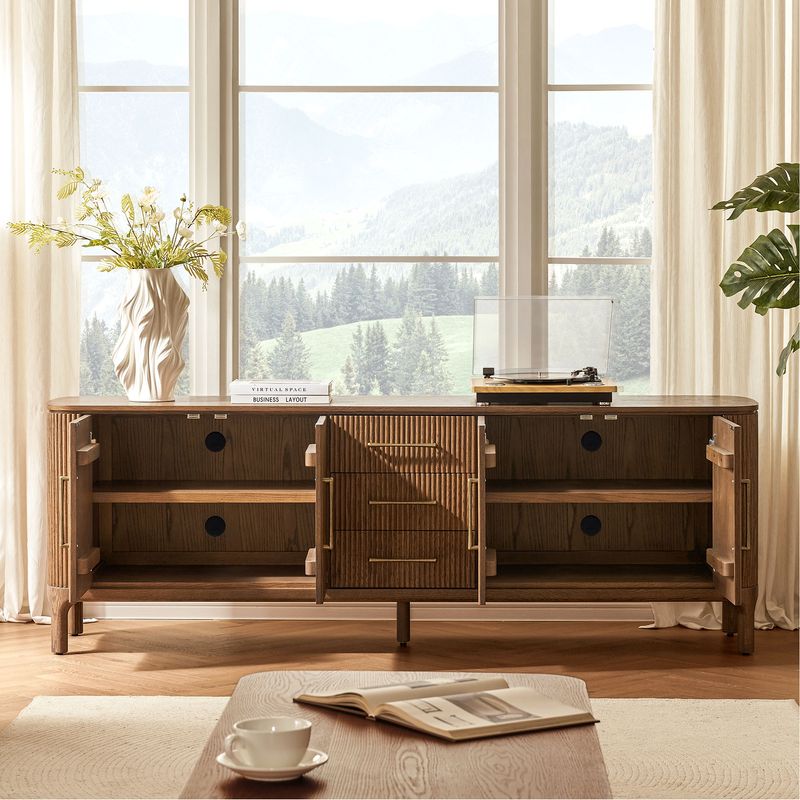
If you plan to store a streaming device, gaming console, or other electronics inside the cabinet, check the internal dimensions and cable access. Make sure the space provides adequate ventilation for your equipment, and follow the device manufacturer's instructions for placement.
Drawers and Shelves for Everyday Access
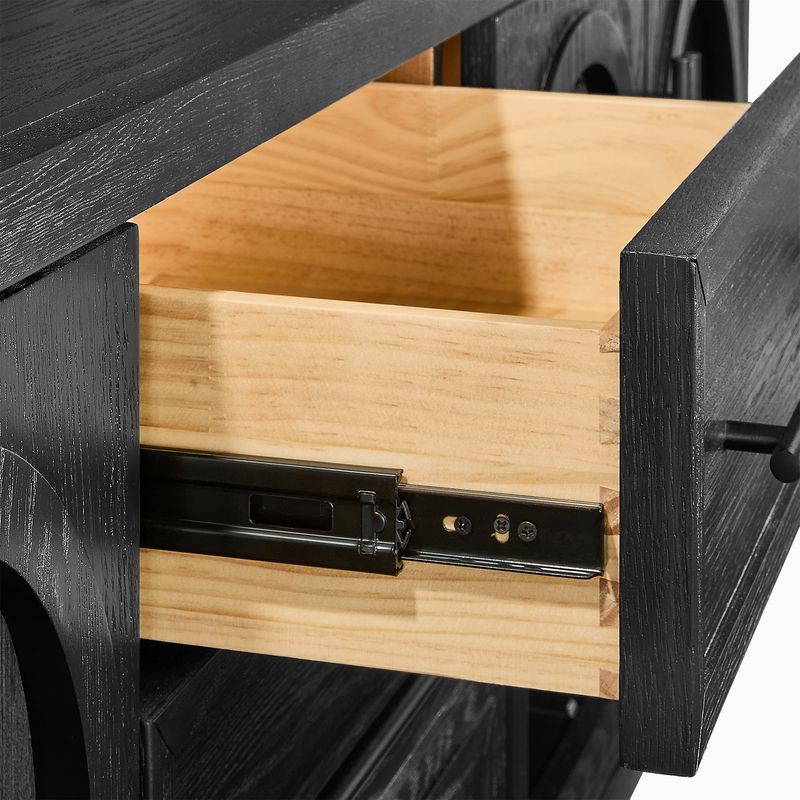
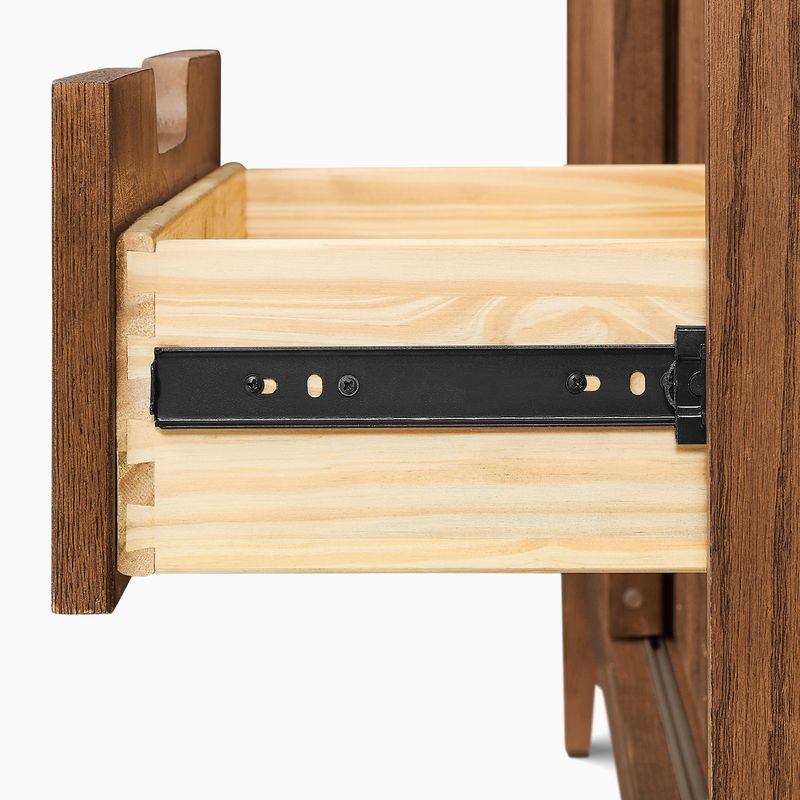
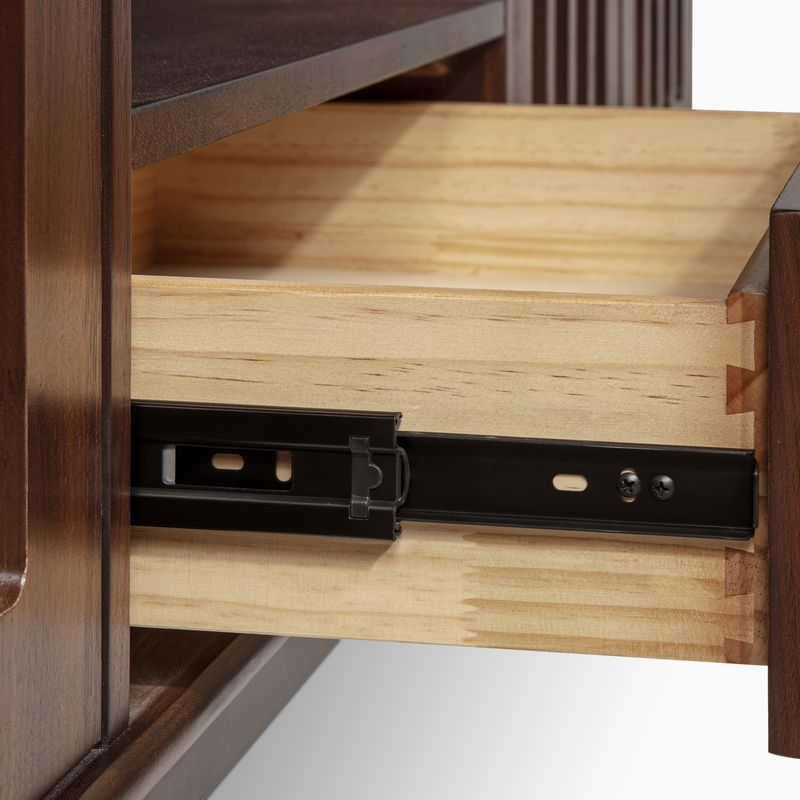
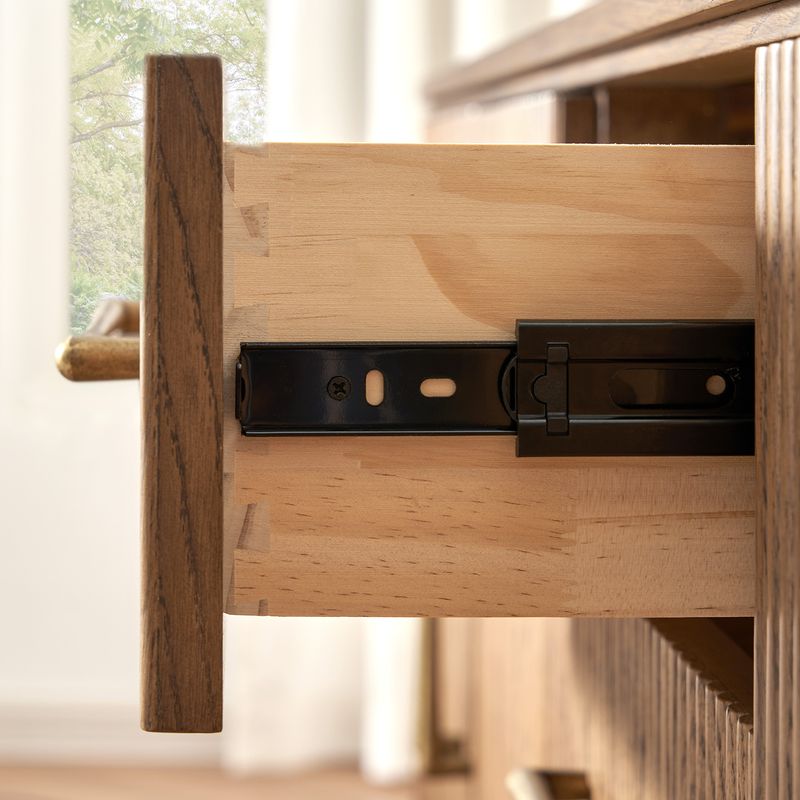
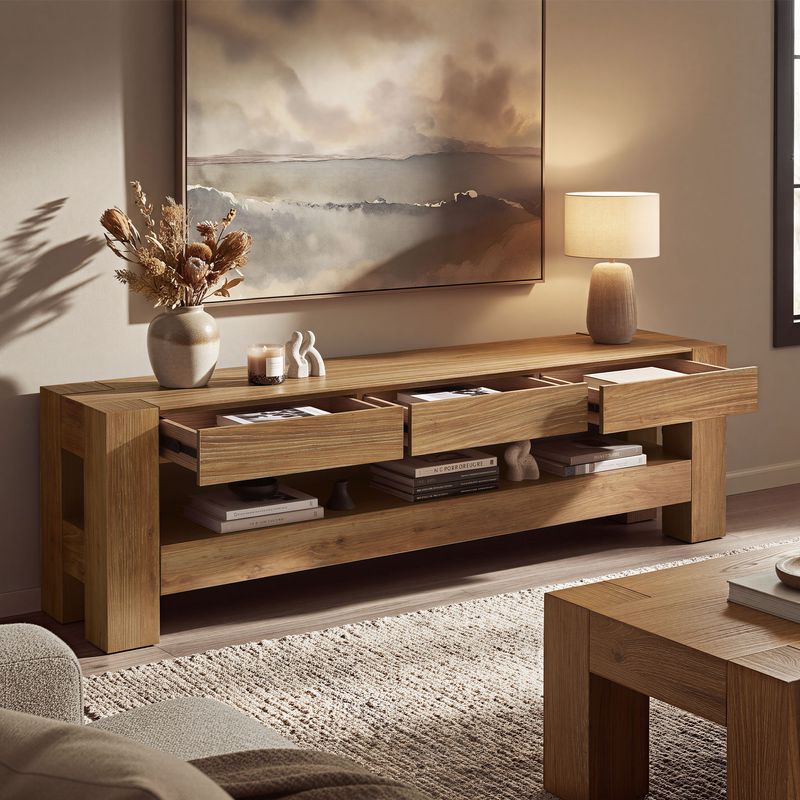
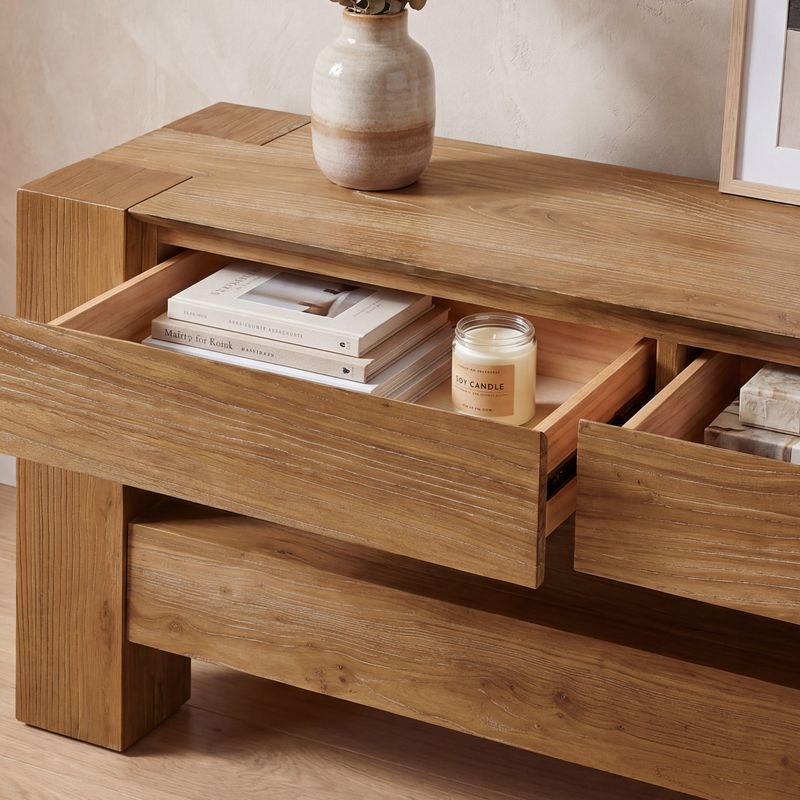
Drawers offer convenient storage for smaller accessories, instruction manuals, and other items you do not need to display. Shelves provide space for compatible electronics, baskets, or frequently used equipment. Adjustable shelves can offer additional flexibility when available, but their configuration varies by product.
Explore our TV stands with storage, TV stands with shelves, and TV stands with drawers to compare different layouts. Check the product dimensions and listed features to determine whether a console can accommodate your equipment.
Plan for Cable Management and TV Safety
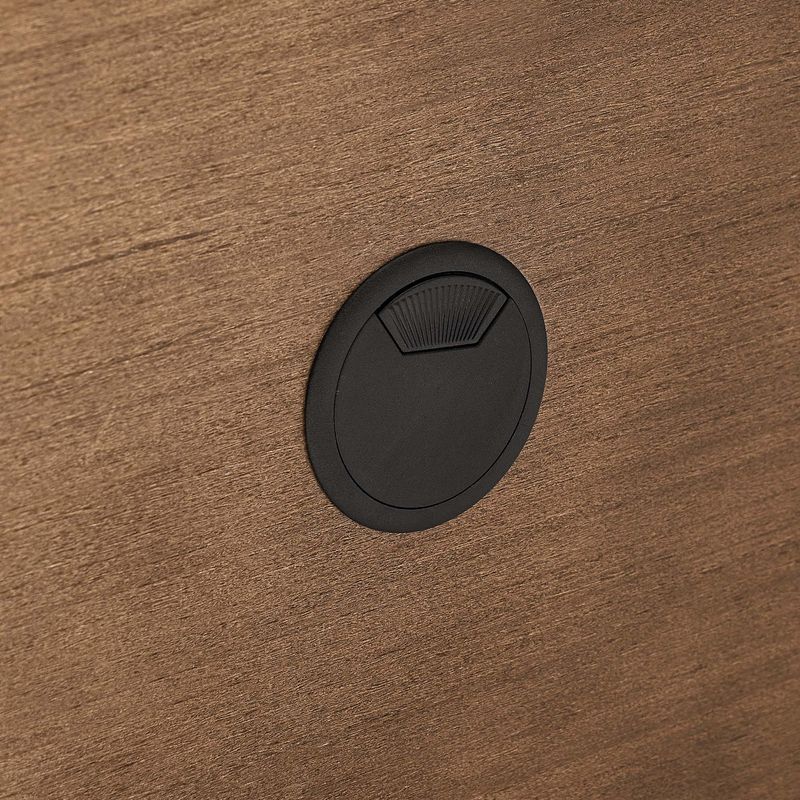
Cable access is worth checking before installation. Look for product details about rear cord openings, and consider whether their positions will work with your outlets and equipment. Keep cables organized and avoid pinching them between the wall and furniture.
Electronics that generate heat need sufficient airflow. Do not place devices in enclosed spaces that restrict ventilation, and follow Hernest's installation instructions.
If your TV sits directly on the console, verify that its feet fit securely on the usable top surface and that the furniture's stated weight capacity is sufficient. For additional safety, follow the U.S. Consumer Product Safety Commission's furniture and TV safety guidance. Properly securing TVs and furniture can help reduce tip-over risks, especially in homes with children.