Find an Entertainment Center That Brings Your Living Room Together
An entertainment center does more than hold a television. It can organize media equipment, conceal everyday clutter, display favorite objects, and give the living room a more cohesive look. The right design balances visual impact with practical storage, whether you're furnishing a spacious family room or creating a dedicated media wall.
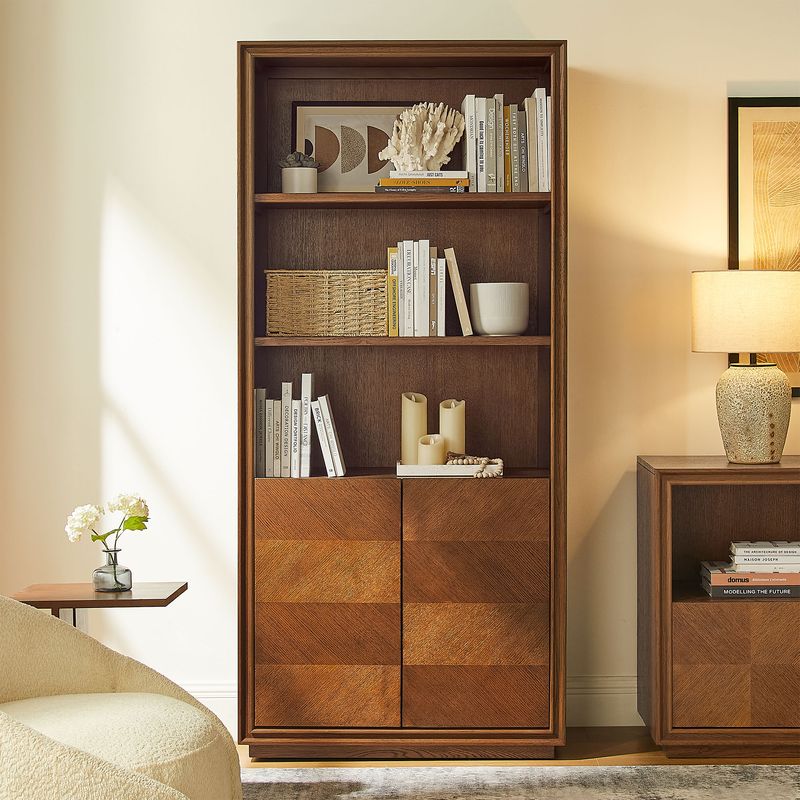
Hernest entertainment centers pair statement-making details with functional storage to help create a more considered living space. From the architectural oak framing of the Valborg collection to the travertine-inspired texture of Renata and the chevron detailing of Thursen, each design offers a distinct way to bring character to your TV area.
When choosing an entertainment center, consider the full wall, not just the television. Overall width, cabinet height, storage configuration, finish, and cable access all affect how the finished setup looks and works. These details matter even more when choosing a larger set with matching cabinets on either side of the media console.
Read More
Explore Entertainment Centers for Different Living Spaces
The best entertainment centers complement both your room's proportions and the way you use it. Some homeowners need extensive enclosed storage for electronics, games, books, and accessories. Others want a more decorative arrangement that frames the television and creates a focal point without overwhelming the room.
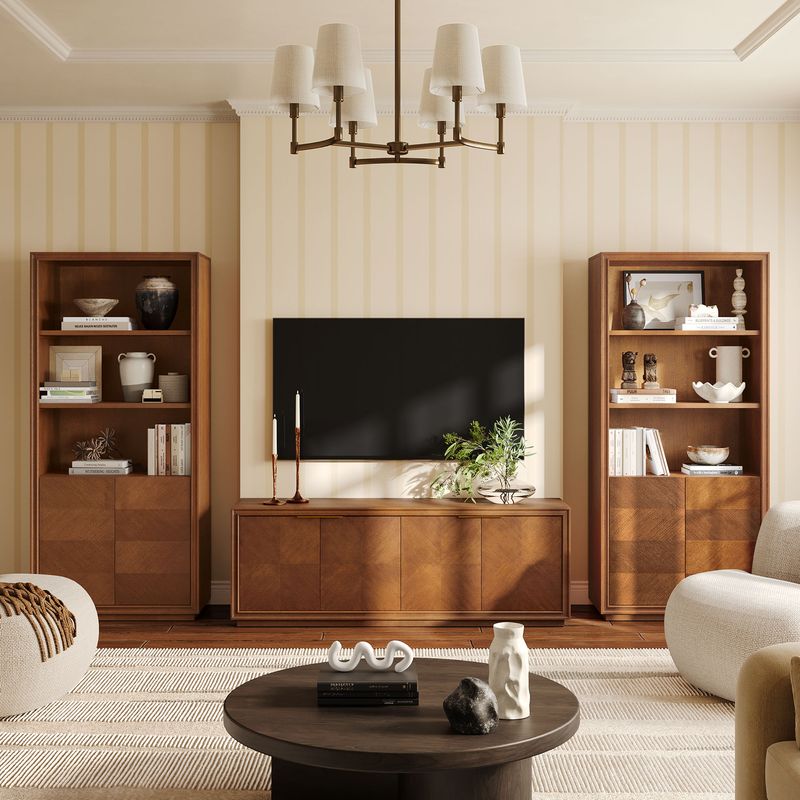
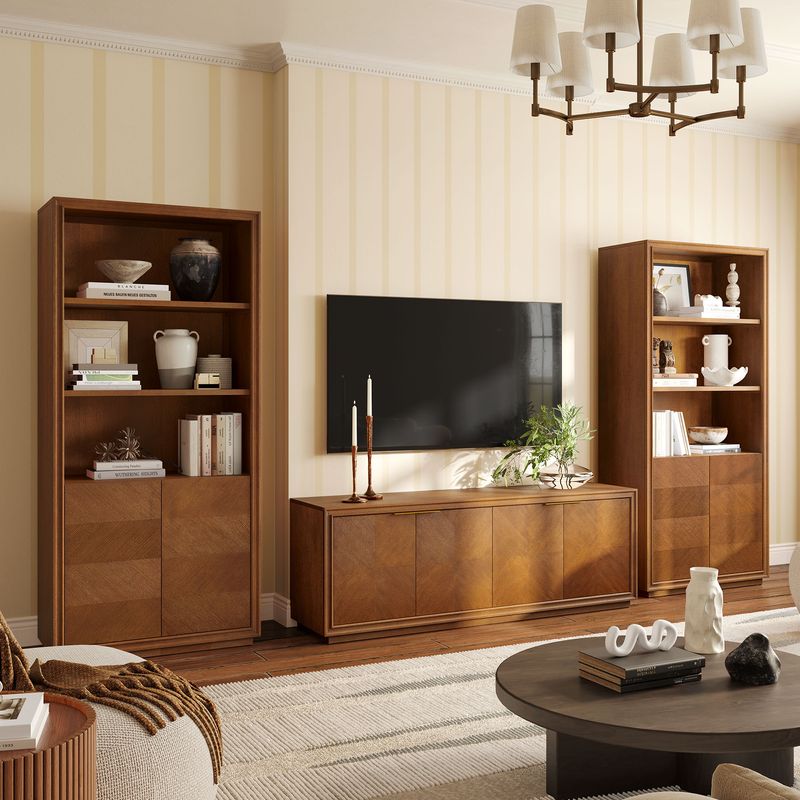
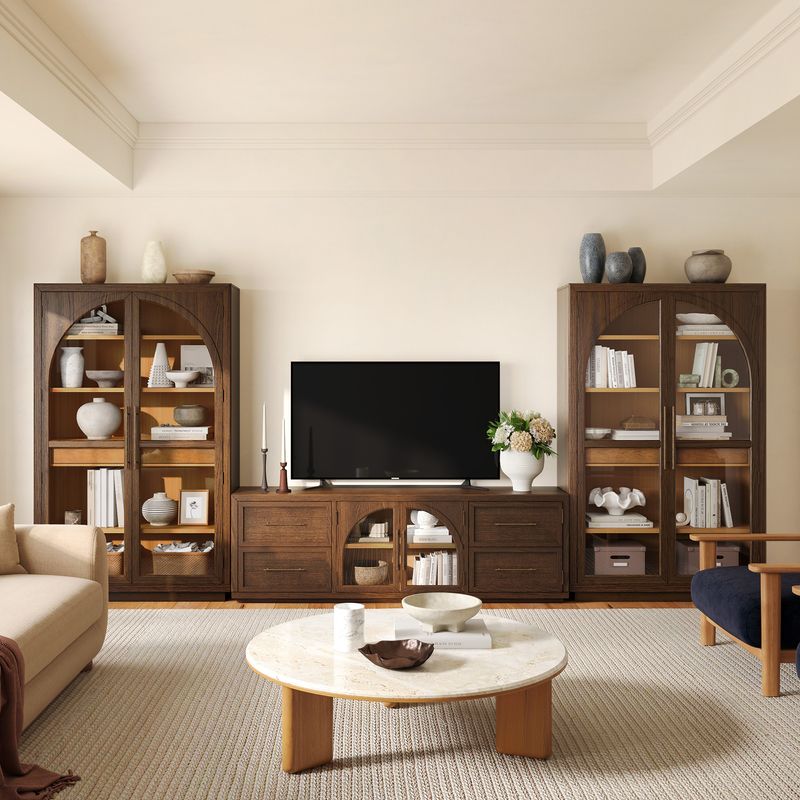
A large entertainment center can help anchor a wide living room wall. Matching side cabinets add vertical interest, while a central media console provides a dedicated surface for the television and connected devices. In a smaller room, a more compact console may leave better clearance around walkways and nearby furniture.
Before choosing a configuration, consider what needs to stay accessible and what you would prefer to keep out of sight. Remotes, gaming accessories, spare cables, and other small items are easier to organize when drawers and shelves have a clear purpose. Decorative objects, books, and selected collectibles can occupy open display areas without making the entire arrangement feel crowded.
Valborg 174-Inch Oak Entertainment Center
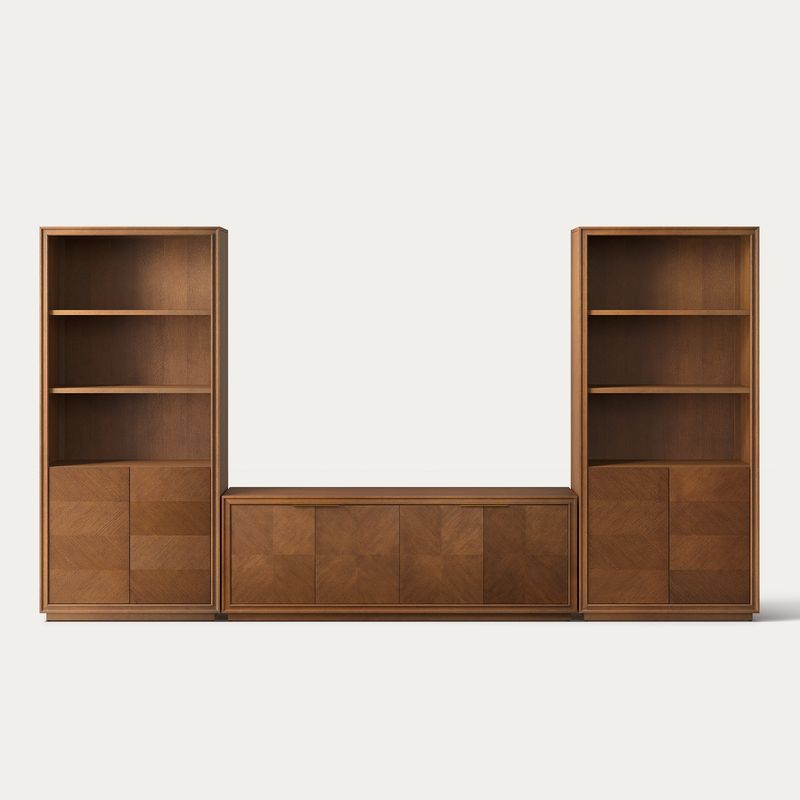
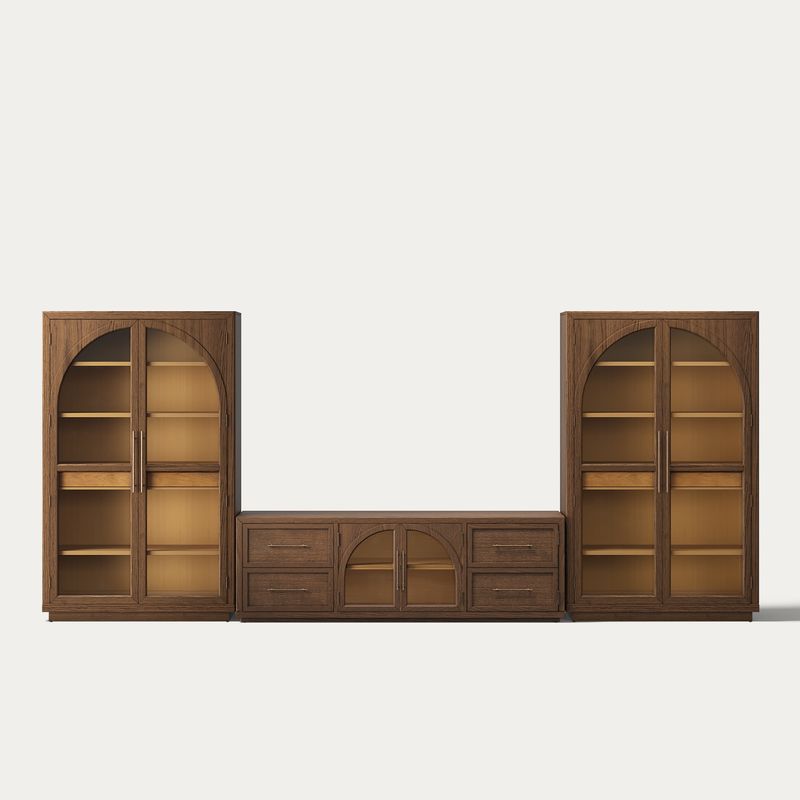
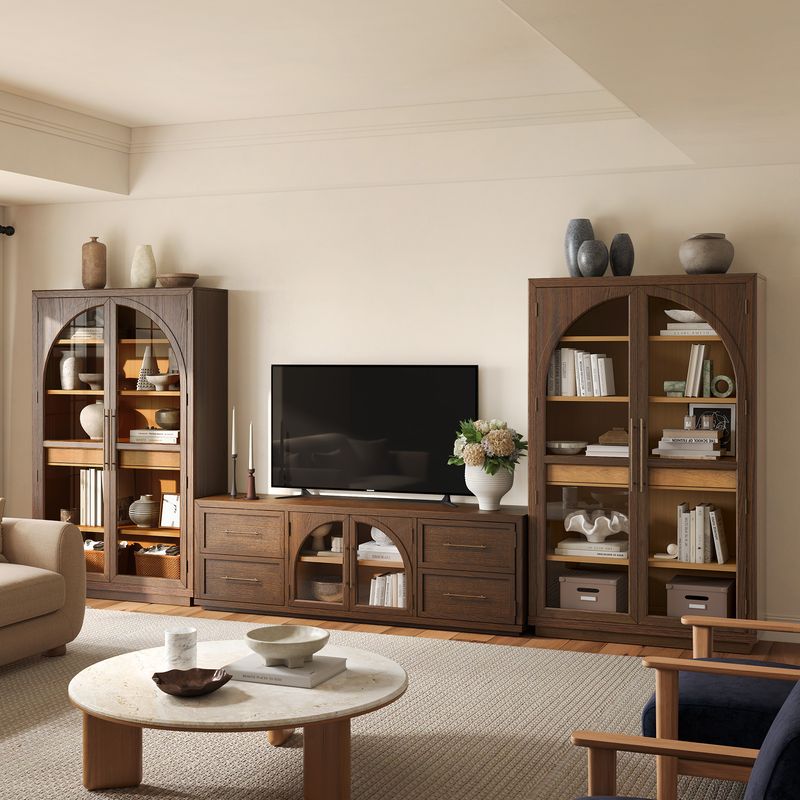
The Valborg 174-Inch Oak Entertainment Center is designed for homeowners who want a substantial furniture arrangement with coordinated storage. Its complete configuration measures approximately 174.3 inches wide, 15.9 inches deep, and 75.9 inches high.
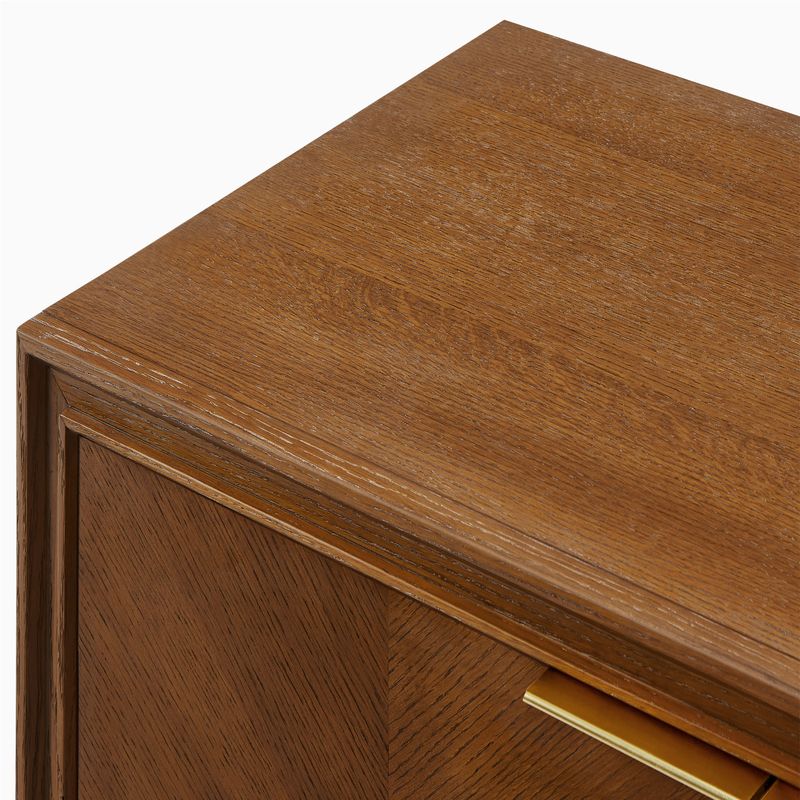
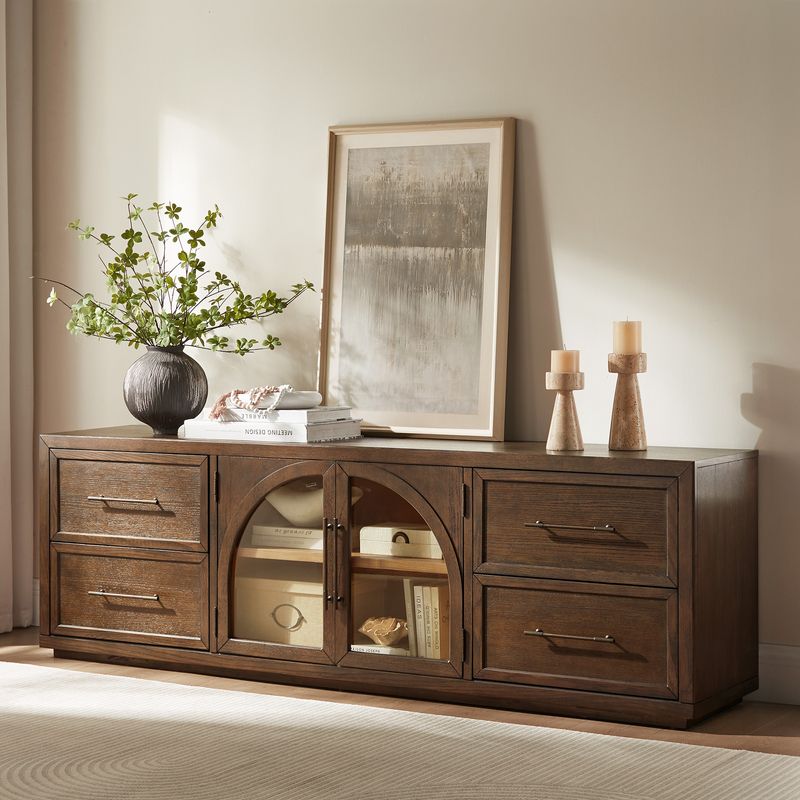
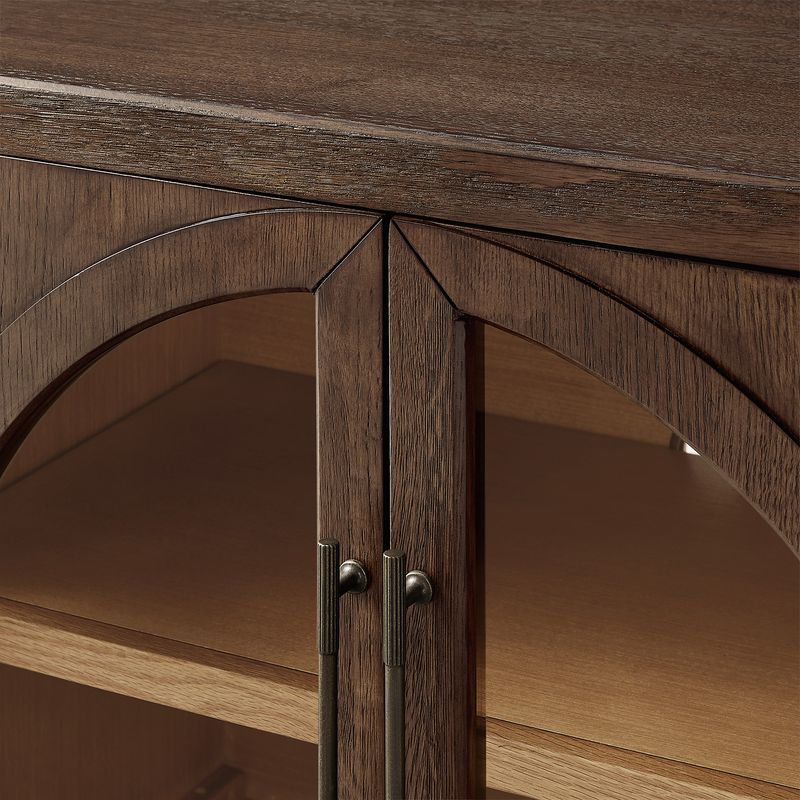
Crafted from American solid oak and engineered wood with oak veneers, Valborg features a wire-brushed finish that highlights the wood grain. Its architectural arches give the arrangement a strong visual outline, while the central media console is designed for TVs up to 85 inches.
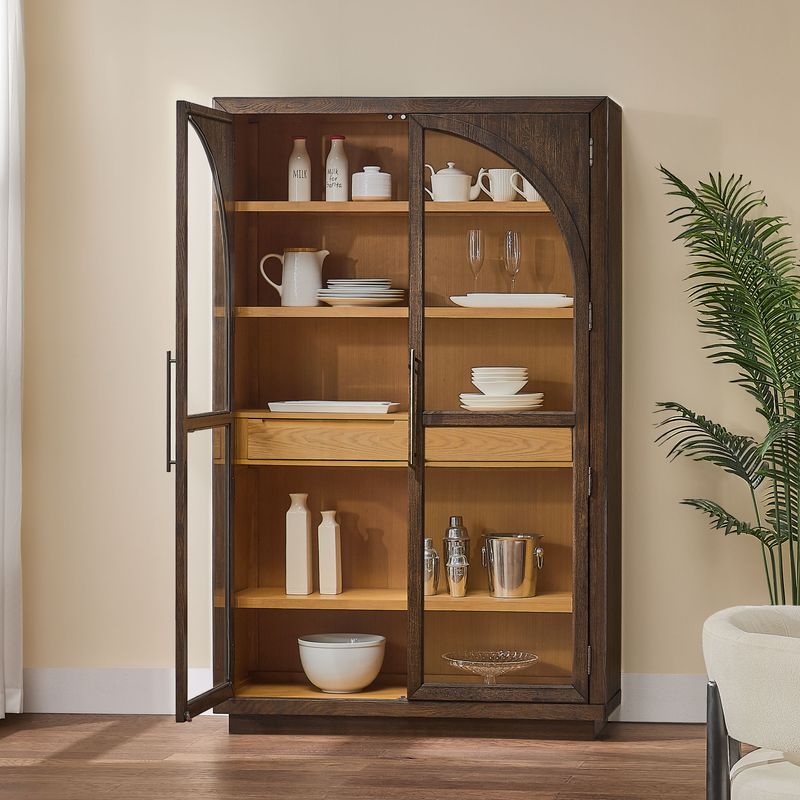
Each cabinet features two drawers and doors that open to reveal three adjustable shelves, providing flexible storage for items of different heights. An anti-tip kit is included and recommended for added stability.
Choose Valborg when you have sufficient wall space and want the media console and tall cabinets to read as one coordinated feature. Before ordering, measure the full wall and account for nearby windows, doorways, outlets, and the space needed to move comfortably around the room.
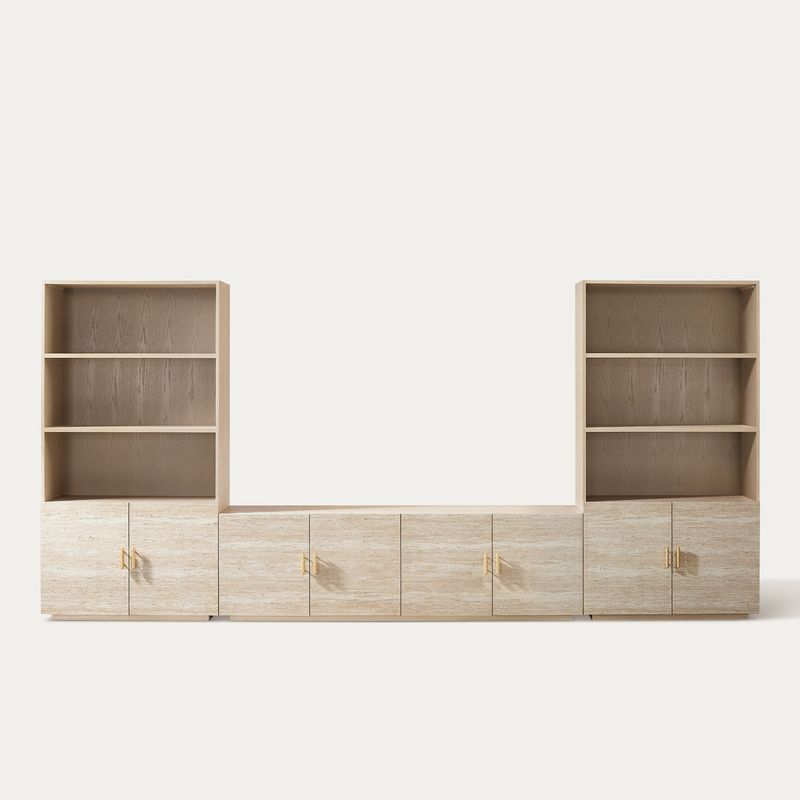
Renata 166-Inch Travertine-Textured Entertainment Center
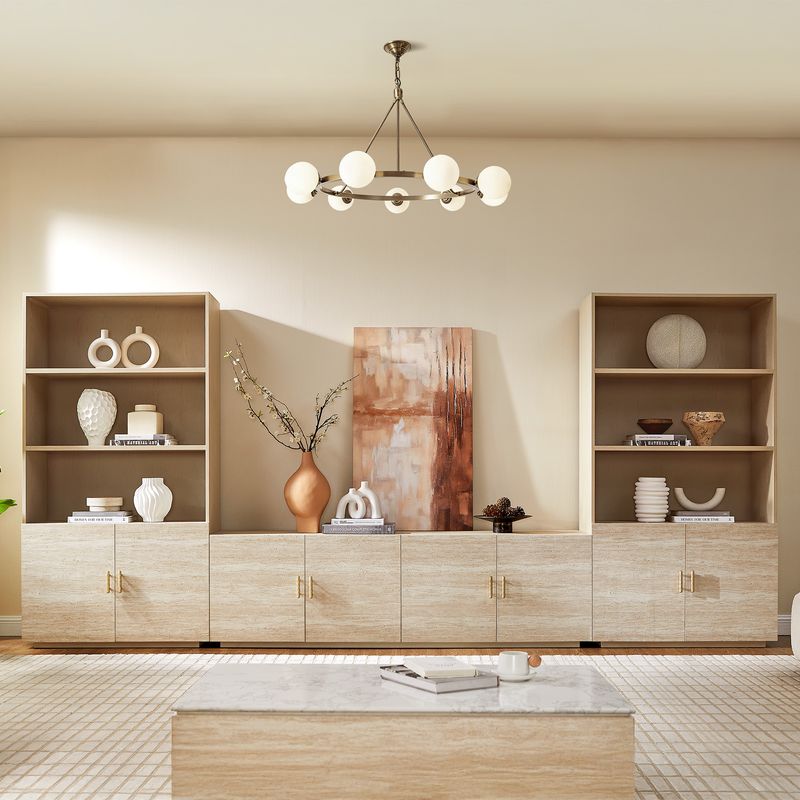
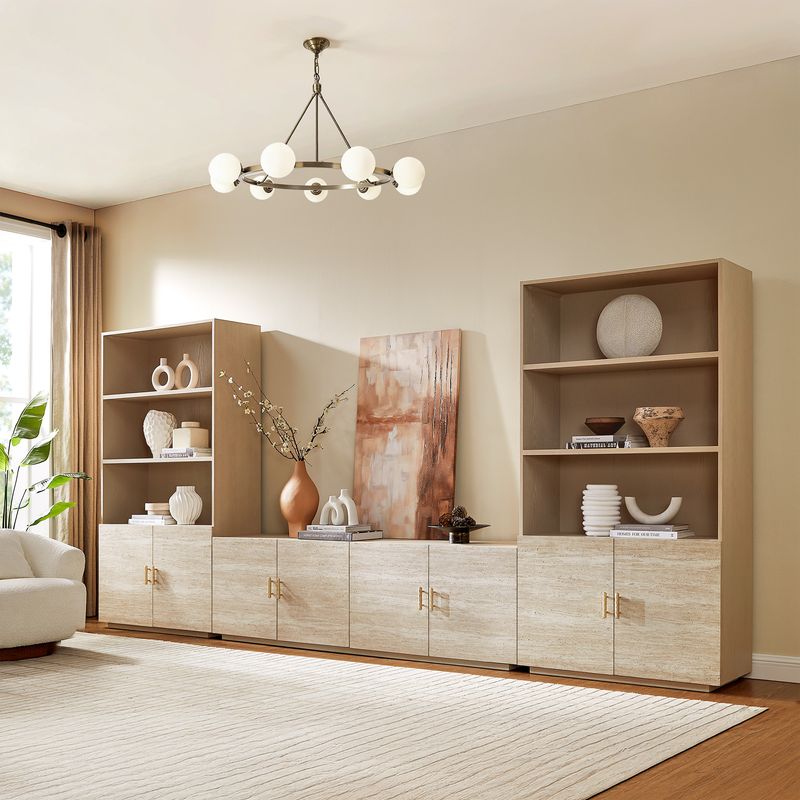
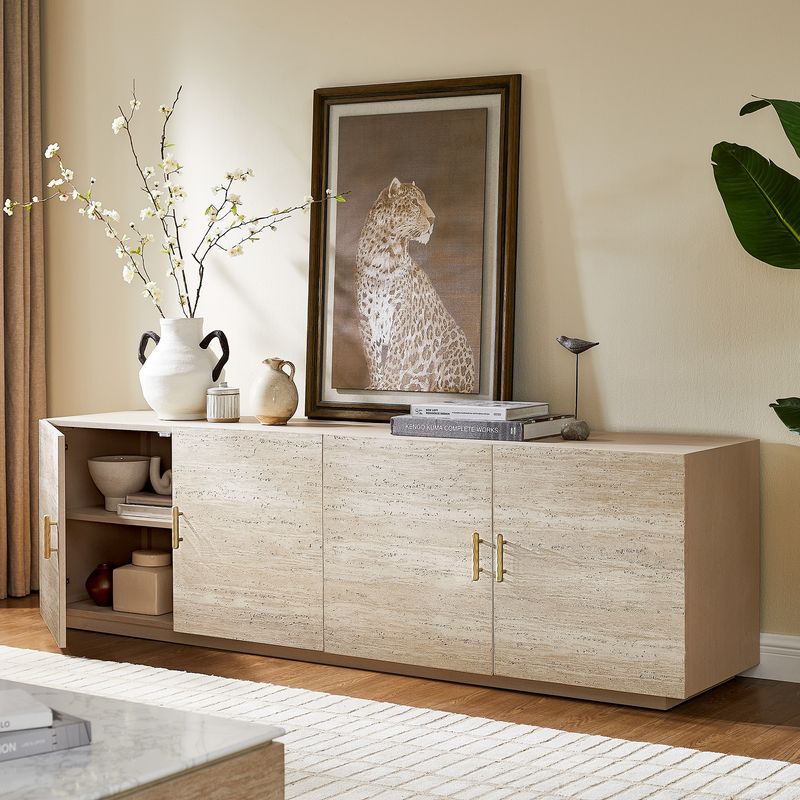
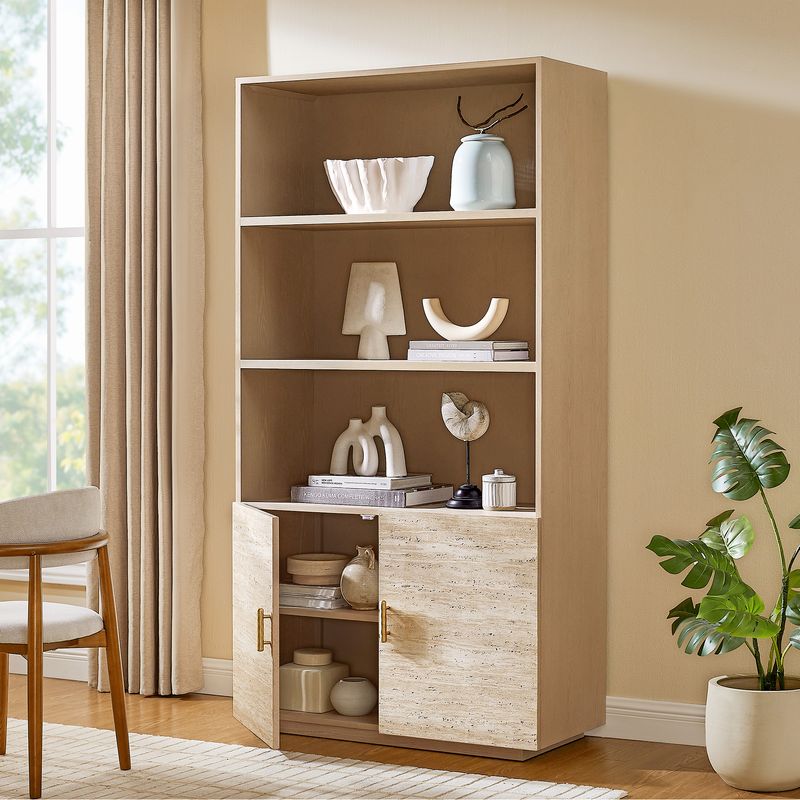
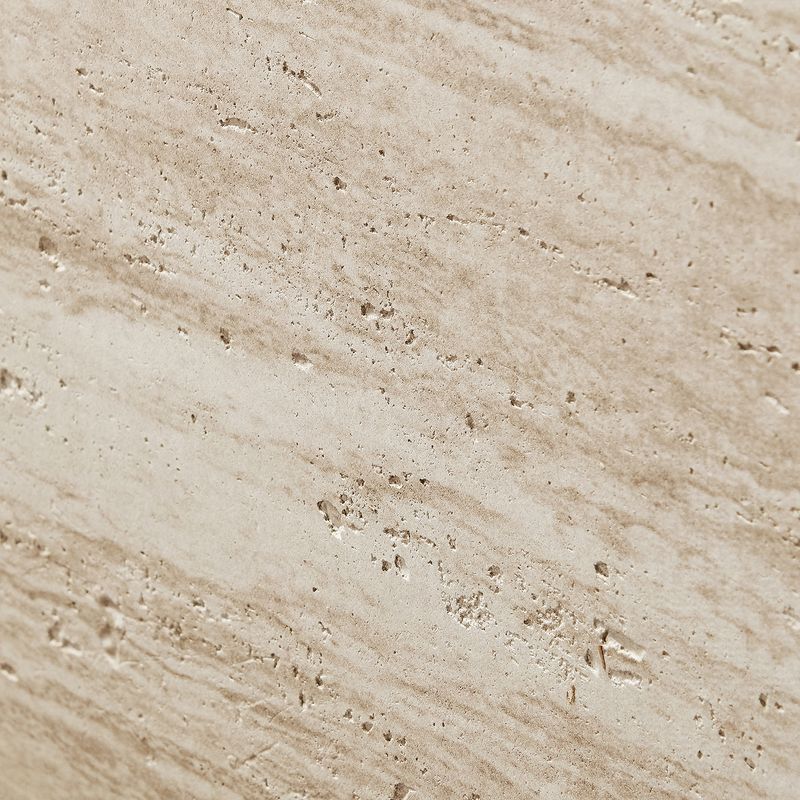
The Renata 166-Inch Travertine-Textured Entertainment Center offers a different look, combining a light gray oak finish with beige travertine-textured surfaces and brass-toned hammered hardware.
The complete set is approximately 166.7 inches wide. Its central media console measures 84 inches wide, 17.7 inches deep, and 25 inches high, and is designed for TVs up to 85 inches. Four cord cutouts help route cables behind connected equipment, while the accompanying cabinet storage keeps additional living room items organized.
The cabinet configuration includes fixed and adjustable shelving, allowing you to arrange belongings according to their size and purpose. The textured finish also gives the furniture visual interest without relying on a heavily patterned front.
Renata is worth considering if you want an entertainment center that feels more like an integrated furniture feature than a simple television stand. Its lighter palette and stone-inspired texture can work particularly well with neutral upholstery, layered textiles, and restrained decorative accents.
Thursen 144-Inch Chevron Entertainment Center
The Thursen 144-Inch Chevron Entertainment Center provides a more compact overall width than Valborg and Renata while retaining the presence of a coordinated media wall.
The full arrangement measures 144 inches wide, 18 inches deep, and 79 inches high. Its central media console measures 72 inches wide, 18 inches deep, and 25 inches high and is designed for TVs up to 75 inches.
Made with American solid oak, rubber wood and engineered wood with oak veneers, Thursen features a warm brown oak finish and an unique chevron wood-grain pattern. Four cord cutouts help accommodate connected devices, and the cabinet includes fixed and adjustable shelving for everyday storage.
Consider Thursen if you prefer a more defined wood pattern and need a complete arrangement that occupies less horizontal space than the larger sets. Its 144-inch width still requires careful measurement, so check the available wall space rather than assuming it will fit simply because it is the narrowest of these three options.
How to Choose the Right Entertainment Center Size
Size affects more than appearance. An entertainment center that is too wide can restrict movement, while one that is too small may look disconnected from a large television or an expansive wall.
Start by measuring the usable wall width, from the nearest doorframe, window trim, or other obstruction. Compare that measurement with the complete furniture arrangement, including any side cabinets. Do not rely on the width of the central media console alone when evaluating a multi-piece set.
Next, check the television's actual width. TV sizes are measured diagonally, so a 75-inch TV is not 75 inches wide. Confirm the manufacturer's dimensions and make sure the console can support the television's base or mounting arrangement. A TV's maximum supported diagonal size is a useful starting point, but it does not replace checking the actual dimensions and weight requirements.
Depth matters, too. Measure the distance from the wall to the front edge of the furniture and check how that footprint affects walkways, recliners, doors, and other seating. If the television will be wall-mounted, consider the space needed for plugs, cable bends, and any equipment placed on the console.
Finally, consider height. The screen should be comfortable to view from your usual seating position. A tall cabinet arrangement may frame the television effectively, but the central console height and screen placement should still work with your sofa and viewing habits.
For a broader range of standalone options, explore Hernest's media consoles. If you prefer a more streamlined furniture profile, browse the selection of mid-century modern TV stands.
Choose an Entertainment Center That Fits Your Storage Needs
A useful living room entertainment center should accommodate the items you actually own, rather than simply provide as many shelves as possible. Make a short list of what you need to store before comparing designs.
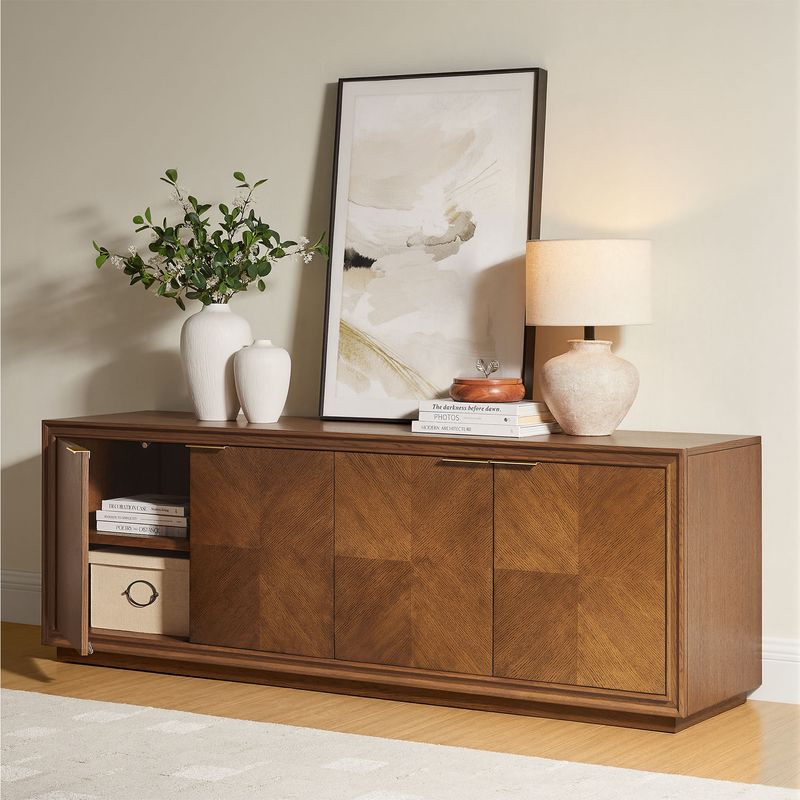
Enclosed cabinets are useful for keeping board games, accessories, manuals, and other miscellaneous belongings out of sight. Drawers can separate smaller items that would otherwise get mixed together. Adjustable shelves offer flexibility when the height of your storage needs changes, while fixed shelves provide a defined layout for items that remain in place.
If you use a streaming device, game console, sound system, or other electronic equipment, check its dimensions and ventilation requirements before placing it inside a cabinet. Measure the equipment itself, including the space required for cables and connections. Do not assume every enclosed compartment is suitable for electronics simply because it has a cord opening.
Cable management deserves attention during the planning stage. Rear cutouts can help route wires between equipment and wall outlets, but the number and location of openings vary by model. Check the product specifications and plan where the television, power source, and connected devices will sit.
For a cleaner setup, group devices according to their connections and keep frequently used remotes in an accessible drawer. Avoid packing cables tightly behind the console or blocking ventilation openings. These small decisions can make the entertainment area easier to maintain long after installation.
Match the Finish to Your Living Room
An entertainment center often occupies a prominent position, so its finish can influence the character of the entire room. Think about the existing floor, sofa upholstery, wall color, lighting, and other wood furniture before choosing a design.
Oak finishes introduce visible grain and natural variation. Valborg uses architectural arches and a richly textured wood finish to create a more substantial focal point. Thursen relies on chevron detailing to bring movement to the cabinet fronts, making it a suitable choice when you want the furniture itself to add pattern.
Renata takes a different approach with its travertine-textured surfaces, light gray oak finish, and brass-toned hardware. This combination can complement neutral color schemes and interiors that mix wood with stone-inspired textures.
You do not need every piece of furniture to have the same finish. Instead, aim for a consistent relationship between colors, materials, and shapes. For example, repeat a warm wood tone elsewhere in the room or echo a metal accent in a lamp or side table. Leaving some negative space around the entertainment center can also help a large arrangement feel intentional rather than crowded.
Make Your Entertainment Center Work for Everyday Life
The most successful setup is one that stays organized without requiring constant effort. Give frequently used items a designated place and avoid filling every available surface with accessories. A few carefully selected objects can provide personality while leaving enough room for practical use.
Before delivery, check the product's complete dimensions, component measurements, delivery access, and assembly information. A large set may arrive in multiple boxes or pieces, and the overall width of the assembled arrangement does not indicate the size of each individual component. Measure doorways, hallways, stairs, and turns along the delivery route when relevant.
Tall cabinets should be installed and secured according to the manufacturer's instructions. Use the included anti-tip hardware where specified, especially in homes with children or pets. Follow the care guidance for the particular finish and avoid harsh cleaning products unless the manufacturer confirms they are suitable.
With the right dimensions, storage layout, and finish, an entertainment center can bring order to your media equipment while giving the living room a more cohesive appearance.