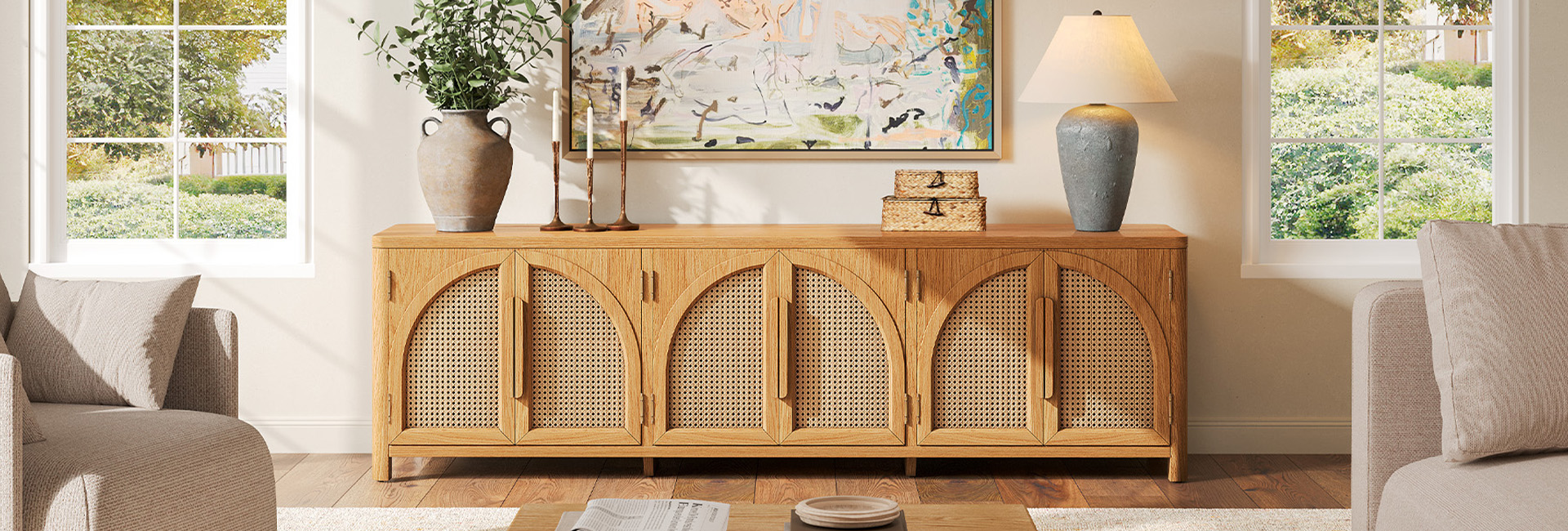
Choosing the right TV stand starts with more than your TV's advertised screen size. You also need to consider the television's actual width, the spacing between its feet, the stand's height and depth, and the room available around it.
This guide explains how to compare TV and stand dimensions, estimate a comfortable viewing height, and check whether a console can accommodate your TV and media equipment. Use the size chart as a starting point, then verify the measurements for your specific TV and furniture before buying.
Table of Contents
- Quick Answer: What Size TV Stand Do You Need?
- How Wide Should a TV Stand Be?
- TV Stand Size Chart: From 55 to 85 Inches
- TV Stand Dimensions in cm: A Full Metric Chart
- How to Choose the Right TV Stand Height
- How to Check TV Stand Fit and Weight Capacity
- TV Stand Size Examples from Hernest
- FAQs
Quick Answer: What Size TV Stand Do You Need?
For most setups, a TV stand about 4–12 inches wider than the TV is a useful starting point. The exact fit depends on the television's actual width, foot placement, weight, and the space available in your room.
For example, a typical 65-inch TV is about 57 inches wide, making a 61–69-inch console a reasonable starting range. Before buying, check the TV's dimensions and the stand's weight capacity, especially if the TV will sit directly on the console.
How Wide Should a TV Stand Be?
A TV stand is generally best when it extends beyond the sides of the television. A useful starting point is about 2–6 inches of extra width on each side, although the ideal proportion depends on your room, the console's design, and how you plan to use the surface.
Quick formula:
Recommended TV stand width = actual TV width + 4–12 inches.
For example, if your TV measures 57 inches wide, a console around 61–69 inches wide follows this guideline. A wider console may be useful if you want additional surface space for accessories or a more substantial look beneath a wall-mounted TV.
Measure the TV from its left edge to its right edge rather than relying on the advertised diagonal screen size. If the TV will sit directly on the console, also measure the distance between its feet and the front-to-back footprint of the base.
A wider console can improve visual balance, but width alone does not guarantee stability. Check the TV's weight, the console's rated load capacity, and the manufacturers' placement and anchoring instructions. Follow appropriate anti-tip safety guidance, particularly in homes with children or pets.
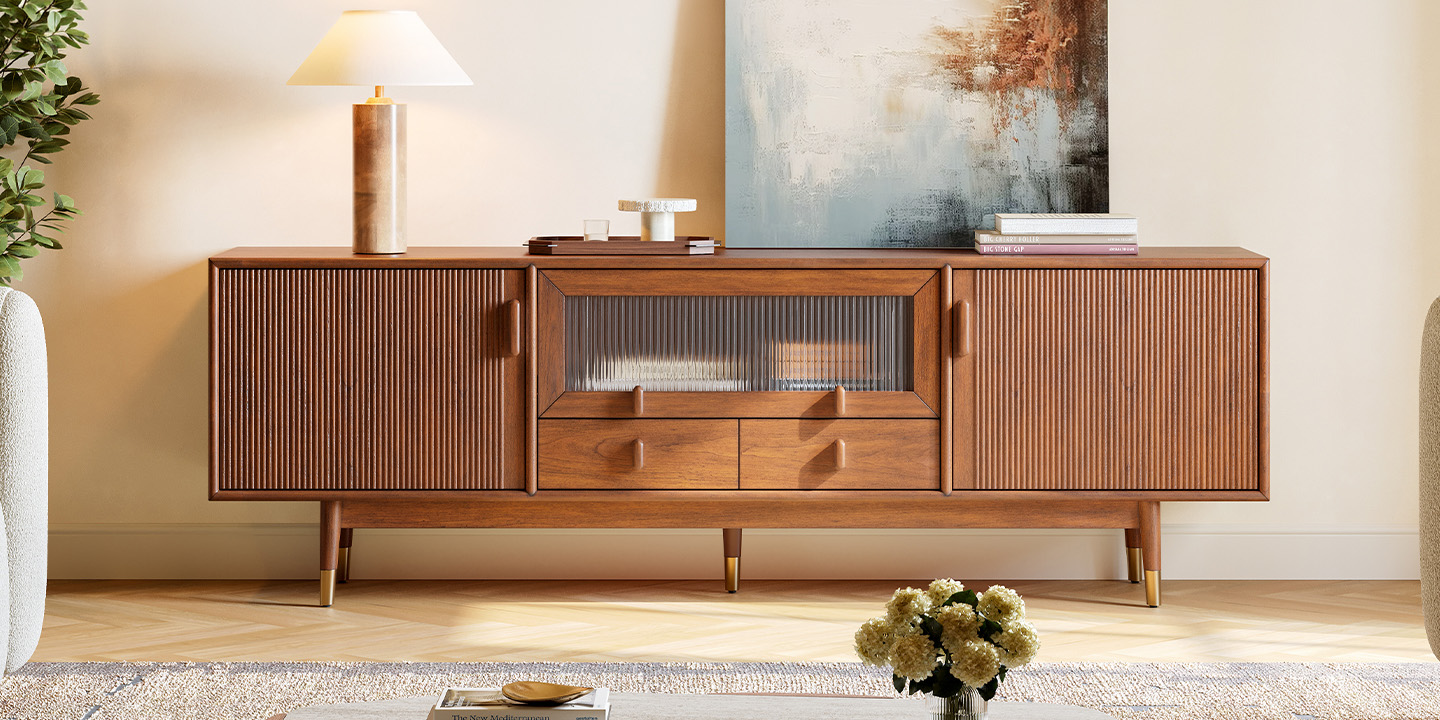
HENREST Pick: Stavn 72" MCM Fluted Media Console
TV Stand Size Chart: From 55 to 85 Inches
Use this chart as a starting point when comparing TV and console dimensions. The recommended width ranges below add 4–12 inches to the approximate width of each TV. Actual measurements vary by model, so check your TV's specifications before choosing a stand.
These ranges are general sizing guidelines, not universal requirements. If the TV will sit on the console, confirm that its feet fit securely on the usable top surface and that the furniture can support the TV's weight. If the TV will be wall-mounted, choose the console width based on your room layout, storage needs, and preferred proportions.
What Size TV Stand Do You Need for a 55-Inch TV?
A typical 55-inch TV is about 48 inches wide, making a 52–60-inch TV stand a useful starting point.
For a smaller living room or bedroom, measure the available wall space before choosing a console. If the TV will sit on the stand, check that its feet fit securely on the top surface and that the console can support its weight.
If you plan to add a soundbar or streaming devices, measure those items too. Choose a console that accommodates your equipment without taking up more floor space than your room allows.
What Size TV Stand Do You Need for a 65-Inch TV?
A typical 65-inch TV is about 57 inches wide, so a 61–69-inch console is a useful starting point.
Before choosing a console, measure the distance between the TV's feet and the depth of its base. Some TVs have feet near the outer edges, while others use a central pedestal. A console that appears wide enough may still be unsuitable if the base does not fit securely.
If your TV is wall-mounted, you have more flexibility in choosing the console width. Consider the available wall space, storage requirements, and whether you need room for a soundbar or other accessories.
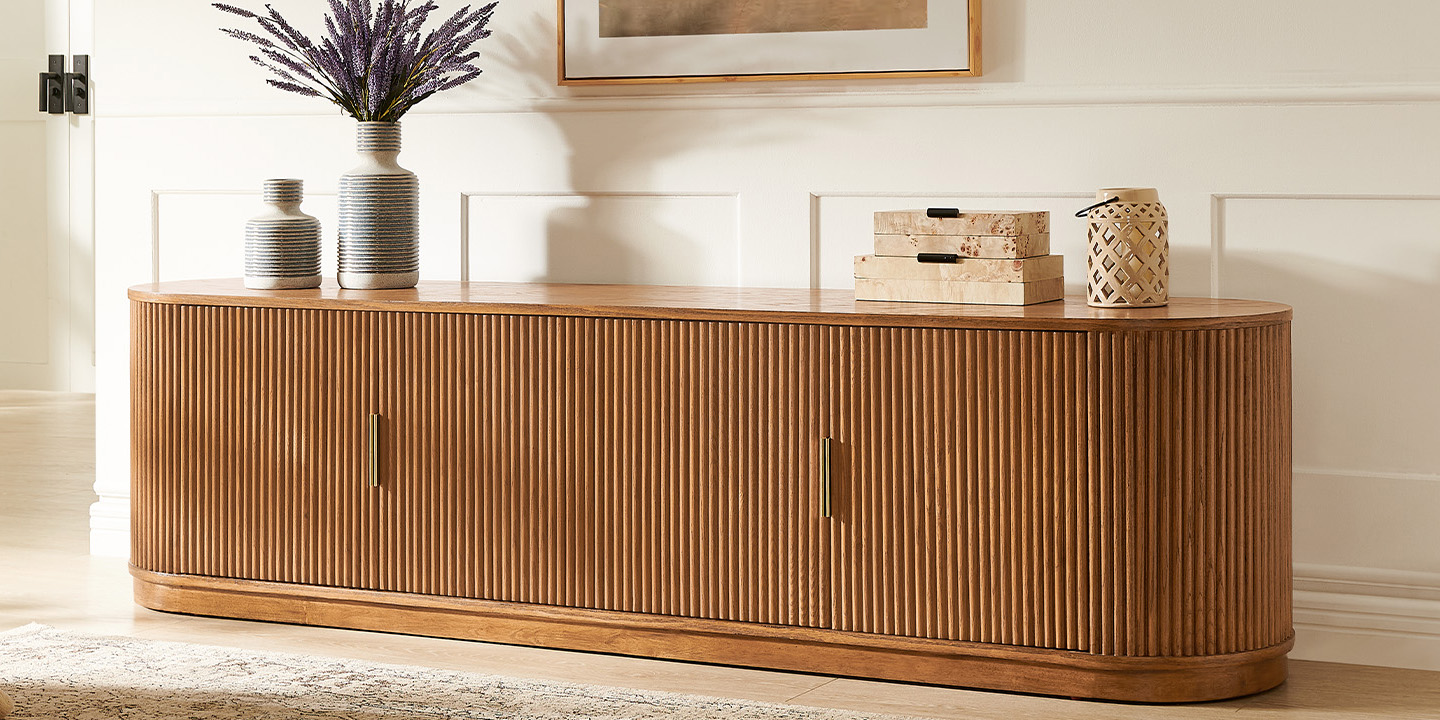
HENREST Pick: Rolf 84" Oak Media Console
What Size TV Stand Do You Need for a 75-Inch TV?
A typical 75-inch TV is about 66 inches wide. A 70–78-inch console follows the general guideline of adding 2–6 inches of width on each side.
A wider console can also work if your wall has enough space and you want additional storage or room for other equipment. Before buying, check the TV's actual width, the base dimensions, and the console's rated weight capacity.
In a larger living room, consider the entire wall arrangement. Leave enough clearance around doors and walkways rather than choosing a console based on screen size alone.
What Size TV Stand Do You Need for an 85-Inch TV?
An 85-inch TV is typically about 74 inches wide, making a 78–86-inch console a useful starting point. A wider console may suit a larger wall or a setup with additional equipment, provided it fits the room.
At this screen size, check the TV's exact weight, base dimensions, and the console's rated load capacity before placing the TV on the furniture. If the TV will be wall-mounted, choose the console more flexibly for storage and visual proportions, while following the installation instructions for both the TV and the furniture.
A wide console alone does not guarantee stability. Follow the manufacturers' anchoring instructions and use appropriate anti-tip measures.
TV Stand Dimensions in cm: A Full Metric Chart
For our international readers and those who prefer the metric system, here is the same guidance in centimeters.
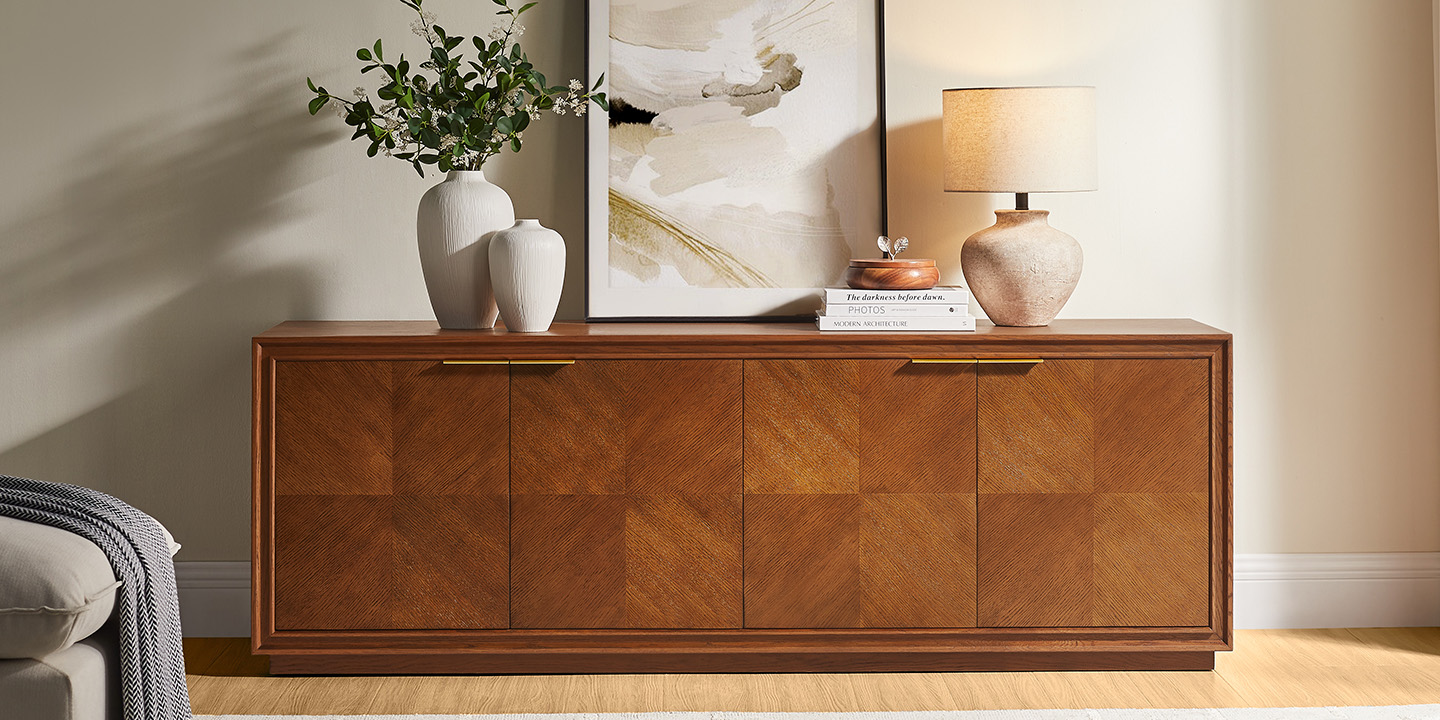
HENREST Pick: Thursen 72" Chevron Media Console
How to Choose the Right TV Stand Height
The right TV stand height depends on your seated eye level, the height of your TV screen, and the gap between the bottom of the screen and the console. Instead of choosing a stand based on screen size alone, use these measurements to estimate where the center of the screen will sit.
Formula:
TV screen center height = TV stand height + bottom clearance + half the TV screen height.
For example, if your console is 24 inches tall, the gap between the console and the bottom of the screen is 3 inches, and the screen is 32 inches tall, the screen center will be about 43 inches above the floor.
Compare this result with your seated eye level. If the screen center sits noticeably above your natural sightline, a lower console or a different mounting position may be more comfortable.
This calculation is a starting point, not a universal ergonomic rule. Sofa height, reclining position, screen size, and personal comfort all affect the best setup. If the TV is wall-mounted, apply the same viewing-height principle while choosing the console separately for storage and proportions.
How to Check TV Stand Fit and Weight Capacity
A TV stand can fall within the recommended width range and still be unsuitable for your television. Before buying, check the TV's base dimensions, weight, and the console's rated capacity.
Measure the TV Feet and Base
If your TV will sit directly on the console, measure the distance between the outer edges of its feet and the front-to-back depth of the base. Check that the feet are supported as required by the TV manufacturer and that the base fits on the usable top surface.
Some TVs have feet near the outer edges, while others use a central pedestal. A console that looks wide enough from the front may still be too shallow for the TV's base.
Check the Weight Limit
Find the TV's weight in the manufacturer's specifications and compare it with the TV stand's stated top-surface capacity. If you plan to place a soundbar or other equipment on the same surface, include those items in your load calculation. Check separate weight limits for interior shelves as well.
Do not assume that a wider stand automatically supports a heavier television. Use the manufacturer's rated capacity and installation instructions to determine whether the combination is suitable.
Consider Tip-Over Prevention
A stable setup depends on more than width. Follow the TV and furniture manufacturers' anchoring instructions, use appropriate hardware for the installation, and position heavy items as directed. In homes with children, take particular care to secure televisions and furniture against tip-over hazards.
TV Stand Size Examples from Hernest
Once you know your TV's dimensions, compare them with the actual measurements of the console you're considering. Hernest media consoles come in different widths and configurations, so check the individual product specifications rather than choosing by the product name alone.
For each console, review its overall width, height, depth, and stated weight capacity. If your TV will sit on the console, also compare the TV's base dimensions with the usable top surface.
If your TV will be wall-mounted, you can choose a console more flexibly based on storage needs, available wall space, and the proportions you prefer. In either case, confirm the product specifications and installation instructions before making your final decision.
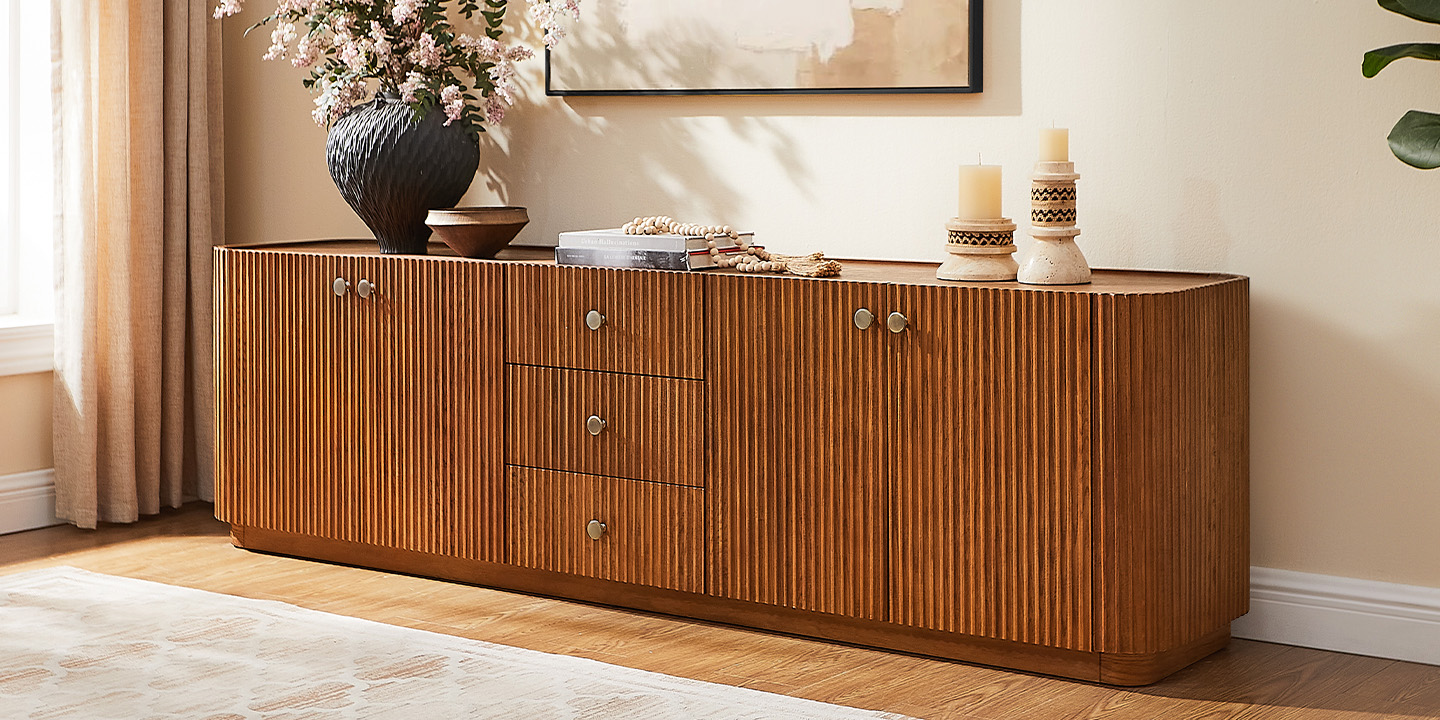
HENREST Pick: Skimra 84" Oak Media Console
FAQs
How Much Weight Should a TV Stand Hold?
Check your TV's listed weight and compare it with the TV stand's rated top-surface capacity. Include other equipment placed on the same surface and check separate limits for interior shelves. Follow the manufacturer's load and installation instructions rather than relying on a generic weight multiplier.
Should a TV Stand Be Wider Than the TV?
A TV stand is generally best when it extends beyond the sides of the screen, creating a balanced look and leaving room for accessories. However, the console's width is only one part of choosing a suitable setup. If the TV sits on the stand, check that its base is properly supported and that the furniture meets the manufacturer's weight and installation requirements.
How Deep Should a TV Stand Be?
A depth of around 14–18 inches is a useful starting point for many living-room setups, but there is no single depth that works for every TV and media console. Check the depth of your TV base, the equipment you plan to store, and the room's available floor space.
Gaming consoles and AV receivers may need additional room for cables and ventilation. Measure your equipment and check the manufacturer's clearance requirements before choosing a console.
How Do You Manage Cables Behind a TV Stand?
Look for cable openings positioned where your TV and media devices will sit. Before buying, check whether the openings align with your wall outlets and equipment. Use cable ties or reusable straps to keep cords organized without pinching or sharply bending them, and make sure enclosed electronics have adequate ventilation.
Can You Use a Corner TV Stand for a Large TV?
A corner TV stand can work if the TV's base fits securely on the usable surface, the console supports the required load, and the furniture fits the corner without obstructing walkways. Large TVs may have wide or deep bases, so measure the usable top surface and check the manufacturer's installation instructions before choosing a corner unit.
Can a TV Stand Be Smaller Than the TV?
A narrower console may work visually when the TV is securely wall-mounted, because the furniture is not supporting the screen. If the TV will sit on the console, check the TV's base dimensions, weight, and the console manufacturer's installation requirements before proceeding.
How Tall Should a TV Stand Be?
Choose a TV stand height that places the center of the screen near your natural seated sightline. Measure your eye level while sitting in your usual viewing position, then account for the TV's height and the gap between the screen and the console. A lower or taller stand may work depending on your sofa, screen size, and viewing preferences.